Introduction
Children encounter digital environments much earlier today than previous generations, frequently navigating shared household tablets, multiplayer game chat boxes, and educational video streaming platforms before they even learn cursive. Guiding this digital journey requires proactive habit-building rather than fear-based restriction. Educators and families continually search for practical methods to introduce foundational concepts like data privacy and digital footprints to elementary students. A structured, hands-on activity provides the ideal entry point for meaningful discussions about online boundaries. By integrating targeted Internet and Digital Safety lessons into daily routines, adults help children view privacy as a protective life skill. Free printable resources bridge the gap between abstract internet concepts and concrete understanding, transforming complex ideas into accessible learning moments for young minds.
💡 Educational Key Takeaways:
- Core Skill: Structured How Can Schools Teach The Importance Of Online Privacy And Digital Footprint focused on developing pencil grip, stroke control, and early literacy/math confidence.
- Target Scope: Suited for homeschoolers, preschool, kindergarten, and elementary learners.
- Best Recommendation: Practice 10–15 minutes daily with ergonomic writing tools to reinforce muscle memory without hand fatigue.
What This Printable Covers
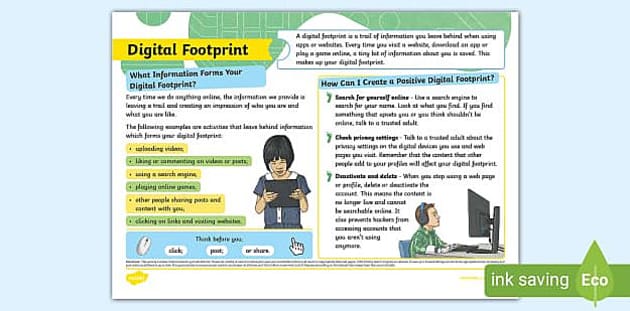
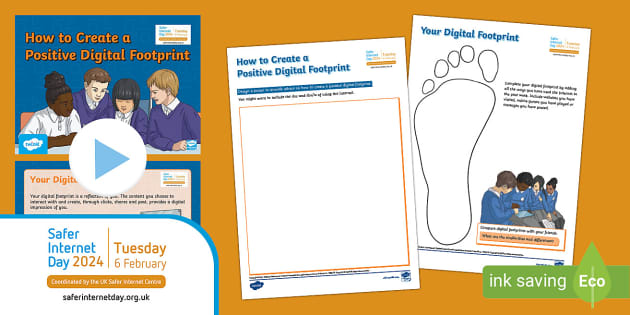
The featured free printable focuses directly on the core principles of personal data privacy and the permanence of digital footprints. It defines what constitutes private information, such as full names, home addresses, school names, and birthdates, contrasting this with shareable data like favorite colors or book recommendations. The resource also illustrates how online actions accumulate over time to form a digital profile. Children analyze simple scenarios depicting everyday digital choices made on family devices or interactive game lobbies. Through these guided exercises, learners recognize that information posted online remains visible to a much wider audience than anticipated. It sounds simple, and that is the exact point of early-childhood citizenship education: keeping foundational messages clear, repetitive, and relatable. Related guide: Teachers Of Grades 9–12 Should Expand Internet Safety Instruction To Include Which Of The Following Topics?.
Key Learning Outcomes
Working through the activity sheet cultivates specific protective habits essential for safe technology use. Learners identify the difference between public and private details, committing to withhold sensitive information from strangers and unverified platforms. Another vital outcome involves understanding the permanence of online uploads, encouraging children to pause and reflect before hitting publish, share, or send. Crucially, the resource reinforces a supportive reporting safety net: children learn that reporting uncomfortable online encounters or unexpected pop-ups to a trusted adult never results in punishment or device confiscation. Developing this emotional safety valve ensures children seek help immediately when digital boundaries blur.
How to Use This Printable
Implementation requires minimal preparation, making the resource exceptionally flexible for busy classrooms, quiet homeschool corners, and evening kitchen tables. Adults initiate the session by reading through the introductory scenario on the page together with the learner. Allowing children to complete the written prompts or matching exercises independently encourages active engagement rather than passive listening. Afterward, the completed page serves as a visual anchor for an open-ended conversation about online experiences. Teachers frequently incorporate these sheets into broader computer lab orientations, while parents use them to establish household device agreements. Exploring additional Worksheets can further reinforce these concepts through varied formats like mazes and scenario sorting.
Practical Tips for Parents and Teachers
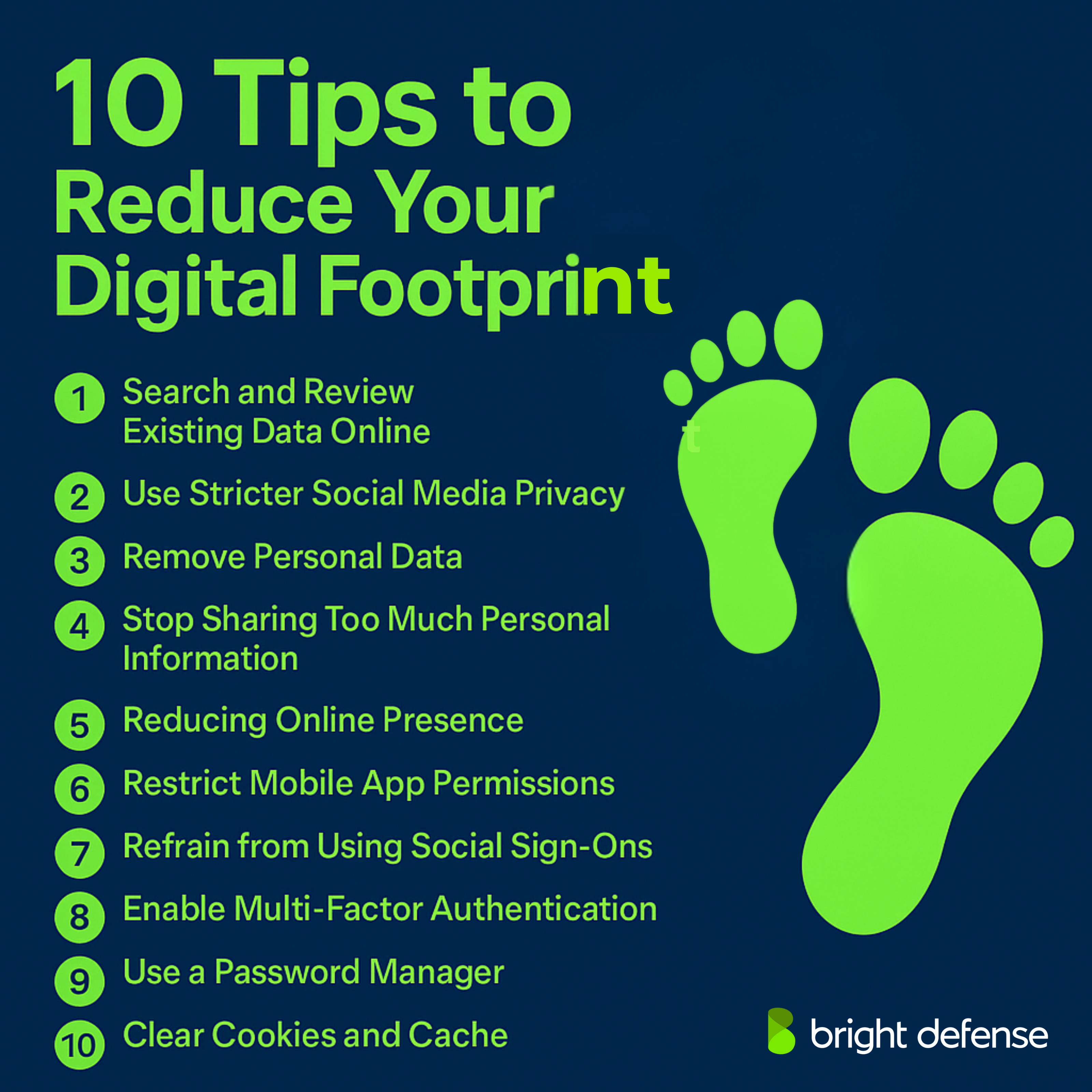
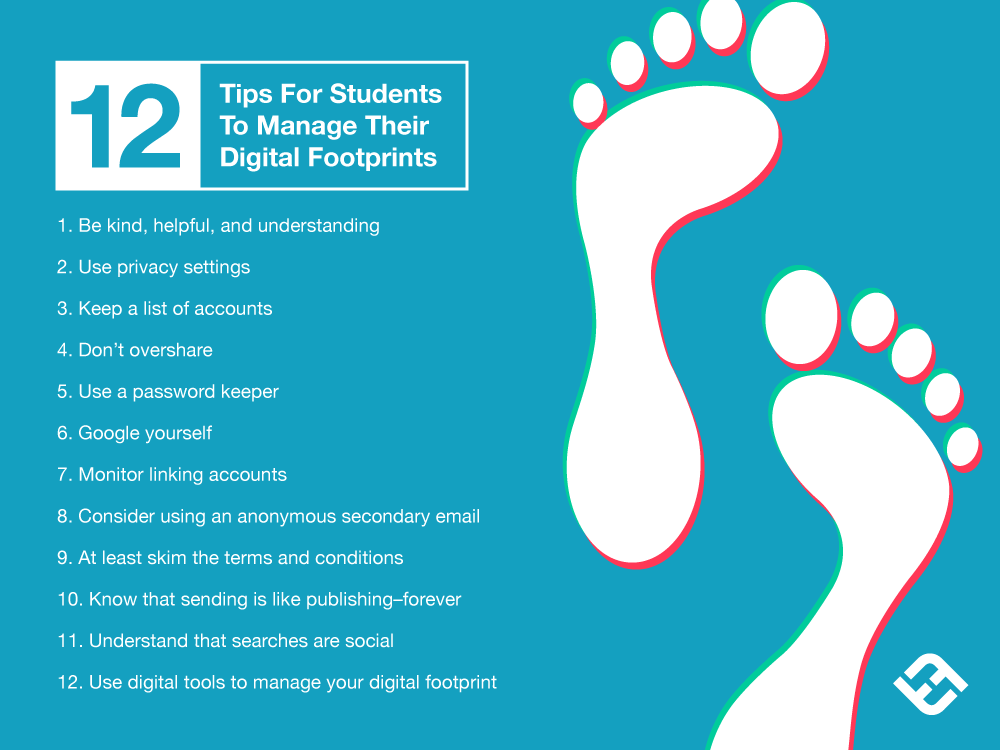
Maximizing the educational value of the printable involves maintaining a calm, curious tone during discussions. Adults avoid interrogating children about their screen time habits, focusing instead on collaborative problem-solving regarding in-game chat features and shared family electronics. Here is what makes this resource different: it shifts the focus away from restrictive rule-following toward critical thinking and self-regulation. Educators recommend pairing the activity with real-world analogies, such as comparing a digital footprint to footprints left in wet sand at the beach. Keeping communication open ensures that children feel confident asking questions whenever a digital situation feels confusing or overwhelming.
Age-Appropriate Recommendations
Adapting the discussion to match a child’s developmental stage ensures optimal comprehension and retention. Younger elementary students, aged five to eight, benefit from concrete examples focusing on what information stays secret and identifying trusted adults in their immediate circle. Older elementary children, aged nine to twelve, can explore more nuanced topics related to the permanence of digital footprints, peer interactions on video platforms, and the importance of robust, unique passwords. Grounding these lessons in established pedagogical frameworks, such as the Common Sense Education Digital Citizenship Curriculum, provides a structured progression that grows alongside the child. It must be noted that printables support conversation and habit-building; they do not replace active supervision or technical safeguards.
According to Common Sense Media research, a significant percentage of children begin using mobile devices and engaging with online platforms before graduating from elementary school, making early digital citizenship education essential. — Common Sense Media
Frequently Asked Questions
Navigating digital citizenship resources brings up common questions from educators and caregivers alike regarding access, implementation, and educational alignment. The selected questions below address the most frequent inquiries to help adults get started quickly and effectively with their students or children.
Explore More Free Kids Online Safety Printables
Expanding a digital citizenship curriculum requires a diverse array of supplementary materials suited for different learning styles. Adults can explore Online and Digital Safety modules for comprehensive lesson plans. Additionally, integrating creative activities found within the Coloring Pages collection helps reinforce protective habits through artistic expression, keeping digital safety engaging for younger elementary students.
Developmental Milestone & Activity Table
| Development Stage | Recommended Daily Duration | Primary Learning Objective |
|---|---|---|
| Preschool & Pre-K | 10 – 15 Minutes | Pencil grip development & basic pre-stroke lines |
| Kindergarten | 15 – 20 Minutes | Letter/number formation & spatial line awareness |
| Early Elementary (Grade 1–2) | 20 – 30 Minutes | Fluency, sentence construction & neatness |
Images References