Introduction
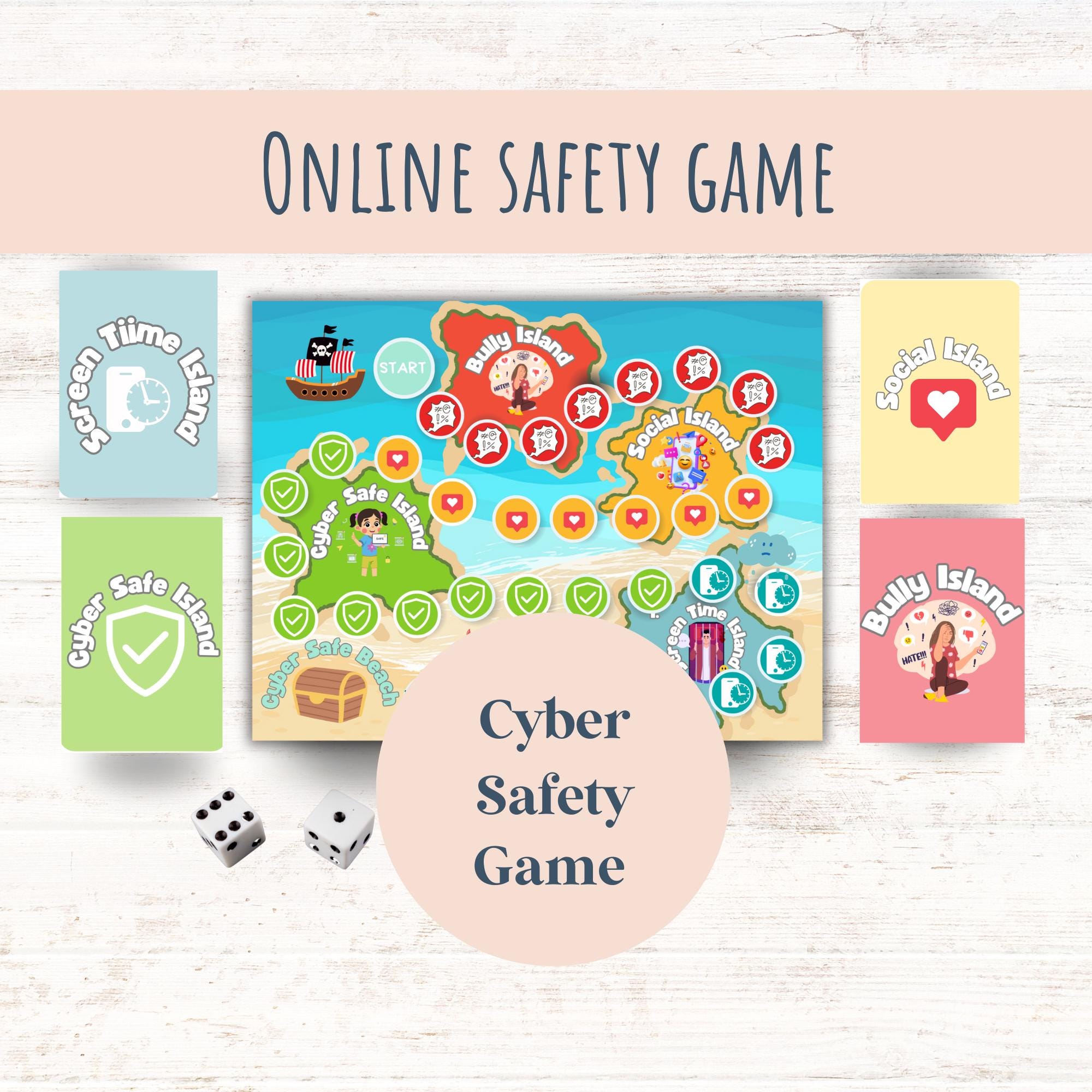
Digital devices sit on kitchen tables, inside school backpacks, and on living room sofas, becoming a constant presence in daily childhood routines. Children often encounter online environments through shared family tablets, in-game chat windows on gaming consoles, or looping video platforms. Navigating these spaces requires intentional guidance rather than rigid restrictions. Using an internet safety for kids printable offers educators and families a tangible way to introduce foundational digital habits. It sounds simple, and that’s the point. Physical media creates a calm environment where adults and children can talk openly about technology without the distractions of a glowing screen. Related guide: Teachers Of Grades 9–12 Should Expand Internet Safety Instruction To Include Which Of The Following Topics?.
💡 Educational Key Takeaways:
- Core Skill: Structured Internet Safety For Kids Printable focused on developing pencil grip, stroke control, and early literacy/math confidence.
- Target Scope: Suited for homeschoolers, preschool, kindergarten, and elementary learners.
- Best Recommendation: Practice 10–15 minutes daily with ergonomic writing tools to reinforce muscle memory without hand fatigue.
What This Printable Covers
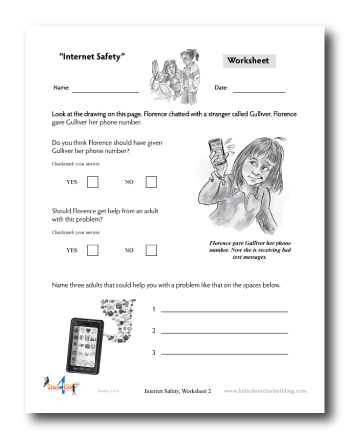
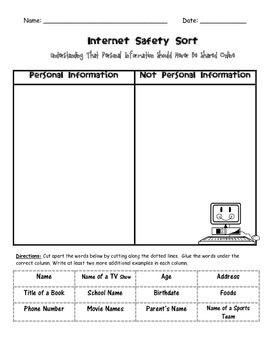
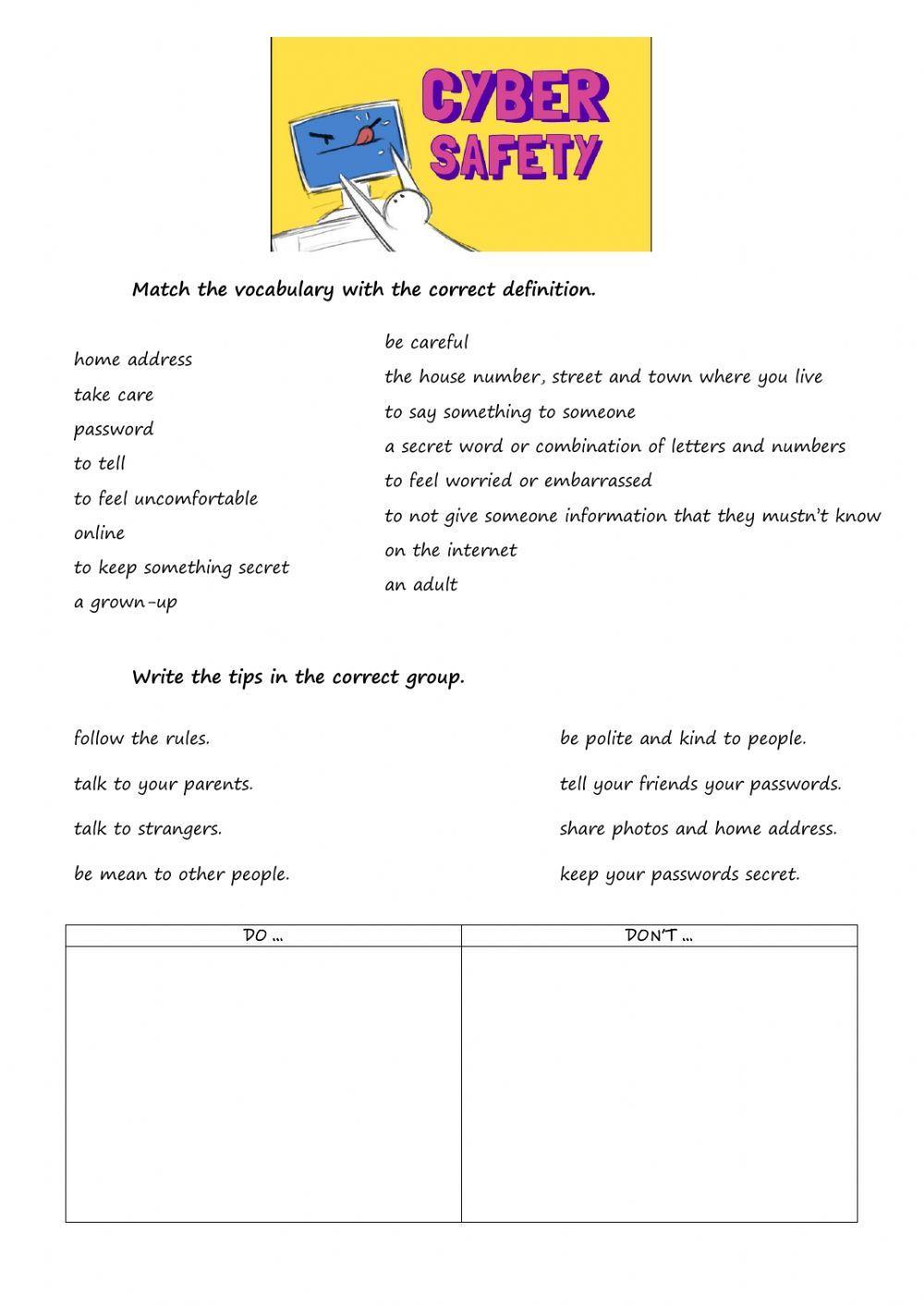
Good educational tools focus on practical protective behaviors rather than fear-based messaging. This resource breaks down broad digital concepts into concrete, actionable steps that young learners can easily grasp. Children practice identifying private information, understanding the importance of strong passwords, and pausing before sharing content online. The curriculum aligns with various educational goals found across Internet and Digital Safety resources, ensuring that foundational lessons are reinforced through consistent, positive repetition. Keeping personal details like full names, locations, and school names safe remains a primary focus throughout the activities.
Key Learning Outcomes
Working through the pages helps learners build cognitive awareness of their digital footprints. Children learn that everything posted, typed, or shared leaves a permanent trace in the digital world. Another vital outcome involves establishing a reliable protocol for reporting uncomfortable encounters. According to the National Center for Missing & Exploited Children, open communication between children and trusted adults remains one of the most effective safeguards against online risks. Crucially, every exercise reinforces the reassurance that children are never in trouble for reporting something that feels confusing or upsetting.
How to Use This Printable
Classrooms and living rooms transform into interactive workshops when these physical sheets are introduced. Educators can integrate the exercises into morning meetings, technology orientation units, or library media center lessons. For home instruction, kitchen table discussions provide a relaxed setting to review the material while modeling healthy digital boundaries. Exploring different Worksheets designed for elementary age groups allows facilitators to tailor the learning pace to individual developmental stages. Children retain concepts much better when adults ask open-ended questions like what they would do if a game character asked for personal details.
Practical Tips for Parents and Teachers
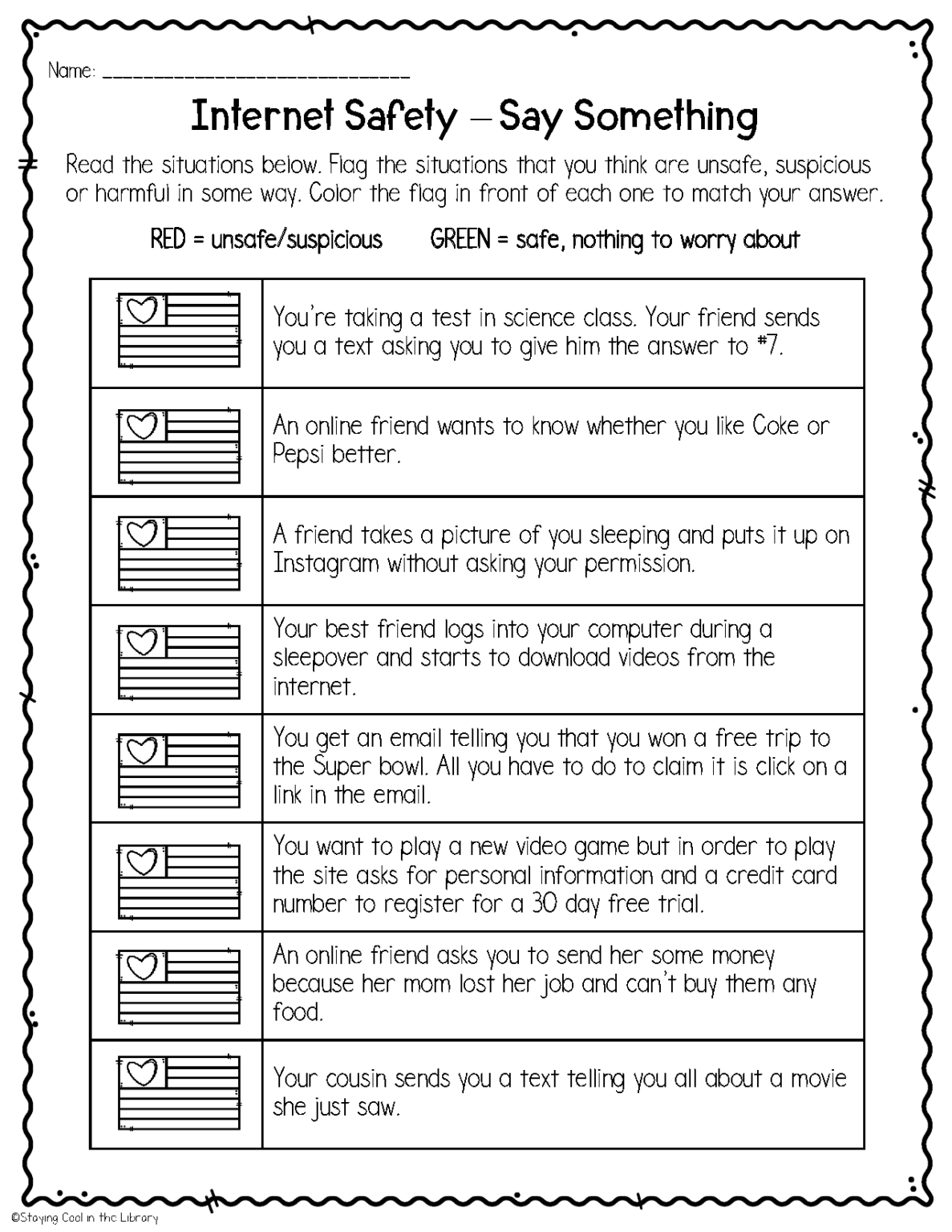
Patience and consistency form the bedrock of effective digital citizenship education. Adults should avoid lecturing and instead invite children to explain the scenarios depicted on the pages in their own words. Establishing a judgment-free zone ensures that learners feel secure coming forward when mistakes happen, such as clicking a strange link or sharing too much information. Role-playing offline scenarios builds muscle memory for online decision-making. Here’s what makes this resource different: it bridges the gap between abstract technological rules and concrete daily behaviors through guided reflection.
Age-Appropriate Recommendations
Younger children aged five to eight benefit from visual, story-based interactions that emphasize basic boundary setting and adult assistance. Older elementary students aged nine to twelve can engage with more nuanced topics like digital footprint management, basic cryptography, and respectful communication in multiplayer chat rooms. According to Common Sense Media, children today are accessing digital devices at increasingly younger ages, making early and continuous guidance essential for healthy technology habits. Grounding this instruction in frameworks like the ISTE Standards for Students helps educators intentionally weave digital citizenship into daily academic learning without overwhelming developing minds.
Children today are accessing digital devices at increasingly younger ages, making early and continuous guidance essential for healthy technology habits. — Common Sense Media
Frequently Asked Questions
Finding clear answers to common implementation questions helps adults maximize the educational value of these safety materials. Users frequently ask about formatting, device compatibility, and how to introduce the concepts without causing anxiety. Educators and parents can explore additional Online and Digital Safety materials to expand their teaching toolkit and support lifelong digital literacy.
Explore More Free Kids Online Safety Printables
Building strong digital citizenship habits requires a continuous collection of engaging, accessible resources. Educators and caregivers can access a wide variety of supplementary materials, including interactive Coloring Pages that reinforce safety messages through creative expression. Combining multiple formats ensures that every learner finds an approach that resonates with their unique learning style and developmental stage.
Developmental Milestone & Activity Table
| Development Stage | Recommended Daily Duration | Primary Learning Objective |
|---|---|---|
| Preschool & Pre-K | 10 – 15 Minutes | Pencil grip development & basic pre-stroke lines |
| Kindergarten | 15 – 20 Minutes | Letter/number formation & spatial line awareness |
| Early Elementary (Grade 1–2) | 20 – 30 Minutes | Fluency, sentence construction & neatness |
Images References