Introduction
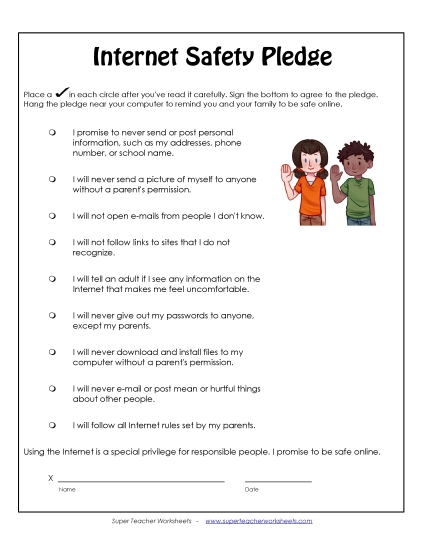
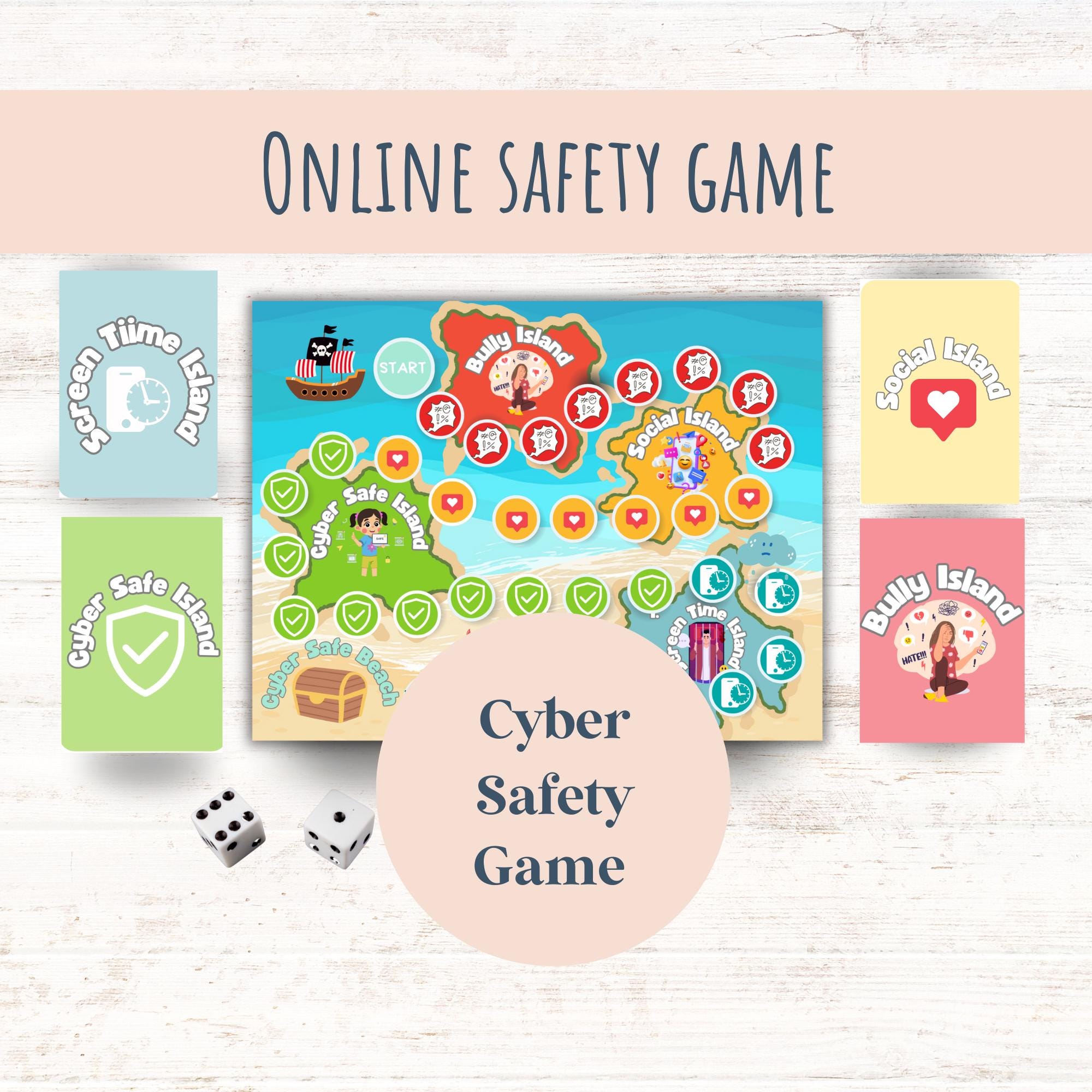
Seven-year-olds navigate digital devices with an intuitive grace that often outpaces adult understanding. Classrooms and living rooms now buzz with tablets, shared laptops, and educational apps. Yet, digital navigation requires deliberate instruction just like crossing a busy street. Children frequently encounter online risks in ordinary moments, such as typing a full name into an in-game chat box or clicking through algorithmic recommendations on popular video platforms. Providing structured guidance early transforms curiosity into safe habits. The free printable age appropriate computer concepts grade 2 syllabus internet safety serves as a practical bridge between daily device use and essential protective routines. Educational materials should feel supportive rather than frightening, framing digital literacy as an empowering life skill. Related guide: 5 Cyber Safety Tips Symbols That Can Be Read By The Grede 7 Students.
💡 Educational Key Takeaways:
- Core Skill: Structured Age Appropriate Computer Concepts Grade 2 Syllabus Internet Safety focused on developing pencil grip, stroke control, and early literacy/math confidence.
- Target Scope: Suited for homeschoolers, preschool, kindergarten, and elementary learners.
- Best Recommendation: Practice 10–15 minutes daily with ergonomic writing tools to reinforce muscle memory without hand fatigue.
What This Printable Covers
Foundational computer concepts for second-grade learners need clear boundaries paired with engaging formats. This curriculum syllabus breaks down complex digital citizenship topics into bite-sized, grade-level lessons that align with early elementary reading levels. It addresses device care, basic password awareness, recognizing personal information, and establishing the golden rule of digital spaces: telling a trusted adult immediately when something feels confusing or uncomfortable. Children learn that making a mistake online never puts them in trouble for seeking help. Grounded in years of classroom observation, the material avoids technical jargon in favor of concrete actions that resonate with seven-year-olds.
Key Learning Outcomes
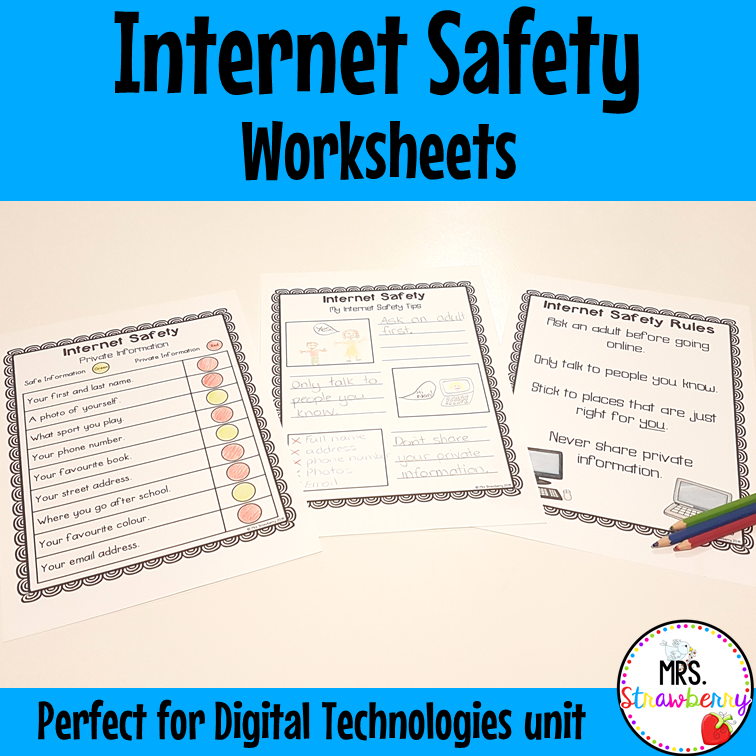
Mastering these concepts goes beyond memorizing rules. Students learn to identify private data like home addresses and phone numbers, distinguishing them from harmless favorites like a preferred dinosaur or color. The curriculum introduces the concept of strong passwords through fun analogies, comparing digital keys to secret clubhouse codes. It also reinforces critical thinking by teaching children to pause before clicking external links or downloading unfamiliar content. These structured activities connect directly with broader topics found across Internet and Digital Safety modules, ensuring a cohesive learning path across home and school environments.
How to Use This Printable
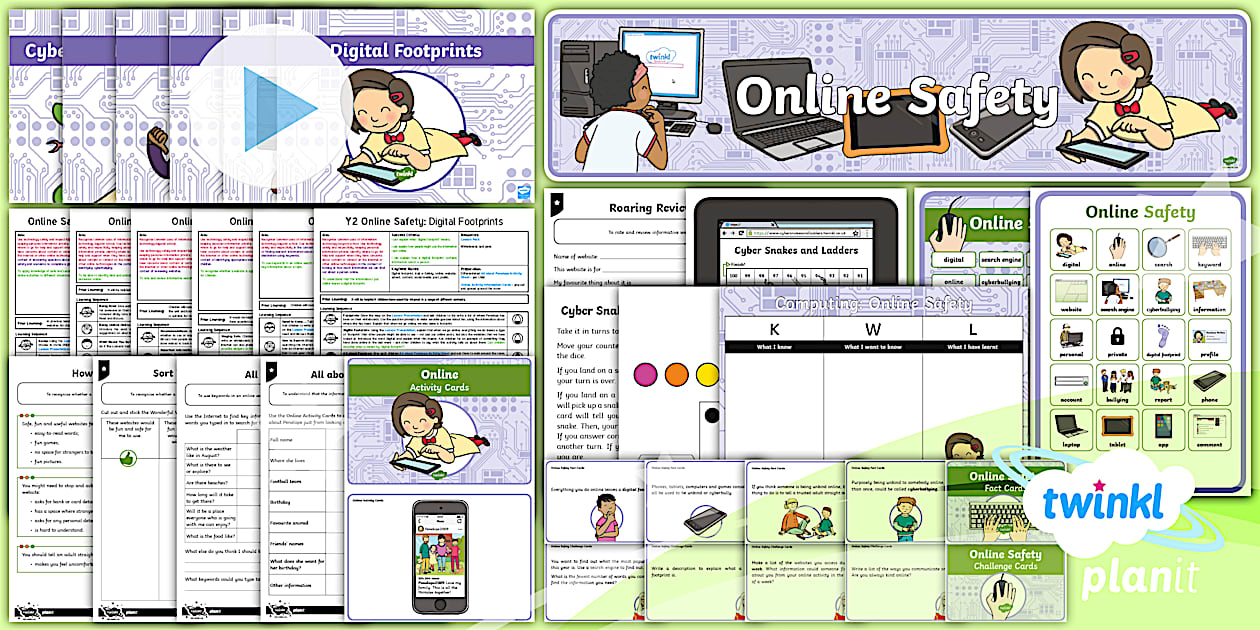
Worksheets designed for second graders thrive on active engagement and guided discussion rather than silent, independent completion. Adults can print the syllabus as a week-long roadmap, tackling one core concept per day during morning meeting or family dinner conversations. The specific skill practiced on each page invites children to draw, circle, or match scenarios with appropriate responses, making abstract digital concepts concrete. It sounds simple, and that’s the point. When children physically point to safe choices on paper, they build cognitive pathways that activate when they sit down in front of a screen. Educators and caregivers can pair these print exercises with interactive Worksheets to reinforce learning through repetition and creative application.
Practical Tips for Parents and Teachers
Consistency remains the most effective tool in digital citizenship education. Adults should review the printed syllabus alongside the child, treating the questions as a collaborative puzzle rather than a test of compliance. Setting devices in common areas of the home or classroom naturally reduces secretive online behavior and encourages open dialogue. When children encounter pop-ups or strange messages, praise their cautious instincts instead of reacting with frustration. This positive reinforcement ensures they will return for guidance the next time an unexpected situation arises on a shared family tablet.
Age-Appropriate Recommendations
Second-grade digital instruction aligns closely with the Common Sense Education Digital Citizenship Curriculum, emphasizing media balance, privacy, and respectful communication. Children at this developmental stage grasp concrete rules much better than abstract ethical dilemmas. According to Common Sense Media, a significant percentage of young children use mobile devices daily, making early habit formation an absolute necessity for modern households and classrooms. Adults should keep lessons brief, upbeat, and tied directly to the games and learning apps the children already enjoy. Framing safety as a superpower helps second graders take pride in protecting their personal information.
Young children frequently access mobile screens daily — Common Sense Media
Frequently Asked Questions
How do educators access and print the syllabus? The file downloads instantly as a standard PDF document, ready for immediate printing on home or school desktop printers without requiring special software. Does this resource guarantee online safety? No printable material can block online risks or replace active adult supervision, but this resource supports essential conversation and habit-building. What do safety organizations recommend for young children? According to the Federal Trade Commission, families should maintain open communication about online experiences and establish clear screen-time boundaries early on.
Explore More Free Kids Online Safety Printables
Expanding a digital citizenship library helps reinforce learning across different subjects and settings. Educators looking for creative ways to engage younger audiences can explore Coloring Pages, which allow children to process safety messages through art. For broader topics, browsing through Online and Digital Safety resources provides additional tools to keep children secure, confident, and informed as they grow.
Developmental Milestone & Activity Table
| Development Stage | Recommended Daily Duration | Primary Learning Objective |
|---|---|---|
| Preschool & Pre-K | 10 – 15 Minutes | Pencil grip development & basic pre-stroke lines |
| Kindergarten | 15 – 20 Minutes | Letter/number formation & spatial line awareness |
| Early Elementary (Grade 1–2) | 20 – 30 Minutes | Fluency, sentence construction & neatness |
Images References