Introduction
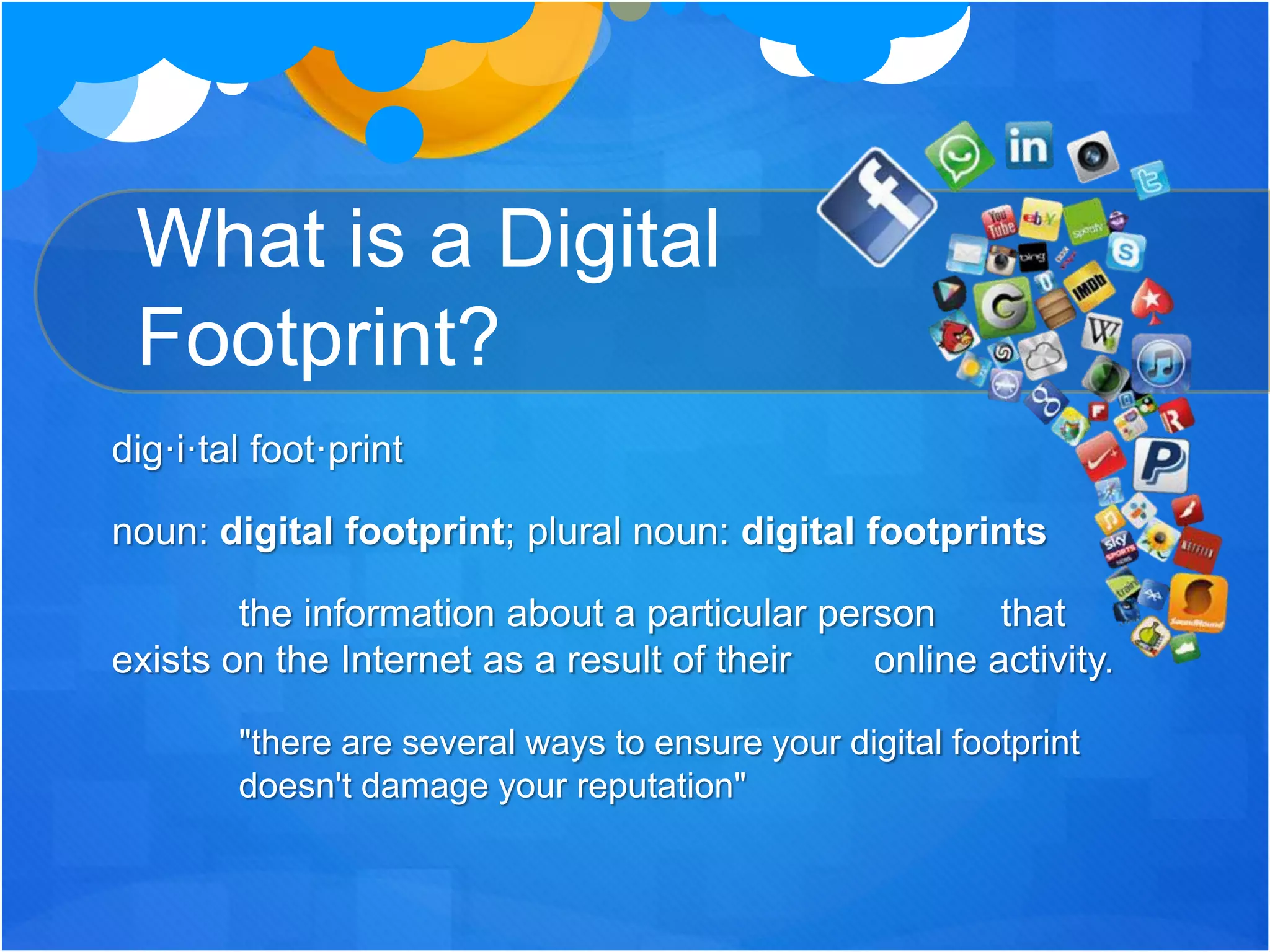
Young children interact with screens long before they learn how physical footprints form in wet sand. Tablet computers, shared family laptops, and multiplayer game consoles become everyday environments where kids chat, build, and explore. Most childhood digital exposure happens organically through everyday devices left on coffee tables or school-issued Chromebooks brought home for homework. Introducing foundational concepts early helps turn invisible online trails into concrete ideas that growing minds can easily grasp. A reliable digital footprint definition for kids provides the anchor needed to discuss online presence without inducing fear. Adults guiding these conversations play a vital role in building healthy habits rather than policing screen time.
💡 Educational Key Takeaways:
- Core Skill: Structured Digital Footprint Definition For Kids focused on developing pencil grip, stroke control, and early literacy/math confidence.
- Target Scope: Suited for homeschoolers, preschool, kindergarten, and elementary learners.
- Best Recommendation: Practice 10–15 minutes daily with ergonomic writing tools to reinforce muscle memory without hand fatigue.
What This Printable Covers
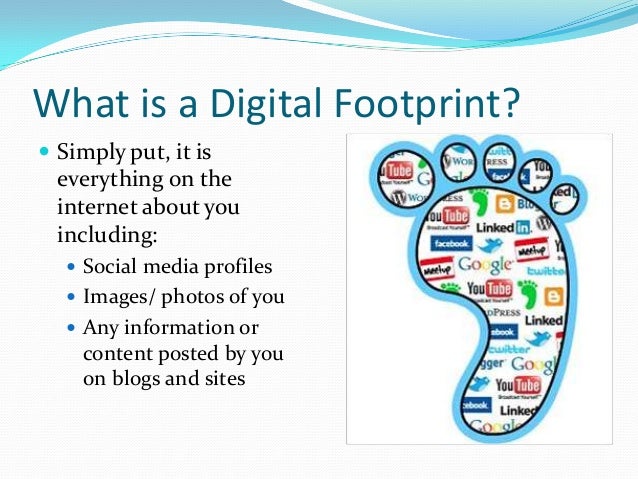
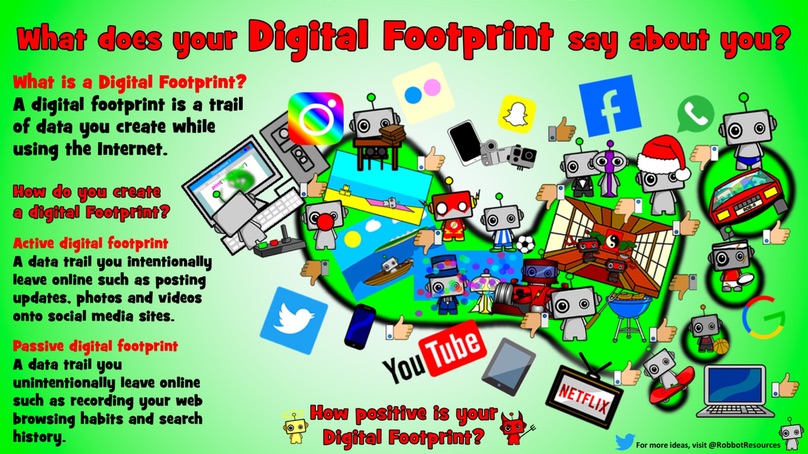
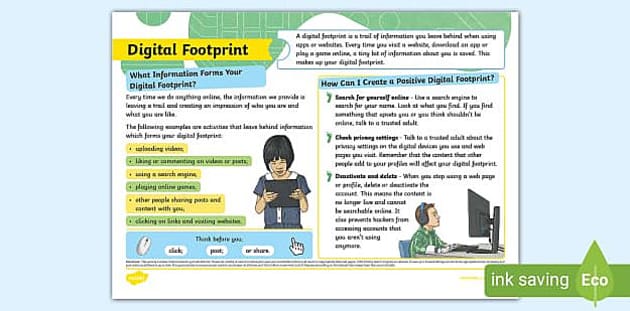
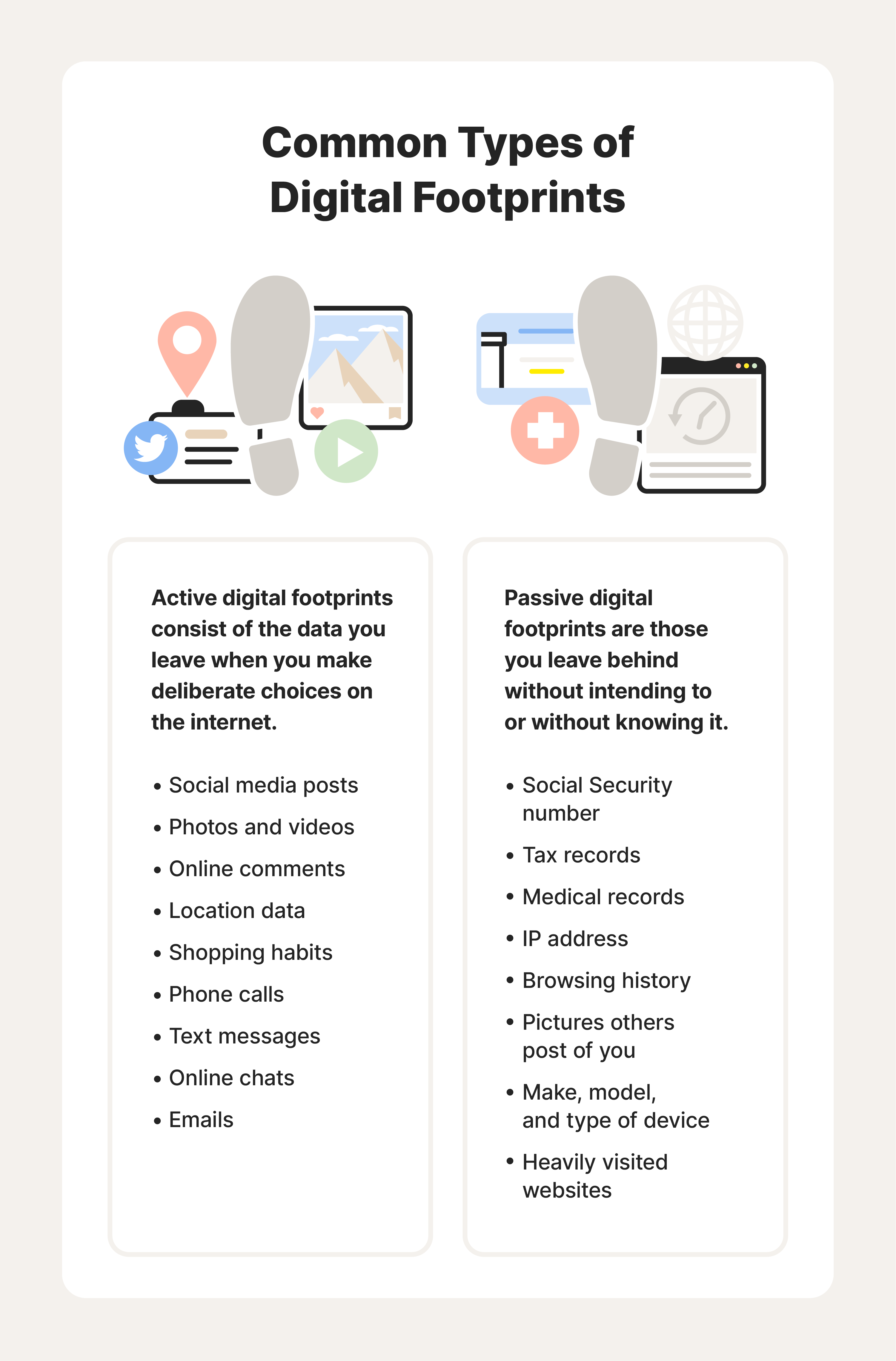
This free educational resource breaks down complex data concepts into relatable metaphors tailored for elementary learners. Photographs, game scores, chat messages, and search histories are visualized as permanent footsteps left behind on a digital beach. Children often struggle to understand that virtual actions have real-world longevity because screens feel ephemeral. The printable clarifies this by illustrating how information travels, who might see it, and why privacy matters. It specifically highlights protective routines like keeping personal details private, recognizing trusted adults for help, and pausing before clicking share. Building these skills requires patience, repetition, and tools designed for young attention spans. Related guide: 5 Cyber Safety Tips Symbols That Can Be Read By The Grede 7 Students.
Key Learning Outcomes
Working through this activity helps children identify what belongs in public view versus what stays private. Learners practice categorizing safe information, such as favorite animal drawings, alongside restricted data like home addresses or school names. According to Common Sense Media, children begin navigating structured digital environments at increasingly young ages, making early conceptual literacy essential. The worksheet encourages students to think critically about the permanence of posted comments and shared photos. Emphasizing that children are never in trouble for reporting uncomfortable online interactions keeps lines of communication open and supportive.
How to Use This Printable
Classrooms and living rooms transform into interactive learning hubs when paired with hands-on exercises. Educators can integrate this activity into a broader digital citizenship unit, while families might review the concepts during weekend screen time discussions. The specific skill practiced here is reflective pause—teaching students to stop and evaluate the potential reach of a post before hitting send. Guided conversations work best when adults sit alongside children, reading through the prompts together and relating the metaphors to actual games or video platforms the kids already enjoy. Exploring these topics through interactive worksheets bridges the gap between abstract tech rules and daily behavior.
Practical Tips for Parents and Teachers
Patience remains the primary requirement when introducing technical literacy to early elementary students. Adults should avoid lecturing and instead ask open-ended questions like what a digital footprint might look like after a week of gaming. Real-world observations show that kids frequently encounter unexpected chat prompts or video recommendations while watching shared family devices. Addressing these moments calmly normalizes seeking adult guidance when something online feels confusing or overwhelming. Establishing clear routines around device use fosters mutual trust and empowers learners to navigate common web risks with confidence.
Age-Appropriate Recommendations
Five-year-olds benefit from basic awareness that computers remember choices, while nine-to-twelve-year-olds can analyze how algorithms curate content based on past clicks. Aligning lessons with the Common Sense Education Digital Citizenship Curriculum ensures developmentally appropriate pacing for different grade levels. Kindergarteners focus on keeping personal details safe, whereas upper elementary students explore the broader social implications of their online reputations. Graduating responsibility step-by-step prevents overwhelm and instills lasting digital wellness habits.
Children frequently encounter digital tracking and shared platforms years before middle school, highlighting the need for early foundational education. — Common Sense Media
Frequently Asked Questions
Clear answers help educators and families implement digital safety practices seamlessly.
Explore More Free Kids Online Safety Printables
Expanding a digital citizenship toolkit requires a variety of engaging formats designed for diverse learning styles. Educators and caregivers can browse additional Internet and Digital Safety modules to reinforce password strength and safe browsing habits. Pairing conceptual activities with creative resources like educational coloring pages helps solidify key safety messages through art. Every positive conversation strengthens a child’s ability to navigate virtual spaces safely and independently.
Developmental Milestone & Activity Table
| Development Stage | Recommended Daily Duration | Primary Learning Objective |
|---|---|---|
| Preschool & Pre-K | 10 – 15 Minutes | Pencil grip development & basic pre-stroke lines |
| Kindergarten | 15 – 20 Minutes | Letter/number formation & spatial line awareness |
| Early Elementary (Grade 1–2) | 20 – 30 Minutes | Fluency, sentence construction & neatness |
Images References