Why Creative Offline Tools Build Stronger Foundations for Digital Wellness
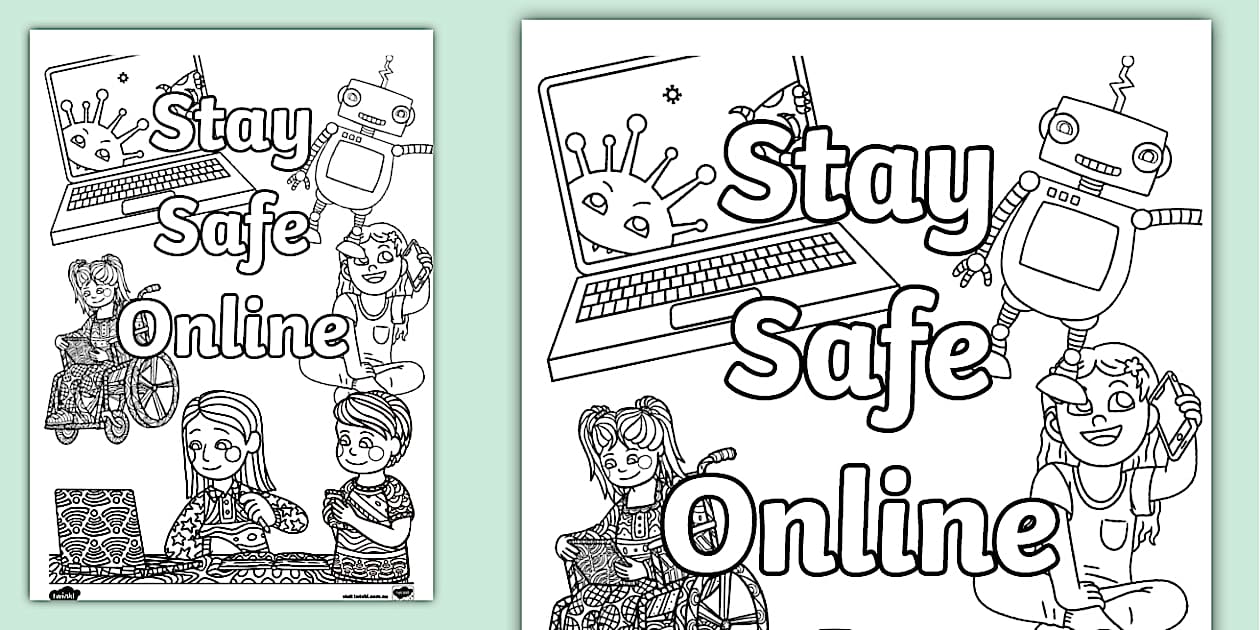
Introducing children to digital citizenship often requires stepping away from the screen entirely to anchor abstract concepts in tangible understanding. When educators and parents utilize a web safety coloring activity, they open a low-pressure pathway for children to discuss complex topics like personal information, safe browsing, and device boundaries. According to youth privacy guidance from organizations like ConnectSafely and the FTC, early childhood digital literacy is most effective when paired with hands-on, creative reinforcement. Instead of lecturing students about invisible online threats, coloring sheets allow young learners to visualize digital footprints, secure passwords, and trusted adults in a format designed specifically for their developmental stage.
💡 Activity Key Takeaways:
- Core Focus: Printable Web Safety Coloring Activity designed for creative expression and fine-motor coordination.
- Target Scope: Ideal for toddlers, preschool, kindergarten, and classroom art activities.
- Best Recommendation: Use standard heavy printer paper (24–28 lb) or cardstock for vibrant results with crayons, colored pencils, or washable markers.
Understanding Digital Risk Signals and Preventive Guardrails
Before introducing devices or creative exercises to young learners, adults must map out potential technical vulnerabilities and behavioral triggers. Whether supervising a student on a home tablet or managing shared devices in a classroom, recognizing risk signals early helps prevent accidental exposure to unsafe content or inadvertent sharing of private details. Integrating resources from our Internet and Digital Safety hub can help structure these supervisory checks effectively.
| Setting / Context | Common Vulnerability | Practical Safeguard |
|---|---|---|
| Home Devices & Tablets | Unmonitored app store downloads and accidental ad clicks. | Enable strict parental controls, restrict in-app purchases, and use family media agreements. |
| School Chromebooks | Bypassing network filters or sharing login credentials with peers. | Enforce strict classroom policy communication, audit browser histories regularly, and mandate secure sign-out routines. |
| Interactive Games & Chats | Over-sharing real names, locations, or school names in chat boxes. | Turn off open voice and text chat features in gaming environments; establish clear rules regarding stranger interactions. |
Actionable Steps for Integrating Creative Safety Lessons at Home and School
Transforming safety rules into daily habits requires consistency between the classroom and the living room. Educators and parents should coordinate to establish predictable routines that eliminate confusion. Begin by pairing a web safety coloring activity with an interactive discussion where children identify the heroes and safety symbols on the page, such as padlock icons for secure sites or adult figures representing trusted helpers. Support these creative exercises with structural guardrails like centralized charging stations outside of bedrooms, clear time limits, and age-appropriate content filters. When children make a mistake online, such as clicking an unverified link or typing a name into a popup, create a reporting workflow free of shame. If adults react with immediate anger, children hide future mistakes; if adults react with calm instruction, children learn resilience and transparent communication.
As children grow older, overly restrictive technical bans often backfire by driving curiosity underground or encouraging students to find workarounds using proxy sites and peer sharing. Complete lockdown of technology deprives children of the chance to practice digital self-regulation under adult guidance. Instead of relying solely on heavy-handed firewalls, adults should combine technical controls with ongoing, calm conversations that explain the reasoning behind specific rules. When students ask why certain websites or games are blocked, use teachable moments to discuss data privacy, malware, and digital footprints. Providing students with agency through guided choices builds long-term critical thinking skills far more effectively than blind obedience to a blocked screen notification.
Frequently Asked Questions From Educators and Parents
What age group benefits most from web safety coloring sheets?
Children in kindergarten through second grade benefit the most from creative, offline activities. At this developmental stage, visual storytelling and coloring help cement basic concepts like keeping passwords private and identifying trusted adults before digital habits become deeply engrained.
How can teachers weave digital citizenship into standard art or free-time periods?
Teachers can easily incorporate safety-themed printables into morning work, art centers, or indoor recess. Utilizing resources found in our Coloring Pages collection allows educators to reinforce critical online safety messages without taking away valuable core instructional time.
What should I do if a child encounters frightening content while browsing?
Maintain a calm demeanor immediately to reassure the child that they are not in trouble. Praise them for coming forward, close the browser or turn off the screen, and review safety reporting steps found on materials like our Worksheets page.
Explore More Digital Citizenship Resources
Building a secure, resilient digital culture for children is an ongoing partnership between dedicated teachers, school staff, and proactive parents. By combining creative offline tools like a web safety coloring activity with robust technical safeguards and open communication, we empower the next generation to navigate connected environments with confidence. Discover additional guidance, printable tools, and expert strategies by visiting SafeWiredSchools.org today.