
Why Visual Learning Tools Build Stronger Foundations in Tech Safety
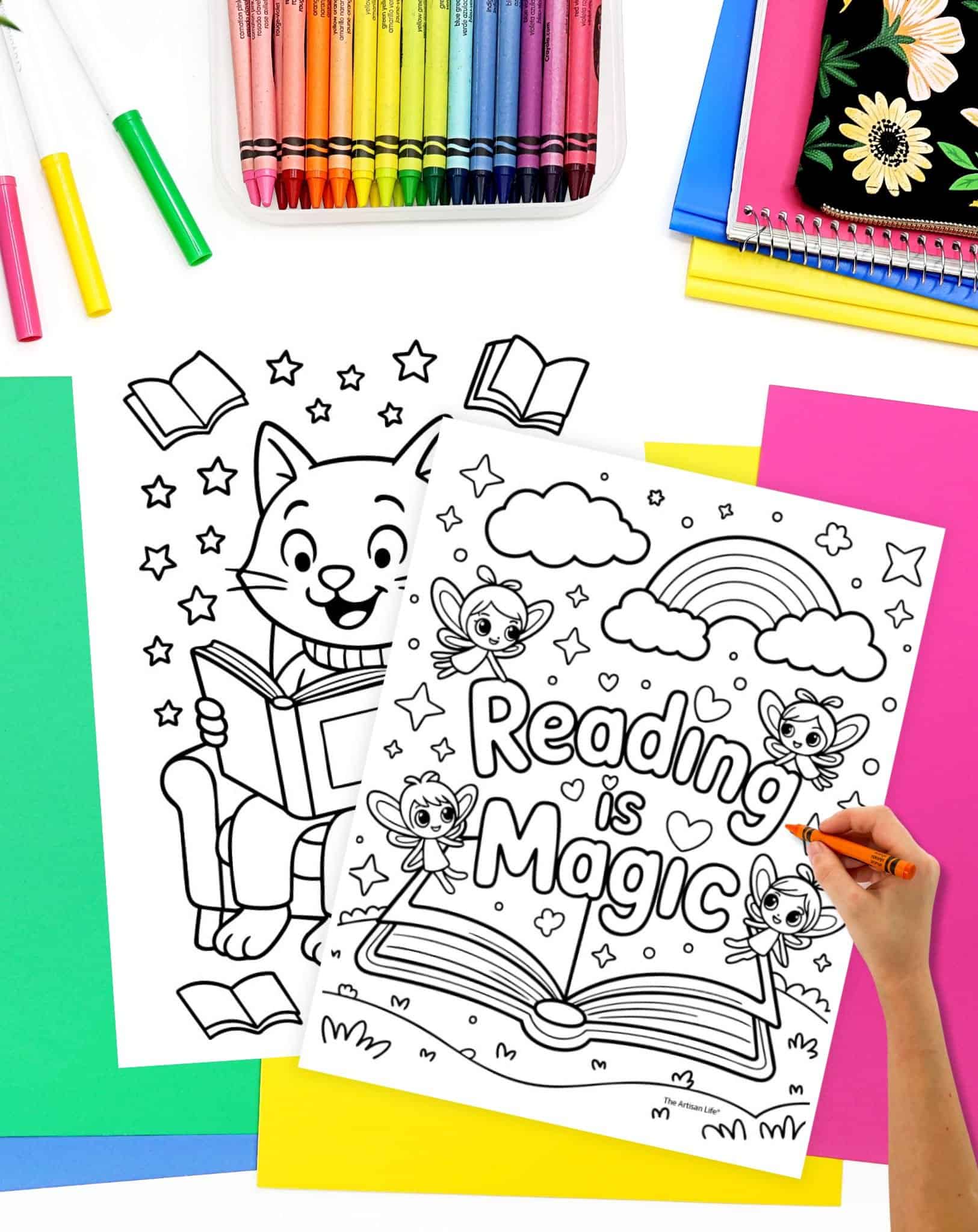
Introducing foundational internet habits to young students requires patience, creativity, and developmentally appropriate materials. When educators and families rely solely on complex technical lectures, children often disengage or fail to grasp critical concepts like privacy, kindness, and device boundaries. By utilizing interactive tools found in our Coloring Pages collection, adults can transform abstract cybersecurity and digital citizenship concepts into tangible, creative exercises. Grounded in guidance from organizations like ConnectSafely and the Cybersecurity and Infrastructure Security Agency, pairing art with dialogue helps children internalize safe tech habits long before they encounter online risks independently.
💡 Activity Key Takeaways:
- Core Focus: Printable Digital Literacy Coloring Pages designed for creative expression and fine-motor coordination.
- Target Scope: Ideal for toddlers, preschool, kindergarten, and classroom art activities.
- Best Recommendation: Use standard heavy printer paper (24–28 lb) or cardstock for vibrant results with crayons, colored pencils, or washable markers.
Spotting Vulnerabilities Across School and Home Environments
Children navigate a variety of digital landscapes daily, moving between supervised school Chromebooks and unrestricted home tablets. Recognizing potential risk signals early allows adults to adjust device guardrails before minor missteps escalate into safety concerns. The table below outlines common vulnerabilities across different environments alongside practical, everyday safeguards. Related guide: Two Factor Authentication Coloring Page Kids.
| Setting / Context | Common Vulnerability | Practical Safeguard |
|---|---|---|
| Home Tablets & Phones | Unmonitored app store downloads and accidental in-app purchases. | Enable strict parental controls, require password authentication for downloads, and review privacy permissions together. |
| School Chromebooks | Bypassing web filters or sharing login credentials with peers. | Reinforce classroom device policies through structured activities found in our Worksheets library, emphasizing personal accountability. |
| Chat & Social Gaming | Interacting with strangers or sharing personal identifying information. | Keep gaming devices in shared family spaces and establish clear rules about never sharing names, locations, or school details. |
Establishing Consistent Routines and Guardrails for Kids
Effective digital safety relies heavily on consistency between school and home. Establishing predictable routines prevents power struggles and normalizes healthy technology use. Families and educators can implement concrete workflows, such as designating a central, household charging station where all phones and tablets rest overnight to encourage healthy sleep habits. Furthermore, educators can pair creative lessons with guidance from Internet and Digital Safety modules to ensure students understand how to report uncomfortable online encounters immediately without fear of punishment or losing device privileges.
Overcoming Student Workarounds and Adult Pushback
Overly strict digital bans often backfire, driving children to find clever technical workarounds behind adult backs. When parents or teachers rely solely on restrictive filters without explaining the reasoning behind them, children miss out on developing critical thinking skills. Instead of treating technology as forbidden territory, adults should pair technical safeguards with calm, open-ended check-ins. If a child attempts to bypass a filter or stumbles upon inappropriate content, use the moment as a teaching opportunity rather than an immediate crisis. Open dialogue builds trust, ensuring children feel safe turning to trusted adults when digital situations feel confusing or overwhelming.
Frequently Asked Questions About Creative Tech Education
At what age should children start learning digital literacy concepts?
Children begin interacting with screens and digital devices in preschool, making early elementary years the ideal time to introduce foundational concepts like screen time balance, kindness, and basic privacy through visual learning aids.
How can teachers integrate creative safety lessons into busy school days?
Educators can use short, 15-minute morning meeting slots or transition periods to introduce a coloring sheet, followed by a brief, guided group discussion about password security or online manners.
Are these creative resources suitable for children with diverse learning needs?
Yes, visual and tactile learning tools provide an inclusive, low-stress medium for neurodivergent students or English language learners to grasp complex safety concepts without feeling overwhelmed by dense text.
Explore More Digital Citizenship Resources
Empowering children to navigate the digital world safely requires ongoing education, collaborative community standards, and reliable tools for both classrooms and living rooms. Discover a wide selection of practical guides, safety frameworks, and student-friendly activities by visiting SafeWiredSchools.org to support your students every step of the way.


