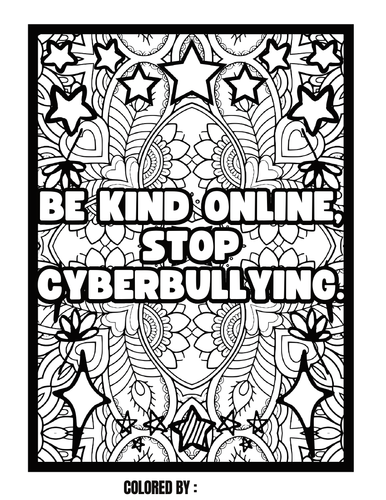
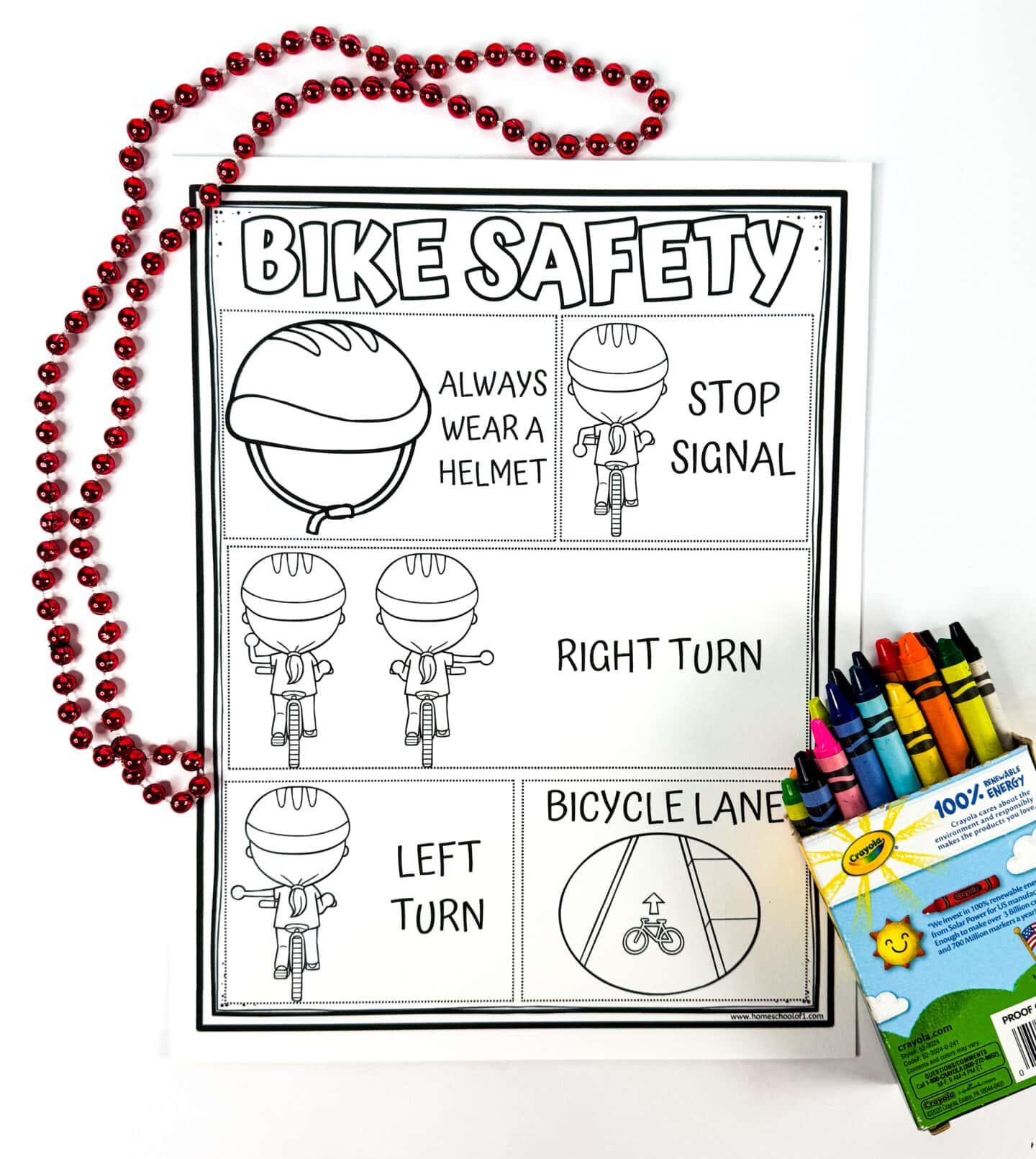
Why Safe Touches Coloring Page Matters for School and Home Safety
Educating children about personal boundaries and digital safety requires age-appropriate tools that bridge abstract concepts into tangible understanding. Utilizing a safe touches coloring page provides teachers and parents with a gentle, non-threatening medium to introduce critical body safety discussions. As students navigate connected classrooms and everyday physical environments, establishing clear boundary concepts early helps them recognize uncomfortable situations. Organizations like ConnectSafely and the Federal Trade Commission emphasize that proactive communication builds the resilience children need both offline and online, making creative activities an ideal starting point for open dialogue. Related guide: Please Provide Free 8.5″X11″ Digital Safety Coloring Pages For K-2 Grade.
💡 Activity Key Takeaways:
- Core Focus: Printable Safe Touches Coloring Page designed for creative expression and fine-motor coordination.
- Target Scope: Ideal for toddlers, preschool, kindergarten, and classroom art activities.
- Best Recommendation: Use standard heavy printer paper (24–28 lb) or cardstock for vibrant results with crayons, colored pencils, or washable markers.
Risk Signals and Preventive Guardrails for K-12 Students
Protecting children involves monitoring both physical environments and digital interactions where inappropriate content or boundary violations might surface. Adults should maintain vigilant awareness of behavioral changes, sudden secrecy regarding devices, or reluctance to engage with specific educational tasks. Implementing layered technological defenses alongside creative curriculum materials ensures students remain protected across school-issued hardware and home networks. The matrix below outlines common vulnerabilities and the corresponding safeguards educators and families can implement immediately.
| Setting / Context | Common Vulnerability | Practical Safeguard |
|---|---|---|
| Home Devices | Unmonitored browsing or accidental exposure to mature imagery during web searches for creative templates. | Enable strict search filters and utilize shared family charging zones to keep screens visible during evening hours. |
| School Chromebooks & Tablets | Peer-to-peer sharing applications or unmonitored chat channels where inappropriate boundaries are crossed. | Configure district-level content filtering through the Internet and Digital Safety framework to restrict unauthorized messaging. |
| Social & Chat Habits | Oversharing personal information or photos in digital art communities and creative gaming platforms. | Review privacy settings together and use guidance from FOSI to teach children never to share identifying details online. |
Rules and Habits Families and Schools Can Apply
Effective digital citizenship and physical safety rely on consistent, everyday routines rather than one-time lectures. Educators and parents can pair creative lessons like a safe touches coloring page with structured offline rules, such as establishing clear reporting pathways that do not trigger student shame or fear of punishment. When children know exactly who to talk to—whether a trusted teacher, school counselor, or parent—they are far more likely to disclose discomfort early. Integrating printable resources from our Worksheets collection reinforces these lessons through guided reflection, drawing exercises, and open-ended conversation prompts.
Handling Pushback and Common Student Workarounds
Children and teens frequently test boundaries, whether by seeking unfiltered image searches or expressing resistance toward adult monitoring. Overly restrictive technical bans often backfire by driving curiosity underground, leading students to find workarounds on personal devices. Instead of relying solely on heavy-handed blocks, adults should combine technical guardrails with transparent, calm conversations explaining why specific rules exist. If a student expresses boredom or frustration with foundational safety lessons, validate their feelings while emphasizing that these guidelines protect their personal autonomy and privacy.
Educator and Parent Frequently Asked Questions
At what age should we introduce body safety and boundary concepts?
Foundational concepts of personal space and safe touches can begin as early as preschool using simple, non-threatening vocabulary. As children enter elementary school, educators can integrate creative materials like a safe touches coloring page to reinforce autonomy and bodily integrity in a structured classroom setting.
How can teachers connect creative art activities to digital safety?
Teachers can draw parallels between physical boundaries and digital boundaries by discussing how we control who enters our personal space versus who accesses our personal information. Pairing tactile art projects with lessons from our Coloring Pages hub helps solidify these concepts through visual and kinesthetic learning.
What should I do if a child discloses an uncomfortable situation during an activity?
Remain calm, listen without judgment, and reassure the child that they did the right thing by speaking up. Immediately follow your school district or organizational reporting protocol to ensure trained professionals handle the situation securely and supportively.
Explore More Digital Citizenship Resources
Empowering children to navigate the physical and digital worlds safely requires ongoing education, practical tools, and collaborative community standards. Discover more expert-backed lesson plans, guides, and protective strategies by visiting SafeWiredSchools.org to keep your students secure every step of the way.
Printable Coloring Page Previews