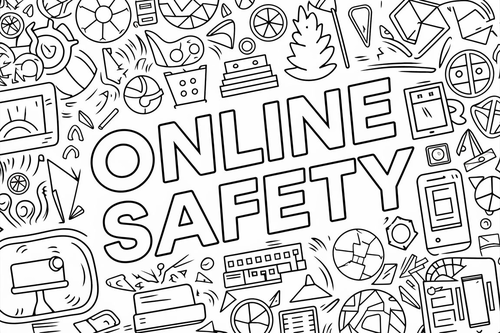
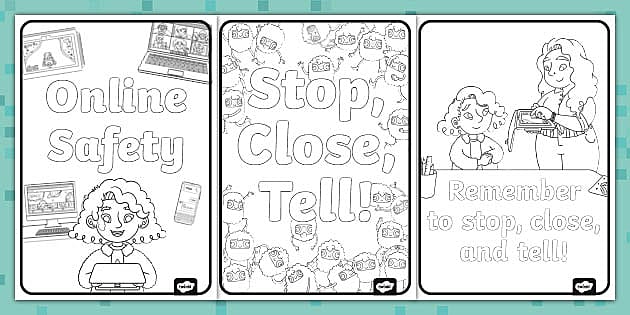
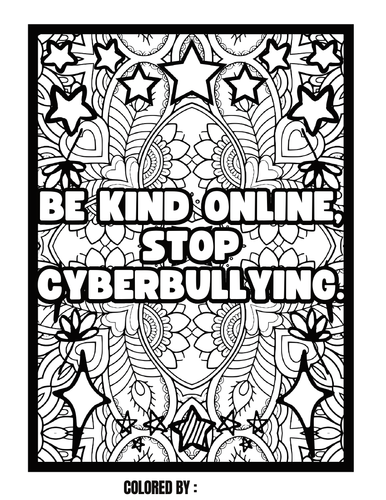
Why Buddy Song Stay Safe Online Colouring Matters for School and Home Safety
Young learners absorb digital habits long before they fully understand the mechanics of the internet. Creative offline activities, such as interactive printables and themed worksheets, provide a foundational bridge for discussions about online wellness. When educators and families use tools like Buddy Song Stay Safe Online Colouring, they open the door to vital safety dialogues without overwhelming developing minds. Aligning these creative moments with guidance from organizations like ConnectSafely and the Cybersecurity and Infrastructure Security Agency helps adults establish clear, age-appropriate expectations for device usage, ensuring children learn to navigate digital spaces with confidence and caution.
💡 Educational Key Takeaways:
- Core Skill: Structured Buddy Song Stay Safe Online Colouring focused on developing pencil grip, stroke control, and early literacy/math confidence.
- Target Scope: Suited for homeschoolers, preschool, kindergarten, and elementary learners.
- Best Recommendation: Practice 10–15 minutes daily with ergonomic writing tools to reinforce muscle memory without hand fatigue.
Risk Signals and Preventive Guardrails for K-12 Learners
Even during seemingly harmless online activities, children can encounter unexpected pop-ups, external links, or unsafe sharing prompts. Adults must balance technical filters with active observation. The breakdown below outlines common vulnerabilities across different learning environments and the exact safeguards educators and parents should implement to keep students protected.
| Setting / Context | Common Vulnerability | Practical Safeguard |
|---|---|---|
| Home Tablets & Laptops | Accidental clicks on third-party advertisement banners while searching for printable pages. | Install reputable content filters and configure browsers to block pop-ups and unsolicited redirects. |
| School Chromebooks & Tablets | Unmonitored web extensions or unauthorized browser add-ons installed during free time. | Enforce district-wide enterprise policies through IT to restrict extension downloads and lock bookmarks. |
| Social and Chat Features | Messaging boxes embedded in free creative websites or video-sharing platforms. | Disable commenting and chat features entirely on devices used by young elementary students. |
Establishing Healthy Digital Rules and Classroom Routines
Protecting children online requires consistent routines that span both the classroom and the living room. Educators can integrate digital citizenship standards directly into daily lessons by pairing artistic activities with structured conversations about personal information. Meanwhile, families can establish physical boundaries at home, such as keeping charging stations in common family areas rather than bedrooms, preventing late-night unmonitored screen time. According to recommendations from the Family Online Safety Institute, framing safety rules around empowerment rather than punishment encourages children to report uncomfortable digital encounters immediately. Educators should also explore resources within our Worksheets collection to reinforce these lessons seamlessly.
Handling Student Workarounds and Pushback Calmly
Children are naturally resourceful, and when strict technical filters block their favorite games or creative sites, they often look for workarounds. Overly aggressive bans can sometimes drive children to hide their online behavior out of fear of getting into trouble. Instead of reacting with anger, adults should address these bypass attempts as teachable moments. Explain the reasoning behind specific firewall rules and redirect students toward approved, safe platforms. Pairing robust technical controls with calm, non-judgmental check-ins ensures that if a child ever stumbles across inappropriate content, they will feel safe coming forward to ask for help.
Frequently Asked Questions for Educators and Parents
How early should we introduce internet safety concepts to children?
Safety concepts can be introduced as soon as children begin interacting with touchscreens, usually around preschool or kindergarten. Simple lessons about keeping personal details private and asking an adult before clicking unfamiliar links lay a strong foundation for future digital literacy.
Are printable coloring activities effective for teaching digital citizenship?
Yes, tactile activities offer a low-pressure way to introduce abstract internet safety rules to young learners. Pairing art projects with guided discussions helps cement positive habits without exposing children to unnecessary screen time.
Where can teachers find additional resources for digital safety lessons?
Educators can browse comprehensive lesson plans and guides through our Internet and Digital Safety and Coloring Pages archives to support their classroom curriculum.
Explore More Digital Citizenship Resources
Equipping students with the tools they need to stay secure online is an ongoing journey that requires collaboration between teachers, school staff, and parents. Discover more practical guides, downloadable activities, and expert advice by visiting SafeWiredSchools.org to help every child build a safer, smarter digital future.
Visual Reference Gallery