Why Creative Offline Tools Build Stronger Foundations for Digital Well-Being
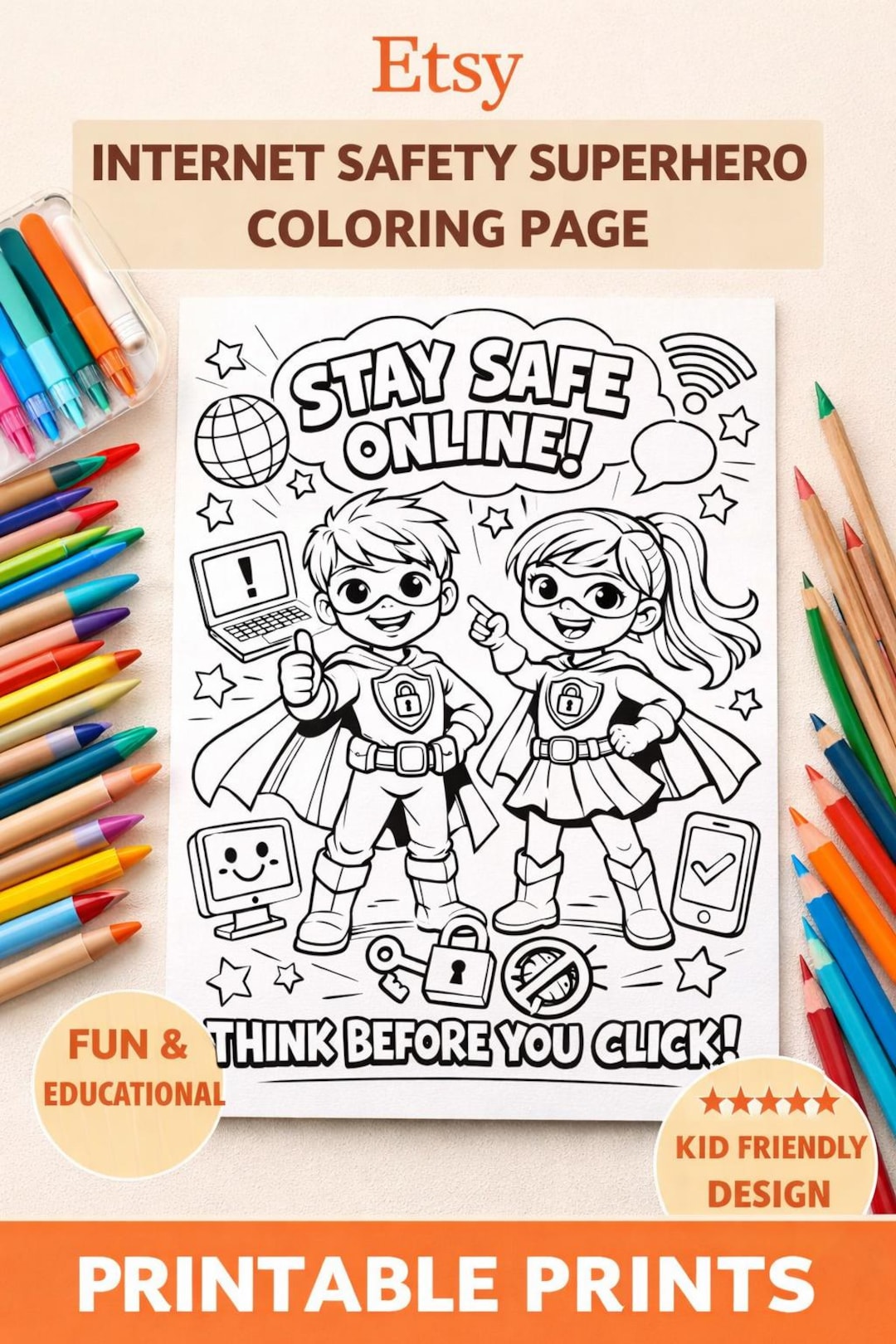
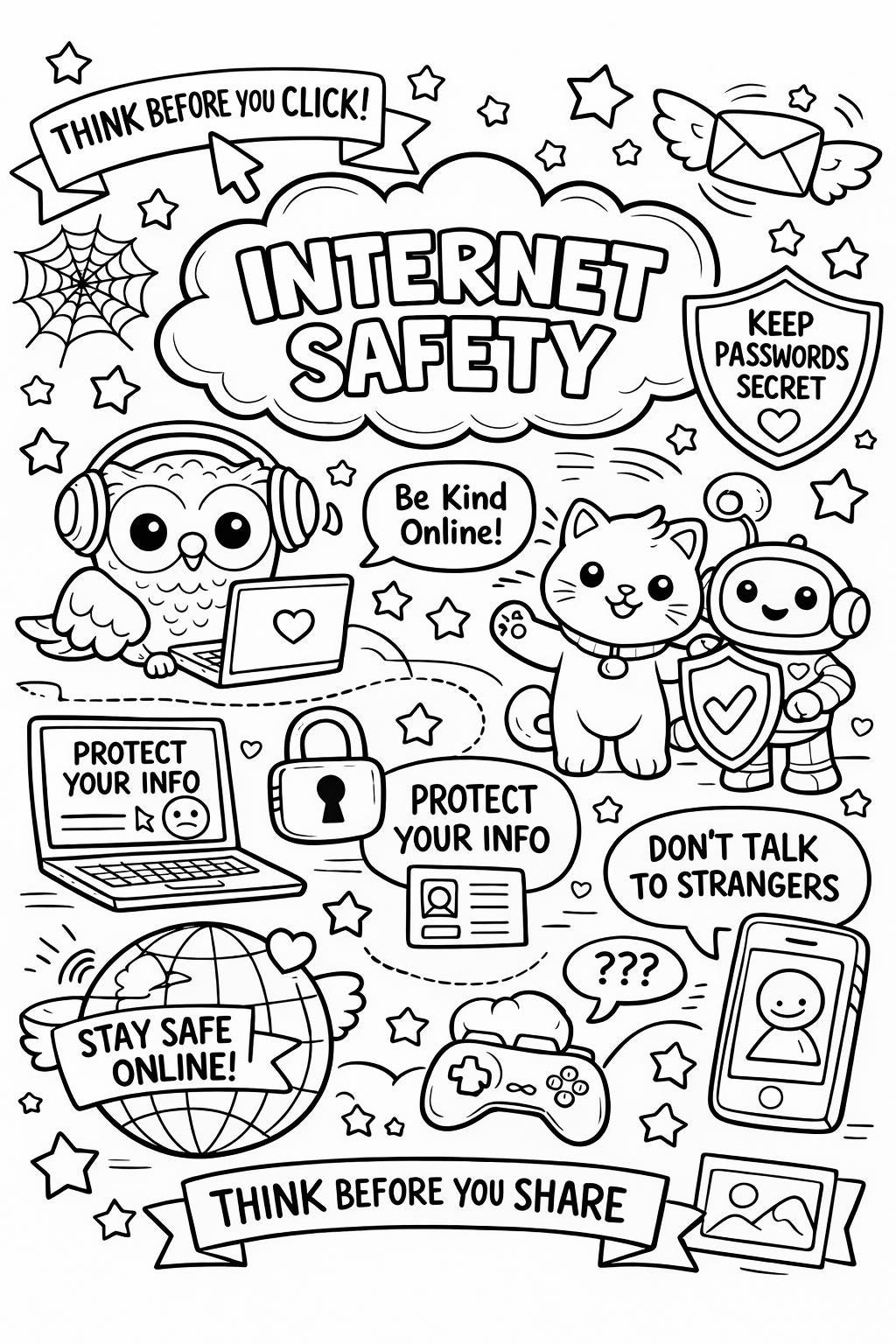
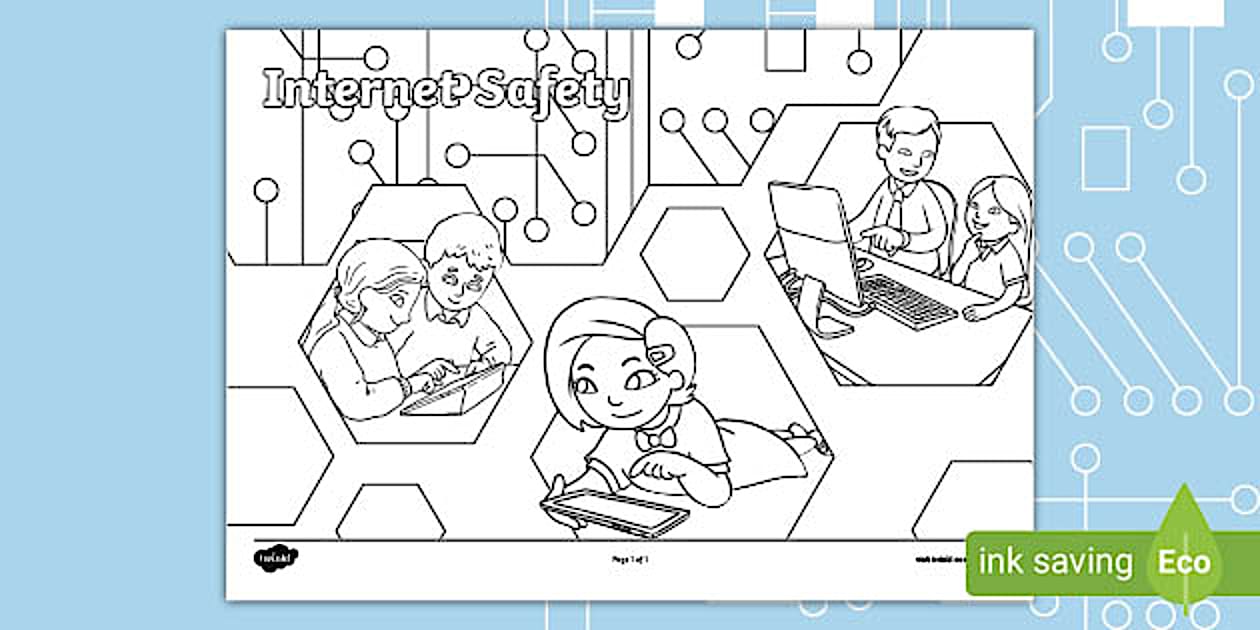
When introducing primary and elementary students to the digital world, adults often rely on heavy lectures or complex rule lists that young learners struggle to retain. Integrating an online safety colouring sheet into your curriculum offers a refreshing alternative. By combining tactile creative art with foundational cybersecurity principles, children can visually process vital concepts like private information, stranger danger online, and respectful screen time habits. Leading youth advocacy groups, including ConnectSafely and the Family Online Safety Institute, emphasize that early digital literacy must be engaging and stress-free. Utilizing printable resources from our Coloring Pages archive ensures that children build positive mental associations with online safety before they ever encounter tricky situations on personal tablets or school-issued Chromebooks.
💡 Educational Key Takeaways:
- Core Skill: Structured Online Safety Colouring Sheet focused on developing pencil grip, stroke control, and early literacy/math confidence.
- Target Scope: Suited for homeschoolers, preschool, kindergarten, and elementary learners.
- Best Recommendation: Practice 10–15 minutes daily with ergonomic writing tools to reinforce muscle memory without hand fatigue.
Spotting Vulnerability Signals in Early Digital Exploration
Children rarely navigate the internet in isolation; their device usage spans classroom assignments, living room entertainment, and independent messaging apps. Adults must monitor technical device controls and watch for subtle behavioral cues that indicate a student is encountering content beyond their developmental stage. Security frameworks from the Cybersecurity and Infrastructure Security Agency remind us that technical filters alone cannot replace attentive mentorship. The breakdown below details common risks across different environments and offers immediate preventative guardrails for educators and parents. Related guide: Please Provide Free 8.5″X11″ Digital Safety Coloring Pages For K-2 Grade.
| Setting / Context | Common Vulnerability | Practical Safeguard |
|---|---|---|
| Home Tablets & Smartphones | Unmonitored app store downloads and accidental exposure to in-app purchasing prompts. | Enable password protection for all new app installations and configure strict content restrictions. |
| School Chromebooks | Students bypassing web filters through unauthorized browser extensions or proxy sites. | Regularly audit browser extensions with your IT department and review our Internet and Digital Safety guides. |
| Gaming Chats & Messaging | Over-sharing personal details like full names, school locations, or home addresses with strangers. | Keep gaming consoles in shared family spaces and disable public voice or text chat when possible. |
Establishing Calm, Consistent Rules Across Classroom and Living Room
Consistency is the cornerstone of effective digital citizenship. When school policies mirror home expectations, children stop viewing online safety as an arbitrary set of rules and start internalizing them as natural habits. Start by establishing a centralized, out-of-bedroom charging station for all personal devices overnight. Pair these physical boundaries with open communication strategies. When discussing topics introduced on an online safety colouring sheet, ask open-ended questions like what a friendly online footprint looks like rather than quizzing them on what not to do. Furthermore, leverage complementary assets from our Worksheets collection to reinforce critical thinking skills regarding passwords, privacy settings, and digital footprints.
Overly restrictive bans and aggressive monitoring often backfire, driving children to find clever workarounds or hiding their digital mistakes out of fear of punishment. If a child attempts to bypass device controls or stumbles upon inappropriate content, resist the urge to react with immediate anger or device confiscation. Instead, treat the incident as a teachable moment. Acknowledge their natural curiosity while clearly reinforcing why certain boundaries exist. By framing safety as a tool that protects their fun and privacy rather than a restriction meant to spoil it, children will feel secure enough to report uncomfortable online encounters immediately to a trusted adult.
Frequently Asked Questions From Parents and Educators
What age is appropriate to introduce basic digital citizenship concepts?
Children can begin learning foundational concepts like private information and screen balance as early as kindergarten or first grade. Using creative tools like an online safety colouring sheet helps translate abstract digital rules into concrete, age-appropriate ideas.
How can teachers integrate these lessons without adding to instructional time?
Digital safety discussions fit seamlessly into morning meeting times, art periods, or indoor recess activities. Educators can distribute themed colouring sheets while leading a brief, interactive discussion about password safety or online kindness.
What should a child do immediately if a stranger messages them online?
Teach children the pause-and-tell rule: stop interacting, do not click links or delete the chat, and immediately notify a parent or teacher without fear of getting in trouble.
Continue Exploring Comprehensive Digital Citizenship Resources
Empowering the next generation of digital citizens requires a collaborative, ongoing commitment from both home and school communities. To discover more printable activities, educator guides, and expert-backed safety protocols designed to keep students secure in an interconnected world, visit us anytime at SafeWiredSchools.org.
Visual Reference Gallery