Why Visual Learning Tools Matter for Modern Digital Safety
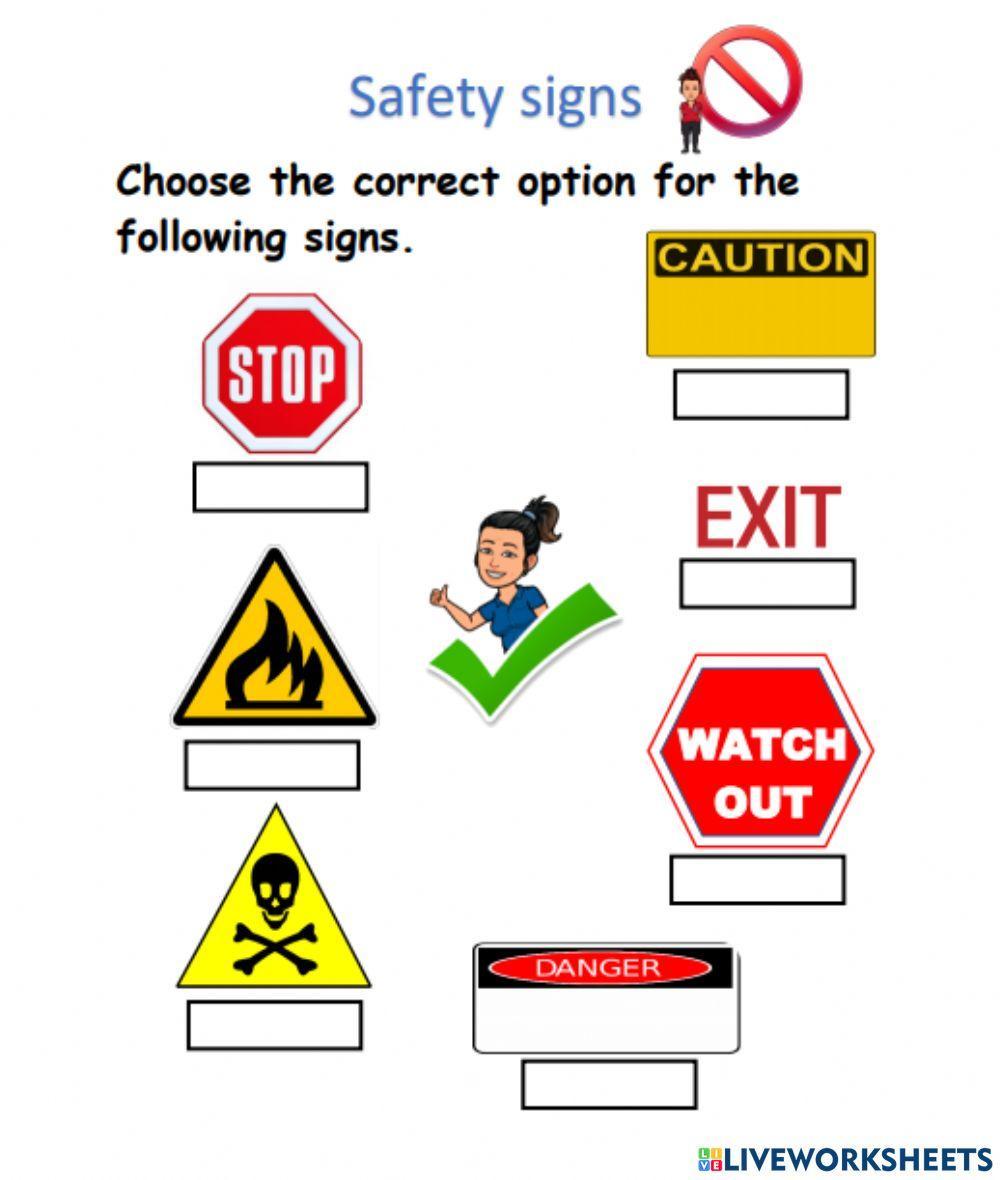
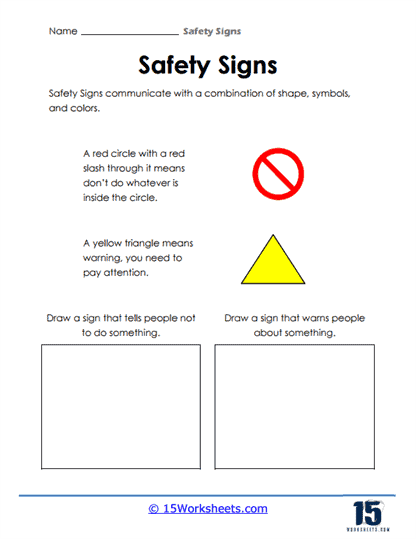
In our increasingly connected classrooms and living rooms, helping students recognize digital cues is just as important as teaching them traditional offline rules. CISA and ConnectSafely emphasize that children process abstract digital concepts much faster when they are paired with concrete imagery. Utilizing safety signs and symbols worksheets allows educators and parents to introduce vital device controls, secure web indicators, and privacy flags through engaging, interactive formats. By grounding abstract internet safety lessons in recognizable symbols, students build the foundational instincts needed to navigate connected devices wisely.
💡 Educational Key Takeaways:
- Core Skill: Structured Safety Signs And Symbols Worksheets focused on developing pencil grip, stroke control, and early literacy/math confidence.
- Target Scope: Suited for homeschoolers, preschool, kindergarten, and elementary learners.
- Best Recommendation: Practice 10–15 minutes daily with ergonomic writing tools to reinforce muscle memory without hand fatigue.
Decoding Digital Signals: Risk Indicators and Guardrails
Recognizing the difference between a secure environment and a potential digital trap requires active observation from both teachers and parents. The breakdown below highlights common vulnerabilities across different environments and outlines the technical and behavioral safeguards you can implement today. Related guide: Free Screen Time Balance Checklist For Kids.
| Setting / Context | Common Vulnerability | Practical Safeguard |
|---|---|---|
| Home Devices | Unfiltered browsing and accidental exposure to malicious pop-ups or phishing icons. | Establish a centralized family charging station and utilize age-appropriate Internet and Digital Safety tools to lock down browser extensions. |
| School Chromebooks and Tablets | Students clicking unfamiliar hyperlinks or misinterpreting browser warning flags. | Incorporate interactive Worksheets into digital citizenship lessons to teach students what padlock symbols and warning triangles actually mean. |
| Social and Chat Apps | Falling for unverified badges, spoofed alert icons, or deceptive contact requests. | Review communication settings together, establishing clear boundaries around who is allowed to send direct messages or share file attachments. |
Establishing Clear Routines and Open Dialogue at Home and School
Turning visual lessons into everyday habits takes consistency across both school and home environments. Educators can launch units using printable activities from our Coloring Pages collection to help younger students identify safe browsing buttons. At home, pair these lessons with calm check-ins rather than panic-driven restrictions. Ask students what warning symbols they encountered during the school day or what a specific error pop-up meant. FOSI guidelines stress that children who feel safe reporting mistakes are far more likely to come forward when they stumble across inappropriate content, sketchy download prompts, or uncomfortable online interactions.
When adults implement strict device lockdowns or rigid filters without explanation, tech-savvy students often look for workarounds, such as using proxy sites or deleting browser history. Instead of relying solely on heavy-handed technical blocks, pair your filters with transparent conversations about why certain digital safety symbols exist. Explain that padlock icons and green safety shields protect personal data from identity thieves, while warning signs help prevent malware infections. When students understand the reasoning behind these indicators, they transition from viewing safety measures as annoying roadblocks to recognizing them as helpful tools for self-protection.
Frequently Asked Questions About Visual Safety Tools
At what age should children start learning to recognize digital safety symbols?
Children can begin identifying basic digital cues, such as the difference between a clickable link and a static image, as early as kindergarten or first grade. As they transition into upper elementary and middle school, you can introduce more complex symbols related to secure connections, two-factor authentication prompts, and privacy settings.
How can teachers integrate these lessons into tight instructional schedules?
Safety symbols do not require a standalone curriculum; they fit naturally into morning meetings, library media blocks, or technology lab warm-ups. Spending just ten minutes analyzing a single icon or completing a quick matching exercise helps reinforce critical thinking without disrupting core academic subjects.
What should a parent do if a child encounters a frightening warning symbol online?
Stay calm and praise the child for bringing the alert to your attention instead of trying to fix or hide it out of fear of getting in trouble. Use the moment to investigate the source together, explaining what the symbol meant and how to safely close the browser window.
Explore More Digital Citizenship Resources
Equipping children with the knowledge to recognize online risks is an ongoing journey that requires up-to-date strategies and collaborative support. To discover more expert-backed lesson plans, printable activities, and guidance for your classroom or household, visit SafeWiredSchools.org.
Worksheet Previews & Reference Materials