Why Purpose-Driven Digital Lessons Anchor Student Safety Year-Round
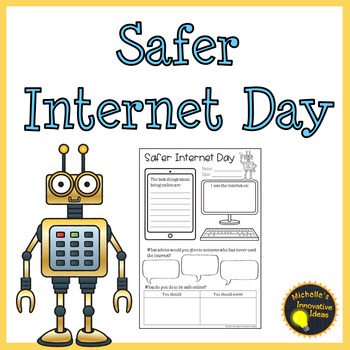
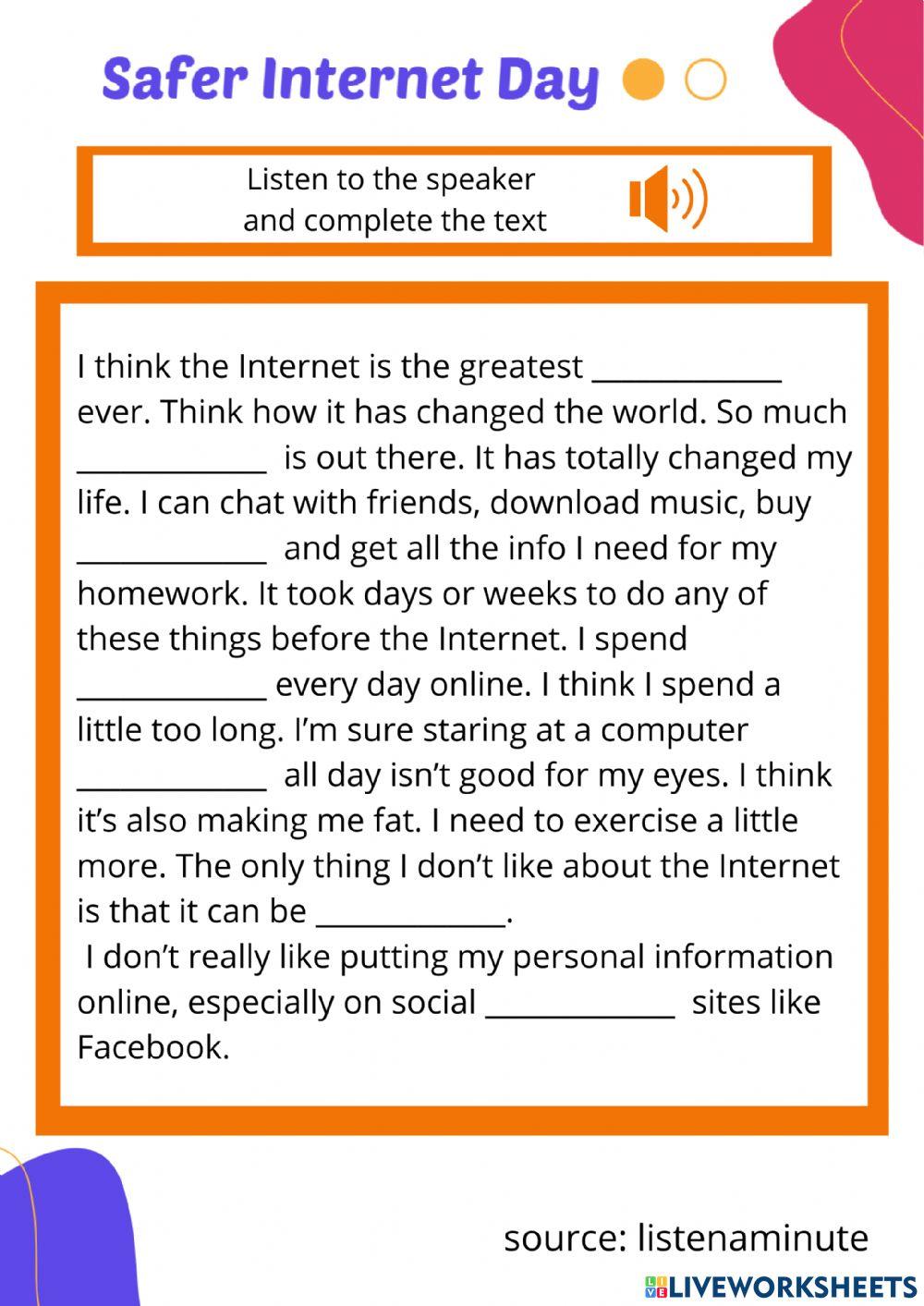
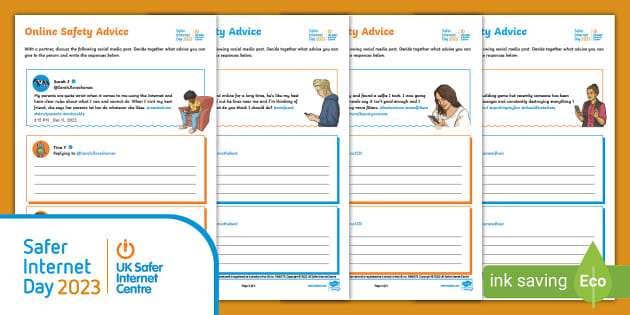
Safeguarding K-12 students requires more than blocking inappropriate URLs at the firewall level; it demands continuous cultivation of critical thinking. Safer Internet Day Worksheets provide educators and parents with structured, age-appropriate avenues to translate abstract internet safety concepts into concrete, everyday habits. Grounded in frameworks promoted by organizations like ConnectSafely and the Cybersecurity and Infrastructure Security Agency, these interactive activities help students navigate digital dilemmas, recognize phishing attempts, and understand their digital footprint before high-risk situations occur.
💡 Educational Key Takeaways:
- Core Skill: Structured Safer Internet Day Worksheets focused on developing pencil grip, stroke control, and early literacy/math confidence.
- Target Scope: Suited for homeschoolers, preschool, kindergarten, and elementary learners.
- Best Recommendation: Practice 10–15 minutes daily with ergonomic writing tools to reinforce muscle memory without hand fatigue.
Mapping Digital Vulnerabilities to Practical Protective Guardrails
Understanding how students encounter online risks helps adults apply targeted device controls and behavioral interventions. Whether children are using personal tablets at home or managed Chromebooks at school, specific vulnerabilities require proactive oversight. Related guide: Internet Safety Worksheets Pdf.
| Setting / Context | Common Vulnerability | Practical Safeguard |
|---|---|---|
| Home Devices | Unmonitored late-night browsing and unsecured app store downloads. | Establish a central device-charging station outside bedrooms and enable strict parental controls for app purchases. |
| School Chromebooks | Bypassing network filters through unauthorized proxy extensions. | Review device management logs regularly and coordinate with IT staff to lock down browser extension permissions. |
| Social and Chat Apps | Over-sharing personal details or interacting with unverified strangers. | Complete guided Worksheets together to practice privacy settings and response strategies. |
Establishing Balanced Rules and Healthy Digital Habits
Effective digital citizenship is built on consistency between home and school environments. Adults should implement practical routines such as configuring two-factor authentication on personal accounts, establishing clear school device policies, and practicing calm communication workflows that encourage students to report cyberbullying or accidental exposure to harmful content without fear of losing device privileges. Incorporating targeted Internet and Digital Safety modules reinforces these safety habits through engaging, scenario-based learning.
Troubleshooting Pushback and Overcoming Student Workarounds
Overly restrictive filters and heavy-handed monitoring often backfire by driving tech-savvy students to find secretive workarounds, such as using hidden browsers or alternate accounts. Instead of relying solely on punitive restrictions, adults should pair technical controls with open, non-judgmental check-ins. When children understand the reasoning behind privacy guidelines and participate in discussions about digital reputation, they are far more likely to cooperate with safety protocols and seek help when encountering suspicious online behavior.
Frequently Asked Questions About Interactive Safety Lessons
At what age should children start using structured digital safety lessons?
Foundational concepts regarding privacy and respectful communication can begin in kindergarten through guided coloring exercises. More advanced topics like data tracking and password security fit naturally into upper elementary and middle school curriculums.
How can teachers adapt these printables for mixed-ability classrooms?
Educators can pair students for collaborative problem-solving, offer visual prompts for younger learners, and provide extended research scenarios for older students to match varied reading and comprehension levels.
Do these classroom activities replace technical filtering software?
No, printed or digital lessons complement technical infrastructure. While filters block external threats, educational materials build the internal judgment students need when technical barriers fail or when they use unmanaged devices.
Explore More Digital Citizenship Resources
Equipping students for a connected world requires ongoing collaboration between teachers, administrators, and families. Discover additional lesson plans, printable activities, and expert guidance by exploring our full library of Online and Digital Safety materials or by visiting SafeWiredSchools.org to support your school community today.
Worksheet Previews & Reference Materials