Why Visual Literacy and Community Signs Worksheets Free Matter for Digital and Physical Safety
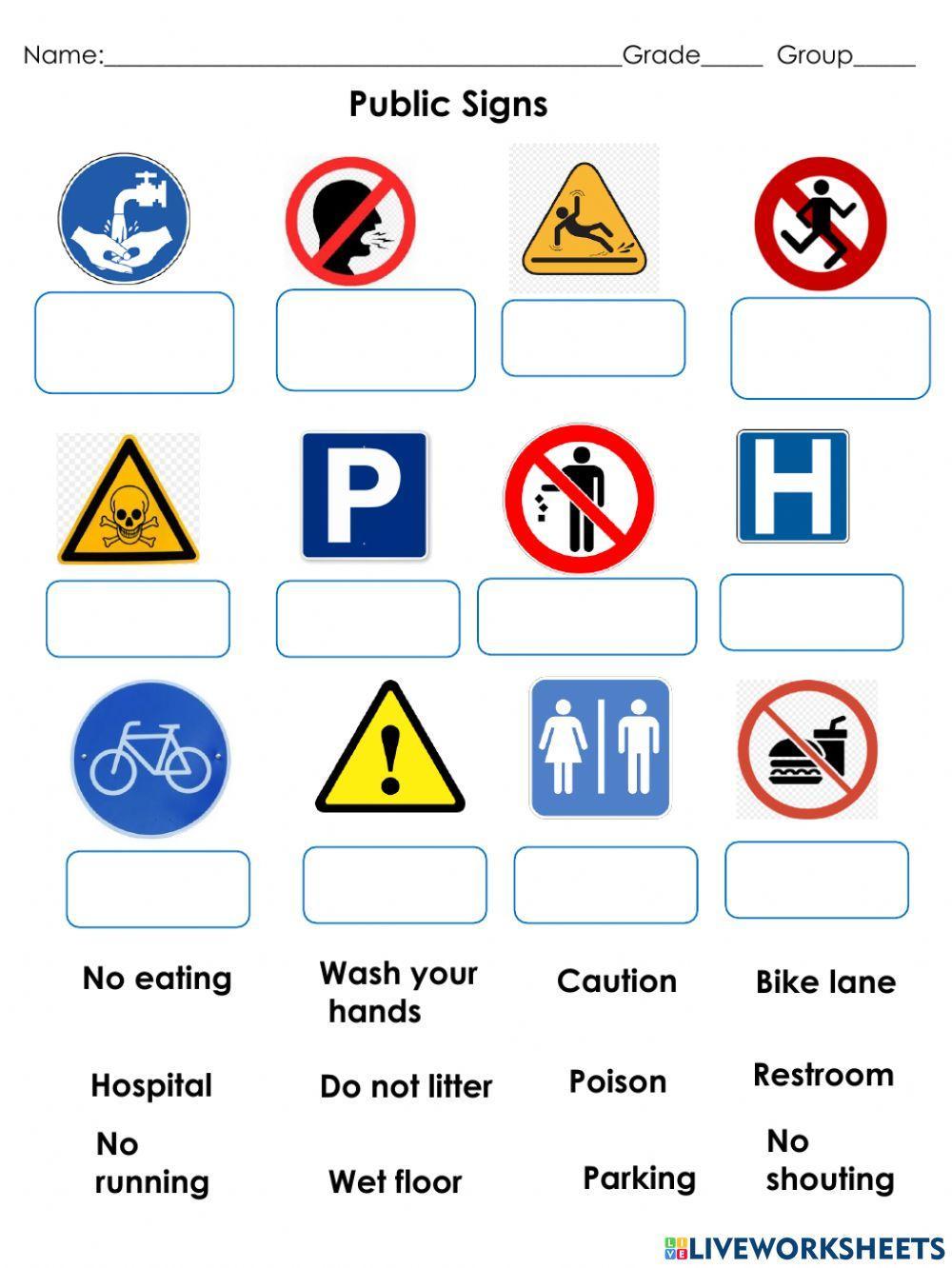
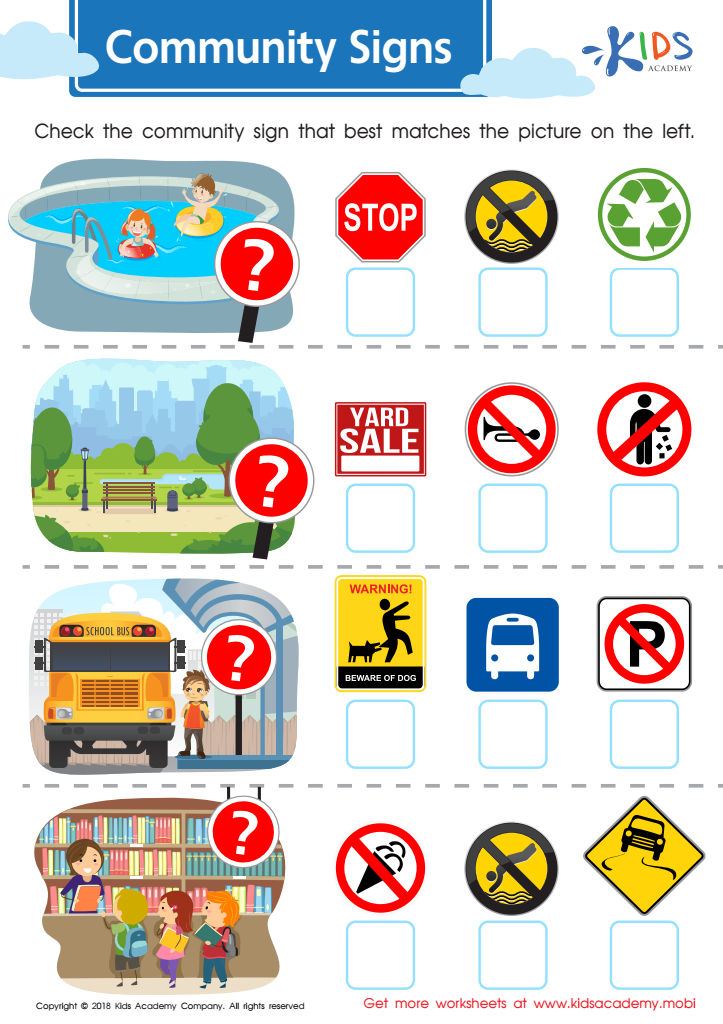
Navigating the modern digital landscape requires more than just mastering device settings; it demands strong visual literacy and situational awareness. Whether young learners are interpreting online user interface icons, navigating ad-heavy web pages, or walking through their neighborhoods, recognizing critical cues is essential. When educators and parents integrate community signs worksheets free into daily learning, they help students build foundational observation skills that bridge the physical world and digital environments. Organizations like ConnectSafely and the FTC frequently emphasize that teaching children to pause, observe, and critically evaluate what they see helps protect them from deceptive online advertising, malicious pop-ups, and offline hazards alike.
💡 Educational Key Takeaways:
- Core Skill: Structured Community Signs Worksheets Free focused on developing pencil grip, stroke control, and early literacy/math confidence.
- Target Scope: Suited for homeschoolers, preschool, kindergarten, and elementary learners.
- Best Recommendation: Practice 10–15 minutes daily with ergonomic writing tools to reinforce muscle memory without hand fatigue.
Assessing Vulnerabilities Across School Devices and Home Screens
Children encounter a wide range of visual alerts, prompts, and indicators across different devices throughout their day. Understanding the gap between safe digital indicators and deceptive pop-up warnings requires consistent guidance from both teachers and parents. The matrix below outlines common technical contexts, potential vulnerabilities, and practical safeguards you can implement today. Related guide: Credible Sources For Kids.
| Setting / Context | Common Vulnerability | Practical Safeguard |
|---|---|---|
| Home Tablets & Smartphones | Children mistaking deceptive banner ads or simulated system warnings for real safety alerts. | Configure strict content filters and review safe-browsing indicators together using tools found in our Internet and Digital Safety hub. |
| School Chromebooks & Laptops | Students clicking unfamiliar browser extensions or unverified third-party learning portals. | Enforce district-wide extension whitelists and practice critical evaluation exercises supported by our Worksheets archive. |
| Public Messaging & Chat Apps | Falling victim to phishing links disguised as official system notices or community alerts. | Establish a no-shame reporting habit so students immediately alert an adult before clicking unexpected pop-ups. |
Establishing Balanced Digital Habits and Hands-On Safety Routines
Protecting youth online and offline relies on consistent, predictable routines rather than sudden restrictions. Educators can incorporate community signs worksheets free into morning check-ins or center rotations to reinforce spatial and digital awareness. At home, families should establish designated charging stations outside bedrooms to ensure evening wind-down time is screen-free. Furthermore, parents can use guidance from CISA to turn on two-factor authentication on all family accounts, safeguarding personal data against unauthorized access while teaching kids the importance of secure digital boundaries.
Overcoming Student Workarounds and Handling Tech Resistance
Overly restrictive device bans often backfire, driving students to seek out workarounds, unapproved proxy sites, or hidden communication channels. Instead of relying purely on blocking software, adults should pair technical controls with transparent conversations about why certain digital safeguards exist. When students understand how deceptive online badges mimic real-world warning symbols, they become active partners in their own online safety. Encourage questions when children encounter strange browser prompts, turning potential security risks into teachable moments.
Frequently Asked Questions From Parents and Educators
How do offline safety concepts connect to online digital citizenship?
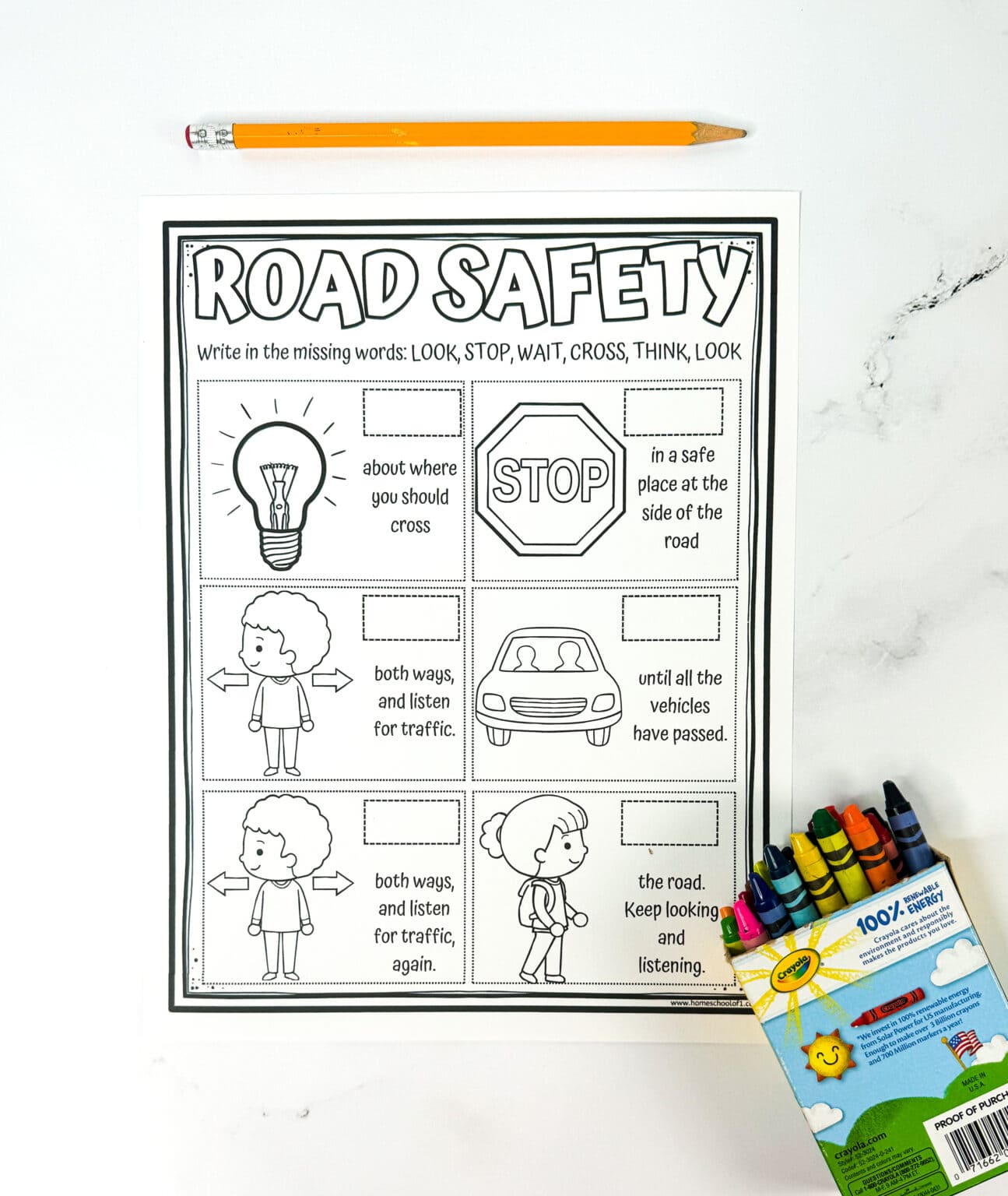
Just as children learn to look both ways before crossing a street, they must learn to pause before clicking an unfamiliar link. Translating physical environment cues into digital awareness helps students spot phishing attempts, misleading banner ads, and unsafe web forms.
Can these exercises be adapted for multiple K-12 grade levels?
Yes. Early elementary students benefit from matching physical traffic and warning symbols, while middle schoolers can analyze the psychology behind deceptive web design, spoofed URLs, and manipulated digital imagery.
Where can I find supplemental classroom activities for offline and online safety?
You can explore creative, print-ready exercises by visiting our collection of Coloring Pages designed to reinforce positive digital citizenship habits in engaging ways.
Explore More Digital Citizenship Resources
Building a safer, more resilient digital community for children requires ongoing collaboration between home and school. To discover additional guides, printable activities, and expert safety strategies, visit us anytime at SafeWiredSchools.org.
Worksheet Previews & Reference Materials