Why Hands-On Printables Build Stronger Digital Boundaries Than Lectures
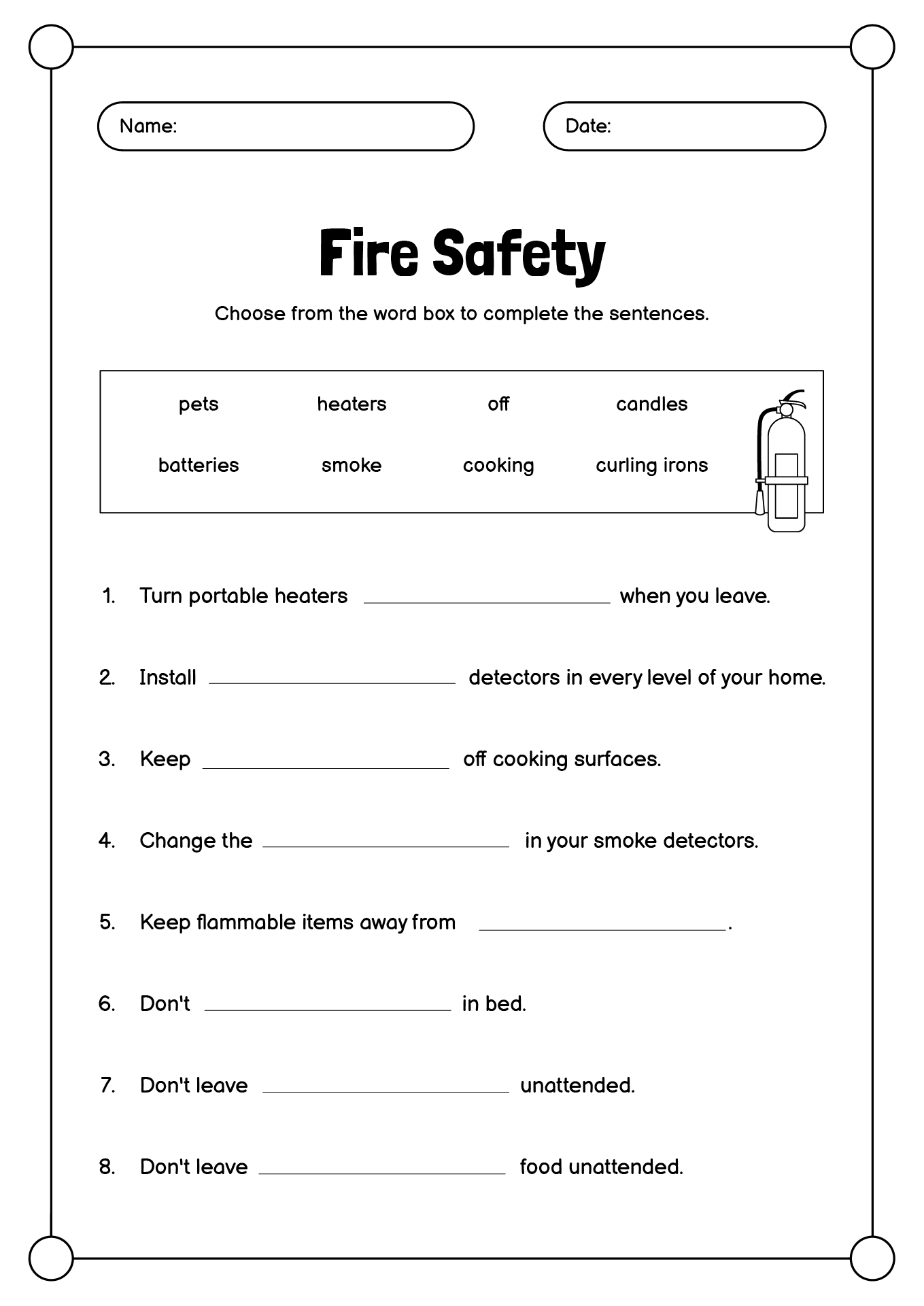
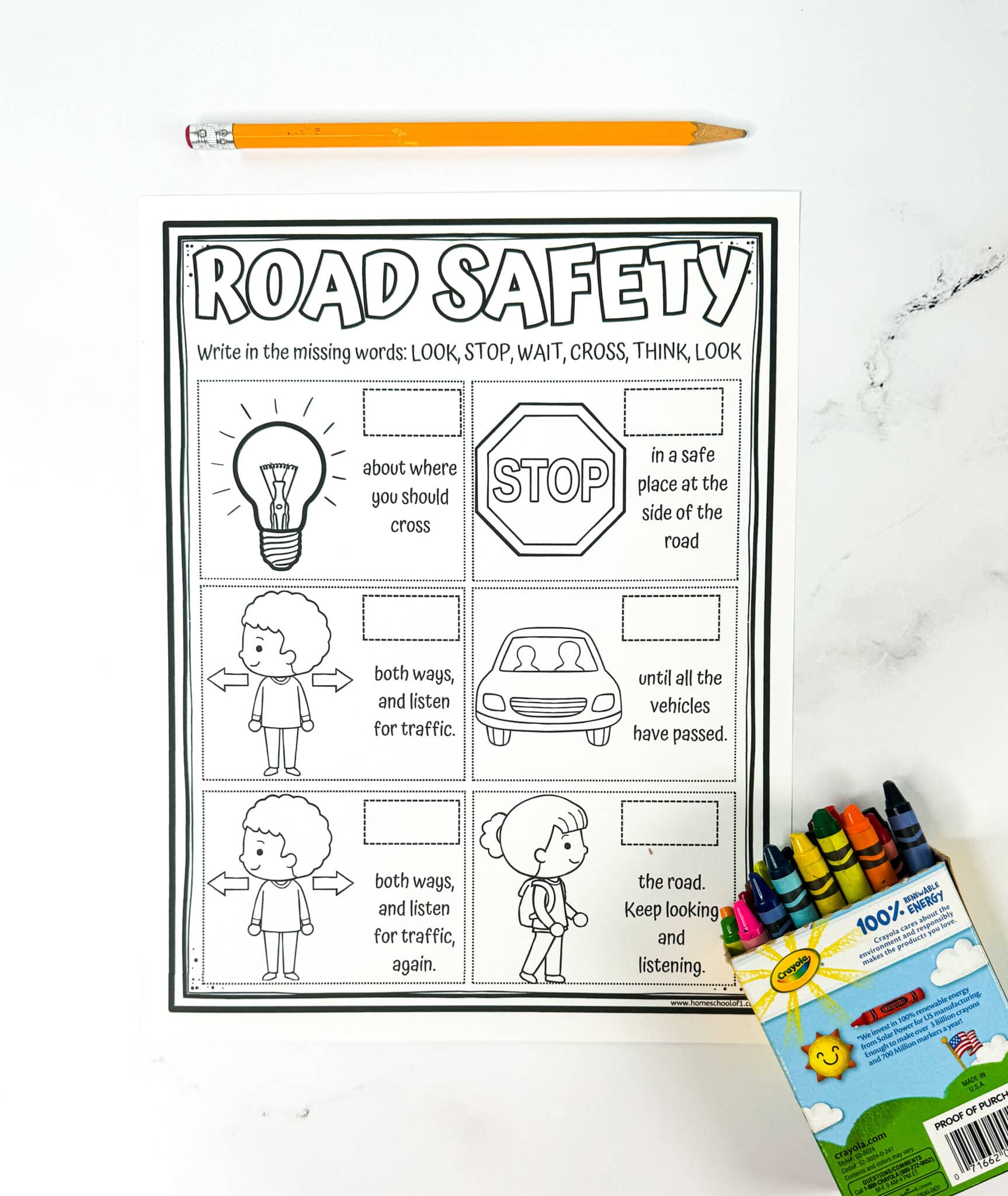
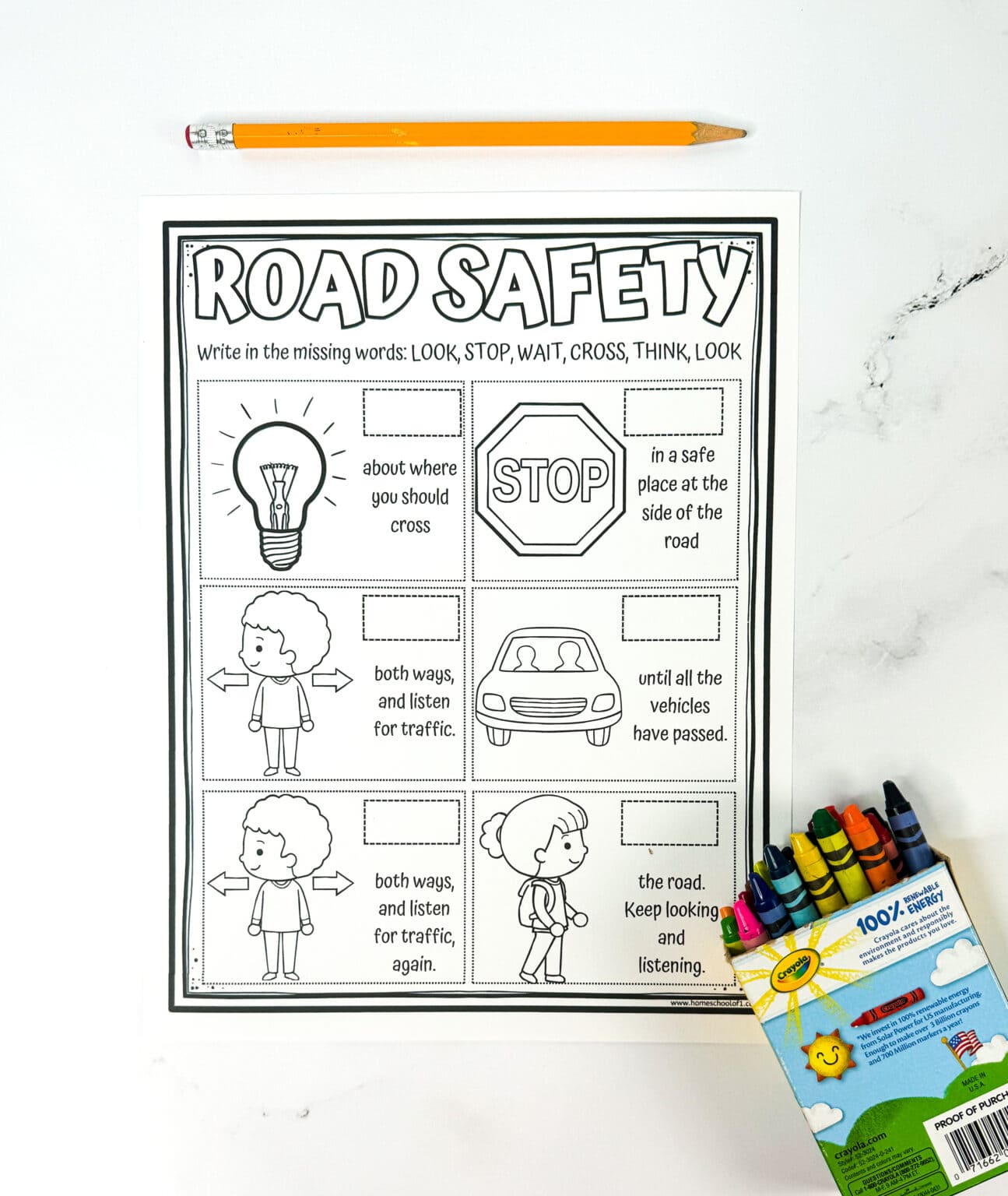
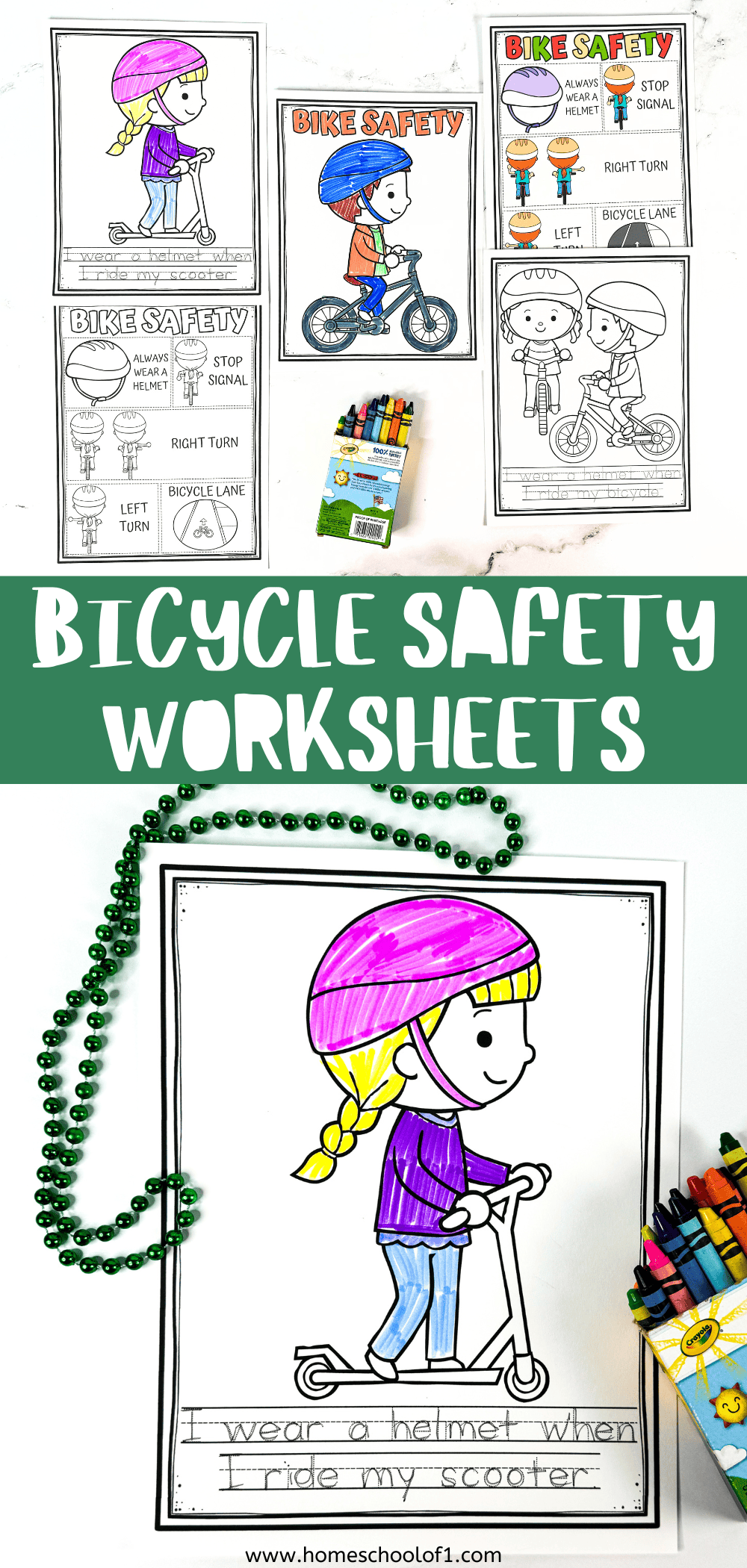
Telling children to stay safe online rarely works on its own. When we rely solely on verbal warnings or passive pop-up warnings, students often tune out the message. That is why educators and families increasingly turn to safety worksheets for students to bridge the gap between abstract internet risks and concrete everyday actions. Grounded in guidance from organizations like ConnectSafely and the Cybersecurity and Infrastructure Security Agency, active learning exercises allow children to practice critical thinking in a low-stakes environment. By physically tracing pathways of data sharing, evaluating realistic chat scenarios, and filling out password strength meters, learners retain digital citizenship concepts far better than they would through memorization alone.
💡 Educational Key Takeaways:
- Core Skill: Structured Safety Worksheets For Students focused on developing pencil grip, stroke control, and early literacy/math confidence.
- Target Scope: Suited for homeschoolers, preschool, kindergarten, and elementary learners.
- Best Recommendation: Practice 10–15 minutes daily with ergonomic writing tools to reinforce muscle memory without hand fatigue.
Mapping Online Risk Signals Against Practical Preventive Guardrails
Adults often struggle to identify the exact moments when a student is stepping into risky digital territory. To simplify supervision, educators and caregivers can use structured frameworks to spot vulnerabilities early and apply the right technical and behavioral guardrails across devices. The table below outlines common digital environments, the vulnerabilities children face within them, and actionable steps to maintain a safe ecosystem. Related guide: Free Printable Healthy Screen Time Checklist.
| Setting / Context | Common Vulnerability | Practical Safeguard |
|---|---|---|
| Home Wi-Fi & Personal Devices | Over-sharing personal details on open multiplayer gaming platforms and public forums. | Configure built-in parental controls, disable direct messaging where possible, and review privacy settings together using interactive Worksheets. |
| School Chromebooks & Tablets | Bypassing classroom web filters through proxy extensions or unauthorized web apps. | Enforce strict district-level DNS filtering, limit extension installations, and reinforce classroom policies regarding authorized educational software. |
| Social Media & Direct Chat Apps | Encountering deceptive phishing links, suspicious friend requests, or cyberbullying. | Establish a strict zero-shame reporting rule so children immediately notify an adult when an interaction feels uncomfortable or unsafe. |
Establishing Consistent Rules and Healthy Routines at Home and School
Consistency is the cornerstone of effective K-12 digital citizenship. When schools teach safe browsing habits and families reinforce them at home, students receive a unified message. Start by integrating safety worksheets for students directly into advisory periods, computer lab orientations, or weekend family discussions. Pair these activities with practical routines, such as parking all personal smartphones and tablets in a centralized kitchen charging station overnight to prevent late-night screen fatigue and unsupervised browsing. Furthermore, ensure that every device utilizes modern authentication standards, including two-factor authentication managed by parents or IT administrators, to prevent unauthorized account takeovers.
Children and teenagers are resourceful; if a filter or restriction feels overly aggressive, they will often find technical workarounds like incognito windows, mobile hotspots, or alternative chat apps. Punitive measures or sudden device confiscation frequently backfire, driving students to hide their online behavior rather than seeking guidance. Instead of relying solely on heavy-handed blocks, pair your technical filters with transparent conversations. Use guided printable exercises to explain why specific restrictions exist—such as protecting personal data from corporate trackers or avoiding malicious actors—so students understand the reasoning behind the boundaries rather than feeling arbitrarily controlled.
Frequently Asked Questions About Digital Safety Education
What age is appropriate to start using safety worksheets for students?
Foundational concepts can be introduced as early as kindergarten through age-appropriate coloring and matching exercises that focus on personal information versus public information. As children grow into upper elementary and middle school, activities should evolve to cover cyberbullying, footprint management, and secure password creation.
How can teachers integrate digital citizenship into busy academic schedules?
You do not need a standalone curriculum to teach online safety. Educators can easily weave short exercises into homeroom advisory periods, computer science classes, language arts writing prompts, or social studies lessons about community rules.
Are printable exercises effective for older teenagers in high school?
While traditional worksheets appeal more to younger learners, high school students benefit greatly from advanced scenario analysis sheets, digital footprint auditing templates, and privacy policy deconstruction exercises that challenge them to think critically about data collection.
Explore More Digital Citizenship Resources for Educators and Families
Equipping the next generation with smart, safe digital habits requires ongoing collaboration between teachers, school administrators, and parents. Discover more practical teaching tools, downloadable guides, and expert advice by visiting SafeWiredSchools.org to support your students every step of the way.
Worksheet Previews & Reference Materials