Why Hands-On Printables Bridge the Gap Between Digital Rules and Real-World Student Habits
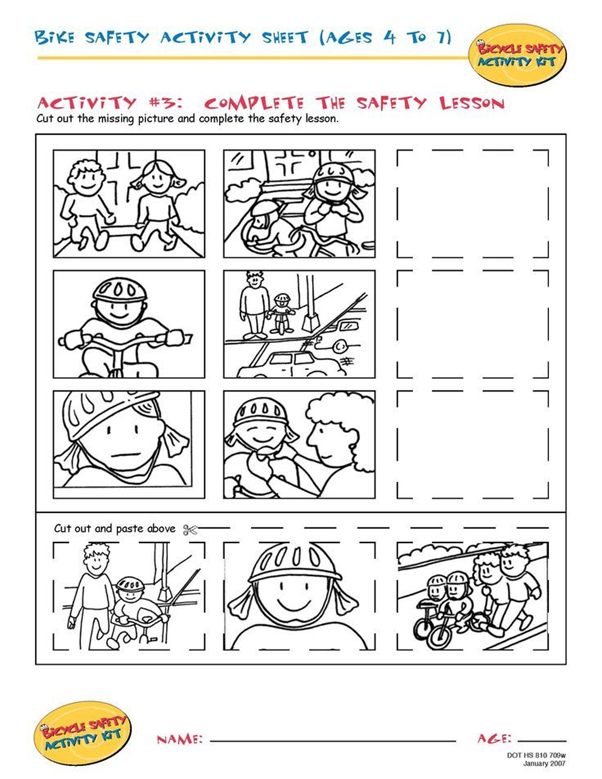
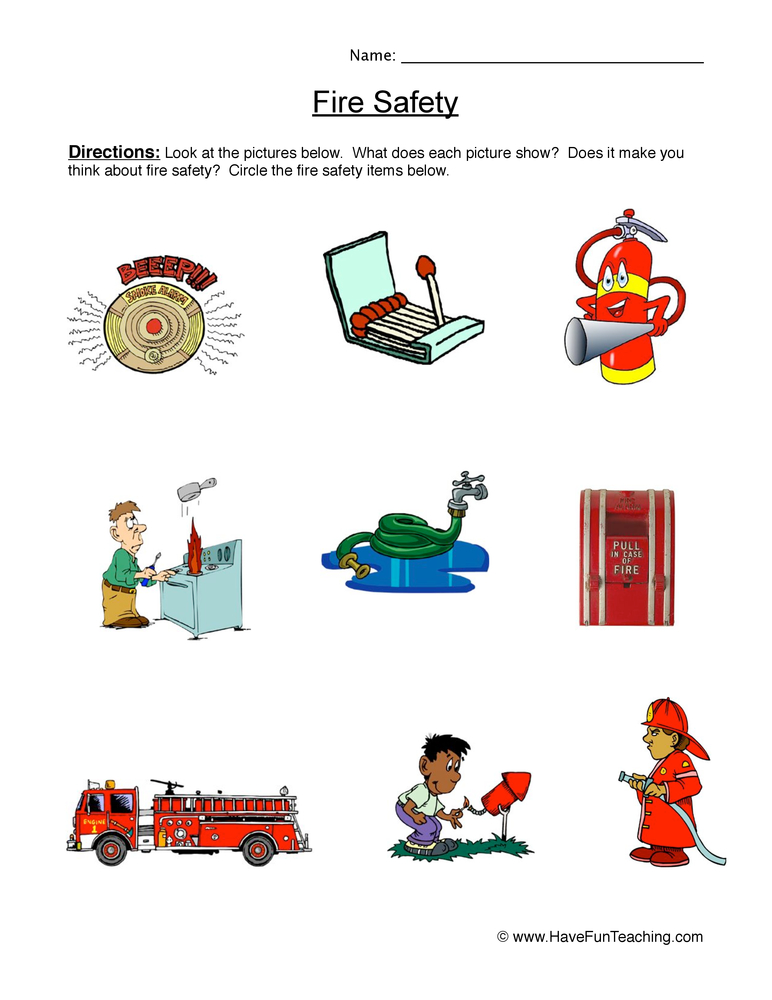
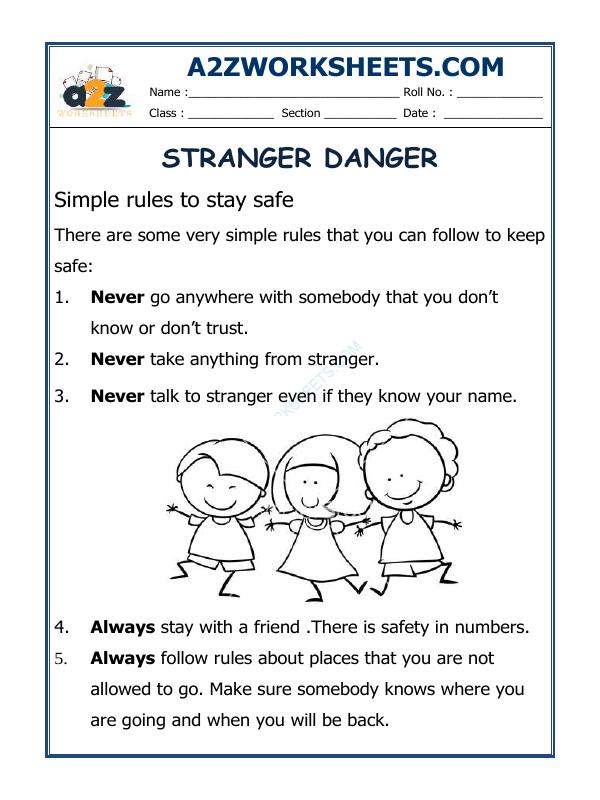
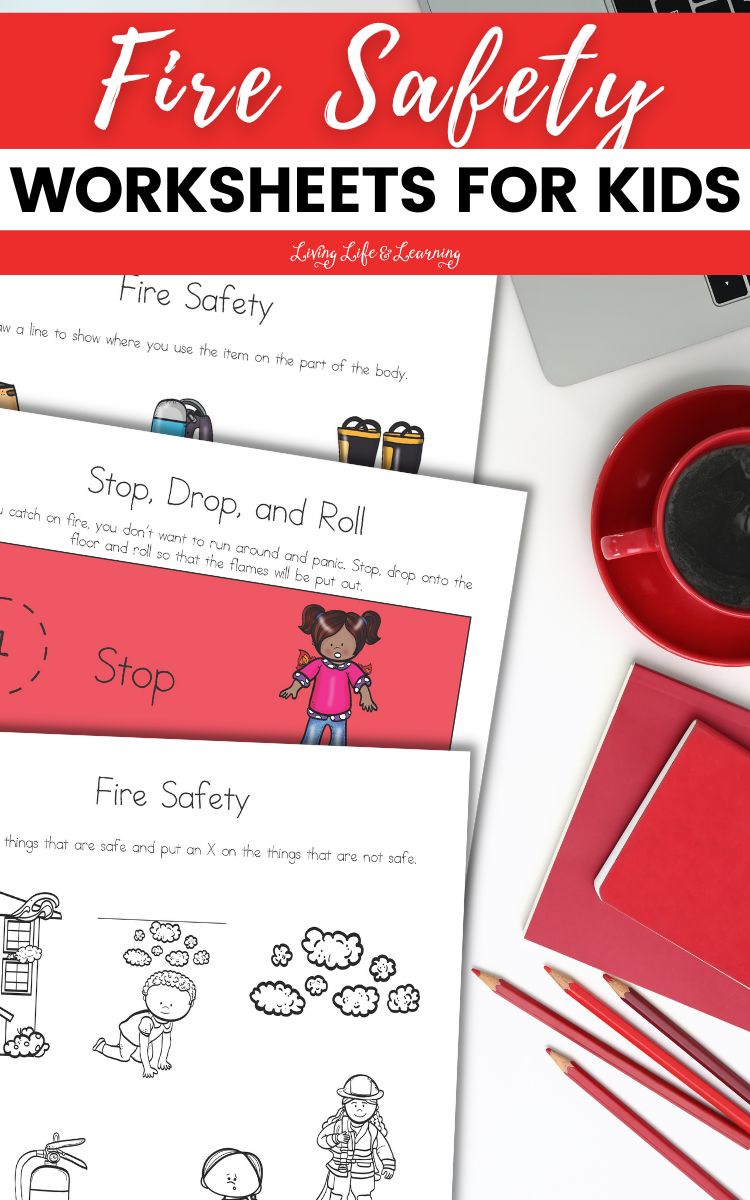
As students navigate tablets, school-issued Chromebooks, and personal smartphones daily, teaching digital citizenship requires more than a one-time lecture. Educators and parents constantly search for practical tools to spark meaningful discussions about online boundaries. Integrating structured safety worksheets pdf materials into classroom lessons and kitchen-table chats provides kids with tangible scenarios to analyze. Organizations like ConnectSafely and the Cybersecurity and Infrastructure Security Agency emphasize that proactive, open dialogue is far more effective at building long-term resilience than reactive punishment. By utilizing guided writing prompts and interactive scenarios, adults can help children recognize potential online risks before they turn into real-world crises.
💡 Educational Key Takeaways:
- Core Skill: Structured Safety Worksheets Pdf focused on developing pencil grip, stroke control, and early literacy/math confidence.
- Target Scope: Suited for homeschoolers, preschool, kindergarten, and elementary learners.
- Best Recommendation: Practice 10–15 minutes daily with ergonomic writing tools to reinforce muscle memory without hand fatigue.
Spotting Digital Vulnerabilities and Establishing Preventive Guardrails
Protecting youth online involves a combination of technical settings and behavioral awareness. Adults must understand the common vulnerabilities tied to everyday device use. Reviewing structured Worksheets helps educators and families identify specific gaps in a child’s digital literacy, from password management to recognizing phishing attempts.
| Setting / Context | Common Vulnerability | Practical Safeguard |
|---|---|---|
| Home Devices & Tablets | Unrestricted app downloads and accidental in-app purchases | Enable password-required app store purchases and configure built-in parental controls |
| School Chromebooks | Overreliance on default filters that fail to teach critical thinking | Pair web filters with offline discussion activities about evaluating online credibility |
| Social Apps & Chatrooms | Oversharing personal details with strangers disguised as peers | Audit privacy settings together and establish a strict rule against posting location data |
Actionable Offline Routines and Classroom Communication Strategies
Effective digital safety relies on consistent routines both inside the classroom and at home. Schools can establish clear communication policies regarding device storage during instructional time, while parents can set predictable boundaries like a central family charging station outside of bedrooms at night. To reinforce these lessons, teachers often incorporate targeted Internet and Digital Safety exercises that allow students to practice identifying secure websites, managing digital footprints, and handling cyberbullying gracefully. When children understand the why behind a rule—such as why we never share our home address online—they are far more likely to comply and speak up if something feels uncomfortable.
Overly restrictive monitoring software or heavy-handed device bans often backfire, driving tech-savvy students to find hidden workarounds like using proxy servers or burner accounts. Instead of relying solely on lock-down mechanisms, adults should pair technical safeguards with transparent conversations. When kids feel trusted and heard, they are more likely to report accidental exposure to inappropriate content or cyber harassment without fear of having their devices confiscated. Utilizing interactive Online and Digital Safety prompts gives students a safe platform to discuss peer pressure, digital drama, and screen time balance without feeling interrogated.
Frequently Asked Questions About Digital Safety Printables
What age is appropriate to start using safety worksheets pdf resources?
Printable activities can be introduced as early as kindergarten using visual-based matching games about screen time rules. As students progress into middle and high school, the activities should evolve to cover complex topics like data privacy, copyright, and digital footprints.
How can teachers integrate these printables into tight curriculum schedules?
Educators do not need a dedicated computer science class to address digital citizenship. These printables fit seamlessly into language arts writing prompts, social studies discussions on media literacy, or homeroom advisory periods.
What should a parent do if an activity reveals their child experienced cyberbullying?
Stay calm, validate the child’s feelings, and reassure them that they did the right thing by speaking up. Document the incident with screenshots before blocking the offender, and coordinate with school administrators if the behavior originated with classmates.
Explore More Digital Citizenship Resources for School and Home
Empowering children to become safe, responsible digital citizens is an ongoing journey that requires collaboration between educators and families. Discover additional lesson plans, creative activities, and printable guides by visiting SafeWiredSchools.org to support your digital citizenship goals today.
Worksheet Previews & Reference Materials