Why Foundational Digital Habits Matter for Young Learners
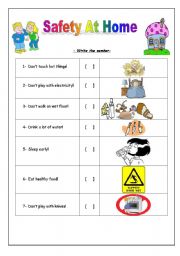
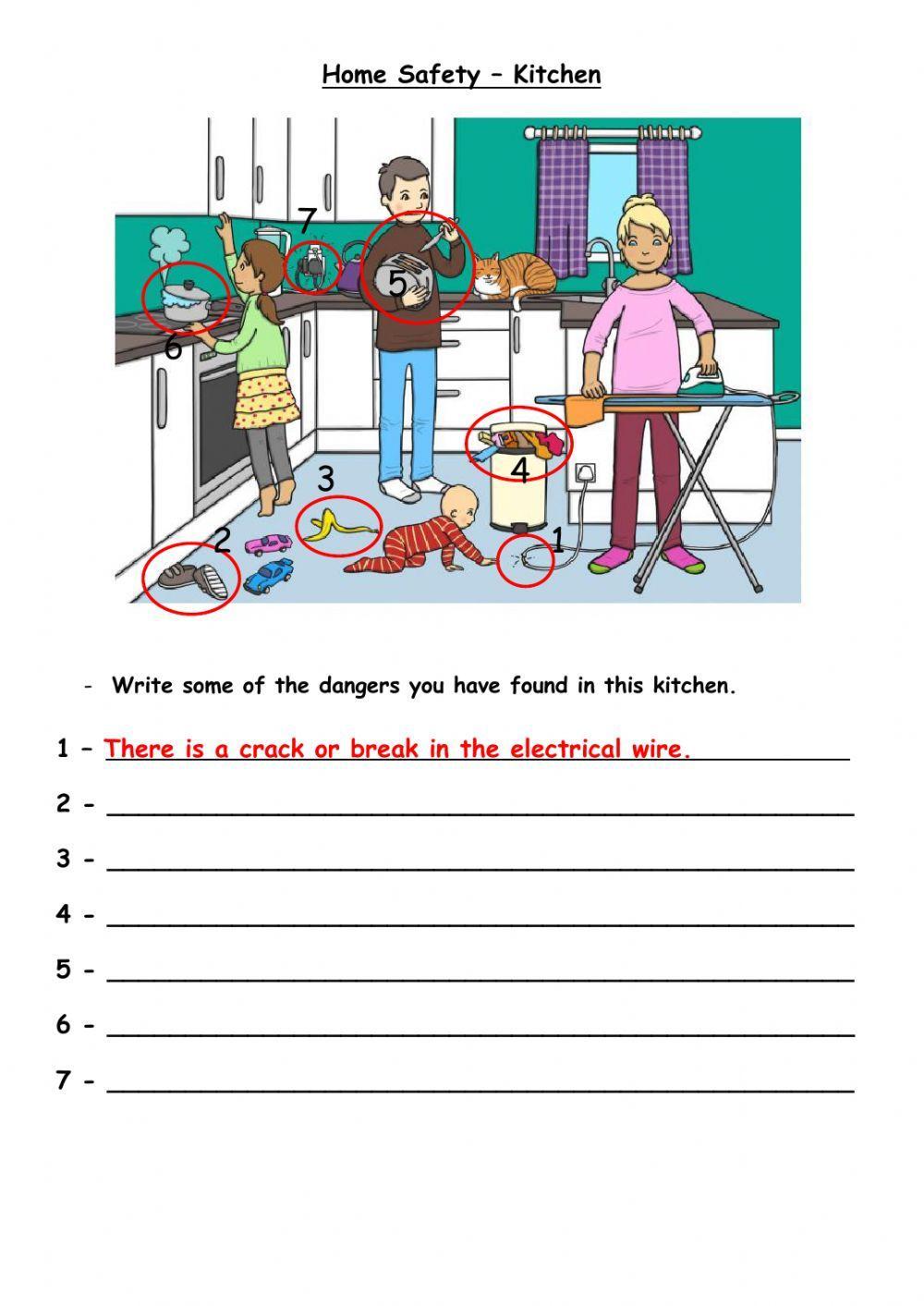
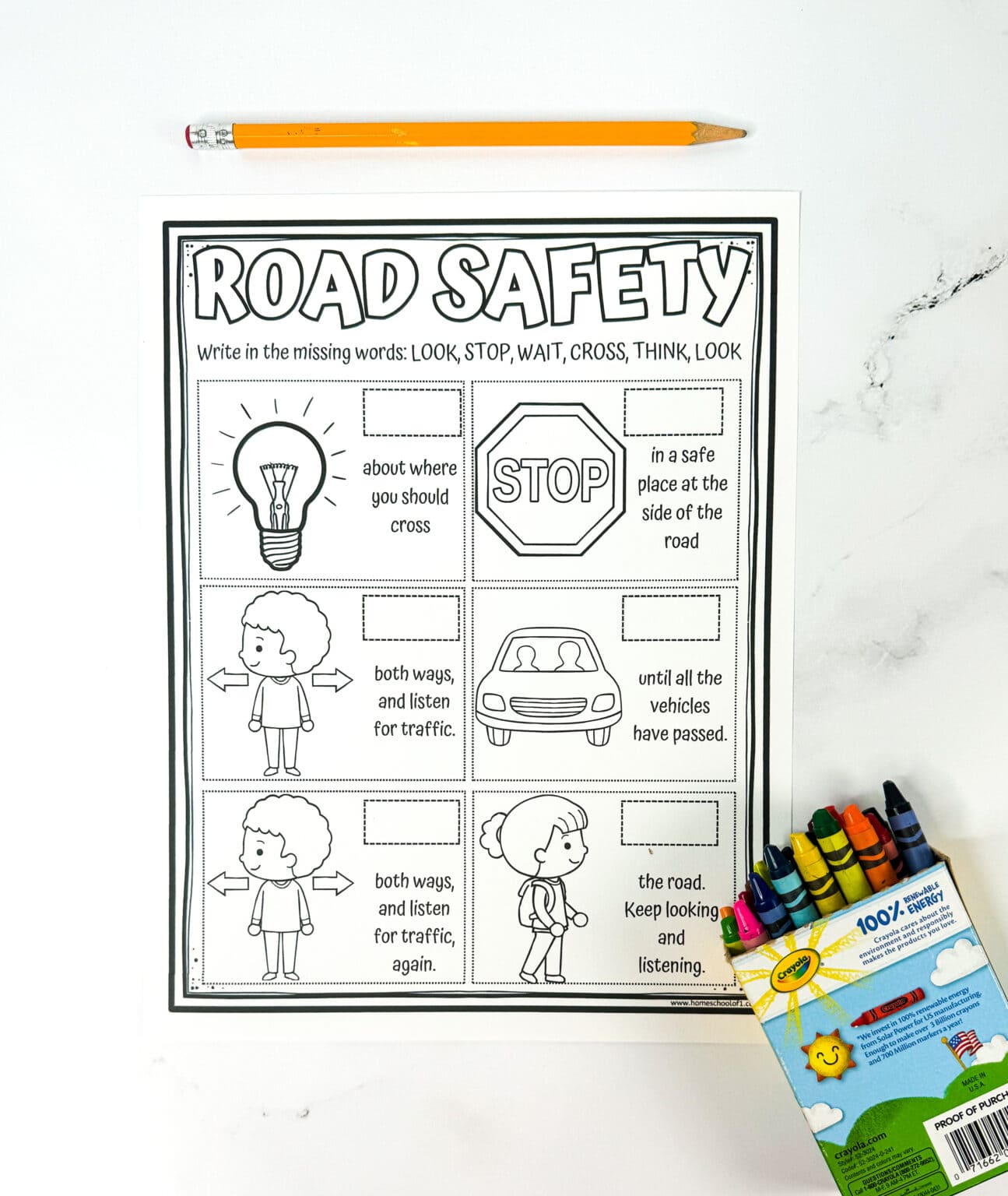
Introducing foundational tech habits early shapes how children navigate connected environments as they grow. Long before children encounter complex social platforms, they interact with tablets, smart TVs, and interactive school portals. Organizations like ConnectSafely and the Federal Trade Commission emphasize that early digital education begins with tangible, hands-on learning tools. Utilizing structured learning aids such as safety at home worksheets for kindergarten helps bridge the gap between classroom guidelines and home device usage, turning abstract rules into engaging, visual concepts that five-year-olds can easily understand and remember.
💡 Educational Key Takeaways:
- Core Skill: Structured Safety At Home Worksheets For Kindergarten focused on developing pencil grip, stroke control, and early literacy/math confidence.
- Target Scope: Suited for homeschoolers, preschool, kindergarten, and elementary learners.
- Best Recommendation: Practice 10–15 minutes daily with ergonomic writing tools to reinforce muscle memory without hand fatigue.
Identifying Early Digital Risks and Home Guardrails
Even at a young age, children encounter unexpected pop-ups, unsupervised video streams, or accidental in-app purchases. Parents and educators must pair technical safety controls with clear behavioral indicators to protect young users. The breakdown below details common vulnerability points across devices and outlines practical safeguards for home and school environments. Related guide: Online Safety Kindergarten Worksheets.
| Setting / Context | Common Vulnerability | Practical Safeguard |
|---|---|---|
| Home Tablets & Phones | Accidental access to unverified video platforms or autoplay loops. | Lock down app stores with parental PINs and restrict browsing to approved kid-safe apps found in our Worksheets archive. |
| School Chromebooks & Tablets | Unsupervised browsing outside of instructional hours or classroom filters. | Keep school-issued devices in common family areas and enforce standard evening shutdown routines aligned with Internet and Digital Safety guidelines. |
| Interactive Toys & Smart Home Devices | Unsecured microphone features or unintended voice-activated purchases. | Disable voice-shopping features, mute unused smart speakers in bedrooms, and review privacy settings regularly. |
Establishing Consistent Routines Between Parents and Teachers
Consistency is vital when teaching young children about boundaries, both physical and digital. Educators and families can build reliable habits by establishing shared charging zones where all tablets and smartphones rest overnight outside of bedrooms. When introducing safety at home worksheets for kindergarten into daily routines, adults should use calm, supportive language rather than fear-based messaging. Children respond best when rules are framed around positive habits, such as asking an adult before clicking on a strange pop-up or sharing a screen with a parent when something looks confusing.
Preventing Workarounds and Overly Restrictive Mistakes
A common pitfall for adults is relying solely on heavy-handed technical blocks while failing to explain the underlying reasons to the child. When restrictions are too rigid without open communication, children may seek out workarounds, such as finding unsecured devices or hiding tech use out of fear of punishment. FOSI (Family Online Safety Institute) recommends maintaining an open dialogue where children feel safe reporting mistakes or strange pop-ups without worrying about losing device privileges. Pairing smart filtering with interactive exercises ensures children learn critical thinking alongside technical compliance.
Common Questions About Early Childhood Digital Literacy
Are five-year-olds really ready to learn about digital safety?
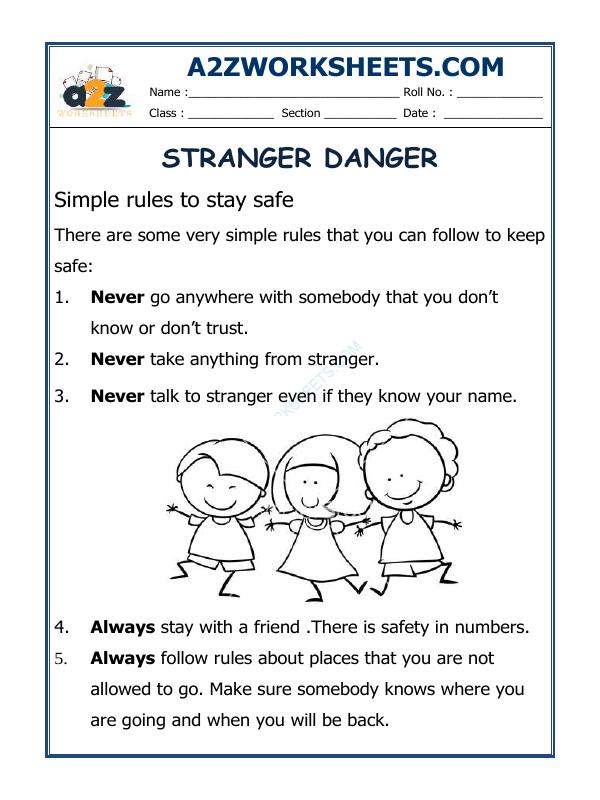
Yes, but the concepts must be age-appropriate and visual. Using creative resources from our Online and Digital Safety section helps children grasp basic boundaries like not talking to strangers online or keeping personal information private.
Educators can send home printed activity packets, host digital citizenship nights, or include brief tips in weekly newsletters that encourage families to discuss screen-time limits and device rules together.
What should a child do if they see something scary or confusing online?
Children should be taught a simple three-step rule: stop, turn the screen away or close the device, and immediately tell a trusted adult without fear of getting in trouble.
Explore More Digital Citizenship Resources
Empowering young learners requires ongoing collaboration between home and school. Discover more printable activities, lesson plans, and guidance for families by visiting SafeWiredSchools.org.
Worksheet Previews & Reference Materials