Why Visual and Written Tools Strengthen Modern Digital Safeguards
Teaching children how to navigate interactions with unfamiliar individuals has historically focused on physical environments, yet today’s youth face these same risks across multiplayer games, shared documents, and social apps. Incorporating structured learning materials into daily routines helps students bridge the gap between abstract internet safety rules and real-world decision-making. Organizations like ConnectSafely and the Cybersecurity and Infrastructure Security Agency regularly emphasize that proactive education is far more effective than reactive punishment when kids encounter suspicious users online. Related guide: Internet Safety Worksheets Pdf.
💡 Educational Key Takeaways:
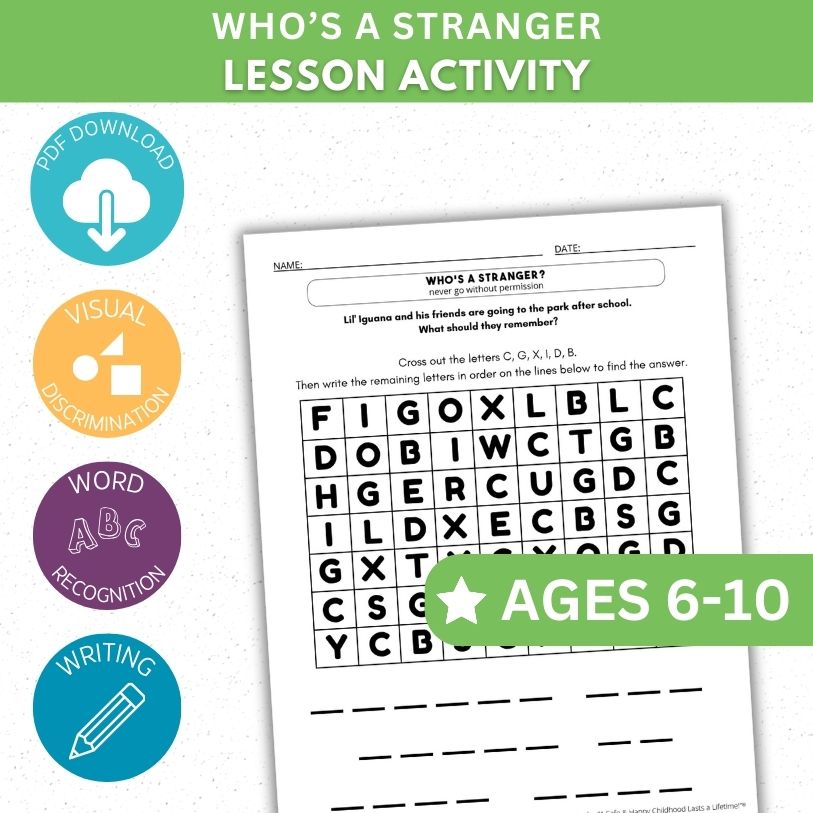
- Core Skill: Structured Stranger Awareness Worksheets focused on developing pencil grip, stroke control, and early literacy/math confidence.
- Target Scope: Suited for homeschoolers, preschool, kindergarten, and elementary learners.
- Best Recommendation: Practice 10–15 minutes daily with ergonomic writing tools to reinforce muscle memory without hand fatigue.
Spotting Vulnerability Signals Across Devices and Platforms
Whether children are utilizing school-issued Chromebooks or personal tablets at home, recognizing specific risk indicators allows adults to intervene early. The breakdown below outlines common technical exposures, associated vulnerabilities, and the concrete safeguards educators and parents should put in place.
| Setting / Context | Common Vulnerability | Practical Safeguard |
|---|---|---|
| Home Devices & Tablets | Unmonitored app stores and open web browsing allow direct access to unverified chat rooms. | Enforce strict parental controls, restrict app downloads, and review privacy settings together. |
| School Chromebooks & Tools | Students sometimes use shared Google Docs or collaborative slides to chat with unknown peers. | Review classroom sharing policies and rely on Internet and Digital Safety guidelines to monitor external collaboration. |
| Social Media & Multiplayer Chats | Predators use friendly personas, gifts, or in-game currency to build false trust quickly. | Disable direct messaging on casual gaming platforms and establish strict rules about sharing personal details. |
Establishing Clear Communication Routines at School and Home
Effective digital citizenship relies on consistency between classroom expectations and home habits. Educators can utilize printable resources from Worksheets collections to spark classroom discussions about digital footprints and boundary setting. Meanwhile, parents should integrate device safety into daily life by setting up centralized charging stations in common rooms rather than bedrooms, preventing secretive late-night messaging. When children know they can report an uncomfortable interaction without facing device confiscation, they are much more likely to seek help immediately.
Overcoming Secrecy and Addressing Student Workarounds
When adults implement overly restrictive digital bans, kids often find clever workarounds, such as using hidden browser tabs, alternate user profiles, or secret apps to talk to strangers. Instead of relying solely on filtering software, pair your technical boundaries with calm, non-judgmental conversations. Ask open-ended questions about how your students interact with others online, and validate their feelings if they accidentally encounter a strange message. Fostering trust ensures that children view adults as safe allies rather than strict enforcers when something goes wrong online.
Frequently Asked Questions About Youth Protection Strategies
What age should I start discussing stranger awareness with my child?
Conversations can begin as early as kindergarten, focusing initially on physical boundaries and simple internet rules. As children gain access to connected devices, these lessons should expand to cover online profiles, chat requests, and hidden risks.
How do I handle it if my student hides their online activity?
Avoid immediate anger, as punitive reactions often drive kids further underground. Instead, calmly explain your security concerns, reset boundaries regarding shared device use, and explore Online and Digital Safety strategies together as a family team.
Are printable exercises effective for teaching digital citizenship?
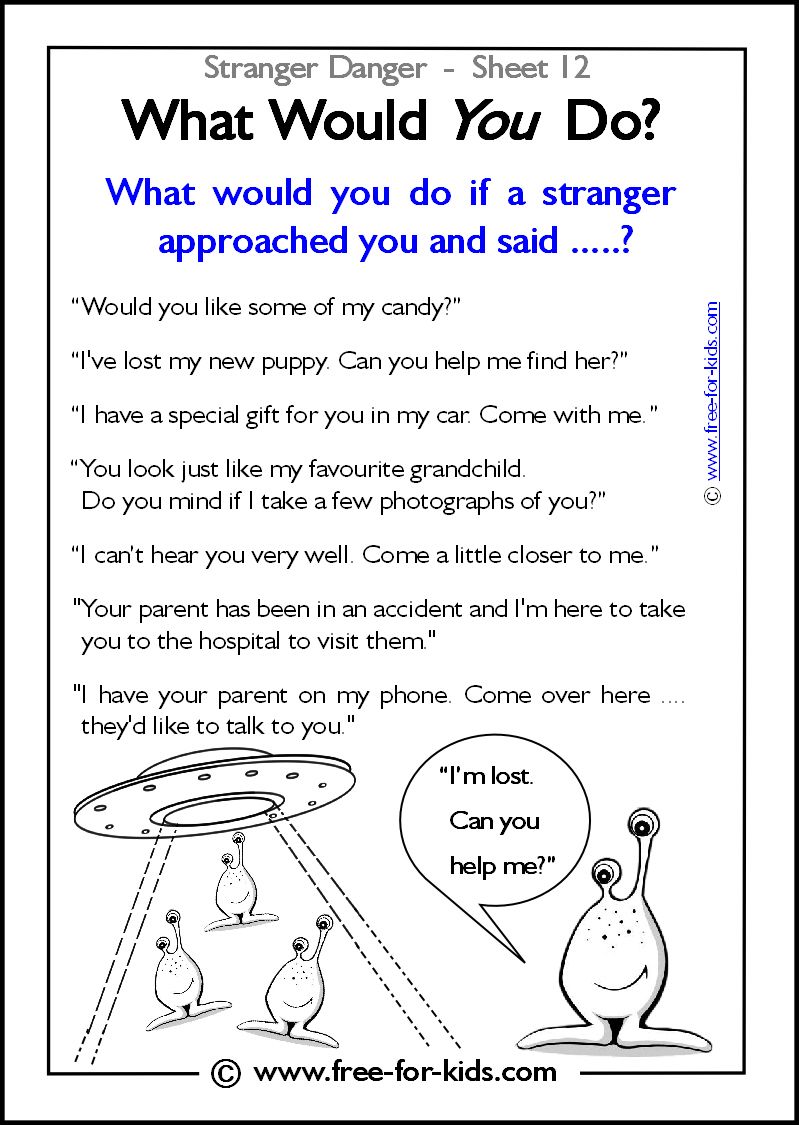
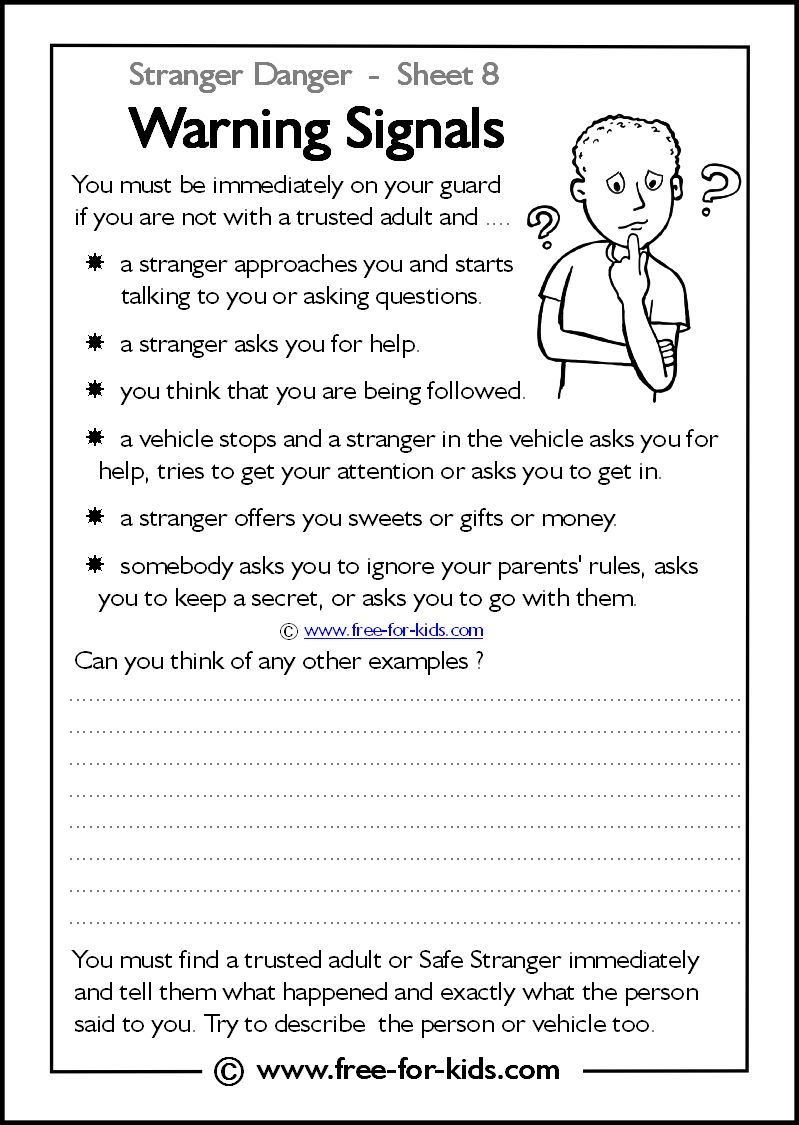
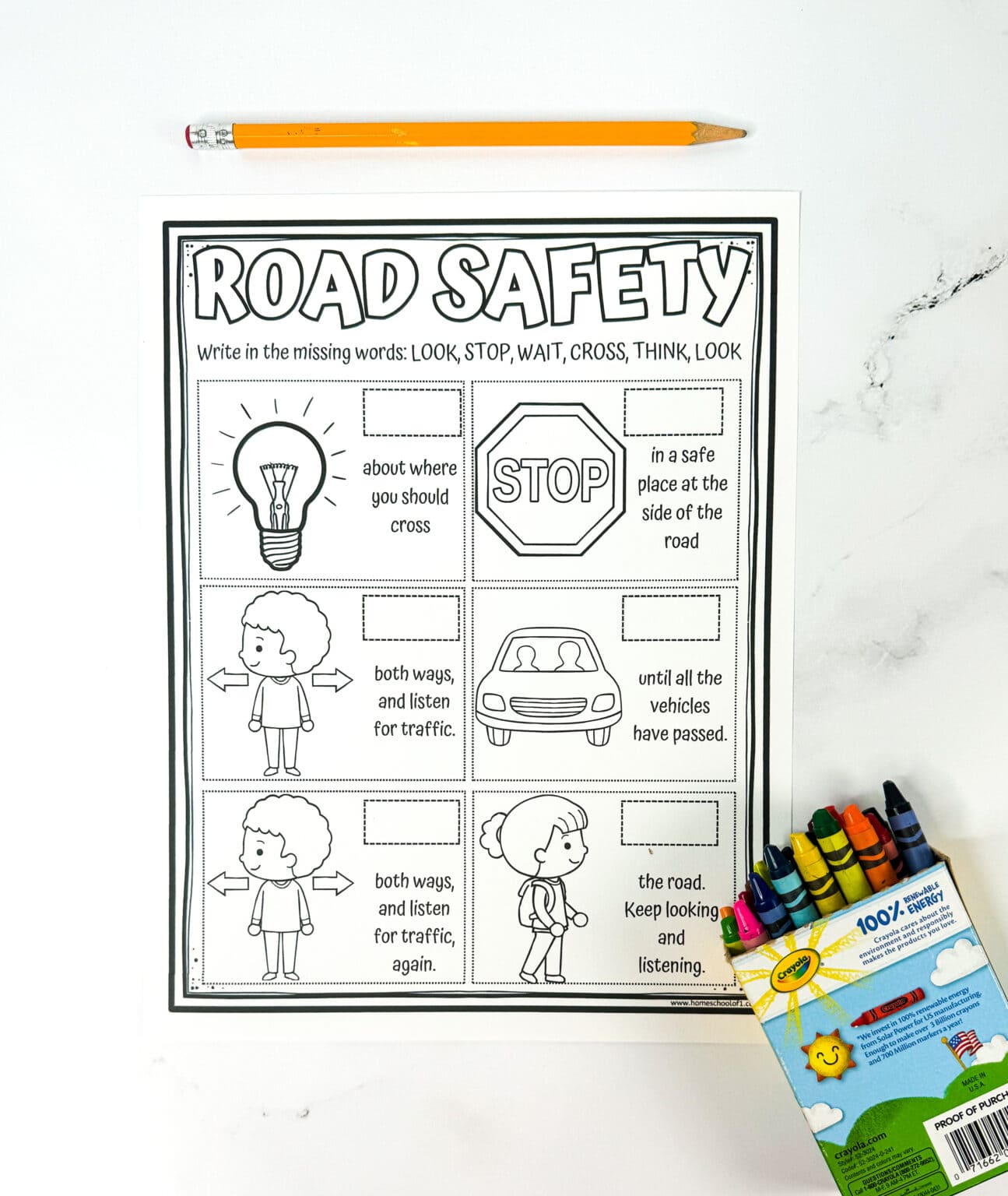
Yes, visual and interactive prompts give students tangible scenarios to analyze safely. Working through hypothetical dilemmas on paper helps reinforce critical thinking before kids encounter real-life pressures on live chat platforms.
Explore More Digital Citizenship Resources
Equipping the next generation with strong digital literacy requires continuous learning, collaboration, and dependable tools. Visit SafeWiredSchools.org to discover expert-backed articles, lesson plans, and guidance tailored to modern parents and educators.
Worksheet Previews & Reference Materials