Why Free Bicycle Safety Coloring Pages Are a Digital Citizenship Bridge
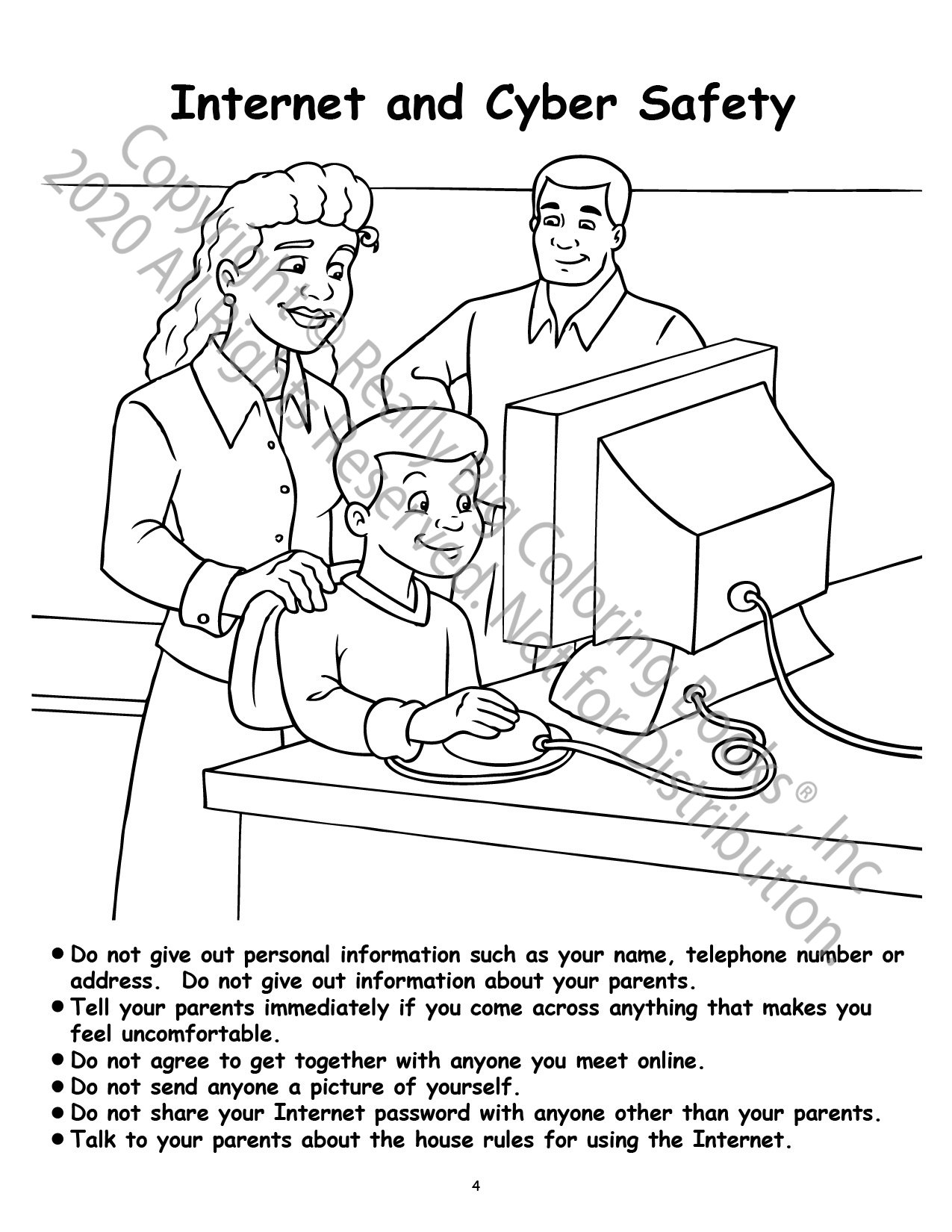
At SafeWiredSchools.org, we often emphasize that digital citizenship is not just about screen time limits; it is about how we integrate offline values into online activities. Using free bicycle safety coloring pages is a perfect, low-stakes way to introduce young learners to the concept of safe, curated internet browsing. When students search for these educational materials, they are practicing foundational digital literacy skills—learning how to identify trustworthy sources, avoid distracting pop-up advertisements, and navigate educational Coloring Pages without straying into unmonitored corners of the web.
💡 Activity Key Takeaways:
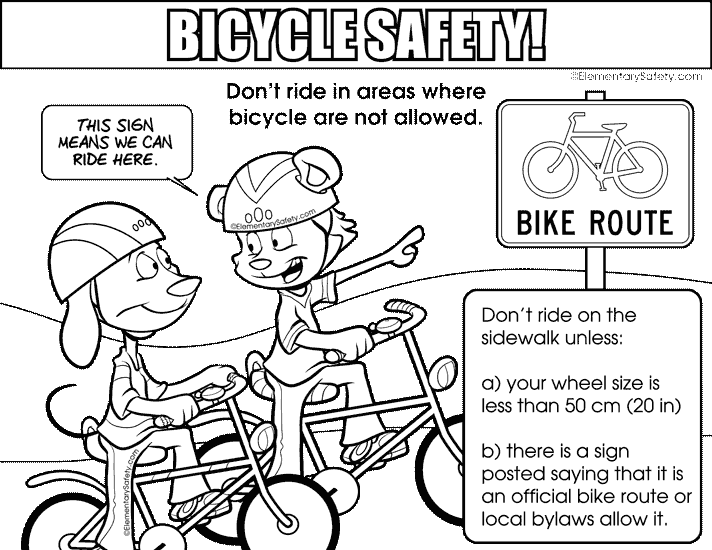
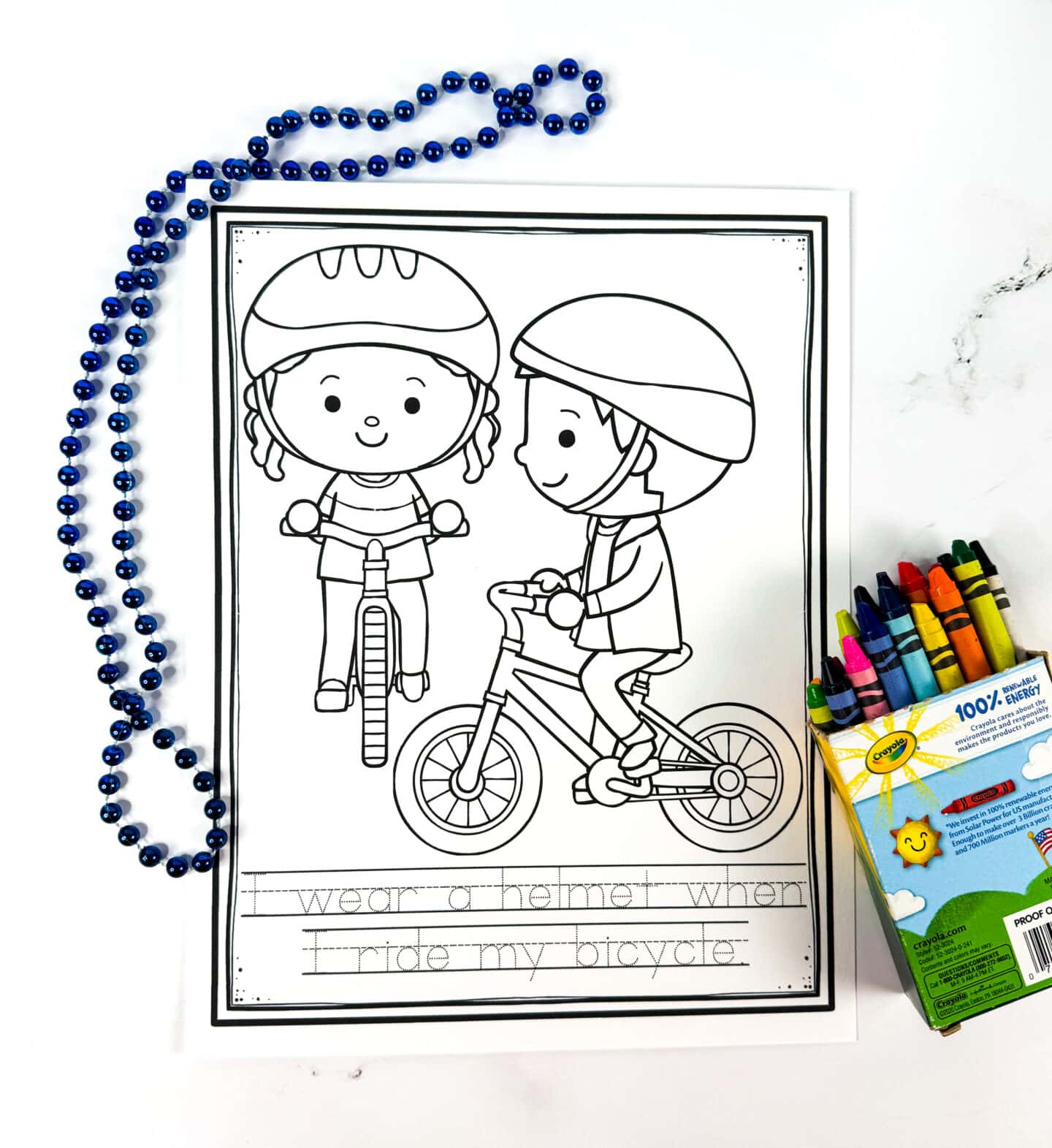
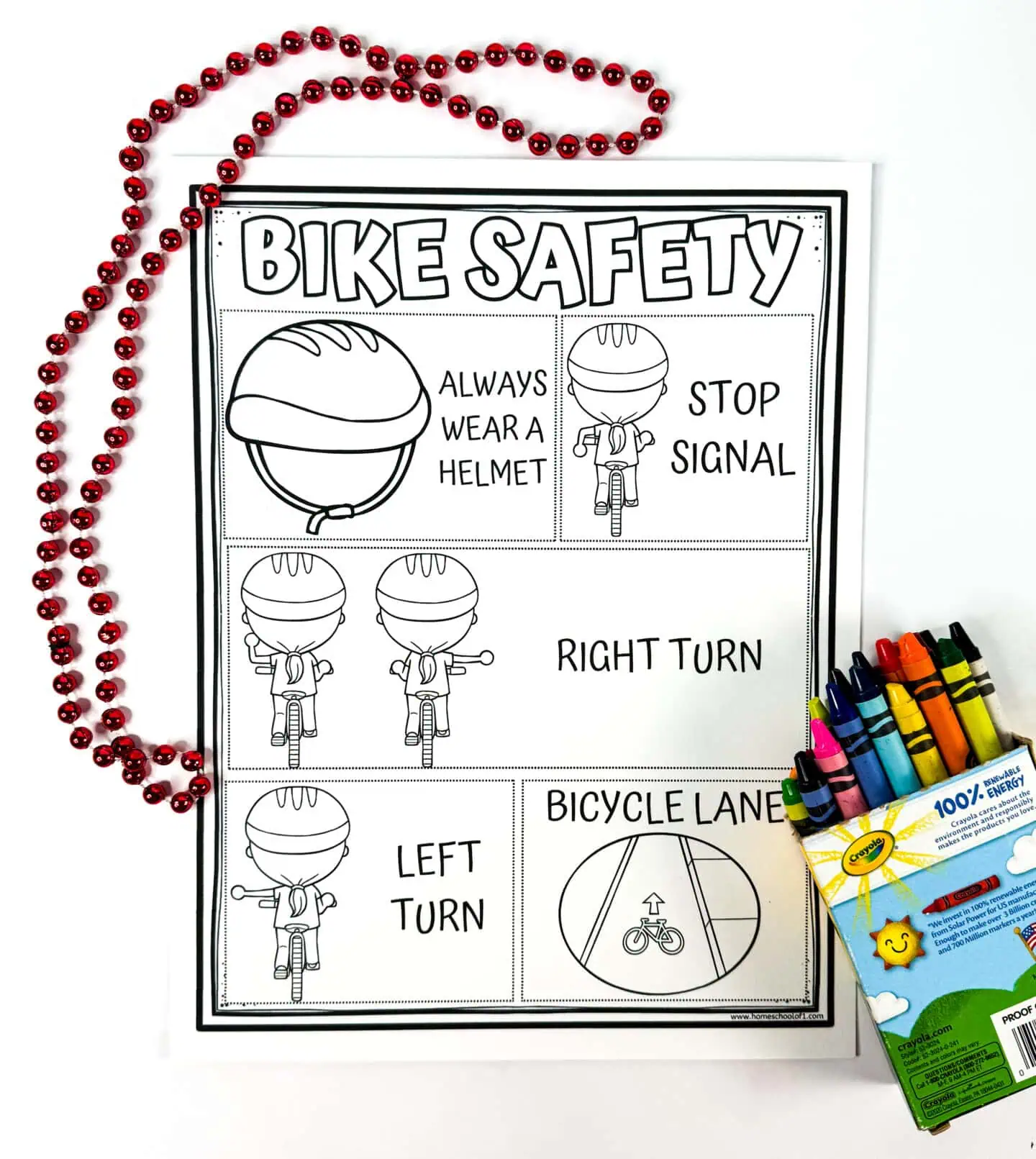
- Core Focus: Printable Free Bicycle Safety Coloring Pages designed for creative expression and fine-motor coordination.
- Target Scope: Ideal for toddlers, preschool, kindergarten, and classroom art activities.
- Best Recommendation: Use standard heavy printer paper (24–28 lb) or cardstock for vibrant results with crayons, colored pencils, or washable markers.
By guiding children through the process of finding and printing these resources, educators and parents follow the guidance of organizations like ConnectSafely, which encourages proactive mentorship over passive monitoring. This activity transforms a simple art project into a lesson on digital safety, teaching kids that the internet is a tool for finding helpful, real-world information. Related guide: Please Provide Free 8.5″X11″ Digital Safety Coloring Pages For K-2 Grade.
Managing Digital Risks During Creative Searches
The internet can be a cluttered environment, even when searching for innocent terms like bicycle safety. To ensure students remain protected, adults must implement technical guardrails that prevent accidental redirection to malicious sites or aggressive ad networks. The following table outlines how to secure the environment while your child or student engages with digital Worksheets and activities.
| Setting / Context | Common Vulnerability | Practical Safeguard |
|---|---|---|
| Home Wi-Fi | Unfiltered search results | Enable Google SafeSearch or OpenDNS to filter explicit content globally. |
| School Chromebooks | Clicking malicious ad banners | Utilize browser-based ad-blockers and institutional content filtering policies. |
| Personal Devices | Data harvesting/tracking | Use privacy-focused browsers like DuckDuckGo to avoid tracking cookies. |
Building Healthy Habits for Digital Exploration
To foster a culture of safety, schools and families should establish clear, predictable routines. First, create a “shared search” environment where the adult initiates the query for bicycle safety materials. This allows the child to observe how you evaluate a website’s credibility. According to CISA’s youth safety recommendations, maintaining an open dialogue about potential online pitfalls is far more effective than secretive surveillance. If a child accidentally clicks on a suspicious link or encounters a pop-up, normalize the experience by encouraging them to report it immediately, rather than fearing punishment.
Additionally, keep a “Safety Checklist” near the printer. This checklist could include reminders such as: “Did I check with an adult before downloading?” and “Is this site asking for any personal information?” By making these steps part of the creative process, you reinforce that safety is a standard component of all Online and Digital Safety habits.
It is common for students to attempt to bypass filters or search for “more exciting” content when left unsupervised. Instead of imposing overly strict, restrictive bans that often lead to secretive behavior, focus on transparency. If a student tries to click through to a site that is blocked, treat it as a “teachable moment” rather than a disciplinary issue. Explain why the site was blocked—perhaps it contained excessive advertising or required sign-ups that put their privacy at risk. When children understand the “why” behind the rules, they are more likely to internalize those safety behaviors, moving from compliance to conscious digital citizenship.
Frequently Asked Questions About Digital Safety
How do I know if a website for coloring pages is safe to use?
Look for sites that do not require an email address or personal login to download files. Legitimate educational resources are usually hosted on non-profit or reputable school-district-affiliated domains, and they should clearly display their privacy policy.
What should I do if my child clicks a suspicious pop-up while printing?
Stay calm and disconnect from the internet immediately to prevent further scripts from loading. Use this as a calm conversation starter about how “clickbait” works and why it is important to ignore flashing ads or “download” buttons that are not part of the actual image file.
Should I let my child search for images independently?
For younger elementary students, it is best to curate a list of pre-approved links. As they grow older, you can move to supervised searching, where they perform the search while you sit beside them to provide real-time feedback on the results.
Explore More Digital Citizenship Resources
Empowering children to navigate the digital world requires consistent, age-appropriate guidance. By turning simple tasks like printing bicycle safety coloring pages into opportunities for education, we build resilient, tech-savvy students. For more comprehensive guides on protecting your learners, visit SafeWiredSchools.org to access our full library of digital citizenship resources.
Printable Coloring Page Previews