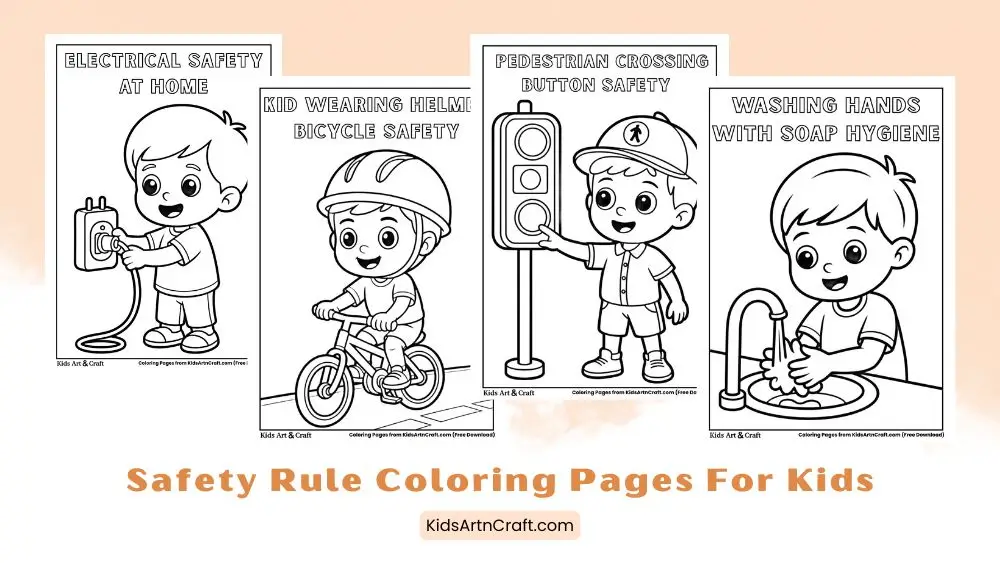
Why Hands-On Safety First Coloring Pages Matter for Early Digital Learners
Introducing foundational internet safety habits to young children requires strategies that match their developmental stage. Long before students navigate complex web browsers or manage accounts, they need concrete ways to understand boundaries, privacy, and online kindness. Utilizing safety first coloring pages provides educators and parents with a tactile, low-pressure medium to introduce digital citizenship concepts. According to guidance from organizations like ConnectSafely and the Family Online Safety Institute, early tech-use discussions are most effective when they combine visual storytelling with interactive conversations. By turning safety rules into creative activities, adults help children anchor abstract digital concepts into memorable, real-world understandings.
💡 Activity Key Takeaways:
- Core Focus: Printable Safety First Coloring Pages designed for creative expression and fine-motor coordination.
- Target Scope: Ideal for toddlers, preschool, kindergarten, and classroom art activities.
- Best Recommendation: Use standard heavy printer paper (24–28 lb) or cardstock for vibrant results with crayons, colored pencils, or washable markers.
Technical Guardrails and Behavioral Cues for Young Device Users
As children begin using tablets at home and Chromebooks in the classroom, adults must pair creative lessons with robust technical safeguards. Monitoring youth engagement requires a blend of age-appropriate device controls and attentive observation. The table below outlines common digital vulnerabilities alongside practical safeguards that parents and school staff can implement immediately.
| Setting / Context | Common Vulnerability | Practical Safeguard |
|---|---|---|
| Home Tablets & Phones | Unfiltered video streaming and accidental in-app purchases | Enable strict app store password prompts and leverage built-in parental controls to limit open browsing. |
| School Chromebooks | Accessing unvetted search results during independent study | Verify that district web filters align with CISA recommendations for safe educational environments. |
| Messaging & Multiplayer Chat | Interacting with unverified strangers in gaming lobbies | Disable public chat functions entirely and restrict multiplayer access to known, approved peers. |
Establishing Consistent Home and Classroom Digital Routines
Translating lessons from safety first coloring pages into daily habits relies on consistency across both school and home environments. Educators can incorporate these visual learning tools during technology orientation week, while parents can review them during device setup sessions. Concrete routines help normalize safe behaviors without causing fear. Establish a central, public charging station in the home where all screens rest overnight to prevent late-night unmonitored browsing. Pair these physical boundaries with open-ended check-ins, encouraging children to share any confusing pop-ups or uncomfortable online interactions immediately. Integrating worksheets into lesson plans further reinforces these positive digital habits through engaging, structured practice.
Overcoming Pushback and Managing Student Workarounds
Even with clear rules and creative introductions, tech-savvy youth frequently find ways around restrictions, such as using proxy sites or deleting browser history. When adults react with anger or immediate device confiscation, children quickly learn to hide future digital mistakes out of fear. Instead of relying solely on heavy-handed surveillance, pair technical filters with transparent conversations about why safety guardrails exist. When students encounter a blocked educational page or make a mistake online, treat the moment as a teachable problem-solving exercise rather than a disciplinary crisis. Exploring resources within internet and digital safety guidelines can give adults fresh phrasing for navigating these critical conversations calmly and effectively.
Frequently Asked Questions About Early Digital Literacy
At what age should children start learning digital citizenship concepts?
Children benefit from basic digital citizenship lessons as soon as they begin interacting with touchscreens, typically around ages three to five. Early concepts should focus on physical device care, asking permission before downloading apps, and understanding that not everything online is real.
How do safety first coloring pages help reinforce tech rules?
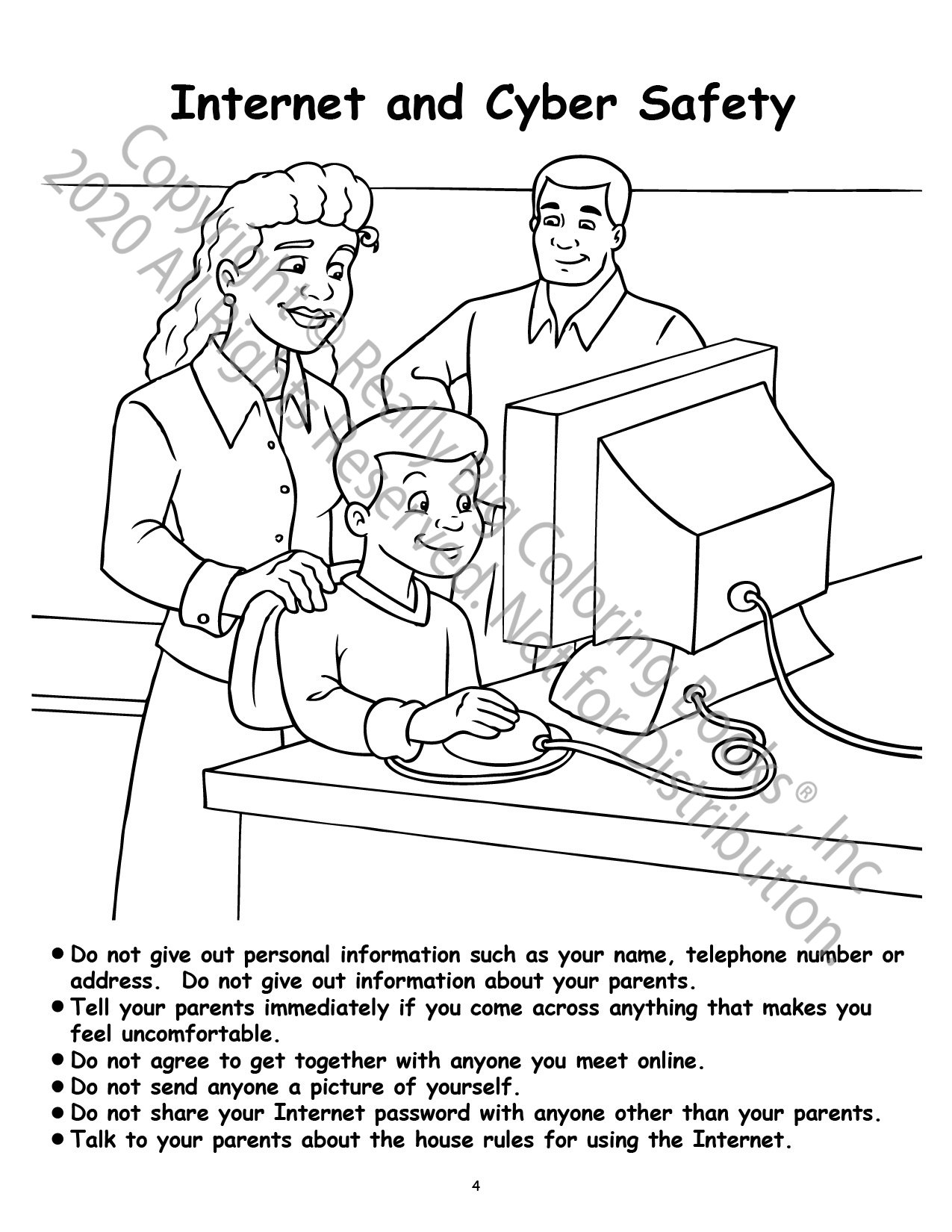
Coloring pages provide a multisensory learning experience that helps young children process complex safety rules through art and discussion. As children color scenes depicting balanced screen time or private personal information, adults can ask guiding questions to solidify the lesson.
What should a child do immediately if they see something scary online?
Children should be taught to immediately close the device lid, turn off the screen, or walk away and tell a trusted adult. Emphasize that they will never get in trouble for reporting accidental exposure to inappropriate content or strange messages.
Explore More Digital Citizenship and Safety Resources
Building a secure, confident digital foundation for children is an ongoing collaborative effort between families and educators. To discover additional printable activities, lesson plans, and expert guidance tailored to every grade level, visit SafeWiredSchools.org to access our complete library of tools.
Printable Coloring Page Previews