Why Visual Learning Works Best When Teaching Digital Wellness
Helping children understand the boundaries between online and offline activities requires tools that meet them at their developmental level. When educators and parents rely exclusively on verbal lectures about internet limits, younger students often tune out abstract concepts like bandwidth, data tracking, or hourly restrictions. Integrating a screen time balance coloring page into your daily routine offers a tactile, creative entry point to discuss healthy media consumption. As emphasized by organizations like ConnectSafely and the Family Online Safety Institute (FOSI), early digital citizenship education should emphasize self-regulation, mindfulness, and balance rather than fear-based prohibitions. Using artistic exercises helps students visualize how they spend their free time, laying the groundwork for positive, lifelong media habits. Related guide: Safe Websites Meaning For Kids.
💡 Activity Key Takeaways:
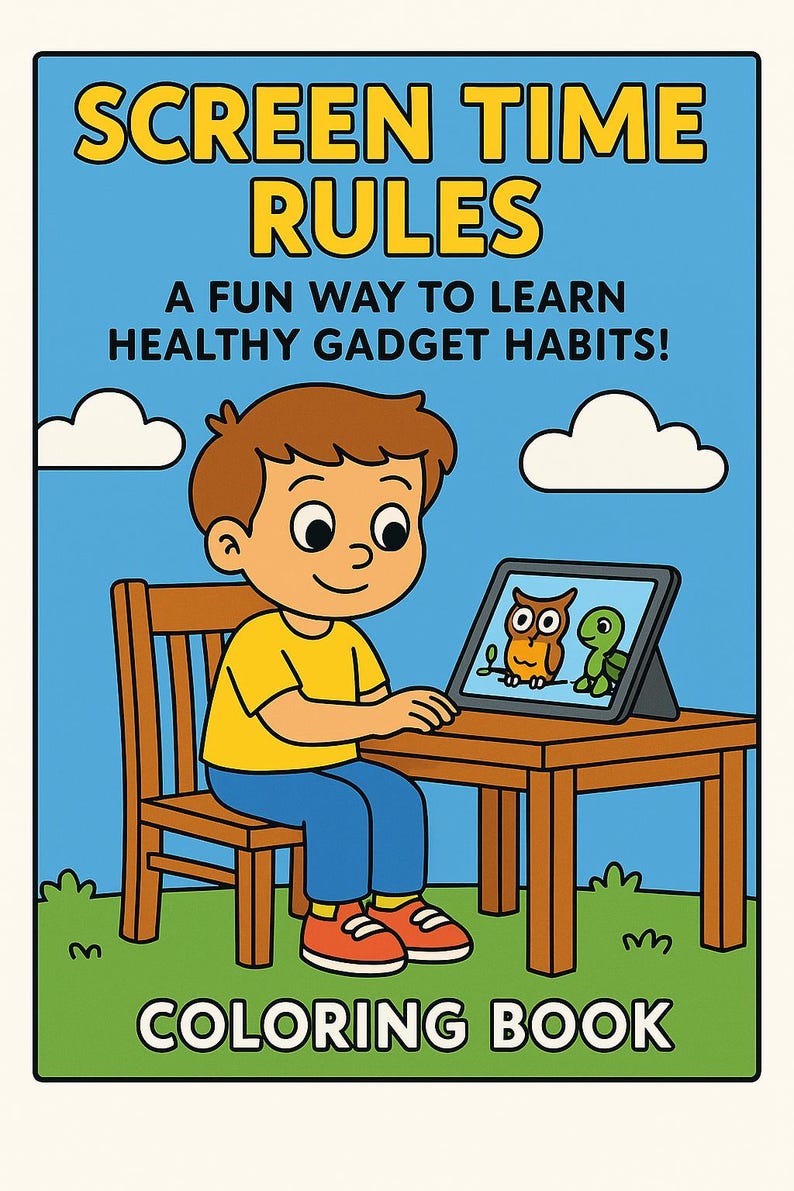
- Core Focus: Printable Screen Time Balance Coloring Page designed for creative expression and fine-motor coordination.
- Target Scope: Ideal for toddlers, preschool, kindergarten, and classroom art activities.
- Best Recommendation: Use standard heavy printer paper (24–28 lb) or cardstock for vibrant results with crayons, colored pencils, or washable markers.
Recognizing Overuse Signals and Applying Smart Technical Safeguards
Identifying the tipping point between productive device usage and problematic overexposure requires looking at both behavioral cues and technical system metrics. Adults should regularly monitor how device boundaries hold up across different environments, utilizing built-in parental controls and classroom management software to assist with enforcement. For more structured offline activities, educators often pair these technical controls with printable Coloring Pages to redirect student focus during transitions.
| Setting / Context | Common Vulnerability | Practical Safeguard |
|---|---|---|
| Home Mobile Devices | Late-night scrolling disrupting melatonin production and sleep cycles. | Establish a central family charging station outside bedrooms by 8:00 PM. |
| School Chromebooks & Tablets | Multitasking on entertainment apps during instructional time. | Use classroom screen-viewing software and clear device-away transition prompts. |
| Interactive Gaming & Chat | Compulsive engagement loops designed by platform developers to maximize retention. | Configure time-out reminders and screen-lock notifications via operating system limits. |
Establishing Collaborative Routines for Home and Classroom
Consistency between school policies and home expectations is critical for reinforcing digital wellness messages. Start by holding a household meeting or classroom council where children help design their own media schedules, ensuring they have a voice in the process. When children color and discuss a screen time balance coloring page, ask them to identify their favorite offline hobbies, such as reading physical books, playing outdoors, or building crafts. Pair these creative sessions with structured offline worksheets found in our Worksheets library to build a comprehensive media literacy curriculum. Furthermore, maintain open reporting workflows so students feel safe coming to an adult if a website, game, or peer interaction makes them feel uncomfortable or overwhelmed.
Children and teens are notoriously resourceful when it comes to bypassing digital restrictions, whether by guessing parental control PINs or utilizing unauthorized browser extensions. When adults react with anger or instant device confiscation, young people are simply driven to hide their online behavior more effectively. Instead, pair automated technical filters with transparent conversations inspired by guidance from the Cybersecurity and Infrastructure Security Agency (CISA) regarding personal digital hygiene. Acknowledge that modern apps are engineered to capture attention, framing rules not as arbitrary punishments, but as collaborative training wheels for independent adulthood. If a child expresses frustration over limited screen time, validate their feelings while holding firm on health-based boundaries.
Frequently Asked Questions About Managing Digital Wellness
What age is appropriate to introduce concepts of screen time balance?
You can introduce basic concepts as soon as children begin interacting with tablets or touchscreens, typically around preschool or kindergarten. Using visual aids and creative activities makes these abstract time management ideas accessible to very young learners.
How can teachers incorporate digital citizenship without adding to academic pressure?
Integrating media balance discussions into art, homeroom, or transition periods allows educators to teach vital life skills naturally. These low-stress activities provide a mental break from heavy academic instruction while reinforcing positive online safety habits.
Are technical filters enough to keep children safe online?
No, software filters and parental controls are merely safety guardrails and cannot replace active adult mentorship. Regular dialogue, trust, and teaching children how to self-regulate are essential components of comprehensive digital safety.
Explore More Digital Citizenship Resources
Building a safer, more balanced digital ecosystem for children requires ongoing education, practical tools, and community collaboration. To discover additional guides, activities, and expert safety strategies designed for parents and educators, visit us at SafeWiredSchools.org.
Printable Coloring Page Previews