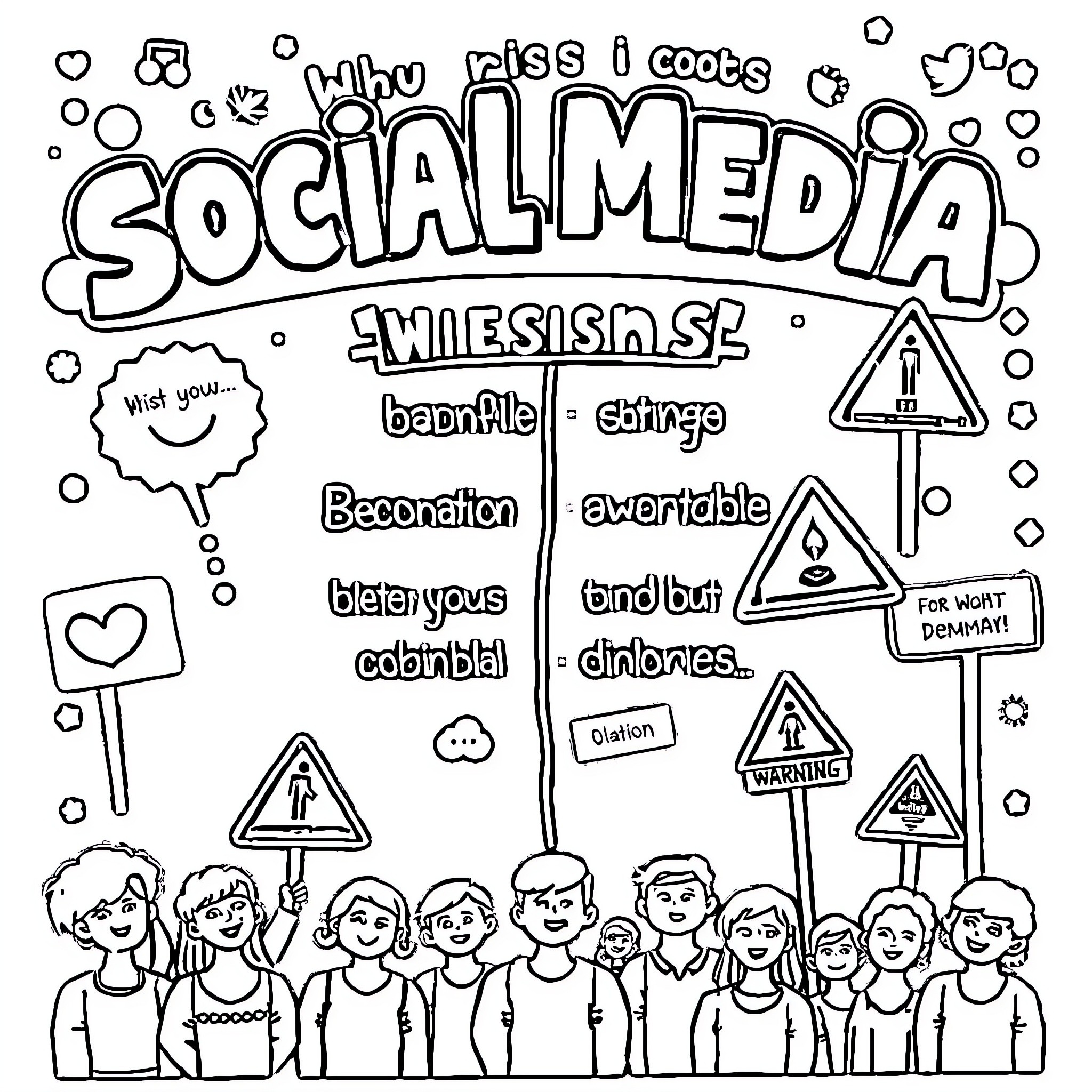
Why Visual Learning and Creative Activities Build Stronger Digital Boundaries
Younger students often view smartphones, tablets, and interactive apps as pure entertainment, overlooking the privacy implications of what they share online. Bridging this awareness gap requires meeting children at their developmental level. By integrating creative exercises into daily routines, educators and families can introduce foundational concepts like data privacy and respectful communication long before children create their first standalone accounts. Guidance from organizations like ConnectSafely and the Family Online Safety Institute emphasizes that early, non-threatening conversations help children internalize critical digital boundaries. Using a safe social media habits coloring page transforms abstract guidelines into tangible imagery, giving elementary and middle school students a memorable visual anchor for online safety. Related guide: Please Provide Free 8.5″X11″ Digital Safety Coloring Pages For K-2 Grade.
💡 Activity Key Takeaways:
- Core Focus: Printable Safe Social Media Habits Coloring Page designed for creative expression and fine-motor coordination.
- Target Scope: Ideal for toddlers, preschool, kindergarten, and classroom art activities.
- Best Recommendation: Use standard heavy printer paper (24–28 lb) or cardstock for vibrant results with crayons, colored pencils, or washable markers.
Balancing Creativity with Concrete Digital Guardrails
While coloring sheets spark initial curiosity, adults must pair these activities with practical device management and behavioral oversight. Different environments present distinct vulnerabilities, ranging from unmonitored home tablets to school-issued Chromebooks used during remote learning. The following breakdown highlights common platform risks and the proactive measures educators and parents can take to mitigate them.
| Setting / Context | Common Vulnerability | Practical Safeguard |
|---|---|---|
| Home Tablets & Smartphones | Unrestricted app store downloads and accidental exposure to in-app purchases or age-inappropriate chat rooms. | Enforce strict parental controls, require password approval for new app installations, and turn off location sharing across all social utilities. |
| School Chromebooks & Laptops | Bypassing network filters via unauthorized browser extensions or accessing personal messaging web apps during instructional time. | Partner with IT departments to review web-filtering logs regularly, and reinforce Internet and Digital Safety policies during tech orientation. |
| Interactive Chat & Gaming Socials | Oversharing personally identifiable information such as full names, school mascots, or hometown details with strangers. | Review privacy settings together to ensure accounts are set to private and direct kids to use pseudonyms instead of real names. |
Actionable Steps to Establish Healthy Online Routines at Home and School
Translating digital citizenship concepts into daily habits takes consistent reinforcement. Start by incorporating a safe social media habits coloring page into classroom art blocks or family evening discussions. Ask students to color specific elements—such as a shield representing privacy or a pause button symbolizing thoughtful posting—and explain what those symbols mean in real life. Establish a household media docking station where all phones and tablets rest overnight to curb late-night scrolling. Furthermore, align classroom rules with family expectations by emphasizing that anything posted online leaves a permanent digital footprint. Keep lines of communication open so children feel safe coming to an adult if they encounter cyberbullying or uncomfortable messages, reinforcing principles found in our collection of Coloring Pages.
Overcoming Student Pushback and Managing Workarounds
When adults implement strict device lock-downs without explanation, children often seek workarounds, such as deleting browser histories, using hidden apps, or creating secret alternate accounts. Cybersecurity agencies like CISA recommend collaborative supervision over surveillance. Instead of relying solely on heavy-handed blocks, explain the reasoning behind specific rules. If a child pushes back against privacy settings, frame the conversation around protecting their personal time, mental health, and future reputation. Pair technical filters with regular, calm check-ins where students can share what games and apps their peers are using, building mutual trust that reduces the urge to hide online activity.
Frequently Asked Questions About Creative Digital Citizenship Tools
Children in kindergarten through fourth grade gain the most value from these visual exercises. Introducing foundational safety concepts early helps establish healthy digital instincts before they gain independent access to social platforms.
How can teachers incorporate digital safety art into core academic lessons?
Educators can use these creative sheets during morning meetings, art classes, or media literacy units. Teachers can ask students to write a short sentence on the back of their artwork explaining a specific rule, blending fine motor skills with Online and Digital Safety concepts.
Are coloring activities enough to keep older elementary students engaged?
While younger children enjoy traditional coloring, older elementary and middle school students often respond better to discussion prompts, comic strip creation, or interactive scenario-based worksheets that challenge them to solve tricky digital dilemmas.
Explore More Digital Citizenship Resources
Empowering children to navigate the digital world safely requires a blend of creative engagement, open communication, and robust technical guardrails. Explore our complete library of expert guides, activity sheets, and safety tools by visiting SafeWiredSchools.org to support your students and children every step of the way.
Printable Coloring Page Previews