Bridging Creative Expression and Critical Online Safety for Sixth Graders
As children transition into middle school, their digital footprints expand rapidly through school-issued Chromebooks, group chats, and multiplayer video games. Educators and families often struggle to find entry points for meaningful conversations about internet safety that do not feel overly lecture-heavy or dismissive. Integrating creative learning tools like a digital citizenship coloring page grade 6 offers a surprisingly effective bridge. Organizations like ConnectSafely and the Family Online Safety Institute (FOSI) emphasize that middle schoolers learn best when abstract concepts like privacy and digital footprint are paired with tactile, engaging activities. By combining visual prompts with guided discussions, adults can introduce core concepts such as cyberbullying prevention, password security, and respectful online communication in an age-appropriate, non-threatening environment. Related guide: Safe Websites Meaning For Kids.
💡 Activity Key Takeaways:
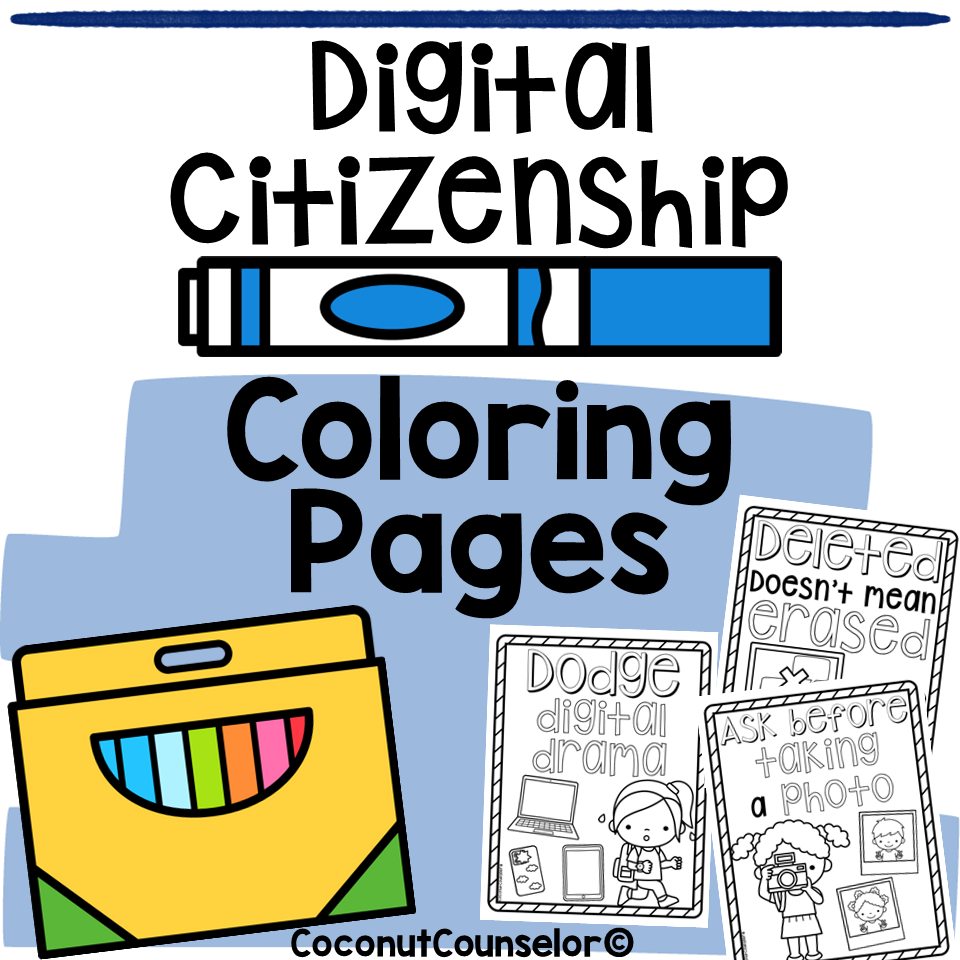
- Core Focus: Printable Digital Citizenship Coloring Page Grade 6 designed for creative expression and fine-motor coordination.
- Target Scope: Ideal for toddlers, preschool, kindergarten, and classroom art activities.
- Best Recommendation: Use standard heavy printer paper (24–28 lb) or cardstock for vibrant results with crayons, colored pencils, or washable markers.
Sixth graders face distinct digital vulnerabilities as they gain more autonomous device access. Educators and parents must monitor both technical settings and behavioral cues to catch risky online habits early. The breakdown below outlines common vulnerabilities across different environments and offers practical safeguards aligned with current youth internet safety standards.
| Setting / Context | Common Vulnerability | Practical Safeguard |
|---|---|---|
| Home Devices & Tablets | Over-sharing personal details on public gaming platforms or social apps. | Enable strict privacy settings, disable location sharing, and establish a central family charging station outside bedrooms. |
| School Chromebooks & Laptops | Bypassing web filters or engaging in off-task messaging during independent study time. | Reinforce clear classroom policy communication regarding acceptable use, paired with teacher-monitoring software like Impero or GoGuardian. |
| Social Apps & Group Chats | Excluding peers, spreading rumors, or feeling pressured to respond instantly to drama. | Teach the pause-and-think method, and leverage a digital citizenship coloring page grade 6 activity to discuss empathy in text-based spaces. |
Establishing Balanced Rules and Habits at Home and School
Effective digital citizenship requires consistent reinforcement across both home and school environments. Adults should implement structured routines that encourage transparency without eroding trust. Start by setting clear expectations around device use, such as keeping screens out of bedrooms overnight and enabling two-factor authentication on all personal accounts. When introducing complex topics like copyright, privacy, or digital footprints, pair your digital literacy lessons with creative resources from Coloring Pages to keep engagement high. Furthermore, establish a zero-shame reporting workflow so students feel confident coming forward if they encounter cyberbullying, inappropriate content, or suspicious direct messages. Providing printable safety checklists can also help middle schoolers independently audit their privacy settings and online behavior.
Troubleshooting Pushback and Common Student Workarounds
Sixth graders are notorious for testing boundaries, often finding clever workarounds to technical filters or parental controls, such as using proxy sites or secondary hidden accounts. When adults react with immediate knee-jerk bans or harsh punishments, students often respond by retreating underground, hiding future online mistakes out of fear. Instead of relying solely on restrictive software, pair your technical filters with open, calm check-ins. Acknowledge their growing desire for independence while clearly explaining the real-world safety reasons behind specific boundaries. Using educational art activities and interactive Worksheets can spark natural conversations about why these digital guardrails exist, transforming an adversarial power struggle into a collaborative learning moment.
Frequently Asked Questions About Middle School Tech Guidance
Are coloring pages too juvenile for sixth-grade students?
While traditional coloring sheets might appeal more to elementary students, stylized graphic art, comic-panel layouts, and infographic coloring designs resonate well with middle schoolers. They provide a low-stress cognitive break that allows students to process heavy topics like cyber ethics and digital footprints without feeling overwhelmed.
How can teachers incorporate digital citizenship into packed academic schedules?
Educators do not need a standalone curriculum to teach these concepts. You can easily weave digital safety discussions into morning advisory periods, homeroom activities, or media literacy units by exploring core competencies found in Internet and Digital Safety modules.
What is the best way to handle a student who encounters online bullying?
Urge students to never delete or clear the evidence. They should take screenshots immediately, block the offending user, and report the incident to a trusted adult at school or home so the situation can be handled constructively.
Explore More Digital Citizenship Resources
Empowering children to navigate the digital world safely requires ongoing dialogue, reliable tools, and up-to-date strategies for educators and parents alike. To discover additional printable guides, lesson plans, and expert advice, visit SafeWiredSchools.org.
Printable Coloring Page Previews