Why Introducing Digital Habits Early Through Creative Play Matters
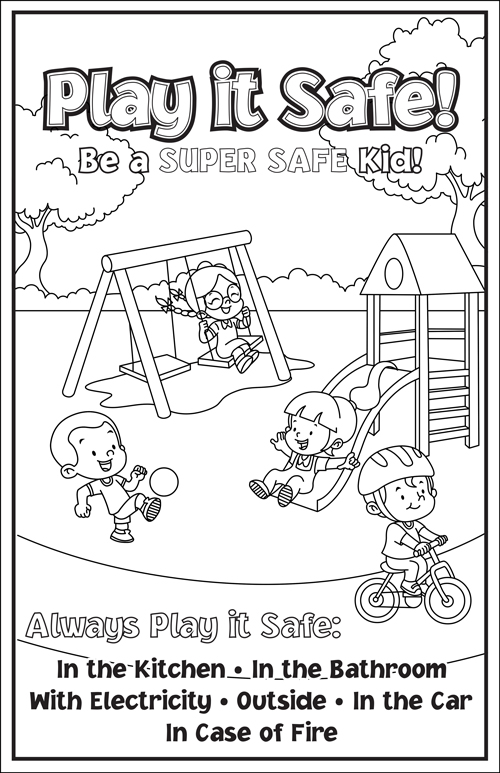
In our modern digital landscape, toddlers touch tablets, smart TVs, and phones before they can tie their shoes. While formal media literacy usually arrives in elementary school, foundational concepts of boundaries and device safety can start much earlier. Integrating an online safety coloring page for toddlers into a rainy-day routine offers a tactile, screen-free way to introduce digital concepts. Grounded in family-focused guidance from organizations like ConnectSafely and the Family Online Safety Institute (FOSI), early childhood educators and parents find that blending art with gentle conversations helps little ones understand that devices require mindful rules just like crossing the street or playing outside. Related guide: Safe Websites Meaning For Kids.
💡 Activity Key Takeaways:
- Core Focus: Printable Online Safety Coloring Page For Toddlers designed for creative expression and fine-motor coordination.
- Target Scope: Ideal for toddlers, preschool, kindergarten, and classroom art activities.
- Best Recommendation: Use standard heavy printer paper (24–28 lb) or cardstock for vibrant results with crayons, colored pencils, or washable markers.
Understanding Toddler Screen Exposure and Environmental Guardrails
Toddlers lack the cognitive maturity to process fast-paced digital advertising, autoplay video loops, and hidden in-app purchases. Adults must build robust technical and environmental guardrails around household devices. When printing an online safety coloring page for toddlers, caregivers can use that quiet creative time to audit active subscriptions, secure home Wi-Fi networks, and review parental control settings on all family-shared hardware. The table below outlines common vulnerability points for toddler device interaction alongside immediate, practical safeguards.
| Setting / Context | Common Vulnerability | Practical Safeguard |
|---|---|---|
| Home Tablets & Phones | Accidental purchases, pop-up ads, or unintended redirection to unvetted external web links. | Enable strict biometric purchasing approvals, disable app store installation permissions, and use robust content filters. |
| Shared Streaming Devices | Autoplay algorithms pushing intense or age-inappropriate content after a toddler show ends. | Turn off autoplay features entirely, curate strict whitelist profiles, and use dedicated kid-safe apps. |
| Family Charging Zones | Unmonitored nighttime device use or unregulated viewing in isolated bedrooms. | Establish a centralized, common-area charging station where all screens sleep overnight away from sleeping areas. |
Establishing Calm Routines and Positive Offline Alternatives
Managing screen time for very young children requires predictable household rhythms and calm boundaries. Instead of sparking a power struggle when a tablet is turned off, parents can bridge the transition with tactile activities like exploring creative Coloring Pages that reinforce offline play and healthy habits. By pairing screen limits with hands-on crafts, puzzles, and outdoor play, adults help children naturally self-regulate their attention. Keeping device communication calm, supportive, and entirely free from shame ensures that children grow up viewing technology as a helpful tool rather than a secret, forbidden temptation.
When adults implement sudden, rigid device lockouts without explanation, toddlers often experience frustration, meltdowns, or heightened curiosity about forbidden screens. Cybersecurity and child safety frameworks from agencies like the Cybersecurity and Infrastructure Security Agency (CISA) emphasize that technical filters alone are never enough; they must be paired with clear, age-appropriate explanations. If a toddler pushes back against screen limits, adults should validate their feelings while holding the boundary firmly. Using creative tools like an online safety coloring page for toddlers during these transition moments redirects nervous energy into a fun, low-stress artistic outlet.
Frequently Asked Questions on Early Childhood Digital Habits
At what age should I start talking to my child about digital boundaries?
You can begin introducing basic concepts as soon as children show interest in screens, usually around age two or three. Keep language simple by comparing devices to toys that need to be shared, put away, and used safely with a grown-up.
How can I find more resources on internet habits for young children?
Explore specialized collections on Internet and Digital Safety to find age-appropriate guides, printable activities, and expert tips tailored for parents and teachers.
Are printable activities effective for teaching digital citizenship to toddlers?
Yes, offline activities provide a wonderful break from screens while allowing adults to model healthy balance. Coloring and drawing help anchor conversations about technology in a tangible, stress-free format.
Explore More Digital Citizenship Resources
Building a safe digital foundation takes consistent effort, but you do not have to navigate it alone. Continue browsing our expert-backed guides, printable activities, and safety toolkits by visiting SafeWiredSchools.org to empower your entire school and home community.
Printable Coloring Page Previews