Why Early Tech Literacy Starts with Creative Lessons
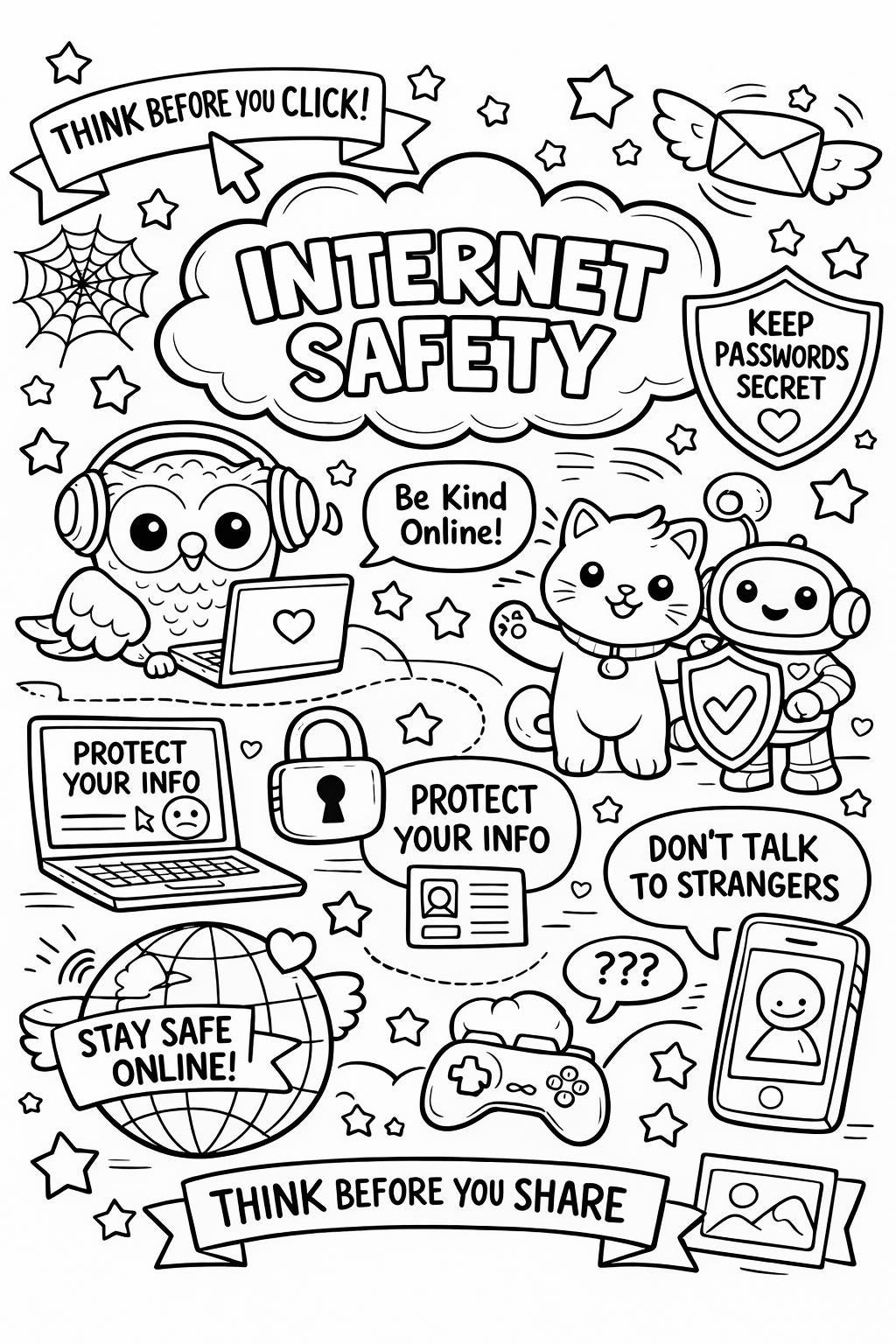
Introducing K-5 students to digital citizenship requires tools that match their developmental stage. Long before children encounter complex privacy settings or peer-to-peer messaging, they need foundational concepts of online boundaries, device care, and respectful communication. Educators and families frequently look for creative, low-stress mediums to introduce these ideas, making resources like free printable internet safety coloring pages pdf an invaluable addition to the elementary curriculum. According to guidance from organizations like ConnectSafely and the Federal Trade Commission (FTC), establishing healthy digital habits early helps children build critical thinking skills before they navigate independent device use. Integrating art into digital safety transforms abstract rules about passwords and cyberbullying into relatable, visual discussions that young learners can easily digest and retain.
💡 Activity Key Takeaways:
- Core Focus: Printable Free Printable Internet Safety Coloring Pages Pdf designed for creative expression and fine-motor coordination.
- Target Scope: Ideal for toddlers, preschool, kindergarten, and classroom art activities.
- Best Recommendation: Use standard heavy printer paper (24–28 lb) or cardstock for vibrant results with crayons, colored pencils, or washable markers.
Understanding Digital Risk Signals and Preventive Guardrails
Even young children using shared household tablets or school-issued Chromebooks encounter digital touchpoints that require adult supervision. Recognizing potential vulnerabilities—such as accidental clicks on pop-up ads, unauthorized app downloads, or oversharing personal information in gaming chat windows—allows adults to apply appropriate guardrails. The breakdown below details common technical and behavioral risk signals alongside practical safeguards for both home and classroom environments.
| Setting / Context | Common Vulnerability | Practical Safeguard |
|---|---|---|
| Home Tablets & Phones | Accidental in-app purchases and exposure to inappropriate ads | Enable strict parental controls, require password prompts for downloads, and hide search bars. |
| School Chromebooks | Bypassing web filters or accessing unapproved sites during independent work | Use classroom management software, position screens toward high-traffic areas, and review browser history regularly. |
| Social & Gaming Chat | Interacting with strangers or sharing identifying details like school names | Disable public voice and text chat features on multiplayer games; teach children to keep personal info private. |
Establishing Calm, Shame-Free Rules at Home and School
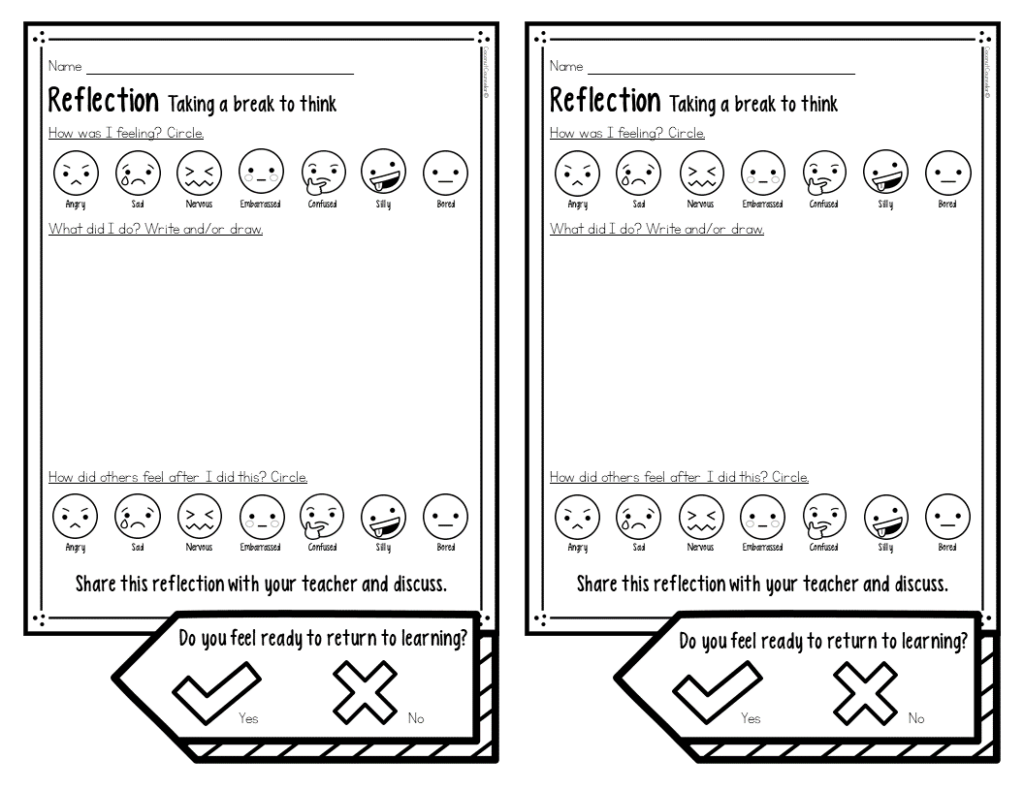
When children make mistakes online, such as clicking a suspicious link or stumbling upon age-inappropriate content, an aggressive reaction often drives their behavior underground. To foster a transparent environment, adults should pair creative activities like Coloring Pages with calm, predictable family routines. Establish a central charging station in a common living area where all phones and tablets rest overnight, eliminating unsupervised late-night browsing. Schools can reinforce these routines by partnering with parents through take-home Worksheets that prompt family discussions about password strength and online kindness. When kids know they can report a digital accident without facing immediate device confiscation, they are far more likely to seek help right away.
Handling Student Pushback and Managing Workarounds
As children grow older, their technical savvy often outpaces adult oversight, leading to workarounds like using incognito windows or deleting browser histories. Overly restrictive filters that block benign educational content frequently cause frustration and push students toward riskier circumvention methods. Instead of relying solely on heavy-handed blocks, pair your technical filters with ongoing, age-appropriate conversations aligned with frameworks from organizations like the Cybersecurity and Infrastructure Security Agency (CISA). When children understand *why* a rule exists—such as protecting their personal data from cyber threats—they are more likely to cooperate. Explore deeper strategies within Internet and Digital Safety to balance device restrictions with open lines of communication.
Frequently Asked Questions About Creative Digital Safety Tools
At what age should children start learning internet safety concepts?
Basic concepts can be introduced as early as kindergarten or first grade using interactive stories, discussions, and visual aids. Keeping lessons focused on concrete ideas like asking an adult before downloading apps ensures the material remains age-appropriate.
How can teachers effectively use coloring sheets in a technology curriculum?
Teachers can distribute these pages during introductory lessons on digital footprints or device care, using the imagery as a prompt for group discussions about online kindness, private information, and trusted adults.
Are printable safety sheets effective for special education students?
Yes, visual and tactile learning tools are particularly beneficial for diverse learners and younger children who process abstract digital rules better through concrete imagery and creative engagement.
Explore More Digital Citizenship Resources
Equipping the next generation of digital citizens requires a collaborative effort between educators, caregivers, and school administrators. By combining creative classroom tools with robust technical guardrails and open communication, we can help students navigate the digital world safely and confidently. Visit SafeWiredSchools.org to access our complete library of guides, lesson plans, and safety frameworks.
Printable Coloring Page Previews