Why Early Data Privacy Lessons Need Creative Tools
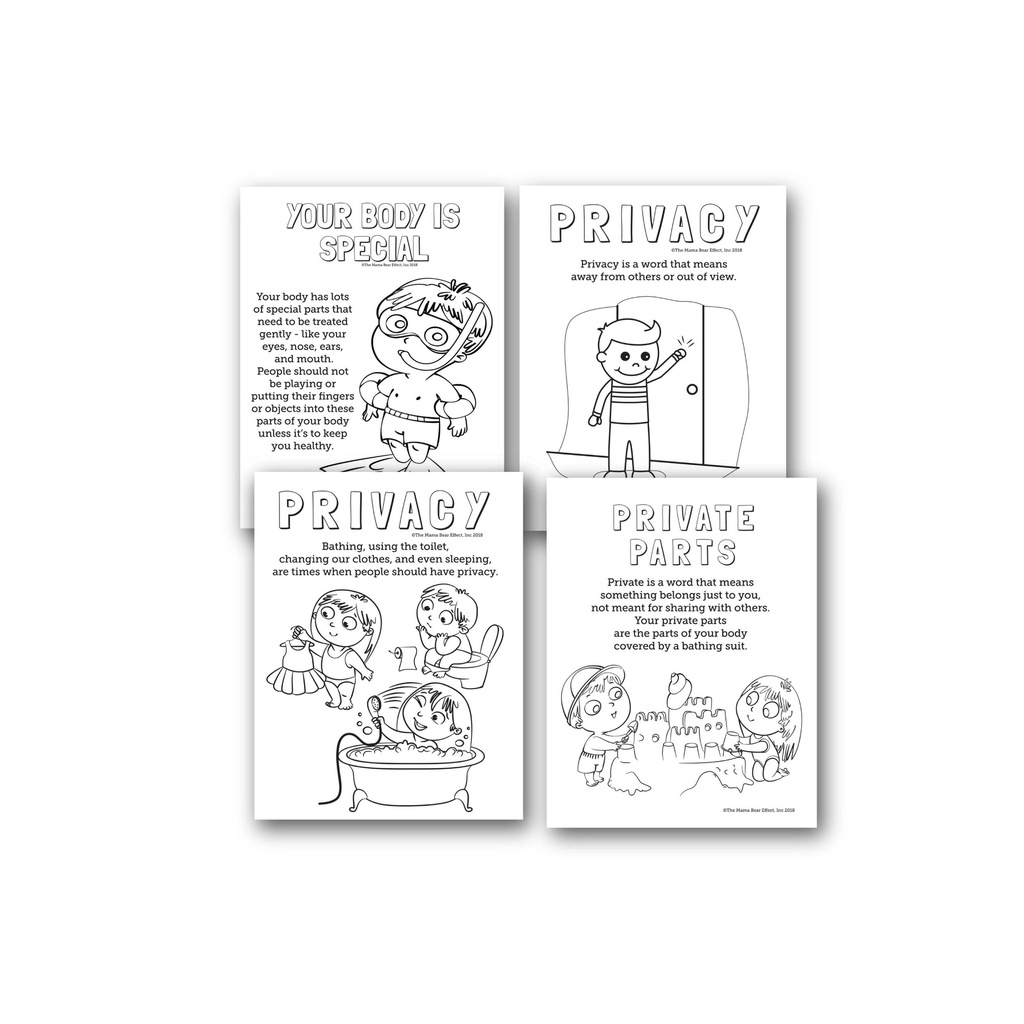
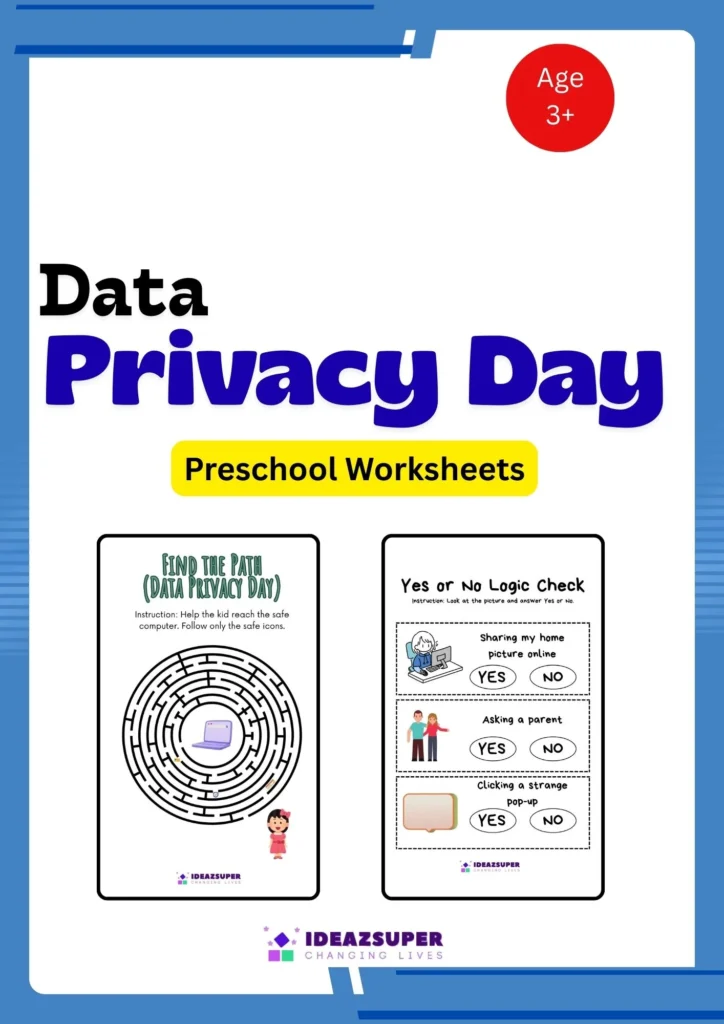
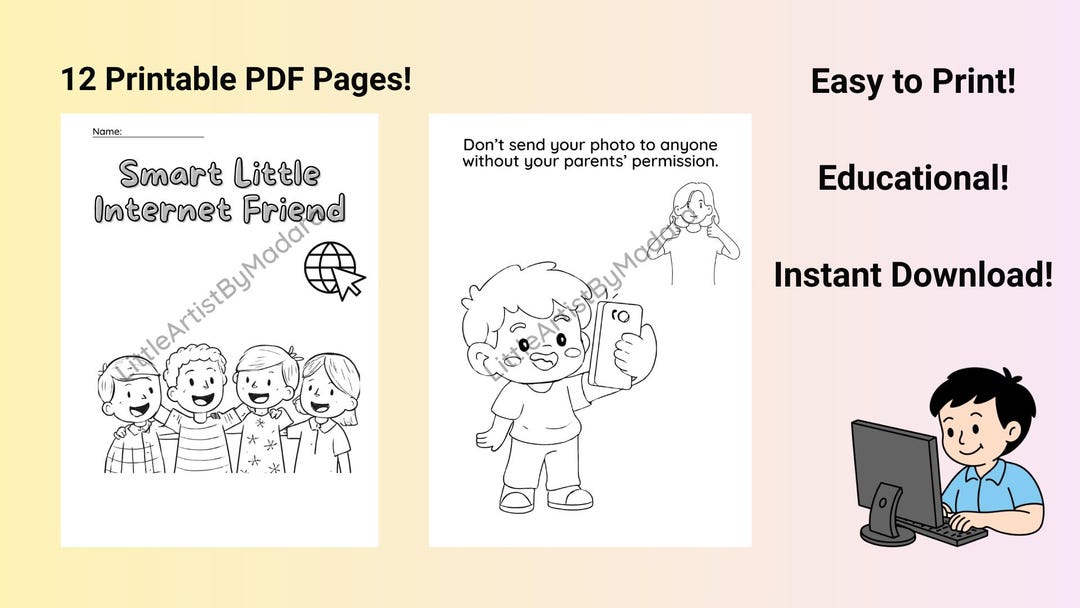
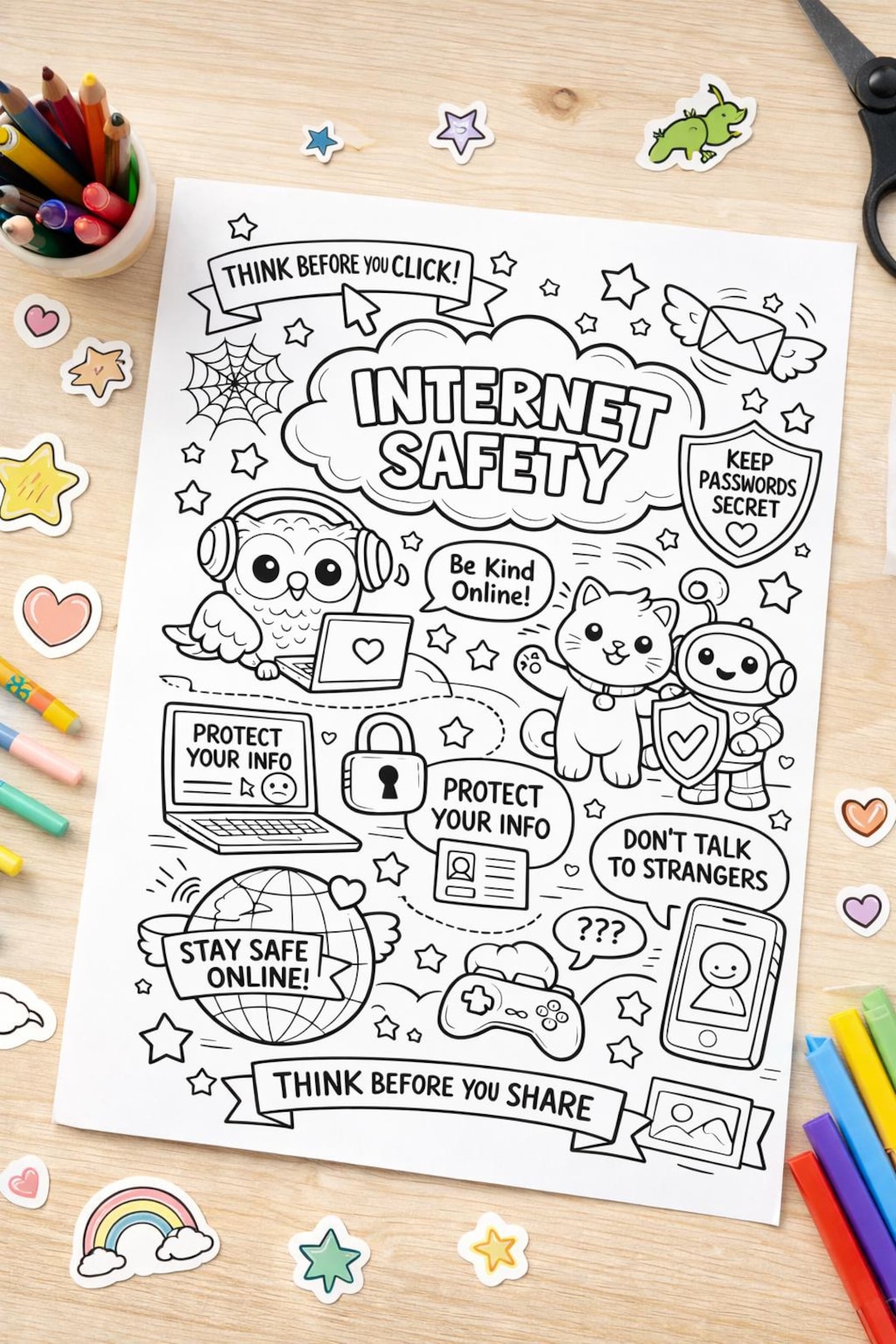
Introducing foundational cybersecurity concepts to young children requires strategies that match how they learn best. When teaching students about keeping personal information secure online, abstract rules about passwords and tracking cookies rarely resonate. Utilizing a data privacy coloring page for kids bridges this gap, turning complex digital safety principles into tactile, visual learning moments. Organizations like ConnectSafely and the Family Online Safety Institute (FOSI) emphasize that early digital citizenship training should start with concrete, age-appropriate dialogues. By integrating creative activities into daily lessons, educators and parents can introduce concepts like private data, digital footprints, and safe sharing habits before children encounter advanced online risks on school tablets or home devices.
💡 Activity Key Takeaways:
- Core Focus: Printable Data Privacy Coloring Page For Kids designed for creative expression and fine-motor coordination.
- Target Scope: Ideal for toddlers, preschool, kindergarten, and classroom art activities.
- Best Recommendation: Use standard heavy printer paper (24–28 lb) or cardstock for vibrant results with crayons, colored pencils, or washable markers.
Mapping Digital Exposure Risks to Preventative Measures
Young learners frequently engage with educational software, multiplayer games, and streaming apps without understanding how their data is collected. Educators and parents must align technical safeguards with daily behavioral observations to protect students from accidental oversharing. The breakdown below highlights common vulnerabilities across environments alongside immediate guardrails you can establish. Related guide: Fire Safety Coloring Book Printable.
| Setting / Context | Common Vulnerability | Practical Safeguard |
|---|---|---|
| Home Devices | Children input full names, home addresses, or pet names into unsecured game registration forms. | Use browser auto-fill restrictions, turn off location tracking by default, and explore Coloring Pages that reinforce data privacy rules. |
| School Chromebooks & Tablets | Students use shared logins or write passwords on sticky notes attached to monitor bezels. | Enforce strict password managers, mandate single sign-on protocols, and pair technical controls with lessons from our Internet and Digital Safety archive. |
| Social & Chat Habits | Kids share photos or voice notes in public forums that reveal identifiable school uniforms or landmarks. | Review privacy settings together, establish strict chat boundaries, and review supportive materials found in our Worksheets collection. |
Actionable Steps to Build Healthy Data Habits at School and Home
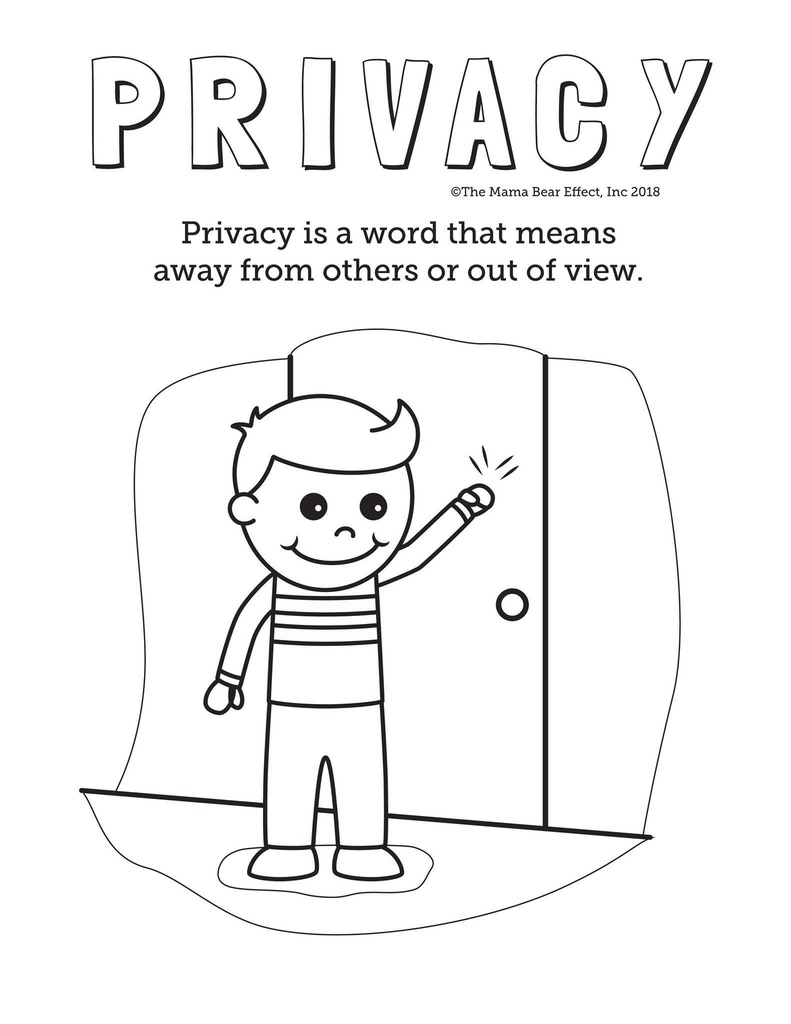
Translating digital safety theory into daily habits requires consistent routines between teachers and caregivers. Start by establishing a shared vocabulary around what constitutes private information, contrasting it sharply with public data like favorite colors or hobbies. When introducing a data privacy coloring page for kids, use the artwork as a discussion springboard: ask children what the character in the picture should do if a popup asks for their birthday. Furthermore, incorporate practical device routines such as establishing centralized charging stations in living areas rather than bedrooms, enabling multi-factor authentication on shared family accounts, and creating a no-shame reporting protocol. If a student accidentally clicks an unverified link or shares personal details, they must feel safe telling an adult immediately instead of hiding the mistake out of fear of device restriction.
Overcoming Student Pushback and Managing Curiosity
Children naturally test boundaries, and strict, unexplained digital restrictions often drive them to find secretive workarounds on unmonitored devices. If a student or child pushes back against privacy rules by claiming that everyone shares personal details online, avoid punitive lectures. Instead, reference guidance from the Cybersecurity and Infrastructure Security Agency (CISA) regarding digital footprints and permanence. Frame privacy settings not as a punishment or a lack of trust, but as a digital seatbelt designed to protect their personal autonomy and safety. Pairing technical content filters with open-ended, calm check-ins ensures children understand the reasoning behind the rules.
Frequently Asked Questions About Young Children and Digital Privacy
What age should children start learning about digital privacy?
Children can begin learning basic privacy concepts around kindergarten or first grade. Using a data privacy coloring page for kids helps introduce ideas like keeping passwords secret and recognizing personal information before they ever access independent social or gaming accounts.
How can teachers integrate privacy lessons without adding screen time?
Offline activities are ideal for early learners. Educators can use printable worksheets, storytelling, and creative art sessions to teach digital citizenship concepts without requiring additional device exposure during class hours.
What is the most important data privacy rule for elementary students?
The golden rule is never to share personal identifiers—such as full names, schools, phone numbers, or home addresses—with strangers online or in chat features of video games without direct adult permission.
Explore More Digital Citizenship Resources
Empowering children to navigate the digital world safely requires ongoing conversations, reliable tools, and age-appropriate educational materials. Visit SafeWiredSchools.org to access our full library of lesson plans, expert safety guides, and printable classroom resources designed for educators and parents alike.
Printable Coloring Page Previews