Why Integrating Creative Art into Early Digital Literacy Matters
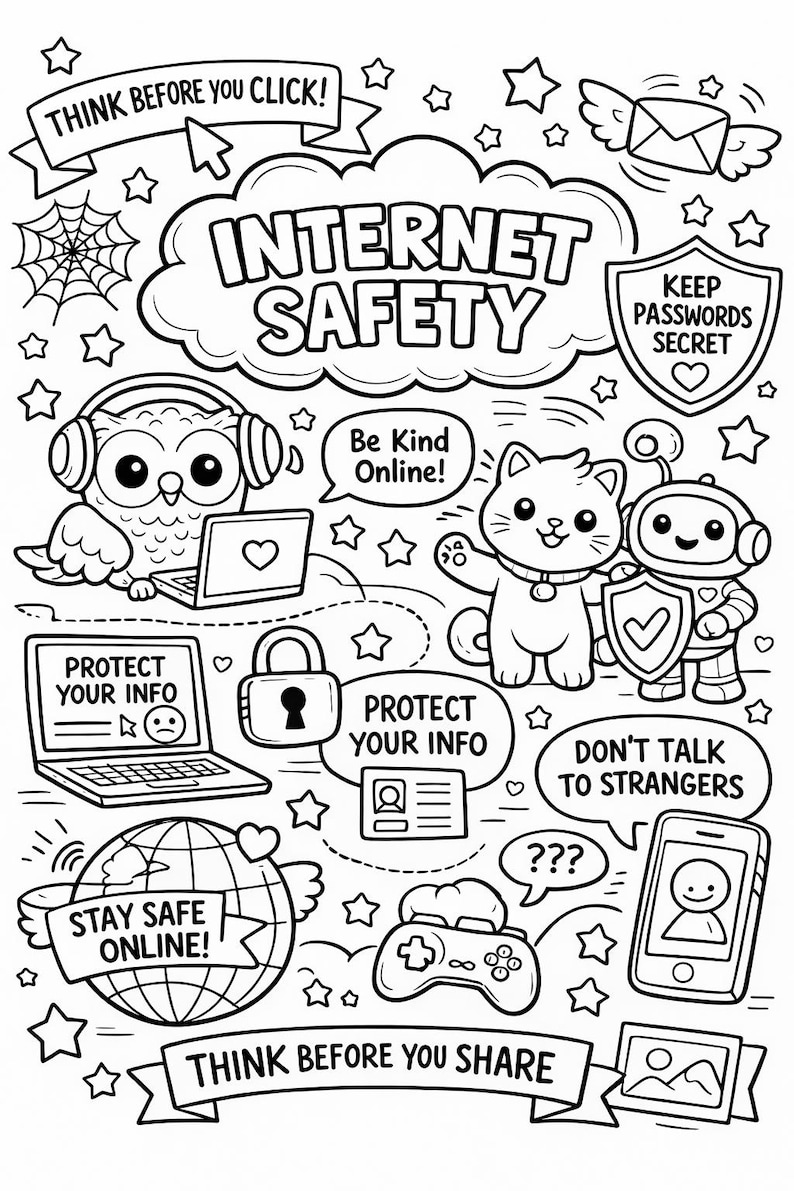
Introducing foundational cybersecurity concepts to young children requires blending visual art with practical instruction. When educators and parents use an email safety coloring page for kids, they open the door to vital discussions about digital footprints, inbox privacy, and recognizing online strangers. Young minds process abstract rules much faster when paired with tactile, hands-on activities. According to youth privacy guidance from organizations like ConnectSafely and the FTC, establishing secure digital habits early helps children recognize phishing attempts and spam messages long before they manage independent email accounts. By coloring scenes that depict safe inbox behaviors, children anchor cognitive lessons in creative play.
💡 Activity Key Takeaways:
- Core Focus: Printable Email Safety Coloring Page For Kids designed for creative expression and fine-motor coordination.
- Target Scope: Ideal for toddlers, preschool, kindergarten, and classroom art activities.
- Best Recommendation: Use standard heavy printer paper (24–28 lb) or cardstock for vibrant results with crayons, colored pencils, or washable markers.
Understanding Inbox Vulnerabilities Across Home and School Devices
Children encounter communication tools through school-issued Chromebooks, family tablets, and shared household computers. Knowing what to watch for helps adults mitigate risks before accidental data exposure occurs. The following breakdown highlights common digital vulnerabilities alongside actionable preventive steps for home and classroom environments. Related guide: Safe Websites Meaning For Kids.
| Setting / Context | Common Vulnerability | Practical Safeguard |
|---|---|---|
| School Chromebooks | Accessing external webmail or unmonitored classroom chat applications. | Enforce district filtering tools and limit external domain access via Internet and Digital Safety protocols. |
| Home Tablets | Accidentally clicking promotional email links or downloading malicious attachments. | Configure strict parental controls, restrict app store downloads, and utilize pre-vetted educational Worksheets. |
| Shared Family Computers | Leaving personal login credentials active on shared browsers. | Establish clear routines requiring users to log out completely after every session, paired with visual reminders like an email safety coloring page for kids. |
Establishing Healthy Inbox Habits and Communication Protocols
Effective digital citizenship relies on predictable routines rather than sudden restrictions. When children open an email, they should instantly understand the difference between trusted school domains and unknown external senders. Pair creative activities from our Coloring Pages collection with practical steps: teach children to verify sender addresses before clicking any link, reinforce that personal details like phone numbers and home addresses must never be shared via message, and create a calm reporting workflow. If a child receives a suspicious message, they need to feel safe telling an adult immediately without fear of losing device privileges. Reinforcing these concepts through art helps children internalize the golden rule of inboxes: if you do not know the sender, delete or report it.
Children naturally test boundaries, especially when curiosity is sparked by flashy online pop-ups or game rewards delivered via email notifications. Overly restrictive bans often backfire by driving kids to seek unmonitored communication channels in secret. Instead of relying solely on hard blocks, educators and parents should address curiosity through transparent conversations. Reference guidelines from the Cybersecurity and Infrastructure Security Agency CISA regarding phishing awareness to explain why certain links are dangerous. When children understand the mechanics behind spam and digital traps, they shift from passive users to critical thinkers who value their own online security.
Frequently Asked Questions About Young Children and Digital Communication
At what age should children start learning about email safety?
Basic awareness can begin as early as kindergarten or first grade, especially as schools introduce digital learning platforms. Using visual tools like an email safety coloring page for kids helps cement these foundational concepts long before children receive their own personal email addresses.
How can teachers integrate digital citizenship into art or activity time?
Teachers can hand out themed coloring sheets during morning work or computer lab intro sessions, using the imagery to prompt classroom discussions about keeping personal information private online and recognizing friendly versus suspicious messages.
What should a parent do if their child accidentally interacts with a spam message?
Maintain a calm demeanor to ensure the child feels comfortable reporting future mistakes. Immediately close the browser, run a security scan if necessary, and use the moment as a gentle teaching opportunity about verification.
Explore More Digital Citizenship Resources
Empowering children to navigate the digital world safely takes continuous reinforcement, creative materials, and clear communication between home and school. To discover additional educational tools, activity sheets, and expert safety guides, visit SafeWiredSchools.org today.
Printable Coloring Page Previews