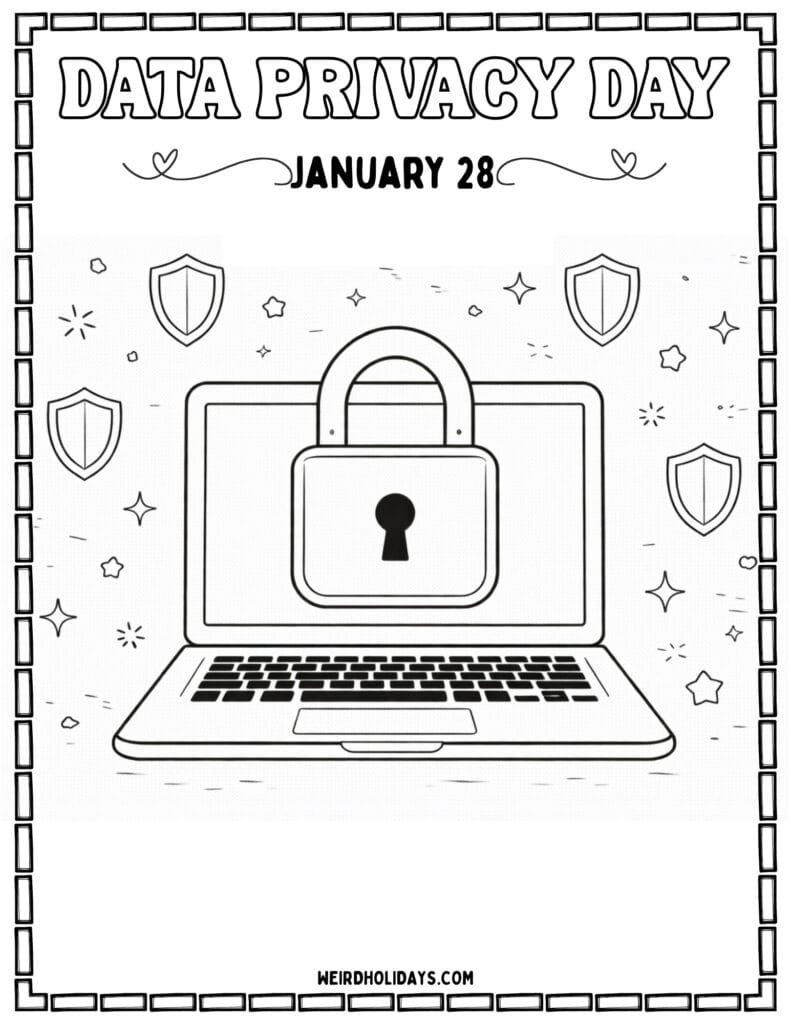
Why Early Tech Literacy Begins with Creative Practice
Introducing foundational internet habits to young students requires tools that match their developmental stages. When educators and parents search for an online safety coloring book printable free resource, they are looking for ways to bridge the gap between abstract internet rules and tangible concepts children can grasp. According to youth privacy guidance from organizations like ConnectSafely and the Federal Trade Commission, children absorb digital safety messages best when they are interactive, visual, and free from fear-based language. Using illustrated prompts allows kindergarten through elementary students to explore concepts like passwords, screen time boundaries, and digital footprints through art.
💡 Activity Key Takeaways:
- Core Focus: Printable Online Safety Coloring Book Printable Free designed for creative expression and fine-motor coordination.
- Target Scope: Ideal for toddlers, preschool, kindergarten, and classroom art activities.
- Best Recommendation: Use standard heavy printer paper (24–28 lb) or cardstock for vibrant results with crayons, colored pencils, or washable markers.
Technical Guardrails and Behavioral Warning Signs
Young learners navigating school-issued tablets or home devices often encounter situations they are not yet equipped to handle independently. While technical filters block inappropriate domains, adults must also look for behavioral cues that indicate a child needs guidance. The following breakdown outlines common risk signals across various digital environments and highlights the practical safeguards parents and school staff can implement. Related guide: Please Provide Free 8.5″X11″ Digital Safety Coloring Pages For K-2 Grade.
| Setting / Context | Common Vulnerability | Practical Safeguard |
|---|---|---|
| Home Devices | Unmonitored app downloads and accidental in-app purchases. | Require administrator password approval for all new downloads and enable purchase restrictions. |
| School Chromebooks & Tablets | Bypassing web filters or sharing login credentials with peers. | Reinforce classroom policies on digital accountability and explore lessons via our Internet and Digital Safety category. |
| Social & Chat Apps | Interacting with unknown profiles or unverified online contacts. | Establish a no-private-chat rule for young children and review communication settings together regularly. |
Establishing Calm, Consistent Rules Across Home and Classroom
Effective digital citizenship is built on predictable routines rather than sudden restrictions. Both classrooms and households benefit from establishing centralized charging stations where all personal devices rest overnight, eliminating late-night screen exposure. When introducing an online safety coloring book printable free activity, pair the creative session with a short conversation about personal information. Teach children that sharing their home address, full name, or school name online is like shouting it out in a crowded public park. Furthermore, establish a shame-free reporting workflow so that students know they can approach an adult immediately if a pop-up, strange message, or broken link makes them feel uncomfortable.
Overcoming Student Workarounds and Adult Pushback
Overly restrictive filters often backfire by driving children to seek out workarounds, such as using incognito windows or peer-to-peer file sharing. Instead of relying solely on heavy-handed blocks, educators and parents should pair technical controls with transparent dialogue. When children understand the why behind a rule—such as protecting their privacy or preventing device malware—they are far more likely to cooperate. If a student attempts to bypass a school network restriction, treat it as a teachable moment rather than an immediate disciplinary crisis, utilizing targeted materials from our Worksheets archive to reinforce positive choices.
Frequently Asked Questions About Creative Digital Safety Tools
At what age should children start learning digital citizenship concepts?
Children can begin learning basic digital literacy as early as kindergarten or first grade. Simple concepts like balancing screen time with outdoor play and understanding that online friends are still strangers lay crucial groundwork for later online interactions.
How can teachers incorporate coloring pages into busy lesson plans?
Teachers can use digital citizenship coloring sheets during morning meeting transitions, indoor recess, or as a creative prompt before a computer lab session. These activities help quiet the classroom while priming students to think carefully about their online behavior.
Are printable coloring booklets effective for diverse learners?
Yes, visual learning aids are exceptionally effective for English language learners and students with diverse reading levels. Coloring activities remove heavy text barriers, allowing every child to engage meaningfully with essential online safety concepts.
Explore More Digital Citizenship Resources
Empowering the next generation of digital citizens takes a collaborative community effort between teachers, school administrators, and families. To discover more printable activities, lesson plans, and guidance tailored to young learners, browse our collection of creative assets in the Coloring Pages section or visit SafeWiredSchools.org to access our full catalog of educational safety guides.
Printable Coloring Page Previews