Why Third Graders Benefit from Creative Digital Safety Lessons
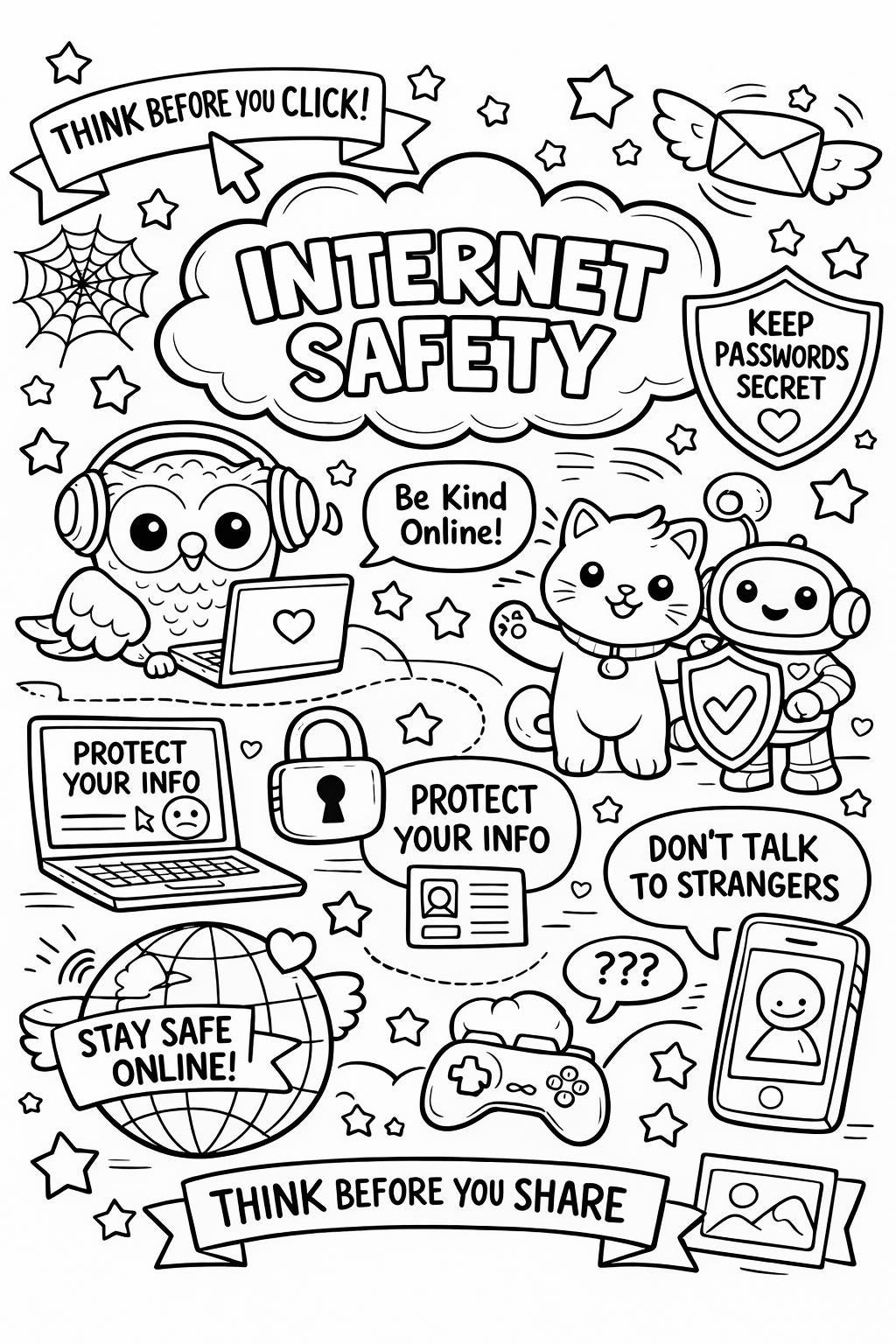
Third-grade students are expanding their digital footprints rapidly through school-issued tablets, classroom educational games, and shared family devices at home. At eight and nine years old, children possess the motor skills and cognitive curiosity to navigate apps independently, yet they still lack the mature judgment required to spot sophisticated online risks. According to youth privacy guidance from organizations like ConnectSafely and the FTC, early interventions work best when they blend visual arts with concrete rules. Utilizing an internet safety coloring page grade 3 resource provides a low-stress, engaging medium to introduce core concepts like strong passwords, private personal information, and polite digital communication without inducing anxiety.
💡 Activity Key Takeaways:
- Core Focus: Printable Internet Safety Coloring Page Grade 3 designed for creative expression and fine-motor coordination.
- Target Scope: Ideal for toddlers, preschool, kindergarten, and classroom art activities.
- Best Recommendation: Use standard heavy printer paper (24–28 lb) or cardstock for vibrant results with crayons, colored pencils, or washable markers.
Digital Risk Signals and Preventive Guardrails
Adults often struggle to bridge the gap between technical device configurations and a child’s everyday online behavior. Whether managing a classroom set of Chromebooks or a personal tablet in the living room, educators and parents need a clear matrix to identify vulnerabilities and apply targeted safeguards. The table below outlines common digital trouble spots across various environments alongside practical protective measures. Related guide: Please Provide Free 8.5″X11″ Digital Safety Coloring Pages For K-2 Grade.
| Setting / Context | Common Vulnerability | Practical Safeguard |
|---|---|---|
| Home Shared Tablets | Accidental in-app purchases or exposure to unvetted YouTube recommendations. | Lock down app store permission prompts with a master PIN and turn off autoplay features. |
| School Chromebooks | Students typing real home addresses or full names into unsecured public quiz platforms. | Incorporate guided lessons from our Internet and Digital Safety hub to reinforce data privacy. |
| In-Game Chat Features | Interacting with unknown users through open text or voice lobbies in multiplayer games. | Disable text chat entirely on child accounts and restrict multiplayer settings to approved friends only. |
Establishing Healthy Device Routines at Home and School
Protecting children online requires more than just web filters; it relies on predictable daily routines and transparent communication channels. Both teachers and parents should establish clear boundaries regarding where and when devices can be used. For instance, designating a central family charging station in the kitchen prevents late-night unsupervised screen time. When reinforcing these boundaries, educators can distribute a supplementary Worksheets bundle featuring puzzle activities that cement good digital citizenship habits. Most importantly, children must be taught a simple, shame-free reporting workflow: if something online looks strange, makes them uncomfortable, or asks for personal data, they should immediately close the screen and notify a trusted adult.
Overcoming Common Student Workarounds and Pushback
As third graders become more tech-savvy, they may attempt to bypass filtering restrictions, clear browser history, or sneak device usage past bedtime. Overly punitive bans often backfire by driving children to hide their online mistakes out of fear of losing device privileges. Instead of relying solely on heavy-handed restrictions, pair your technical controls with regular, calm check-ins. When introducing an internet safety coloring page grade 3 activity, use the artwork as a conversational prompt rather than a graded test. Ask open-ended questions like what should you do if a pop-up toy offers a free prize to help children internalize safe decision-making strategies organically.
Frequently Asked Questions About Early Elementary Digital Literacy
At what age should children begin learning about internet privacy and safety?
Children benefit from foundational safety concepts as soon as they begin using interactive screens independently, typically around kindergarten or first grade. By third grade, lessons should expand to cover specific topics like avoiding strangers online and keeping personal passwords secure.
How can teachers incorporate digital citizenship into a packed academic schedule?
Teachers can easily blend digital safety into art, literacy, or morning meeting blocks by utilizing creative exercises like an internet safety coloring page grade 3 packet. This approach reinforces critical safety habits without taking time away from core subjects.
What is the best way to respond if a child accidentally encounters inappropriate content?
Stay calm, praise the child for coming forward immediately, and reassure them they are not in trouble. Use the moment to review why filtering tools exist and how to safely navigate away from unexpected pop-ups.
Explore More Digital Citizenship Resources
Building lifelong safe digital habits is an ongoing journey that requires continuous collaboration between educators and families. To discover more printable activities, lesson plans, and guidance booklets tailored to young learners, visit us at SafeWiredSchools.org or browse our collection of Coloring Pages designed to make digital citizenship engaging and accessible.
Printable Coloring Page Previews