Why Third Graders Benefit from Creative Digital Safety Lessons
Around age eight, children begin navigating school-issued tablets, multiplayer learning games, and home streaming platforms with increasing independence. Introducing concepts like privacy and digital footprints during this formative year helps build lifelong habits. Organizations like ConnectSafely and the Cybersecurity and Infrastructure Security Agency emphasize that early, low-stakes education works best when it avoids fear-tactics. Utilizing an online safety coloring page grade 3 resource allows educators and parents to introduce critical technical concepts through recognizable characters and creative storytelling, bridging the gap between abstract internet rules and tangible everyday choices. Related guide: Coloring Pages Dinosaur Printable.
💡 Activity Key Takeaways:
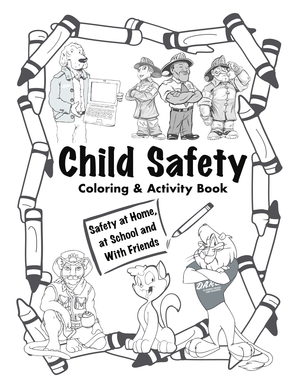
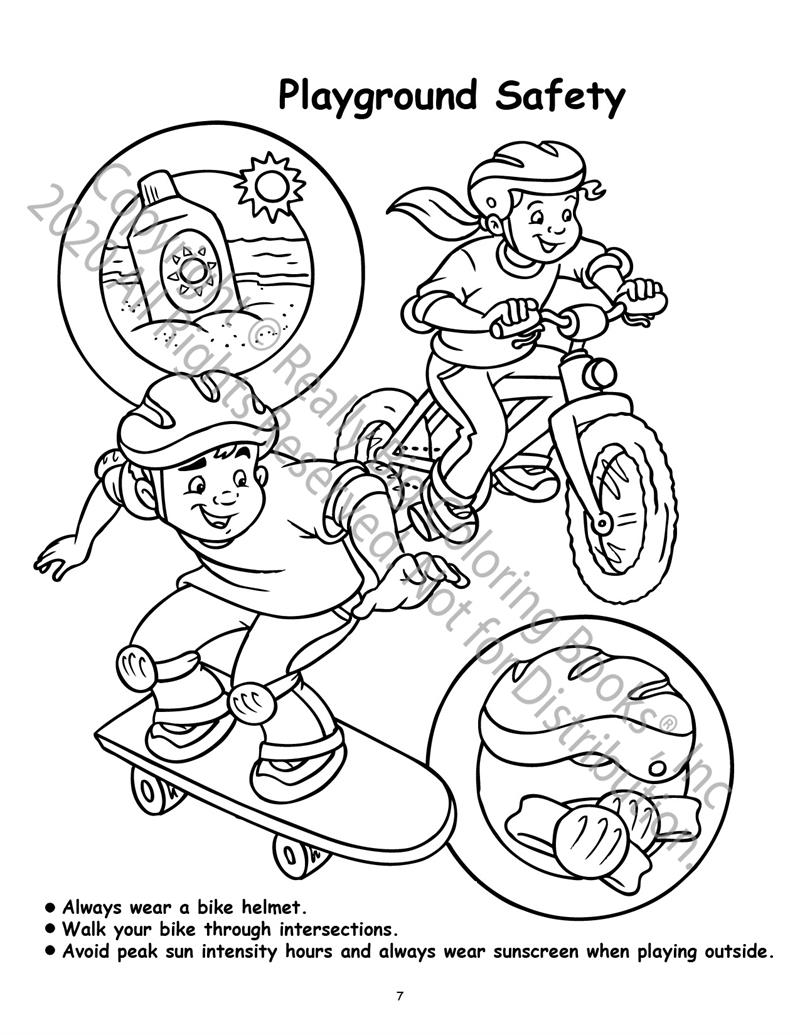
- Core Focus: Printable Online Safety Coloring Page Grade 3 designed for creative expression and fine-motor coordination.
- Target Scope: Ideal for toddlers, preschool, kindergarten, and classroom art activities.
- Best Recommendation: Use standard heavy printer paper (24–28 lb) or cardstock for vibrant results with crayons, colored pencils, or washable markers.
Digital Risk Signals and Preventive Safeguards for Eight-Year-Olds
Third graders are eager to explore online spaces, but they often lack the developmental maturity to spot hidden risks like intrusive data collection, aggressive in-app purchases, or inappropriate communication. Adults can maintain a safe digital environment by pairing foundational resources from our Coloring Pages collection with proper device configurations and active supervision.
| Setting / Context | Common Vulnerability | Practical Safeguard |
|---|---|---|
| Home Tablets & Phones | Accidental in-app purchases or downloads of unvetted gaming apps. | Enable biometric or password prompts for all software downloads and disable open app store browsing. |
| School Chromebooks | Bypassing web content filters or wandering onto unrestricted search engines. | Coordinate with IT staff to ensure strict DNS filtering and restricted extension installs on all classroom devices. |
| Multiplayer Chat & Avatars | Sharing personal details like a full name, school mascot, or hometown in game lobbies. | Turn off global text and voice chat features completely, restricting interaction to pre-approved real-life friends. |
Establishing Balanced Rules and Calm Routines at Home and School
Effective digital citizenship is built on predictable routines rather than sudden punishments. When introducing concepts through an online safety coloring page grade 3 activity, use the artwork as a conversational springboard. Ask students what the characters are doing right and how they handle tricky online moments. Complement these discussions with structured physical habits: keep all family devices charging in a central kitchen area overnight to prevent late-night screen browsing. Furthermore, ensure children know that if a pop-up window freezes their screen or someone says something uncomfortable, they can walk away immediately and tell a trusted adult without fear of losing their tech privileges.
Overcoming Student Workarounds and Handling Adult Pushback
Third graders are surprisingly resourceful when it comes to bypassing digital boundaries, whether they are guessing parental screen-time passcodes or opening incognito browsing windows during independent study time. Overly restrictive filters often backfire by driving curiosity underground, making children less likely to report accidental exposure to scary or strange content. Instead of relying solely on heavy-handed technical blocks, pair your technical controls with ongoing dialog. If a child manages to circumvent a filter, use it as a teachable moment rather than an immediate crisis. Explore our Internet and Digital Safety hub to find strategies that foster mutual trust, encouraging kids to bring digital dilemmas directly to you.
Frequently Asked Questions About Early Elementary Digital Literacy
Are coloring pages truly effective for teaching cybersecurity to eight-year-olds?
Yes, tactile learning and visual art help younger children anchor abstract rules—such as password secrecy or device boundaries—into concrete memory. Coloring allows them to process complex ideas at their own cognitive pace.
How can teachers integrate these creative exercises into a busy core curriculum?
These activities fit naturally into morning meeting warm-ups, indoor recess options, or art center rotations. They require minimal prep while reinforcing essential media literacy standards.
What is the best way to respond if a child encounters a frightening pop-up?
Stay calm, praise the child for coming to you right away, and close the browser window or power down the device. Reassure them that they did the right thing and are never in trouble for reporting unexpected content.
Explore More Digital Citizenship Resources
Empowering children to become safe, thoughtful digital citizens requires a collaborative community effort between educators, families, and school support staff. To discover more printable activities, lesson plans, and guidance documents, visit SafeWiredSchools.org to support your students every step of the way.
Printable Coloring Page Previews