Introduction
Effective digital citizenship begins with balanced habits. The “screen time management checklist for students” offers a crucial resource for developing responsible online behavior, applicable from elementary grades (1-5) through middle and high school (6-12). This printable tool reinforces fundamental internet safety concepts through a tangible, hands-on learning approach. Educators and parents consistently rely on printable worksheets as trusted instruments for building digital awareness and fostering positive online conduct. These resources provide a structured framework for discussing complex topics, encouraging active participation, and creating a shared understanding of healthy digital boundaries within both classroom and home environments. The physical act of engaging with a worksheet solidifies learning, moving abstract ideas into concrete, actionable steps for young learners. Such a resource underscores a commitment to equipping students with the skills necessary for navigating the digital landscape safely and productively, promoting long-term well-being.
💡 Educational Key Takeaways:
- Core Skill: Structured Screen Time Management Checklist For Students focused on developing pencil grip, stroke control, and early literacy/math confidence.
- Target Scope: Suited for homeschoolers, preschool, kindergarten, and elementary learners.
- Best Recommendation: Practice 10–15 minutes daily with ergonomic writing tools to reinforce muscle memory without hand fatigue.
What This Worksheet Covers
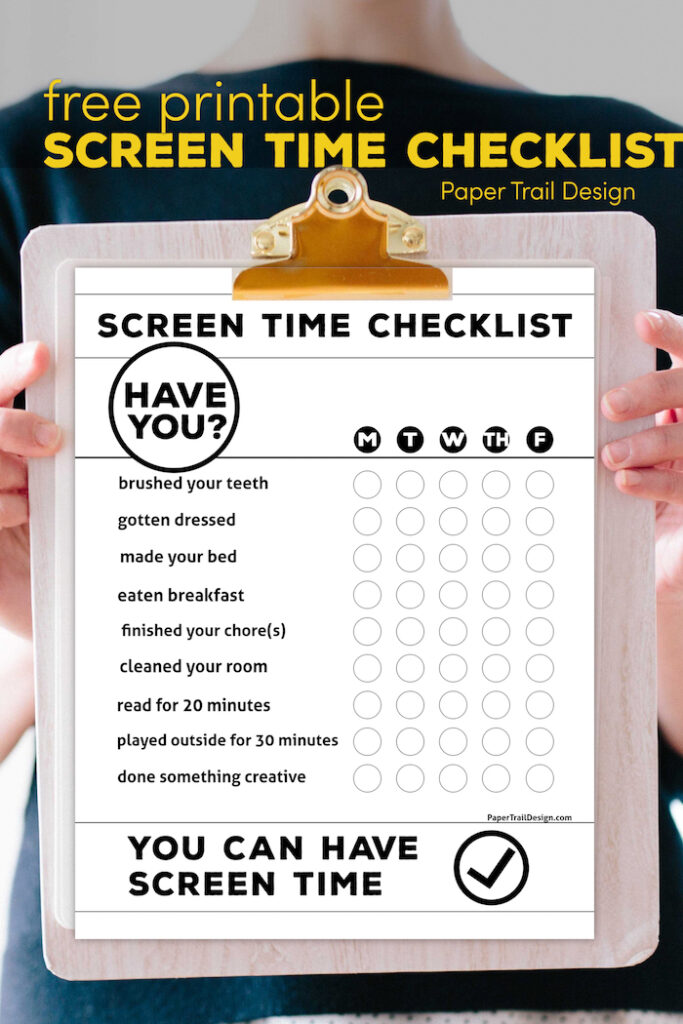
The “screen time management checklist for students” specifically addresses the vital internet safety topic of digital well-being and responsible screen use. It covers concepts centered on balancing digital engagement with real-world activities, recognizing healthy limits, and identifying the impact of excessive screen time. The checklist helps clarify appropriate times and durations for various digital tasks, distinguishing between educational use, creative pursuits, and entertainment. It also guides learners in identifying alternative offline activities that promote physical health, social interaction, and cognitive development. This worksheet content directly connects to recognized digital citizenship and child safety education standards, which emphasize media literacy, personal responsibility, and the cultivation of healthy lifestyle choices in an increasingly digital world. The resource provides a clear, actionable path for students to internalize these principles, translating abstract ideas into practical daily routines.
Key Learning Outcomes
By completing the “screen time management checklist for students,” learners develop several essential skills and knowledge areas:
- Students identify and articulate healthy screen time habits appropriate for their age and daily schedule.
- Children learn to differentiate between productive, educational screen use and passive, recreational screen time.
- Learners gain the ability to develop a personalized screen time schedule that balances digital activities with physical activity, sleep, and social engagement.
- Individuals practice self-regulation by setting and adhering to personal digital boundaries.
- Young people understand the positive impact of a balanced digital life on overall well-being and academic performance.
How to Use This Worksheet
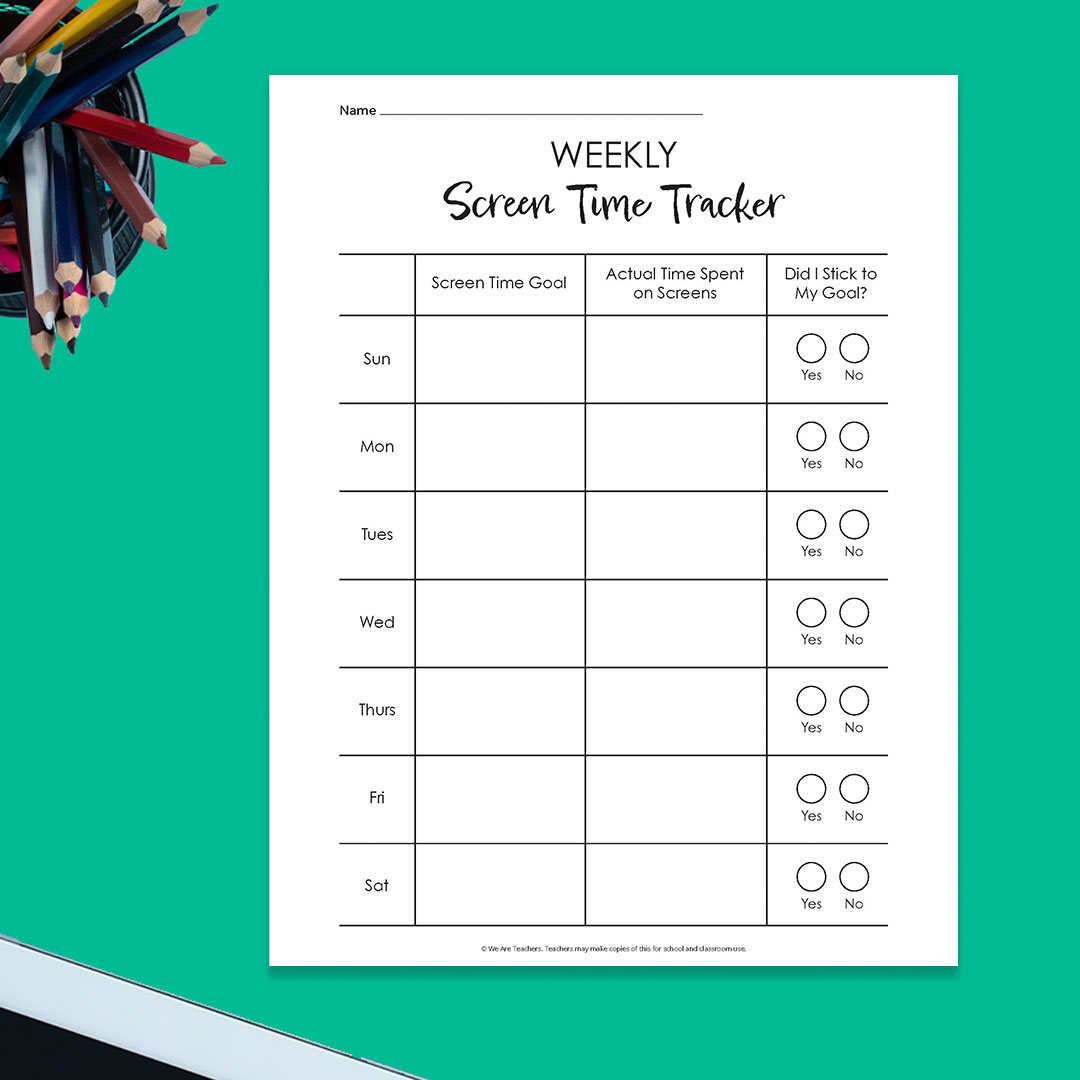
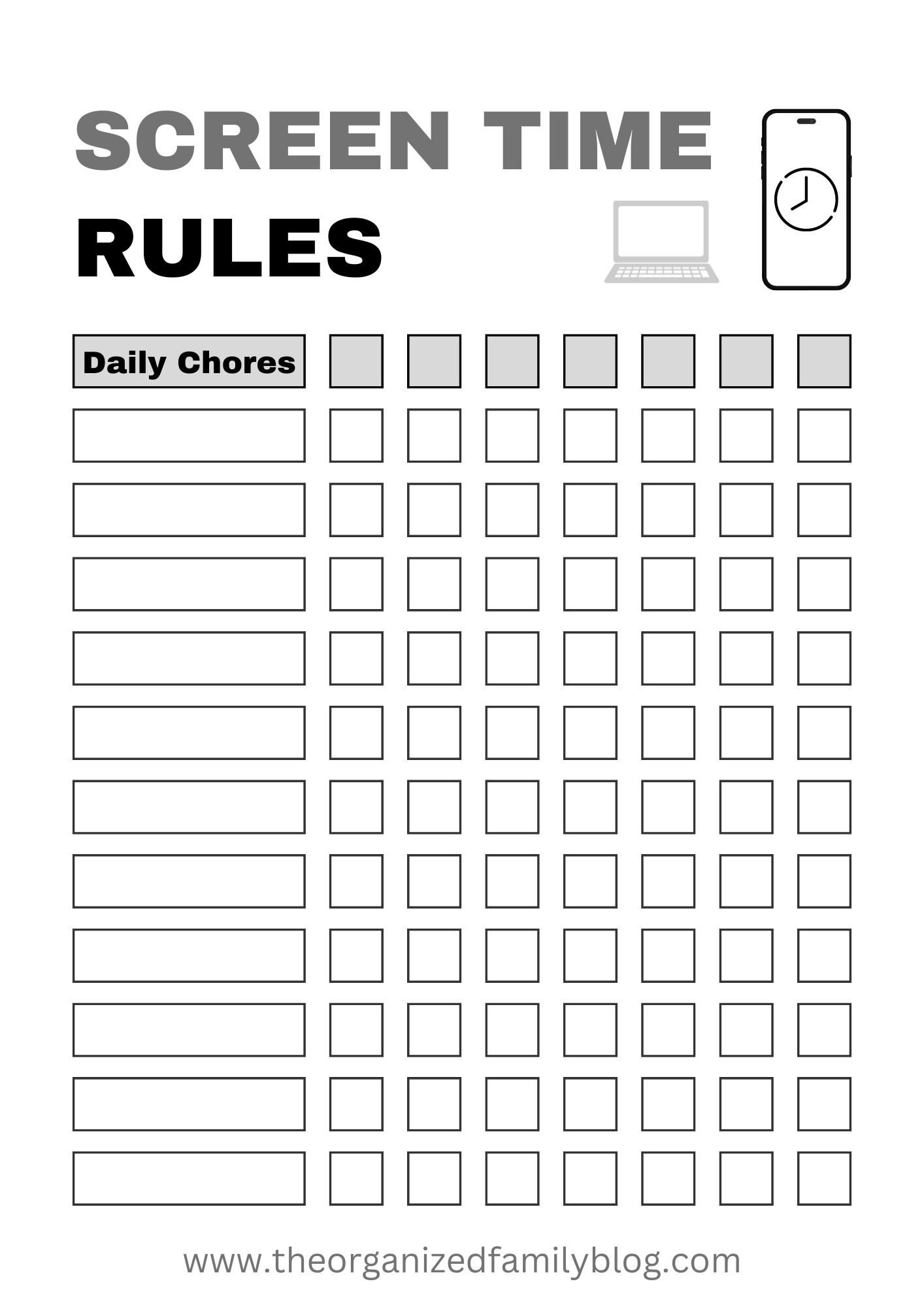
The “screen time management checklist for students” is designed for versatile use by educators in classrooms and parents at home. Its format typically includes a combination of reflection prompts, goal-setting exercises, and simple scheduling grids. The difficulty level is adaptable, allowing for scaffolding of learning progressively across various age groups. Instructions are clear and direct, often featuring examples to guide learners through each section. This worksheet functions effectively as a standalone activity, prompting individual reflection on current habits and future goals. It can also be seamlessly integrated into a broader lesson plan on digital citizenship, serving as a practical application of discussed concepts. Furthermore, the checklist proves valuable as a homework assignment, encouraging family discussions about digital boundaries and fostering a collaborative approach to screen time management within the home. Browse more guides on Safe Wired Schools.
Practical Tips for Parents and Teachers
- Initiate Dialogue Beforehand: Before distributing the checklist, engage learners in a brief discussion about what “screen time” means and its various forms, setting the stage for thoughtful reflection.
- Model Healthy Habits: Adults can share their own strategies for managing screen time, demonstrating the importance of balance and consistency. This offers a powerful example for young people.
- Customize and Personalize: Encourage students to adapt the checklist to their unique needs and schedules, making it a truly personal tool rather than a rigid set of rules.
- Review and Reflect Together: After completion, dedicate time to review responses individually or as a group. Discuss challenges, successes, and potential adjustments to the proposed schedule, fostering a growth mindset.
- Integrate into Routine: Suggest placing the completed checklist in a visible location, such as a refrigerator or study desk, to serve as a constant reminder and encourage adherence to established goals.
Age-Appropriate Recommendations
Effective implementation of the “screen time management checklist for students” requires an understanding of developmental stages. The resource is adaptable across a wide age range with tailored approaches.
For Ages 5-8 (Early Elementary), the focus remains on foundational concepts and direct parental or teacher guidance. Vocabulary support is crucial; simplify terms like “management” to “making good choices” or “planning time.” Activities should be highly visual, perhaps involving drawing or coloring in sections of the checklist, with adults filling in text based on the child’s input. Pacing should be slow, breaking down the checklist into short, manageable segments. Parental involvement is high, guiding discussions about what activities are beneficial and what alternatives exist.
For Ages 9-12 (Upper Elementary to Early Middle School), the approach shifts towards fostering greater independence and self-awareness. Students can begin to complete more sections independently, with adults providing scaffolding and clarification as needed. Discussion should delve into the ‘why’ behind screen time limits, exploring consequences of excessive use and benefits of balance. The checklist can serve as a starting point for family meetings to establish household rules and expectations collaboratively. Teacher involvement might include group activities where students share their balanced schedules and discuss challenges.
For Ages 13-18 (Middle to High School), the checklist promotes critical thinking and self-management. Learners are encouraged to analyze their current screen habits, identify patterns, and take full ownership of their digital well-being goals. Discussions should explore the long-term impact of digital habits on academic success, mental health, and future career prospects. The checklist can be used as a personal accountability tool, revised periodically as schedules and responsibilities change. Teacher involvement can include integrating the checklist into health, technology, or life skills curricula, encouraging peer discussion and sharing of effective strategies.
Frequently Asked Questions
Q: What is a “screen time management checklist for students”?
A: It is a free, printable educational resource designed to help students of all ages understand, track, and balance their digital activities with real-world pursuits. The checklist promotes responsible screen use and digital well-being.
Q: How can this checklist benefit families and classrooms?
A: This resource provides a structured framework for open discussions about digital habits, encouraging goal setting and the development of healthy routines. It helps establish clear expectations for screen time in both home and school settings.
Q: Where can this free printable checklist be downloaded?
A: The “screen time management checklist for students” is available for free download directly from the SafeWiredSchools.org website. Simply navigate to the worksheets section to access and print the resource.
Explore More Free Printable Worksheets
A single resource works best when integrated into a comprehensive learning journey. The “screen time management checklist for students” stands as an invaluable component within a broader collection of digital safety tools. For a truly robust approach to internet safety education, educators and parents are invited to explore a full collection of free printable internet safety worksheets, activity sheets, checklists, quizzes, and more at SafeWiredSchools.org Worksheets. These resources cover every essential internet safety topic, including cyberbullying prevention, privacy protection, responsible online communication, and critical media literacy. Each item is meticulously designed for every grade level and learning environment, ensuring relevant and impactful education for all students.
Developmental Milestone & Activity Table
| Development Stage | Recommended Daily Duration | Primary Learning Objective |
|---|---|---|
| Preschool & Pre-K | 10 – 15 Minutes | Pencil grip development & basic pre-stroke lines |
| Kindergarten | 15 – 20 Minutes | Letter/number formation & spatial line awareness |
| Early Elementary (Grade 1–2) | 20 – 30 Minutes | Fluency, sentence construction & neatness |
Images References