Introduction
The establishment of healthy digital habits stands as a critical component of modern education and child development. The free printable resource, “screen time rules checklist for children,” provides a foundational tool for navigating the complexities of digital device usage. This checklist is primarily designed for Elementary (grades 1-5) and Middle School (grades 6-8) students, offering a structured approach to understanding and adhering to digital boundaries. While its core utility lies within these age groups, the principles it promotes offer valuable reinforcement for older learners and lay essential groundwork for younger children through parental guidance. Printable worksheets, such as this checklist, remain highly trusted pedagogical instruments for both educators and parents. They facilitate tangible engagement, promote active learning, and serve as concrete visual aids, fostering meaningful discussions around responsible online behavior and digital awareness. The tactile nature of these resources helps children internalize concepts more effectively than purely digital instruction, making them indispensable for building robust digital citizenship skills.
💡 Educational Key Takeaways:
- Core Skill: Structured Screen Time Rules Checklist For Children focused on developing pencil grip, stroke control, and early literacy/math confidence.
- Target Scope: Suited for homeschoolers, preschool, kindergarten, and elementary learners.
- Best Recommendation: Practice 10–15 minutes daily with ergonomic writing tools to reinforce muscle memory without hand fatigue.
What This Worksheet Covers
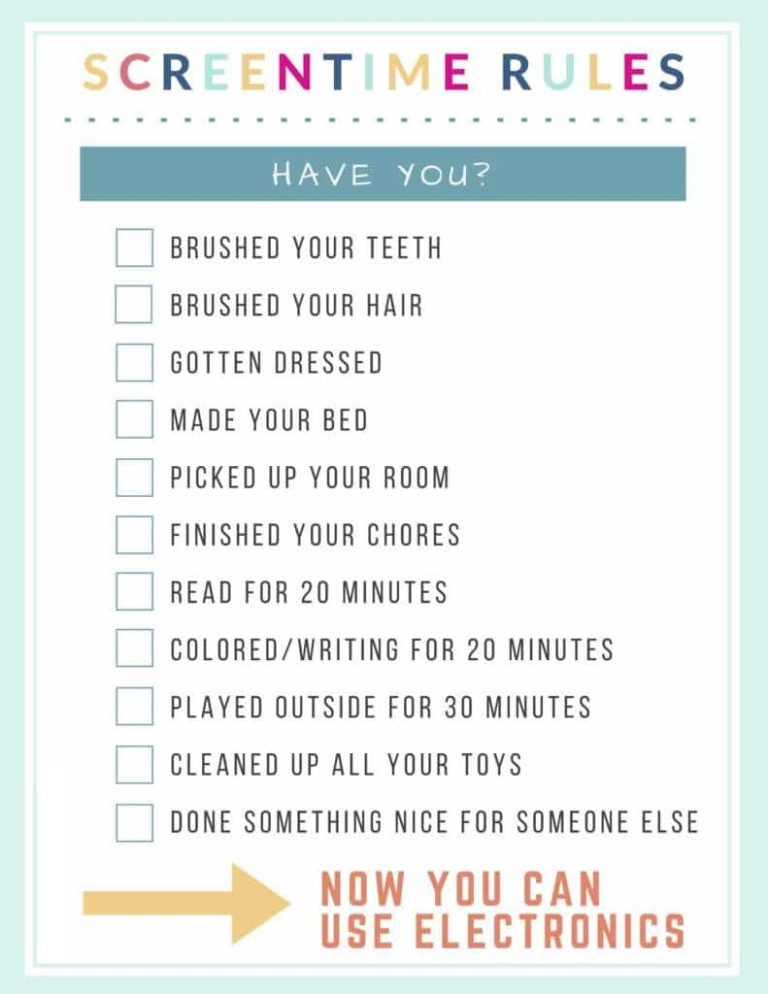
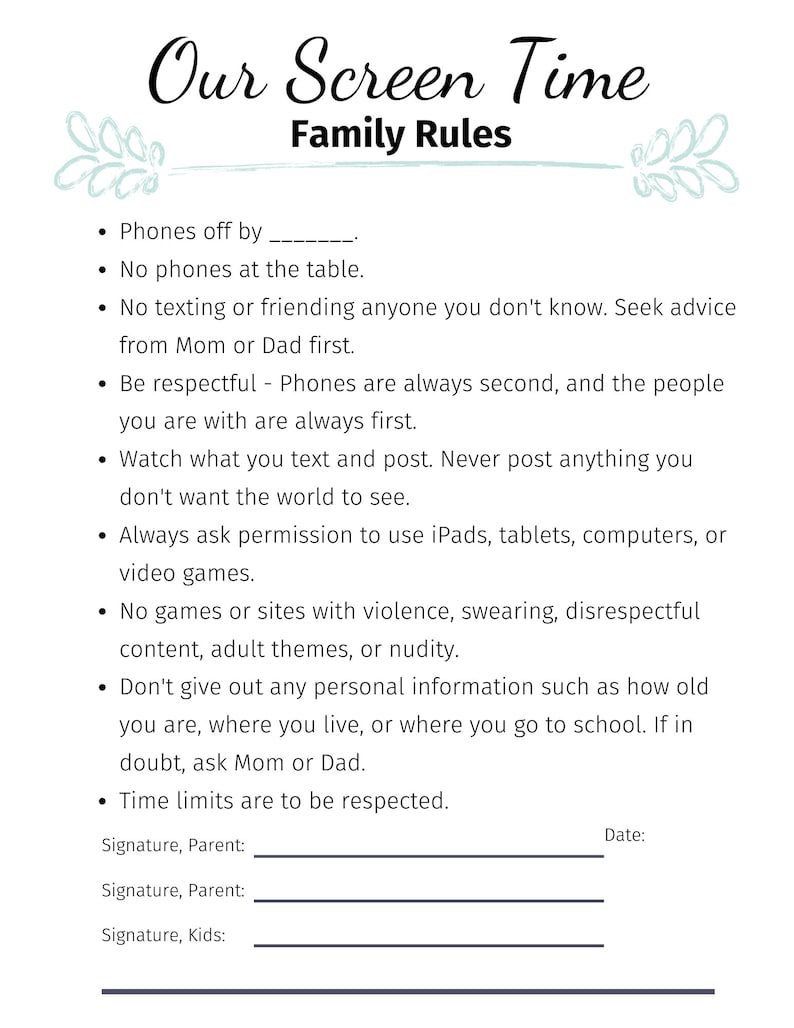
The “screen time rules checklist for children” directly addresses the vital internet safety topic of digital well-being and responsible technology use. It guides children and families through the process of defining and committing to healthy screen habits. The worksheet covers fundamental concepts such as setting appropriate time limits for various digital activities, identifying suitable online content, establishing device-free zones within the home, and recognizing the importance of balancing screen time with real-world interactions like physical activity, creative play, and social engagement. Scenarios might prompt discussions around digital etiquette and the consequences of excessive use. The content aligns seamlessly with recognized digital citizenship frameworks and child safety education standards, including principles advocated by organizations dedicated to media literacy and responsible technology integration. It functions as a practical instrument for translating abstract digital safety guidelines into actionable, everyday practices.
Key Learning Outcomes
By engaging with the “screen time rules checklist for children,” students and children will achieve several significant developmental and educational milestones:. Browse more guides on Safe Wired Schools.
- An understanding of appropriate daily screen time limits and their importance for physical and mental health.
- The ability to identify and differentiate between beneficial and potentially harmful online content and activities.
- Active participation in the collaborative creation and consistent adherence to family-specific digital rules and agreements.
- Recognition of the critical need to balance digital engagement with essential offline pursuits, fostering holistic development.
- Cultivation of self-regulation skills, empowering personal responsibility in managing digital device usage.
How to Use This Worksheet
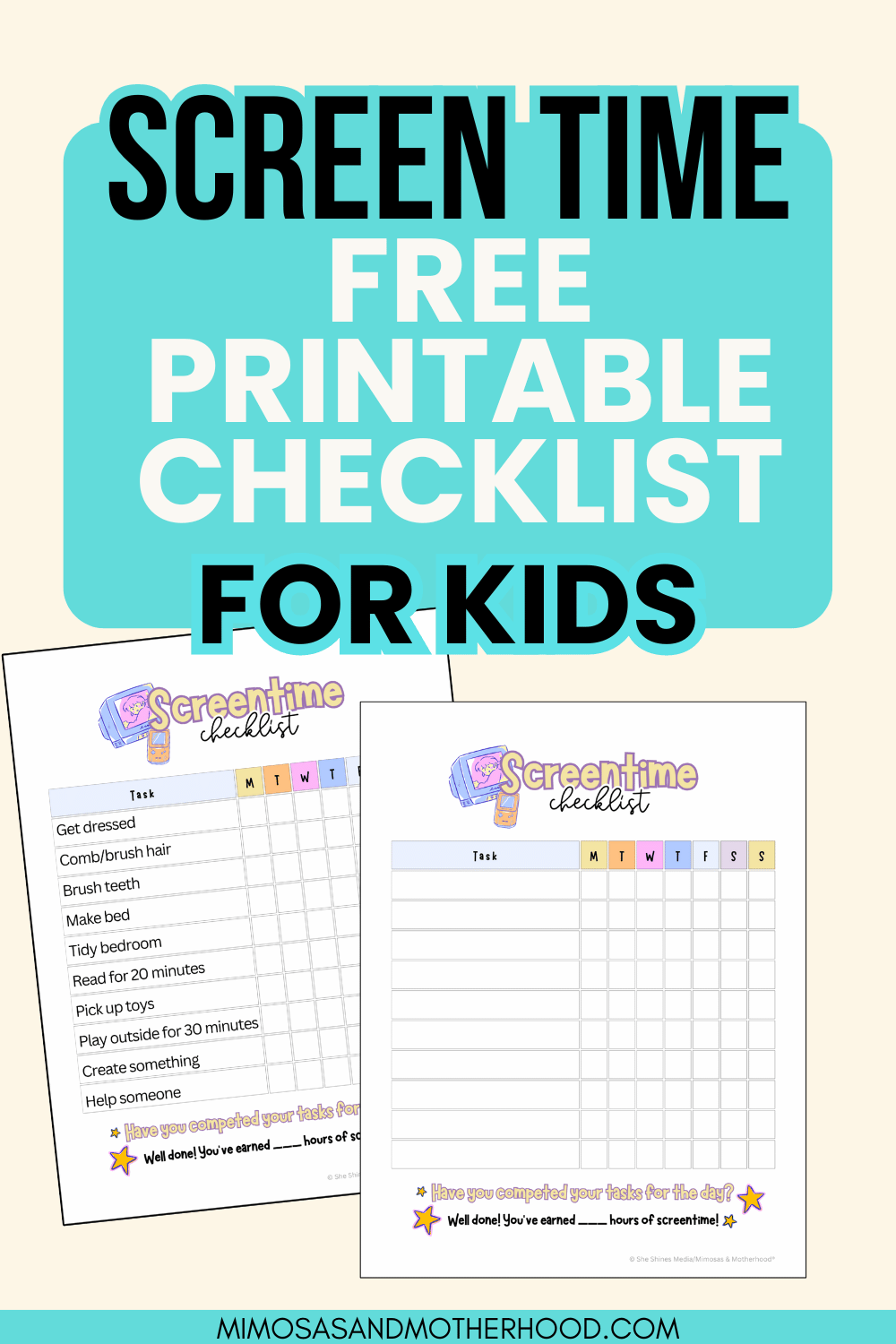
The “screen time rules checklist for children” is designed for versatile application in both educational and home environments. Its format typically includes clear statements or questions related to screen time practices, offering checkboxes for agreement, blank spaces for personalized rule creation, and perhaps simple drawing prompts for younger learners to illustrate concepts. The difficulty level is adaptable, allowing for guided completion with younger children and more independent reflection for older students. Instructions are structured to scaffold learning progressively, beginning with foundational concepts and moving towards personal commitment. This checklist functions effectively as a standalone activity to initiate discussions on digital boundaries, as an integral component of a broader digital citizenship lesson plan, or as a practical homework assignment to involve families in establishing household screen time policies. Its design encourages active participation and critical thinking about personal digital habits.
Practical Tips for Parents and Teachers
- Review and Personalize: Before introducing the checklist, review its contents. Customize specific rules or add new ones relevant to a particular classroom or family context, ensuring the checklist reflects current needs and values.
- Facilitate Collaborative Discussion: Avoid simply presenting rules; instead, facilitate an open dialogue. Ask children “Why do we need this rule?” or “How does this rule help us stay safe and healthy?” to encourage ownership and understanding.
- Model Desired Behavior: Adults should consistently model the screen time habits and digital etiquette outlined in the checklist. Children learn significantly through observation, making adult behavior a powerful teaching tool.
- Display and Refer Regularly: Once completed, print and prominently display the checklist in a common area (e.g., kitchen, classroom tech station). Refer to it regularly during daily routines or when screen time issues arise to reinforce expectations.
- Extend Learning with Real-World Connections: Connect the checklist’s principles to real-life scenarios. Discuss the benefits of outdoor play, reading physical books, or engaging in face-to-face conversations as alternatives to screen time, fostering a balanced lifestyle.
Age-Appropriate Recommendations
Effective implementation of the “screen time rules checklist for children” requires an age-sensitive approach, tailoring engagement to developmental stages.
For Ages 5-8 (Early Elementary), the focus should be on foundational concepts and direct parental or teacher involvement. Vocabulary should be simple and clear, using terms children can easily grasp. Activities might include checking off pre-defined rules, drawing pictures related to screen time alternatives, or simple yes/no questions. Pacing should be slow, allowing ample time for discussion and clarification. Adult guidance is paramount, with the adult reading questions and helping articulate answers, emphasizing the “why” behind each rule in simple terms.
For Ages 9-12 (Upper Elementary/Middle School), the checklist can be approached with greater independence, encouraging critical thinking and negotiation. Children at this stage can actively participate in drafting rules, discussing consequences, and evaluating the balance between online and offline activities. Vocabulary can be slightly more complex, introducing terms like “digital footprint” or “privacy.” The activity can be paced more briskly, perhaps over multiple sessions to allow for reflection. Parental or teacher involvement shifts from direct instruction to facilitation, guiding discussions and encouraging self-advocacy and problem-solving.
For Ages 13-18 (Middle/High School), the checklist serves as a reflective tool to assess existing habits and refine personal digital well-being strategies. Discussions can delve into the long-term impact of screen time on academic performance, mental health, and social relationships. This age group can independently complete the checklist, engaging in self-monitoring and developing personal accountability. Vocabulary can be advanced, incorporating concepts of digital citizenship, media literacy, and online reputation. Adult involvement becomes a partnership, offering support and resources rather than direct oversight, empowering students to manage their own digital lives responsibly.
Frequently Asked Questions
Q: What is the primary purpose of the “screen time rules checklist for children”?
A: The primary purpose is to assist families and students in collaboratively establishing clear, healthy, and consistent boundaries for digital device usage, promoting responsible online habits and digital well-being.
Q: How can this resource be integrated into an existing digital citizenship curriculum?
A: This checklist serves as a practical, hands-on tool that complements digital citizenship lessons by providing a framework for discussing responsible technology use, fostering family media agreements, and encouraging self-regulation regarding screen time.
Q: Where can the “screen time rules checklist for children” be downloaded for free?
A: The “screen time rules checklist for children” is readily available for free download on the SafeWiredSchools.org website. It can typically be located within the dedicated “Worksheets” or “Resources” sections, easily accessible for printing.
Explore More Free Printable Worksheets
While the “screen time rules checklist for children” provides an excellent starting point for fostering digital responsibility, a single resource works best as part of a broader, continuous learning strategy. Consistent engagement with various educational tools ensures comprehensive understanding and skill development. Educators and parents are invited to explore a full collection of free printable internet safety worksheets, activity sheets, checklists, quizzes, and more at SafeWiredSchools.org Worksheets. This extensive library covers every essential internet safety topic and is meticulously designed for every grade level and learning environment, supporting a sustained approach to digital literacy.
Developmental Milestone & Activity Table
| Development Stage | Recommended Daily Duration | Primary Learning Objective |
|---|---|---|
| Preschool & Pre-K | 10 – 15 Minutes | Pencil grip development & basic pre-stroke lines |
| Kindergarten | 15 – 20 Minutes | Letter/number formation & spatial line awareness |
| Early Elementary (Grade 1–2) | 20 – 30 Minutes | Fluency, sentence construction & neatness |
Images References