Introduction
Educators and parents consistently seek effective tools to guide young people toward responsible digital habits. A particularly valuable resource for this endeavor is the “free screen time checklist for students.” This resource, at its core, is a printable checklist a tangible, actionable list of items to consider or complete. The keyword’s central element, “checklist,” functions as a noun, identifying the primary format of this educational tool. Designed for Elementary (grades 1-5) and Middle School (grades 6-8) students, with adaptable elements for High Schoolers (grades 9-12), this checklist reinforces critical internet safety concepts through a hands-on learning experience. Printable worksheets, revered by educational professionals and caregivers alike, serve as trusted instruments for cultivating digital awareness and fostering responsible online behavior. Their physical presence encourages focused engagement, allowing for personal annotation and repeated reference, making abstract digital concepts more concrete and manageable for learners of all ages.
💡 Educational Key Takeaways:
- Core Skill: Structured Free Screen Time Checklist For Students focused on developing pencil grip, stroke control, and early literacy/math confidence.
- Target Scope: Suited for homeschoolers, preschool, kindergarten, and elementary learners.
- Best Recommendation: Practice 10–15 minutes daily with ergonomic writing tools to reinforce muscle memory without hand fatigue.
What This Worksheet Covers
The “free screen time checklist for students” addresses the crucial internet safety topic of digital well-being and responsible screen time management. It systematically guides students through an examination of their daily digital interactions, encouraging mindful engagement rather than passive consumption. Concepts covered include distinguishing between productive and recreational screen use, recognizing the physical and mental impacts of excessive screen time, and understanding the importance of balancing online activities with offline pursuits. The checklist incorporates practical rules for setting boundaries, such as designating tech-free zones or times, and developing skills in self-regulation and time management. It presents scenarios prompting reflection on appropriate digital citizenship, helping students evaluate their choices in a structured manner. This worksheets content directly aligns with recognized digital citizenship and child safety education standards, which emphasize critical thinking, healthy habits, and responsible interaction within the digital landscape.
Key Learning Outcomes
Completing the “free screen time checklist for students” fosters several essential skills and knowledge areas for young learners:. Browse more guides on Safe Wired Schools.
- Students develop an enhanced awareness of personal screen time habits and their potential effects on well-being.
- Learners gain practical strategies for setting and adhering to healthy digital boundaries.
- Children acquire improved self-regulation skills regarding online engagement and device usage.
- Young people cultivate critical thinking abilities to evaluate the purpose and value of their digital activities.
- Participants begin to understand the importance of balancing online interaction with real-world activities and responsibilities.
How to Use This Worksheet
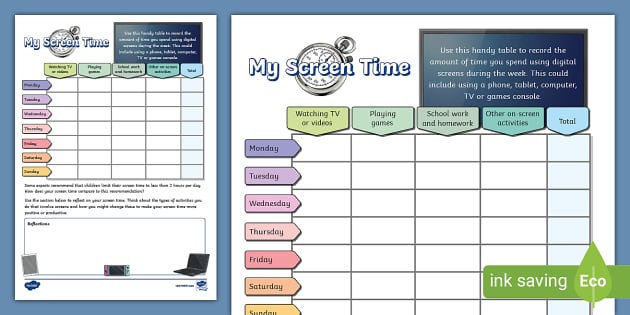
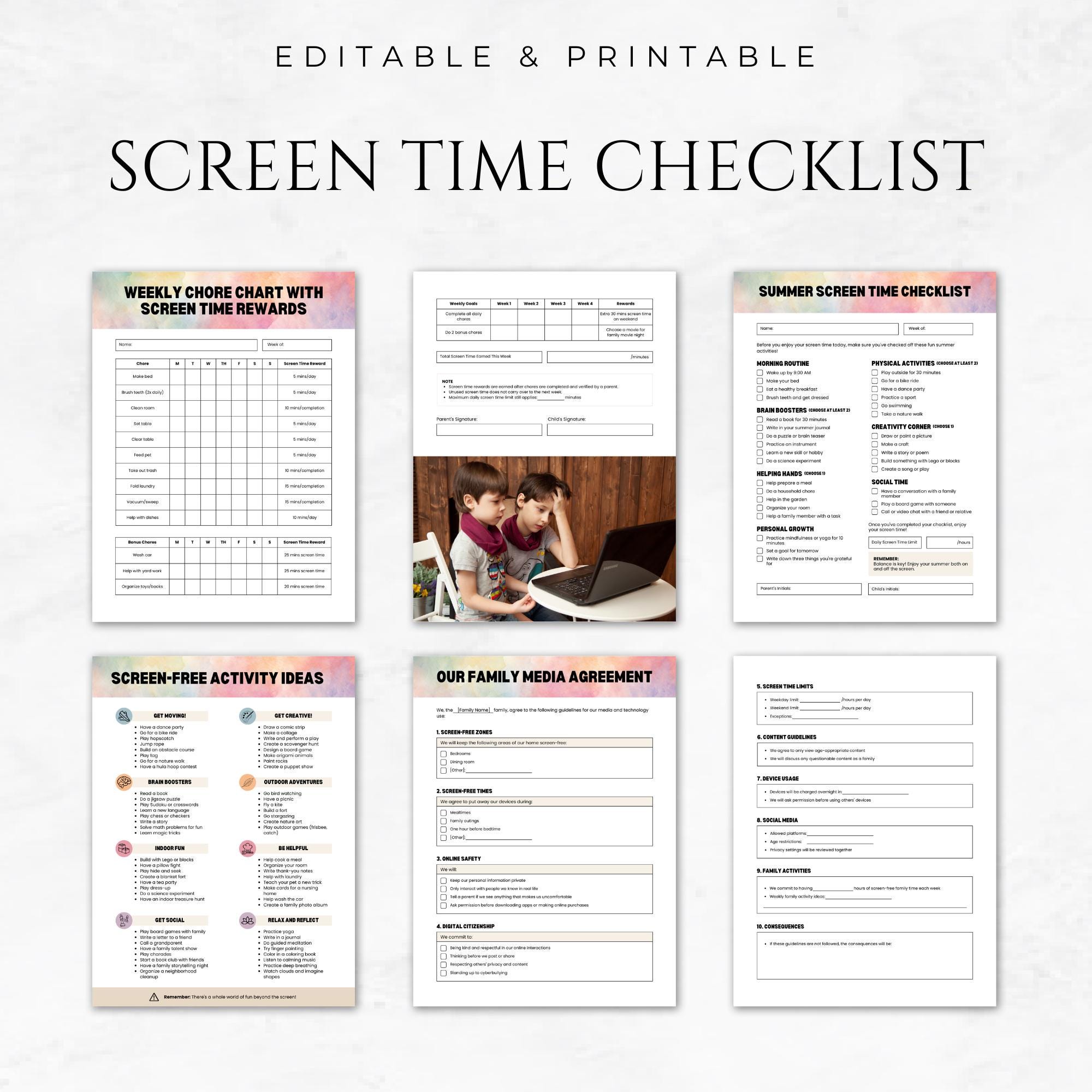
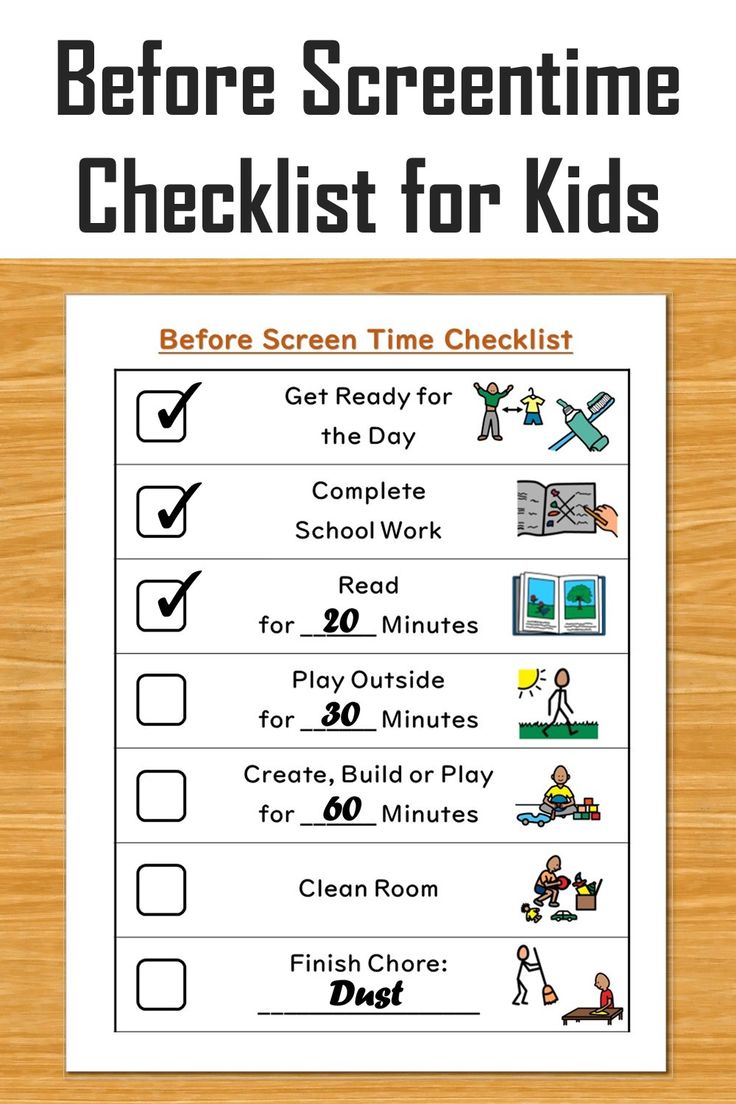
The “free screen time checklist for students” offers a versatile framework for promoting digital responsibility in various settings. This printable resource features a blend of activity types, including self-assessment questions, reflection prompts, and goal-setting sections. Instructions are scaffolded progressively, starting with simple self-identification of current habits and moving towards formulating actionable strategies for improvement. The difficulty level is designed to be accessible, encouraging participation without overwhelming young learners. Educators can integrate this worksheet as a foundational component of a digital citizenship lesson plan, facilitating classroom discussions around healthy tech use. Parents can utilize it as a structured activity for family conversations about online habits, promoting open dialogue. It serves effectively as a standalone assignment for individual reflection or as a homework task, allowing students to track their progress over a designated period.
Practical Tips for Parents and Teachers
Maximizing the educational impact of the “free screen time checklist for students” involves thoughtful preparation and ongoing support.
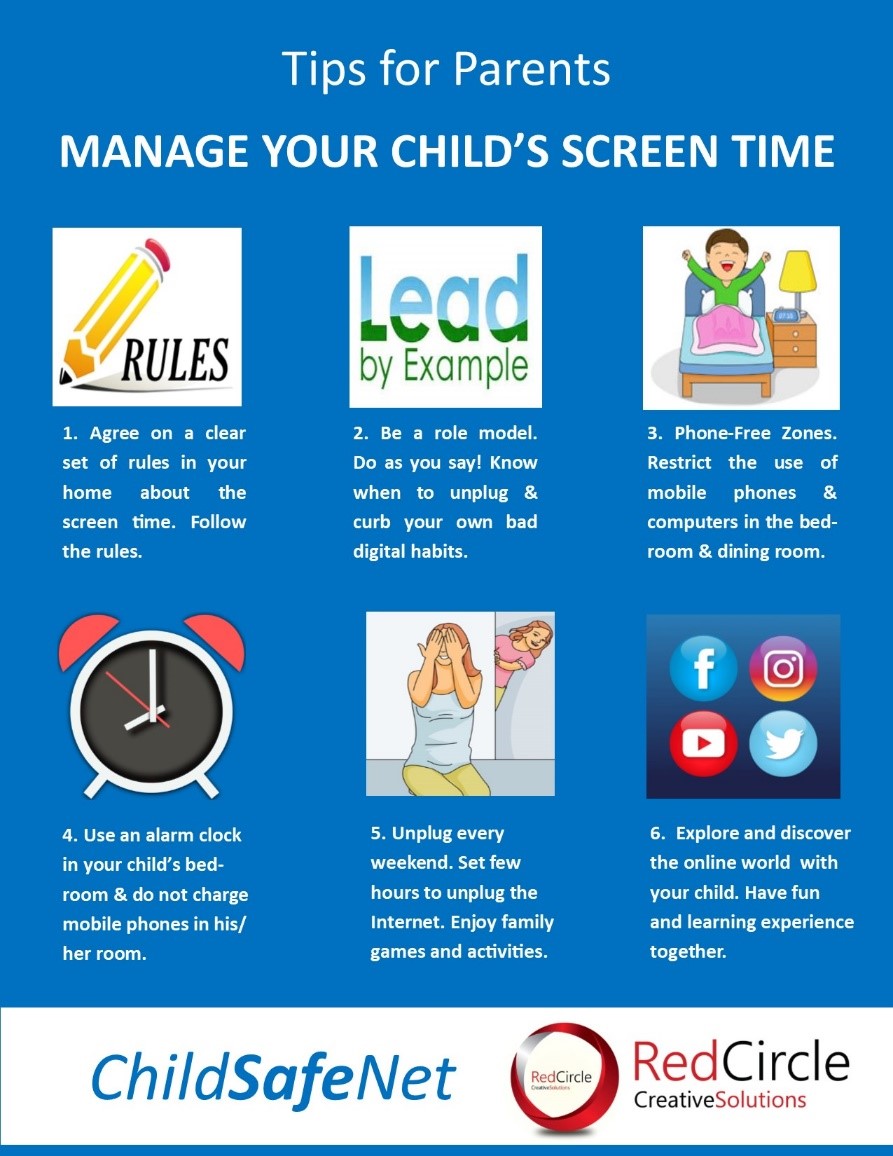
- Introduce with Context: Begin by discussing the benefits of balanced screen time, framing the checklist not as a restrictive tool, but as a guide for greater well-being and productivity.
- Collaborate on Completion: Encourage students to complete the checklist with an adult initially, fostering a non-judgmental environment for honest self-assessment and shared goal-setting.
- Facilitate Meaningful Discussion: After completion, engage in open-ended questions. Ask students to explain their choices, discuss challenges, and brainstorm solutions for common screen time dilemmas.
- Set Achievable Goals: Help students identify one or two realistic screen time goals from their checklist, emphasizing small, consistent steps rather than drastic changes.
- Review and Adapt Regularly: Revisit the checklist periodically (e.g., weekly or monthly) to track progress, celebrate successes, and adjust goals as needed, reinforcing a continuous learning process.
Age-Appropriate Recommendations
Effective implementation of the “free screen time checklist for students” requires tailoring the approach to suit the developmental stage of the learners.
Ages 6-10 (Elementary Grades 1-5): For younger students, the focus should remain on foundational concepts. An adult’s direct involvement is paramount, guiding them through each item with simple, clear language. Vocabulary support might involve defining terms like “productive” or “recreational” screen time. Activities should be paced to maintain attention, perhaps completing a few checklist items at a time rather than the entire sheet at once. The emphasis should be on establishing basic household rules for screen use, such as designated times or locations, and understanding the immediate consequences of too much screen time (e.g., tired eyes, missed play).
Ages 11-14 (Middle School Grades 6-8): Middle schoolers possess greater capacity for independent thought and self-reflection. The worksheet can be used with less direct parental or teacher involvement, encouraging students to complete it individually first. Discussion prompts should encourage deeper introspection, exploring how screen time impacts their mood, sleep, or social interactions. The approach should empower them to set their own reasonable limits and understand the long-term benefits of balanced digital habits. Conversations can extend to peer influence regarding screen use and strategies for managing it.
Ages 15-18 (High School Grades 9-12): Older students benefit from a more self-directed and critical approach. The checklist serves as a framework for analyzing complex digital behaviors, including the role of social media, online gaming, and academic screen use. Discussions should delve into topics like digital citizenship, online reputation, and the balance between personal screen time and academic responsibilities. The approach should foster autonomy, encouraging students to take full ownership of their digital well-being and to advocate for healthy practices among their peers. The checklist can also prompt reflection on future career implications of digital habits.
Frequently Asked Questions
Q: What specific topics does the “free screen time checklist for students” cover? A: The checklist covers topics such as identifying different types of screen time, recognizing the impact of screen use on physical and mental health, setting personal boundaries, and balancing online activities with offline pursuits. It promotes mindful engagement with digital devices.
Q: Is this resource suitable for all age groups within the K-12 spectrum? A: While primarily designed for Elementary and Middle School students, the checklist offers adaptable elements. Specific age-appropriate recommendations are provided within the article to guide parents and teachers on tailoring its use for younger children (ages 6-10) and older teenagers (ages 15-18).
Q: How can one download or access the “free screen time checklist for students”? A: The “free screen time checklist for students” is available for immediate download directly from the SafeWiredSchools.org website. Navigate to the “Worksheets” section, locate the resource, and click the download button to access the printable PDF file.
Explore More Free Printable Worksheets
A single resource, however valuable, integrates best within a comprehensive educational routine for digital safety. The “free screen time checklist for students” stands as an excellent starting point, yet its impact is amplified when used as part of a broader collection of printable resources. Educators and parents are encouraged to explore a full collection of free printable internet safety worksheets, activity sheets, checklists, quizzes, and more at SafeWiredSchools.org Worksheets. This extensive library covers every essential internet safety topic and is meticulously designed for every grade level and diverse learning environments, ensuring continuous reinforcement of crucial digital literacy skills.
Developmental Milestone & Activity Table
| Development Stage | Recommended Daily Duration | Primary Learning Objective |
|---|---|---|
| Preschool & Pre-K | 10 – 15 Minutes | Pencil grip development & basic pre-stroke lines |
| Kindergarten | 15 – 20 Minutes | Letter/number formation & spatial line awareness |
| Early Elementary (Grade 1–2) | 20 – 30 Minutes | Fluency, sentence construction & neatness |
Images References