Introduction
The digital landscape requires deliberate cultivation of healthy habits, particularly concerning screen engagement. A crucial tool for fostering this balance is the “free screen time management checklist for kids.” This resource is meticulously designed for Elementary grades (1-5) through Middle School (6-8), offering foundational principles that can be adapted for High School learners. It reinforces essential internet safety concepts through a practical, hands-on, printable learning experience. Educators and parents consistently rely on printable worksheets as trusted instruments for building digital awareness and promoting responsible online behavior. The tangible nature of a physical checklist encourages active participation and reflection, moving beyond passive consumption of information. This method helps solidify understanding and empowers young individuals to take ownership of their digital well-being, laying a strong groundwork for lifelong safe online practices.
💡 Educational Key Takeaways:
- Core Skill: Structured Free Screen Time Management Checklist For Kids focused on developing pencil grip, stroke control, and early literacy/math confidence.
- Target Scope: Suited for homeschoolers, preschool, kindergarten, and elementary learners.
- Best Recommendation: Practice 10–15 minutes daily with ergonomic writing tools to reinforce muscle memory without hand fatigue.
What This Worksheet Covers
The “free screen time management checklist for kids” directly addresses the vital topic of healthy screen time habits and digital well-being. This resource guides children through understanding appropriate screen durations, recognizing the importance of balancing online activities with offline pursuits, and establishing clear boundaries for device use. Concepts covered include identifying suitable content, allocating specific times for educational versus recreational screen use, and acknowledging the signs of excessive screen engagement. The checklist facilitates the creation of personalized screen time schedules and encourages collaborative rule-setting within family or classroom environments. Its content aligns with recognized digital citizenship standards, emphasizing responsible media consumption, self-regulation, and the cultivation of a healthy relationship with technology from an early age, contributing to a safer and more productive digital experience. Related guide: Online Safety And Netiquette Lesson Plan Grade 4.
Key Learning Outcomes
By engaging with the “free screen time management checklist for kids,” learners will develop several critical skills and areas of knowledge:. Browse more guides on Safe Wired Schools.
- Ability to identify and articulate appropriate daily screen time durations.
- Understanding the importance of balancing digital activities with physical play, homework, and social interaction.
- Skill in contributing to the creation and adherence of personal or family screen time rules.
- Development of self-awareness regarding personal screen use habits and potential areas for improvement.
- Recognition of the impact of screen time on sleep, concentration, and overall well-being.
How to Use This Worksheet
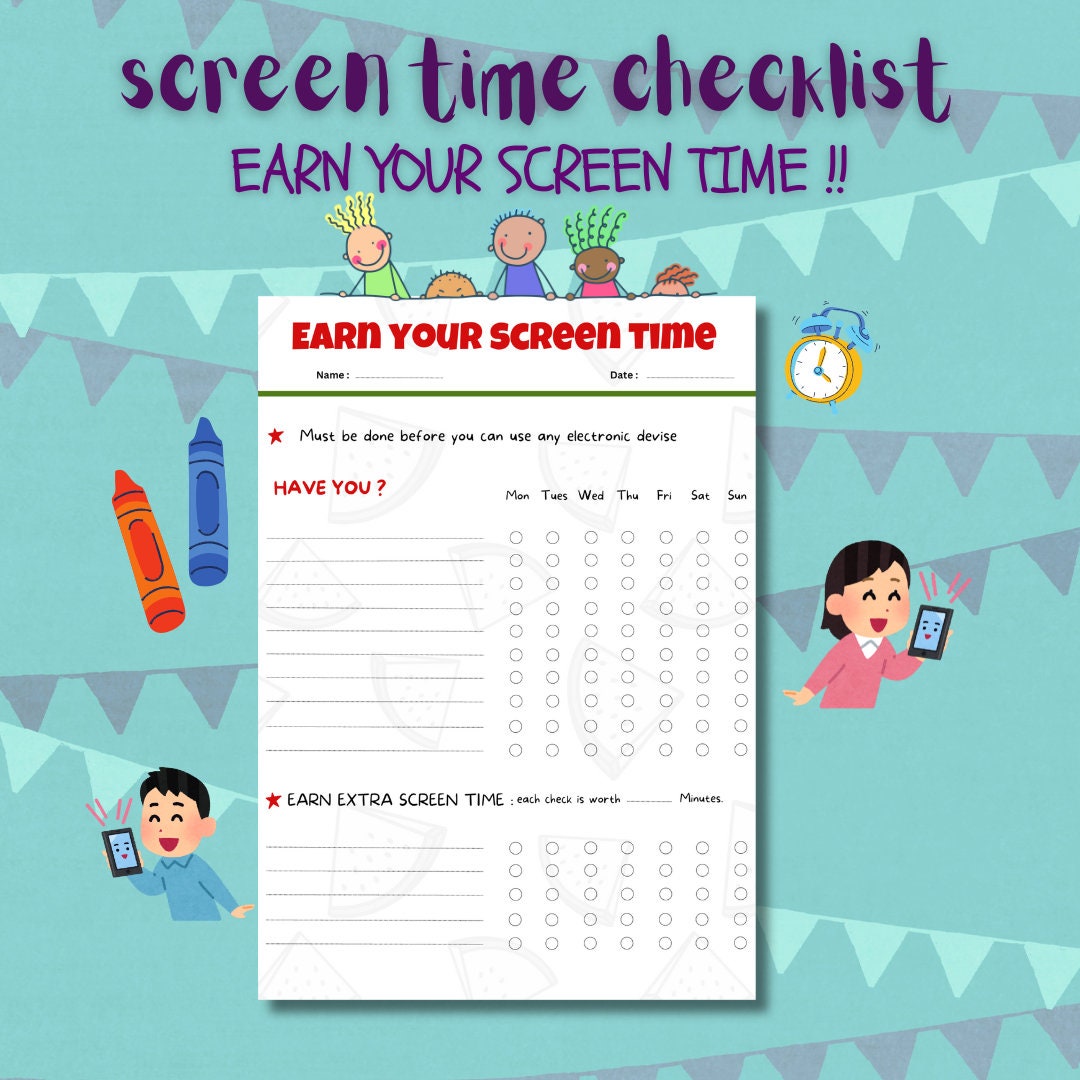
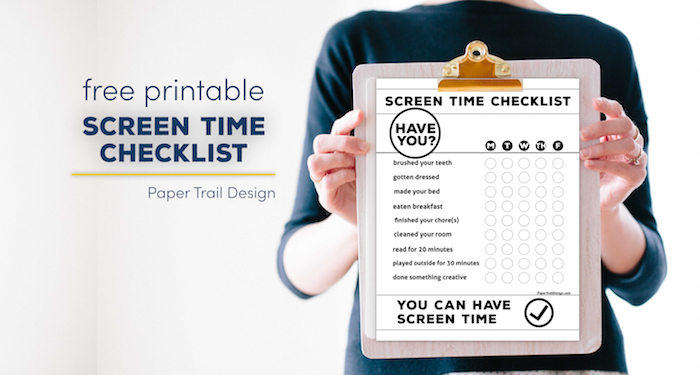
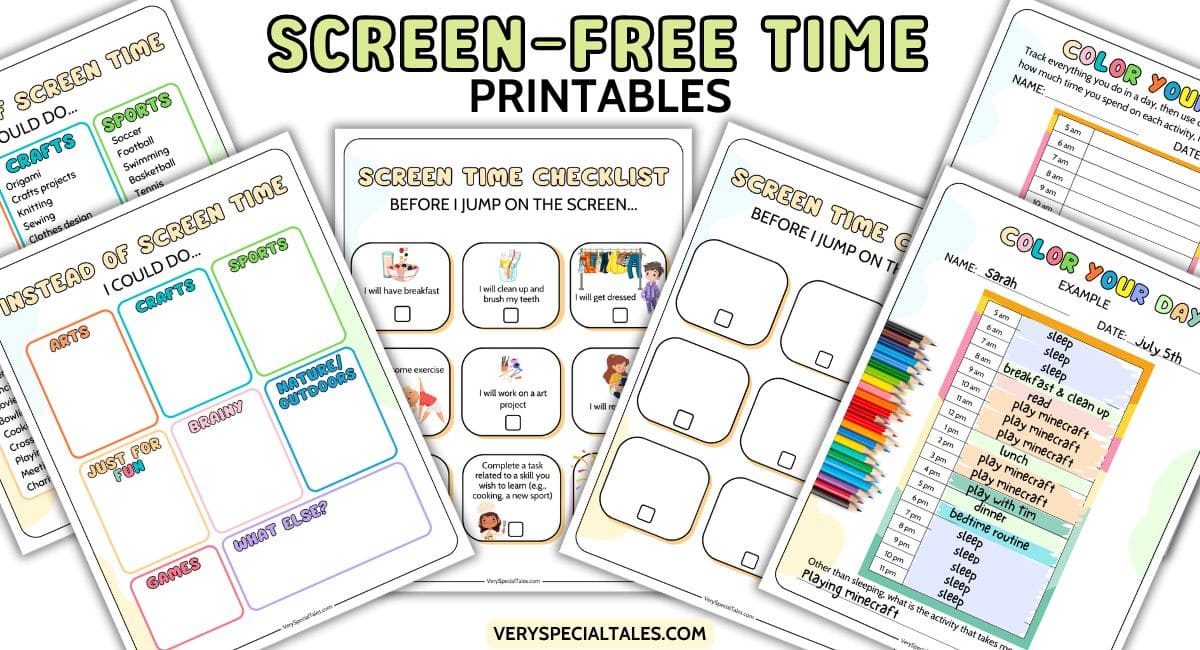
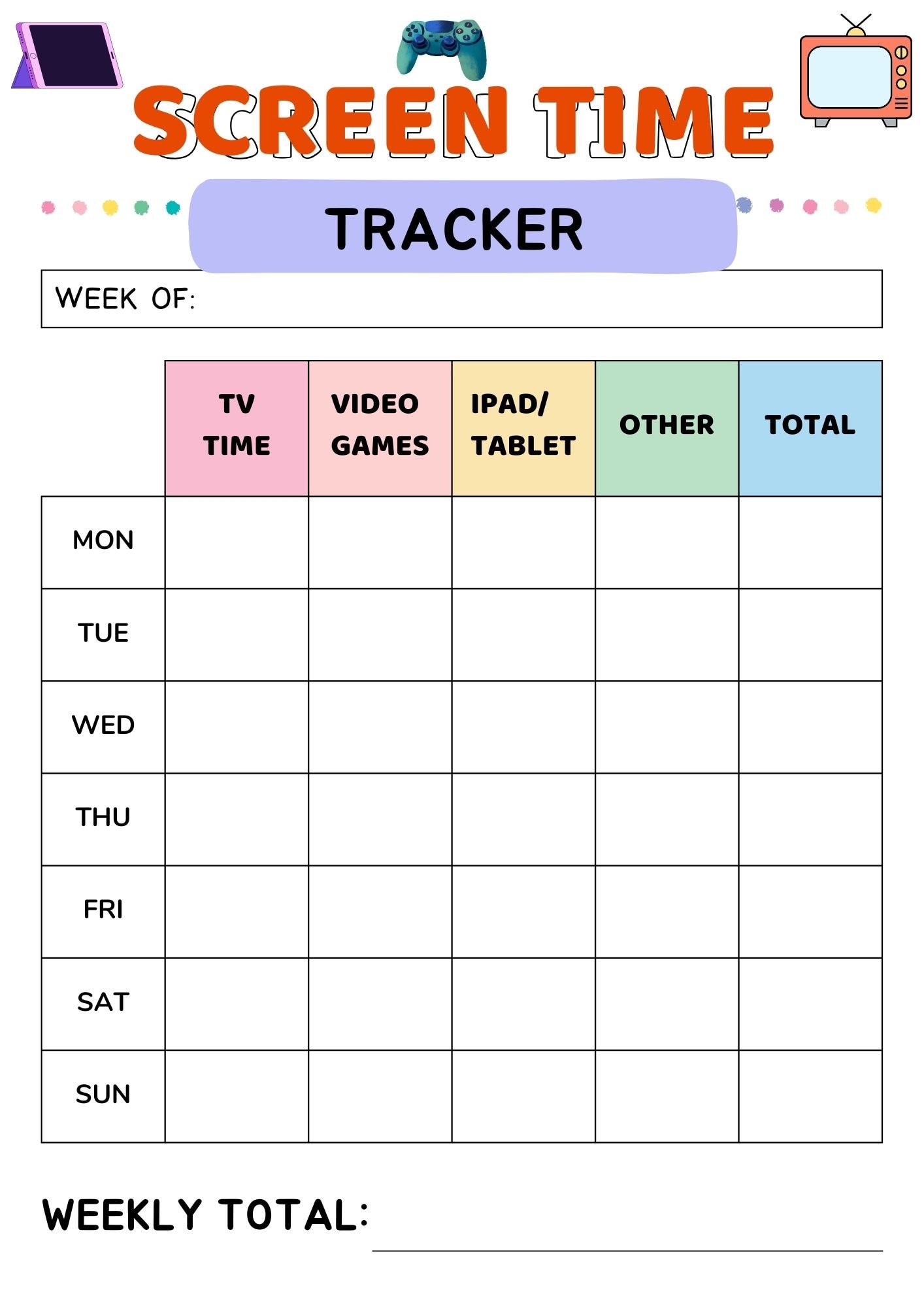
The “free screen time management checklist for kids” offers versatile application for both educational settings and home environments. Its format typically includes sections for identifying current screen habits, setting realistic goals for balanced use, and creating a personalized schedule. Activity types often involve simple checkboxes, fill-in-the-blank prompts, or reflective questions that encourage self-assessment. The difficulty level is accessible, designed to scaffold learning progressively from basic awareness to more nuanced self-management. Instructions are clear and concise, guiding learners through each step without requiring extensive adult interpretation. This resource functions effectively as a standalone activity, providing a focused discussion starter. It also integrates seamlessly into broader lesson plans on digital citizenship or serves as a practical homework assignment, reinforcing concepts learned in school or during family discussions. The checklist encourages consistent engagement with the principles of digital wellness.
Practical Tips for Parents and Teachers
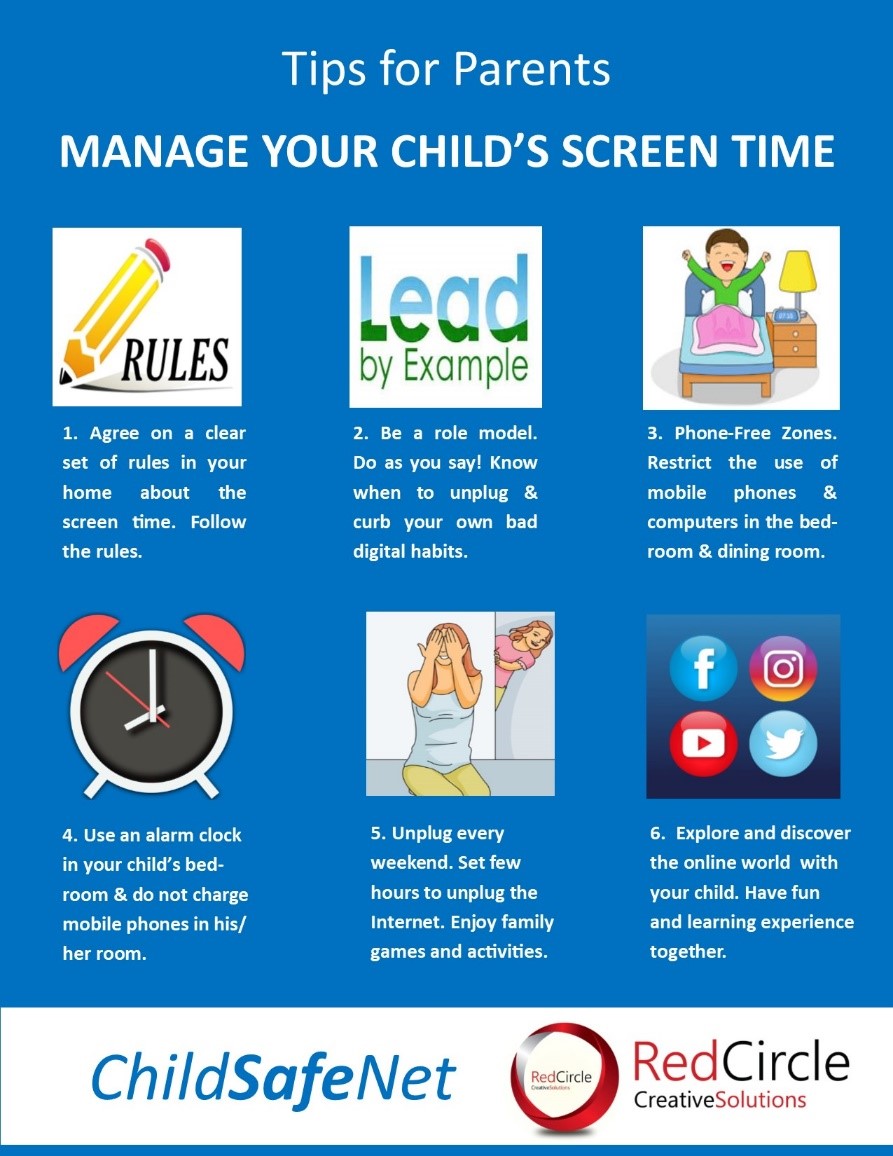
- Prepare the Environment: Before introducing the checklist, establish a calm, distraction-free space. Discuss the purpose of managing screen time in a positive, empowering manner, focusing on health and balance rather than restriction.
- Facilitate Discussion: Do not simply hand over the checklist. Guide children through each section, prompting questions like, “What activities do you enjoy online?” and “What other activities make you happy offline?” Encourage open dialogue without judgment.
- Model Behavior: Adults demonstrate healthy screen habits. Children learn by example, observing how parents and teachers manage their own digital device use and prioritize offline engagement.
- Review and Adjust Regularly: This is not a one-time activity. Schedule weekly or bi-weekly check-ins to review progress, celebrate successes, and make necessary adjustments to the screen time plan as routines or interests change.
- Extend the Learning: Beyond the checklist, engage in alternative activities together. Suggest screen-free family time, outdoor play, reading, or creative projects to reinforce the value of a balanced lifestyle.
Age-Appropriate Recommendations
Implementing the “free screen time management checklist for kids” effectively requires tailoring its use to different developmental stages.
For Ages 5-8 (Early Elementary), the focus remains on foundational understanding and establishing basic routines. Adult involvement is crucial, with parents or teachers guiding children through each item on the checklist. Vocabulary should be simple, and concepts like “too much screen time” can be explained using relatable examples, such as how excessive screen time can make eyes tired or affect playtime. The activity pacing should be short and broken into manageable segments, perhaps completing one section at a time. Visual aids, like drawing or coloring activities related to screen-free fun, can enhance engagement. The goal is to introduce the idea of limits and balance in an encouraging, non-restrictive way.
For Ages 9-12 (Upper Elementary/Middle School), a greater degree of independence is encouraged. Children can actively participate in setting their own screen time goals and identifying their favorite offline activities. Discussions can delve deeper into the reasons behind screen time rules, exploring topics like the impact on sleep, homework, and social interactions. The checklist becomes a tool for self-assessment and negotiation, fostering a sense of responsibility. Adults still provide guidance and oversight, but the emphasis shifts towards collaborative problem-solving and understanding the consequences of unbalanced screen use. This age group benefits from discussing peer influences and developing strategies for managing screen time in social settings.
For Ages 13-18 (Middle/High School), the checklist serves as a framework for self-monitoring and critical reflection. Teenagers can analyze their own digital habits, considering the effects on academic performance, mental health, and personal relationships. The vocabulary used in discussions can be more sophisticated, addressing concepts like digital detox, mindful scrolling, and the impact of social media. The level of parental or teacher involvement transitions to mentorship, offering support, resources, and a safe space for open dialogue about digital pressures. The checklist aids in developing long-term self-regulation skills, empowering young adults to make informed choices about their digital lives and maintain a healthy digital footprint. This stage emphasizes the importance of internalizing good habits rather than merely following external rules.
Frequently Asked Questions
Q: What is the primary benefit of using a screen time management checklist for children? A: A screen time management checklist helps children develop self-awareness regarding their digital habits, promotes healthy boundaries, and encourages a balanced lifestyle by integrating online and offline activities effectively.
Q: How often should this screen time checklist be reviewed or updated? A: It is recommended to review and update the checklist regularly, ideally on a weekly or bi-weekly basis, to ensure it remains relevant to changing routines, interests, and developmental needs of the child.
Q: How can one access and download the free screen time management checklist for kids? A: The free screen time management checklist for kids can be accessed by navigating to the SafeWiredSchools.org Worksheets section, locating the specific resource, and clicking the designated download button for immediate printing.
Explore More Free Printable Worksheets
A single worksheet, while valuable, works best as part of a comprehensive and consistent digital safety learning routine. This “free screen time management checklist for kids” represents just one component of a broader educational strategy. Educators and parents are invited to explore a full collection of free printable internet safety worksheets, activity sheets, checklists, quizzes, and more at SafeWiredSchools.org Worksheets. These resources cover every essential internet safety topic, including cyberbullying prevention, digital footprint awareness, privacy protection, and critical media literacy. Each resource is meticulously designed for every grade level and learning environment, ensuring a continuous and robust approach to fostering responsible and safe digital citizens.
Developmental Milestone & Activity Table
| Development Stage | Recommended Daily Duration | Primary Learning Objective |
|---|---|---|
| Preschool & Pre-K | 10 – 15 Minutes | Pencil grip development & basic pre-stroke lines |
| Kindergarten | 15 – 20 Minutes | Letter/number formation & spatial line awareness |
| Early Elementary (Grade 1–2) | 20 – 30 Minutes | Fluency, sentence construction & neatness |
Images References