Introduction
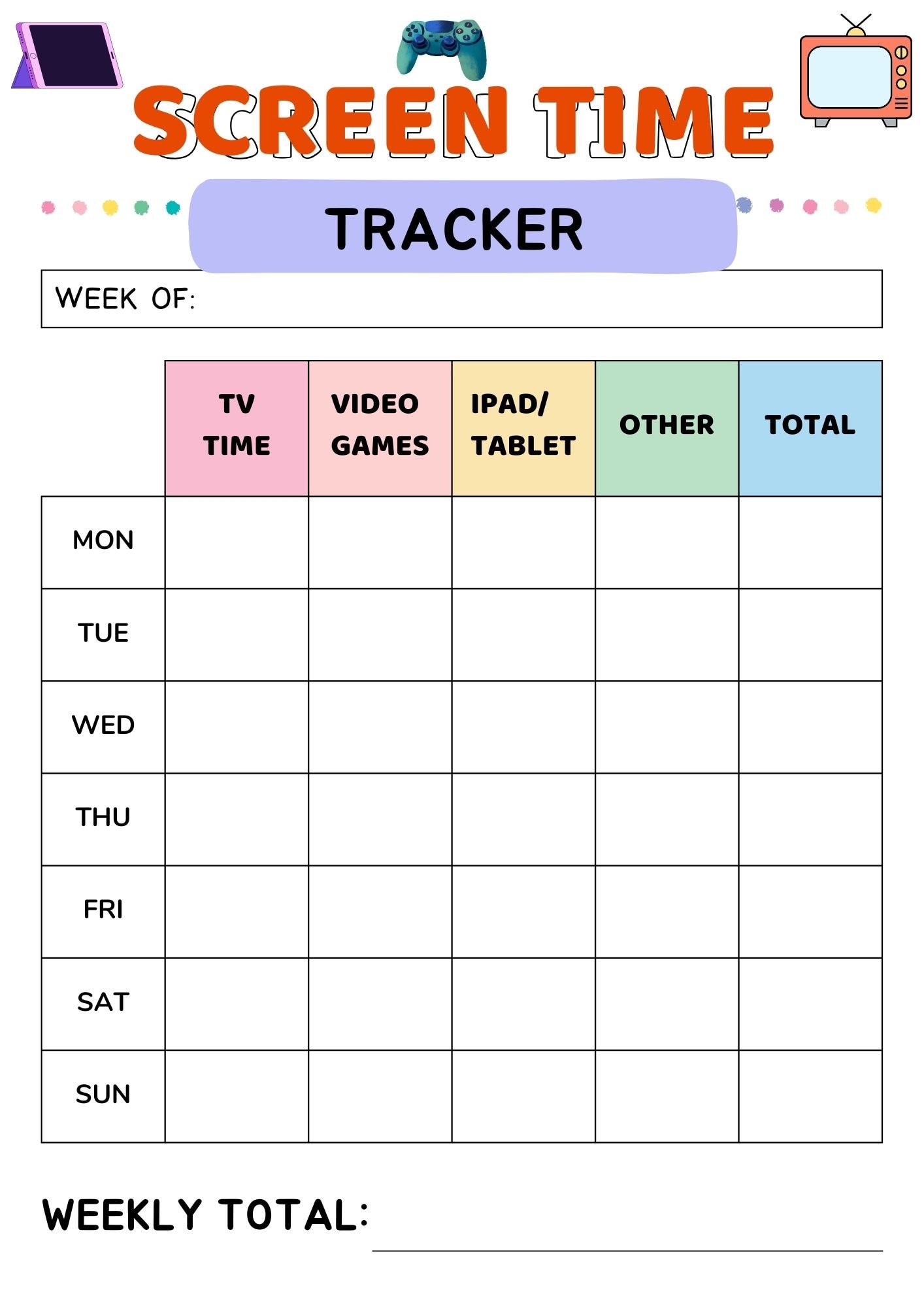
The “daily screen time tracker for kids” represents a foundational resource for fostering digital well-being, primarily targeting Elementary grades 15 and Middle School grades 68, with adaptable applications for High School students. This printable worksheet serves as a practical tool for reinforcing essential internet safety concepts through a hands-on, engaging approach. Educators and parents consistently trust printable worksheets for their proven efficacy in building digital awareness and cultivating responsible online behavior. Such resources offer a tangible method for children to interact with critical information, allowing for sustained engagement and deeper comprehension of complex digital citizenship principles. The act of physically tracking and reflecting on screen usage patterns encourages self-awareness and accountability, moving beyond passive instruction to active learning. This direct engagement empowers young learners to develop mindful technology habits from an early age, establishing a solid groundwork for navigating the digital world safely and effectively throughout their lives.
💡 Educational Key Takeaways:
- Core Skill: Structured Daily Screen Time Tracker For Kids focused on developing pencil grip, stroke control, and early literacy/math confidence.
- Target Scope: Suited for homeschoolers, preschool, kindergarten, and elementary learners.
- Best Recommendation: Practice 10–15 minutes daily with ergonomic writing tools to reinforce muscle memory without hand fatigue.
What This Worksheet Covers
This “daily screen time tracker for kids” specifically addresses the critical internet safety topic of responsible screen time management and digital well-being. The resource guides children and families in monitoring their daily engagement with digital devices, helping to identify usage patterns and balance online and offline activities. Key concepts explored include distinguishing between educational screen time and recreational screen time, understanding the importance of setting healthy digital boundaries, and recognizing the impact of screen use on overall well-being. The worksheet encourages self-regulation and provides a framework for practicing mindful technology consumption. Its content directly aligns with recognized digital citizenship standards, emphasizing the development of healthy habits, critical thinking skills regarding online content, and the ability to make informed choices about technology use. This structured approach supports children in developing a balanced relationship with digital media, a crucial component of comprehensive child safety education.
Key Learning Outcomes
By utilizing the “daily screen time tracker for kids,” students and children will develop several essential skills and knowledge areas:. Browse more guides on Safe Wired Schools.
- Develop self-awareness regarding personal screen usage patterns and habits.
- Practice setting and adhering to personal screen time limits effectively.
- Understand the distinction between productive, educational screen activities and purely recreational use.
- Foster proactive communication about digital habits within family units and educational settings.
- Cultivate responsible digital citizenship through consistent and mindful technology use.
How to Use This Worksheet
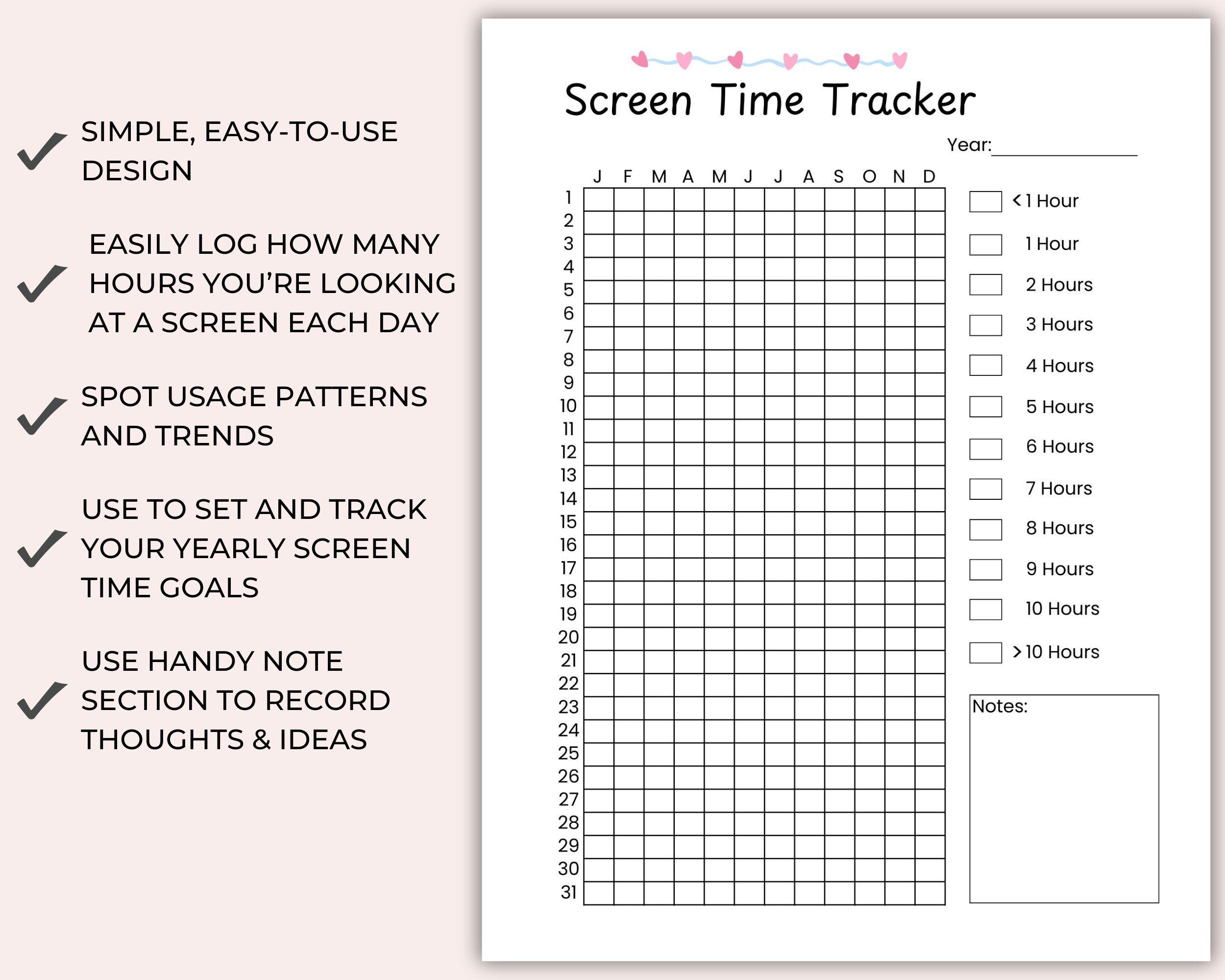
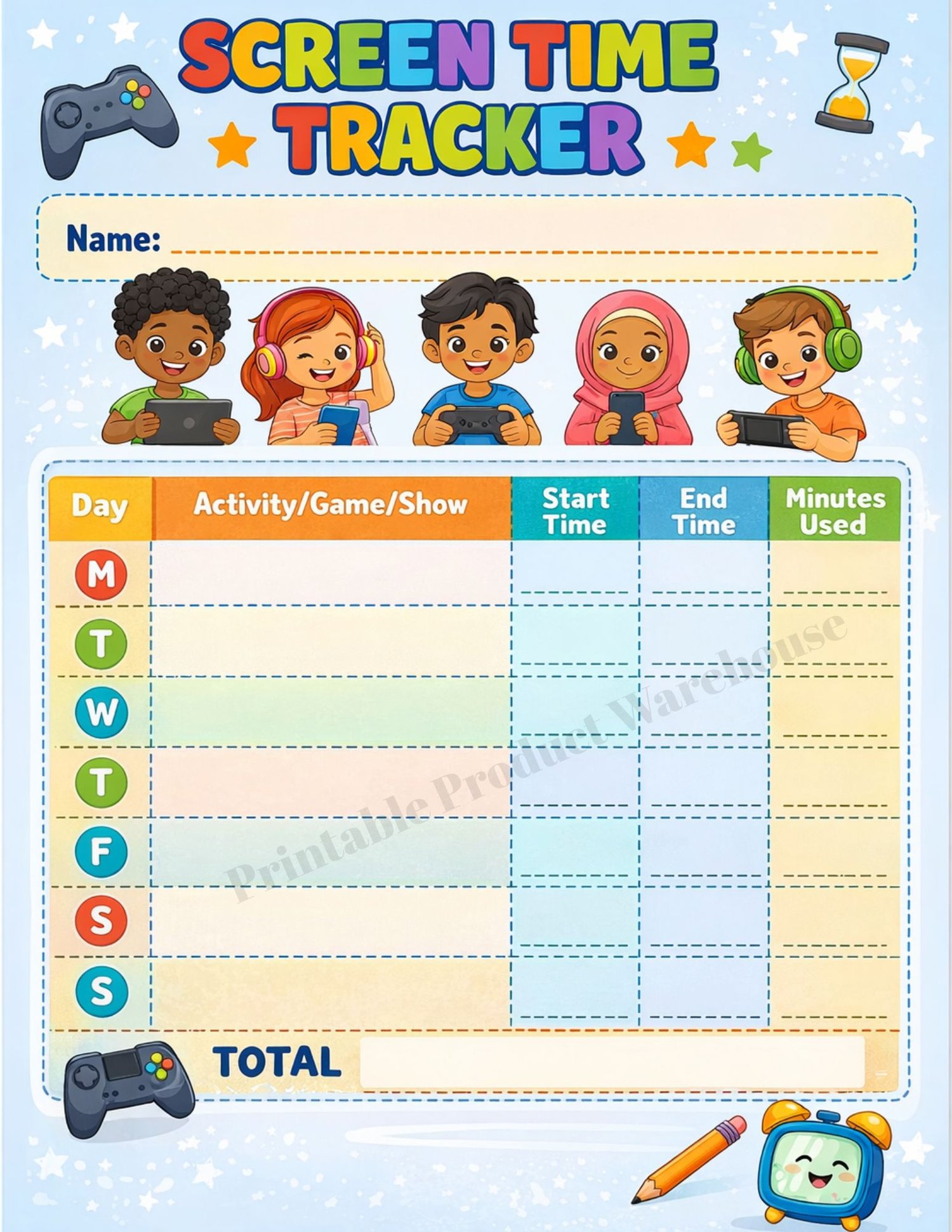
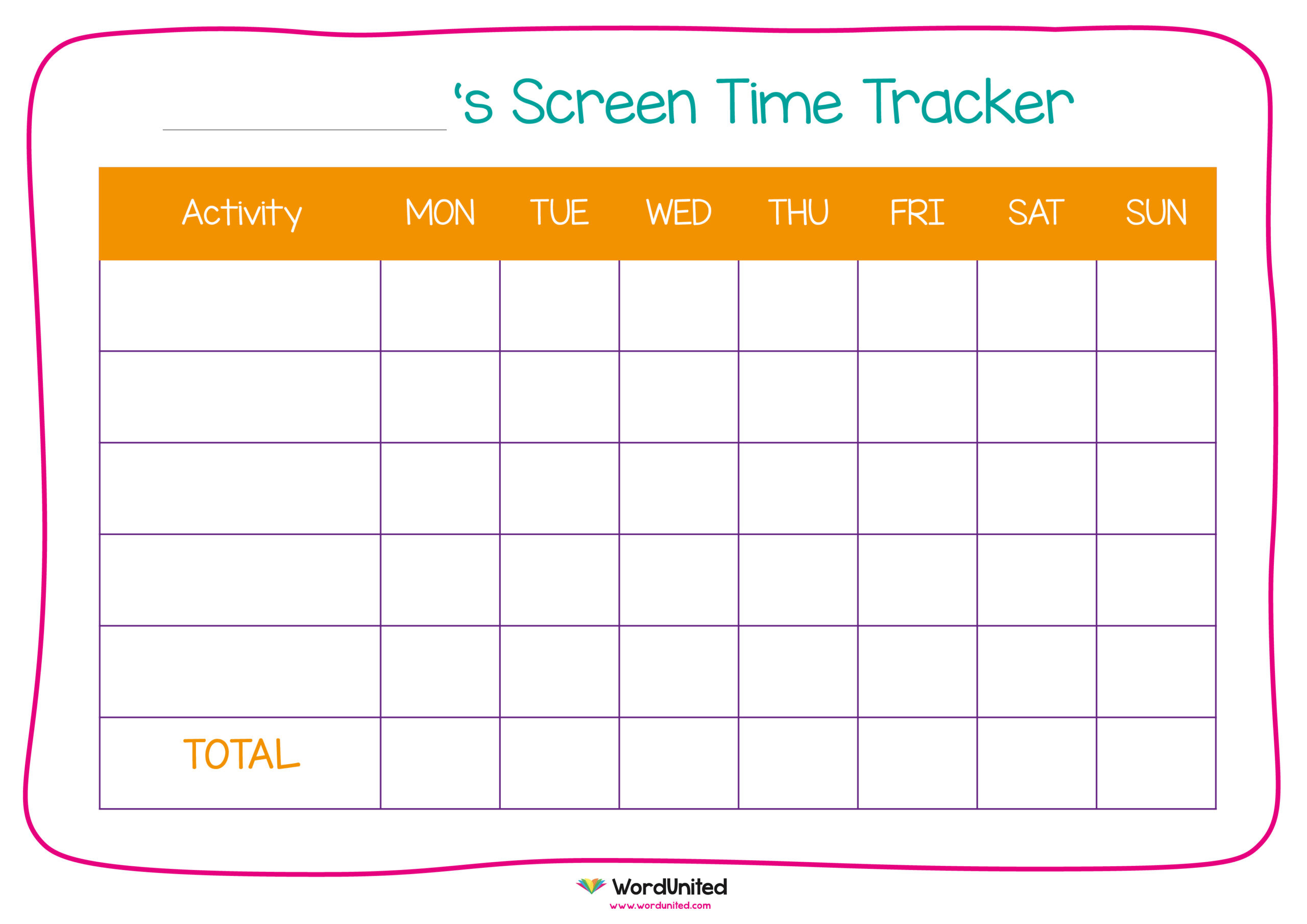
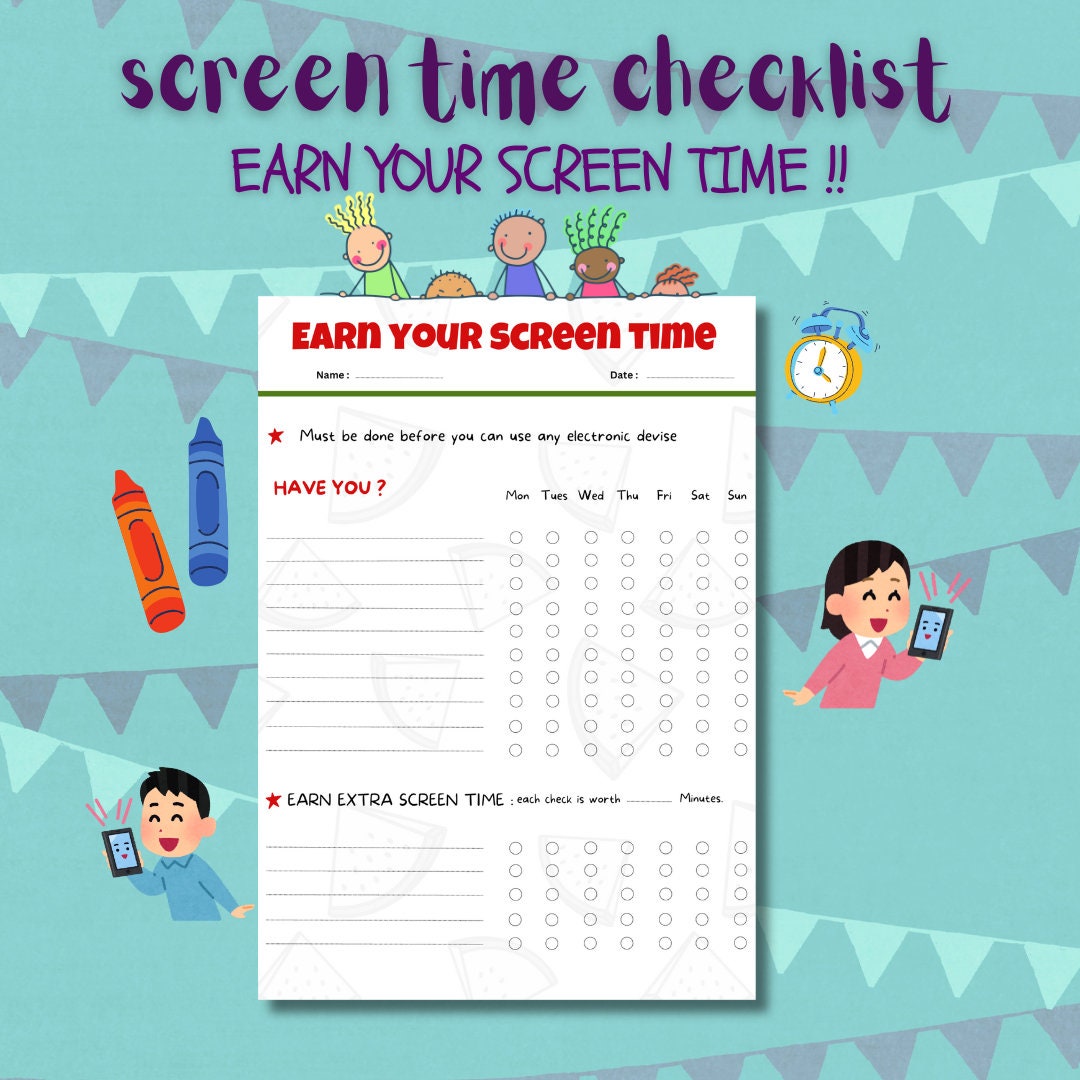
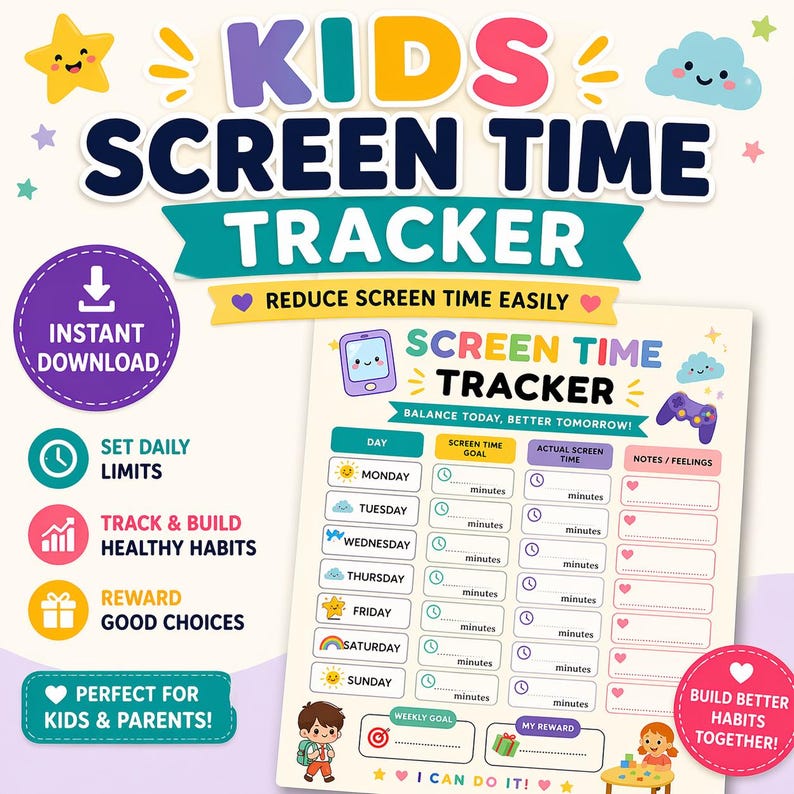
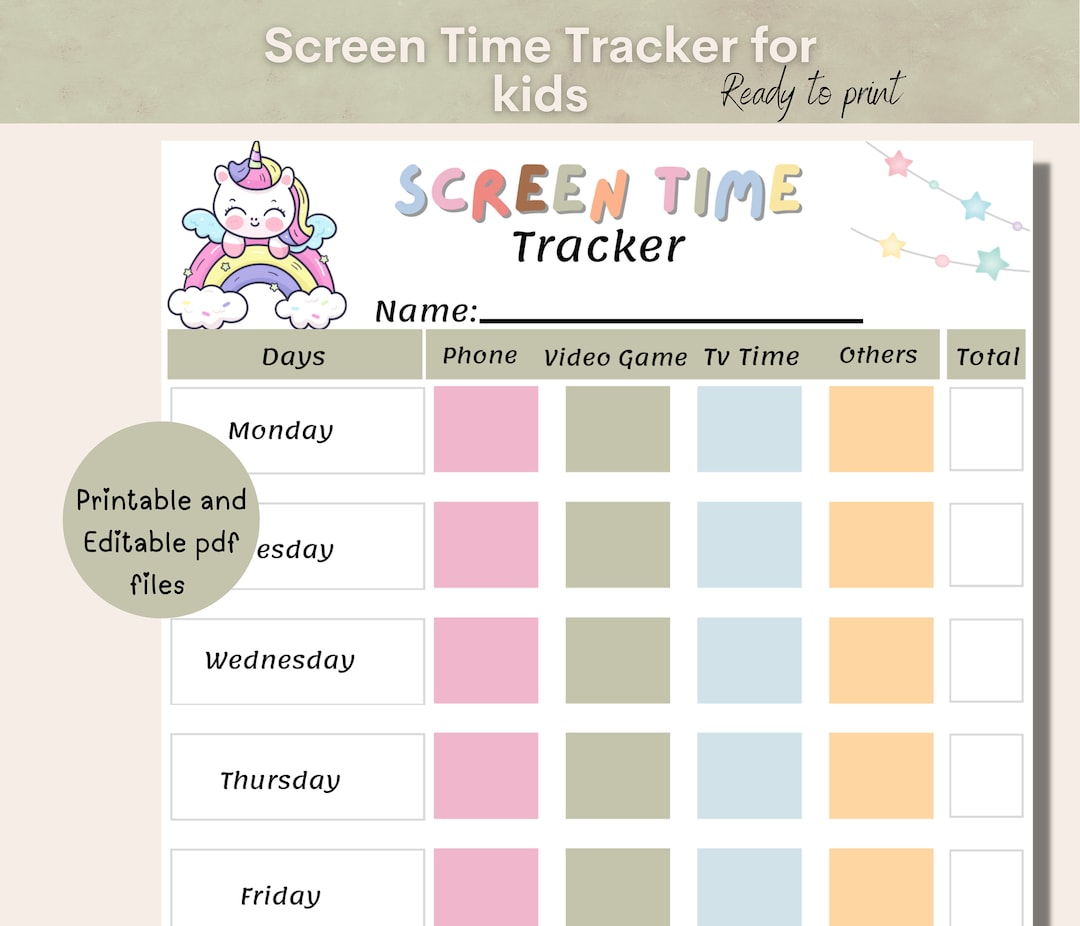
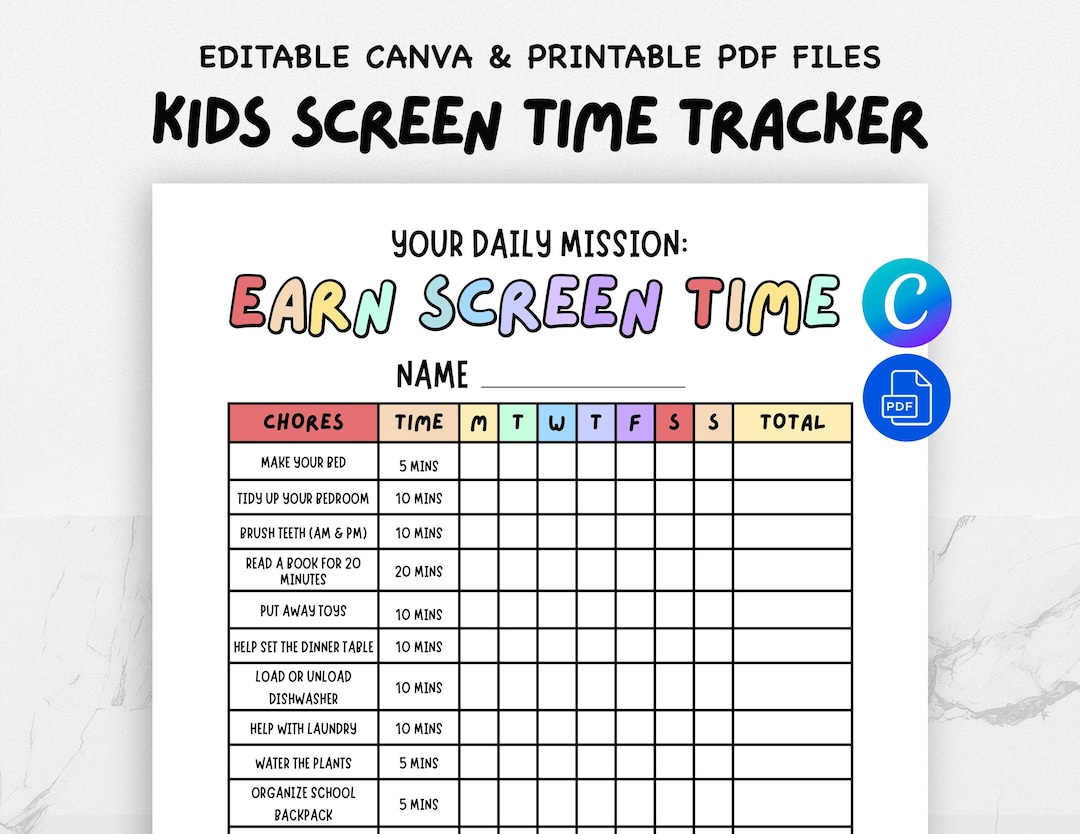
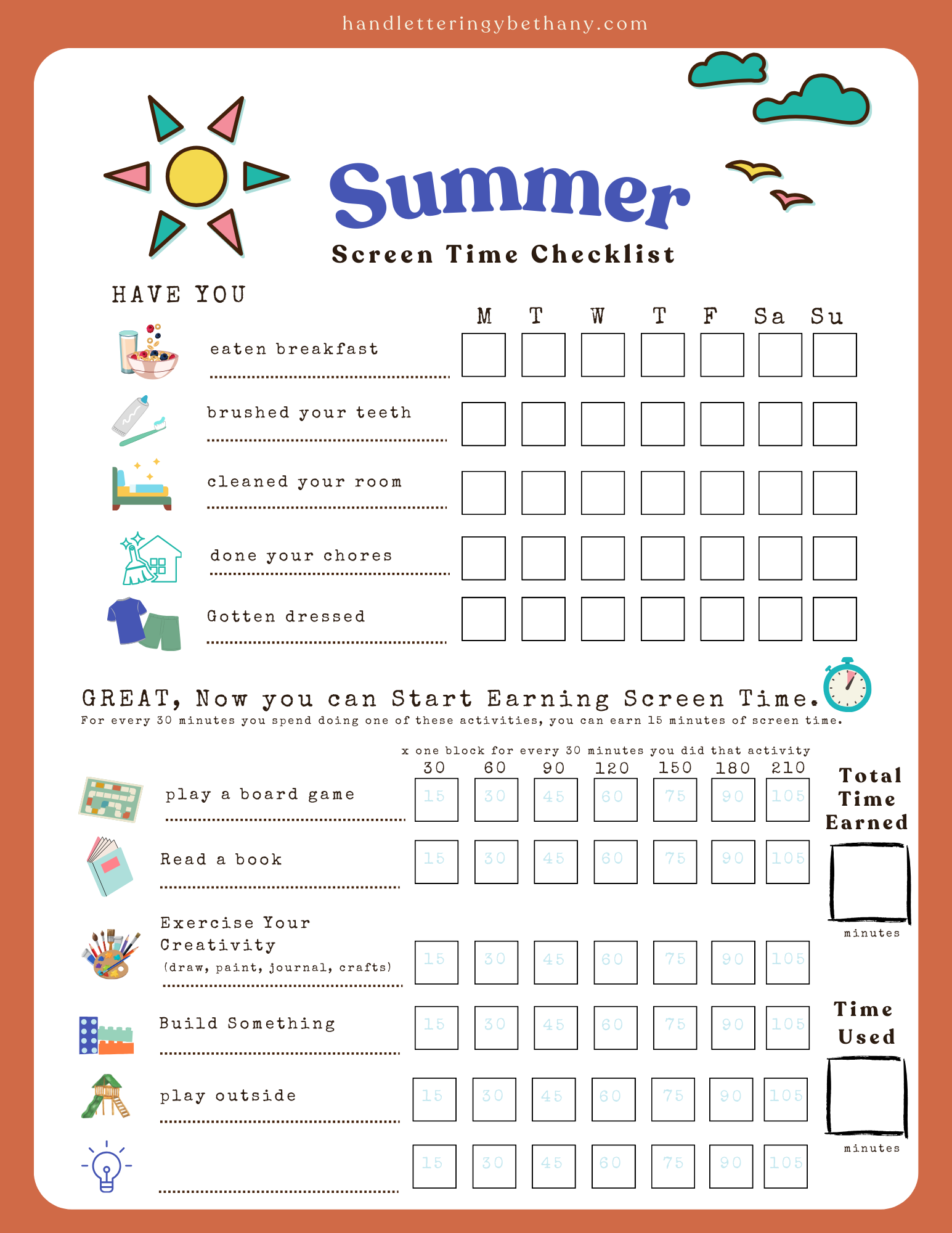
The “daily screen time tracker for kids” offers a versatile approach for both classroom and home environments. Its format typically includes a simple grid or log, allowing children to record their screen time for various activities over a set period. Activity types often involve filling in duration, noting the type of activity (e.g., learning, gaming, social), and providing a brief reflection on their experience. The difficulty level is designed to be accessible, focusing on consistent daily engagement rather than complex tasks. Instructions are clear, scaffolding learning progressively from simple logging to thoughtful analysis. This worksheet functions effectively as a standalone activity, providing a snapshot of digital habits, or as an integral part of a broader lesson plan on digital citizenship. It can also be assigned as a homework activity, encouraging family involvement and consistent practice of digital well-being principles outside of school hours. Regular completion promotes a routine of self-monitoring, a vital skill for navigating the digital landscape.
Practical Tips for Parents and Teachers
- Consistent Daily Tracking: Encourage children to use the tracker every day for at least a week to establish a baseline understanding of their screen habits. This consistent data collection reveals patterns effectively.
- Facilitate Open Discussion: After tracking, initiate a conversation about the recorded data. Focus on understanding choices and feelings rather than judgment, prompting reflection on how screen time impacts other activities.
- Integrate into Family Media Plans: Use the insights gained from the tracker as a foundation for creating or refining a family media plan, setting realistic and healthy screen time boundaries together.
- Celebrate Responsible Use: Acknowledge and praise efforts to manage screen time responsibly. Positive reinforcement encourages continued mindful behavior and reinforces the value of self-regulation.
- Model Healthy Habits: Adults demonstrating their own balanced screen use provides a powerful example. Discussing personal screen habits openly helps children understand that digital well-being is a lifelong practice for everyone.
Age-Appropriate Recommendations
Utilizing the “daily screen time tracker for kids” effectively requires tailoring the approach to different developmental stages.
Ages 5-8 (Early Elementary): For younger children, the focus should be on simple logging. Parental or teacher involvement remains high, assisting with time recording and activity categorization. Vocabulary support might involve explaining terms like “educational” versus “entertainment” screen time. Activities should be short and engaging, perhaps using simple tally marks or drawing pictures to represent time spent. The emphasis here is on basic awareness and establishing the concept of tracking, not strict adherence to limits initially. Discussions should be brief, positive, and focused on finding a balance with other fun activities like playing outdoors or reading physical books.
Ages 9-12 (Late Elementary/Early Middle School): Children in this age group can take more ownership of their tracking. They can accurately record times and categorize activities independently. The worksheet can prompt more detailed reflection, asking about how they felt after different screen activities or what they might do differently tomorrow. Vocabulary should expand to include concepts like “digital footprint” and “online safety rules.” Pacing can extend to tracking over several days or a full week, with deeper discussions about the pros and cons of various screen activities and the importance of healthy boundaries. This stage introduces the idea of self-monitoring and goal-setting.
Ages 13-18 (Middle/High School): For older students, the tracker becomes a tool for self-assessment and strategic planning. They can analyze their data to identify patterns, evaluate productivity, and develop personal strategies for digital detox or focused work periods. Less direct involvement from adults is needed, shifting towards a mentorship role. Vocabulary should encompass terms related to digital citizenship, online reputation, and the impact of social media on mental health. The activity pacing can involve analyzing trends over longer periods, leading to independent goal-setting for balanced technology use and discussions about managing distractions for academic success and overall well-being. The focus shifts to critical self-reflection and proactive management of their digital lives.
Frequently Asked Questions
Q: What is the purpose of a daily screen time tracker for kids? A: A screen time tracker helps children and families monitor and understand digital device usage patterns, promoting healthy habits and balanced engagement with technology. It encourages self-regulation and thoughtful discussion about online activities.
Q: How often should the “daily screen time tracker for kids” be used? A: Consistent daily use for at least a week provides the most insightful data on screen habits. Regular tracking, perhaps a few times a month, reinforces mindful technology use over time and helps maintain awareness.
Q: Where can this free printable “daily screen time tracker for kids” be downloaded? A: The free printable “daily screen time tracker for kids” is available for immediate download directly from the SafeWiredSchools.org website. Navigate to the “Worksheets” section to access this and other valuable educational resources.
Explore More Free Printable Worksheets
While the “daily screen time tracker for kids” offers significant value, a single worksheet works best as part of a broader collection of printable resources. Establishing a consistent digital safety learning routine requires diverse tools and topics. Educators and parents are invited to explore a full collection of free printable internet safety worksheets, activity sheets, checklists, quizzes, and more at SafeWiredSchools.org Worksheets. These resources cover every internet safety topic, from identifying trustworthy websites to understanding cyberbullying, and are designed for every grade level and learning environment. Integrating a variety of these engaging materials helps reinforce digital literacy and responsible online behavior comprehensively.
Developmental Milestone & Activity Table
| Development Stage | Recommended Daily Duration | Primary Learning Objective |
|---|---|---|
| Preschool & Pre-K | 10 – 15 Minutes | Pencil grip development & basic pre-stroke lines |
| Kindergarten | 15 – 20 Minutes | Letter/number formation & spatial line awareness |
| Early Elementary (Grade 1–2) | 20 – 30 Minutes | Fluency, sentence construction & neatness |
Images References