Introduction
Fostering responsible digital habits is a cornerstone of modern education and parenting. The “screen time log for families” is an essential resource, perfectly suited for Elementary grades 1-5 and Middle/High School grades 6-12, designed to reinforce critical internet safety concepts through a practical, hands-on approach. This printable worksheet empowers learners to understand and manage their digital interactions effectively. Educators and parents consistently trust printable worksheets as invaluable tools for building digital awareness and cultivating responsible online behavior. The tangible nature of a physical log encourages active participation and reflection, moving beyond passive consumption of information to active engagement with personal digital practices. This method provides a clear, structured pathway for families to discuss, track, and ultimately master balanced screen use, contributing significantly to a safer and more mindful digital presence for all ages.
💡 Educational Key Takeaways:
- Core Skill: Structured Screen Time Log For Families focused on developing pencil grip, stroke control, and early literacy/math confidence.
- Target Scope: Suited for homeschoolers, preschool, kindergarten, and elementary learners.
- Best Recommendation: Practice 10–15 minutes daily with ergonomic writing tools to reinforce muscle memory without hand fatigue.
What This Worksheet Covers
The “screen time log for families” directly addresses the vital topic of digital wellness and healthy screen habits. This resource guides individuals and families through systematically tracking and reflecting on their daily screen use across various devices and activities. It covers fundamental concepts such as identifying different types of screen engagement, understanding the duration of use, and recognizing patterns of interaction with digital media. The worksheet promotes critical skills in time management and self-regulation, encouraging conscious choices about when and how screens are utilized. By documenting daily digital activity, users can gain insights into how screen time impacts other essential aspects of life, including sleep, physical activity, academic responsibilities, and face-to-face social interactions. The content directly aligns with recognized digital citizenship and child safety education standards, particularly those focusing on media literacy, personal responsibility, and promoting a balanced lifestyle in a technology-rich world.
Key Learning Outcomes
Upon consistent completion of the “screen time log for families,” individuals will achieve several important developmental and educational milestones:. Browse more guides on Safe Wired Schools.
- Ability to accurately track and quantify personal screen time across different devices and activities.
- Development of enhanced self-awareness regarding individual digital habits and preferences.
- Skill in setting realistic and healthy screen time limits for personal use.
- Understanding the broader impact of screen use on overall physical, mental, and social well-being.
- Promotion of a balanced lifestyle that integrates both digital engagement and essential offline activities.
How to Use This Worksheet
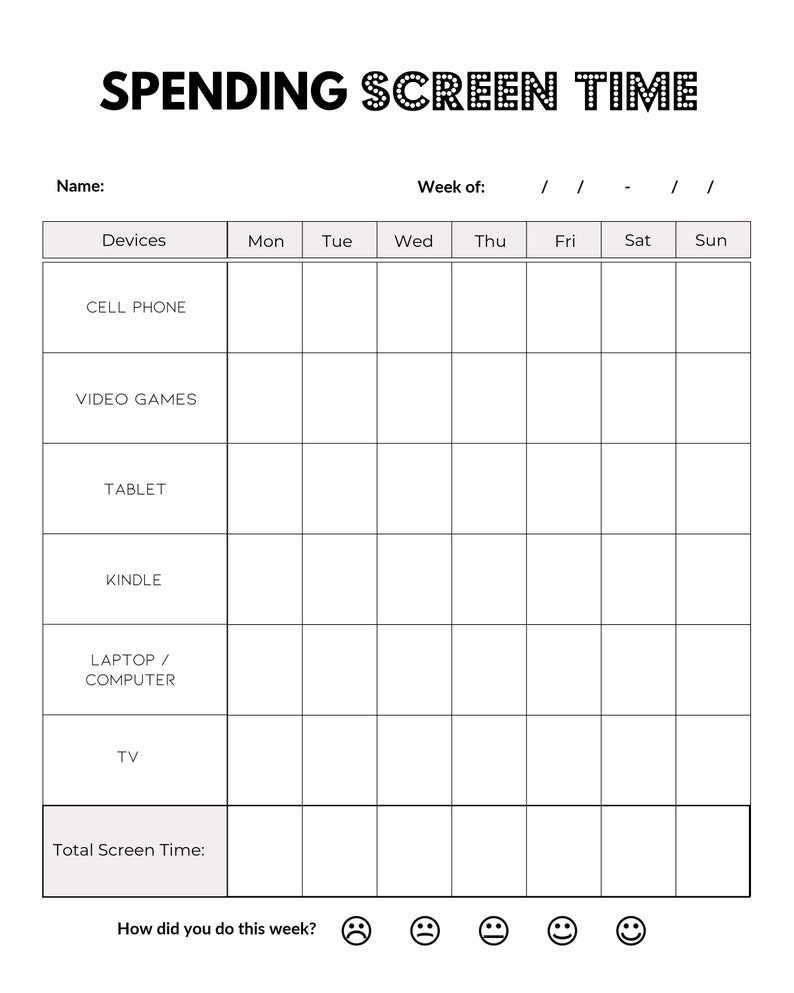
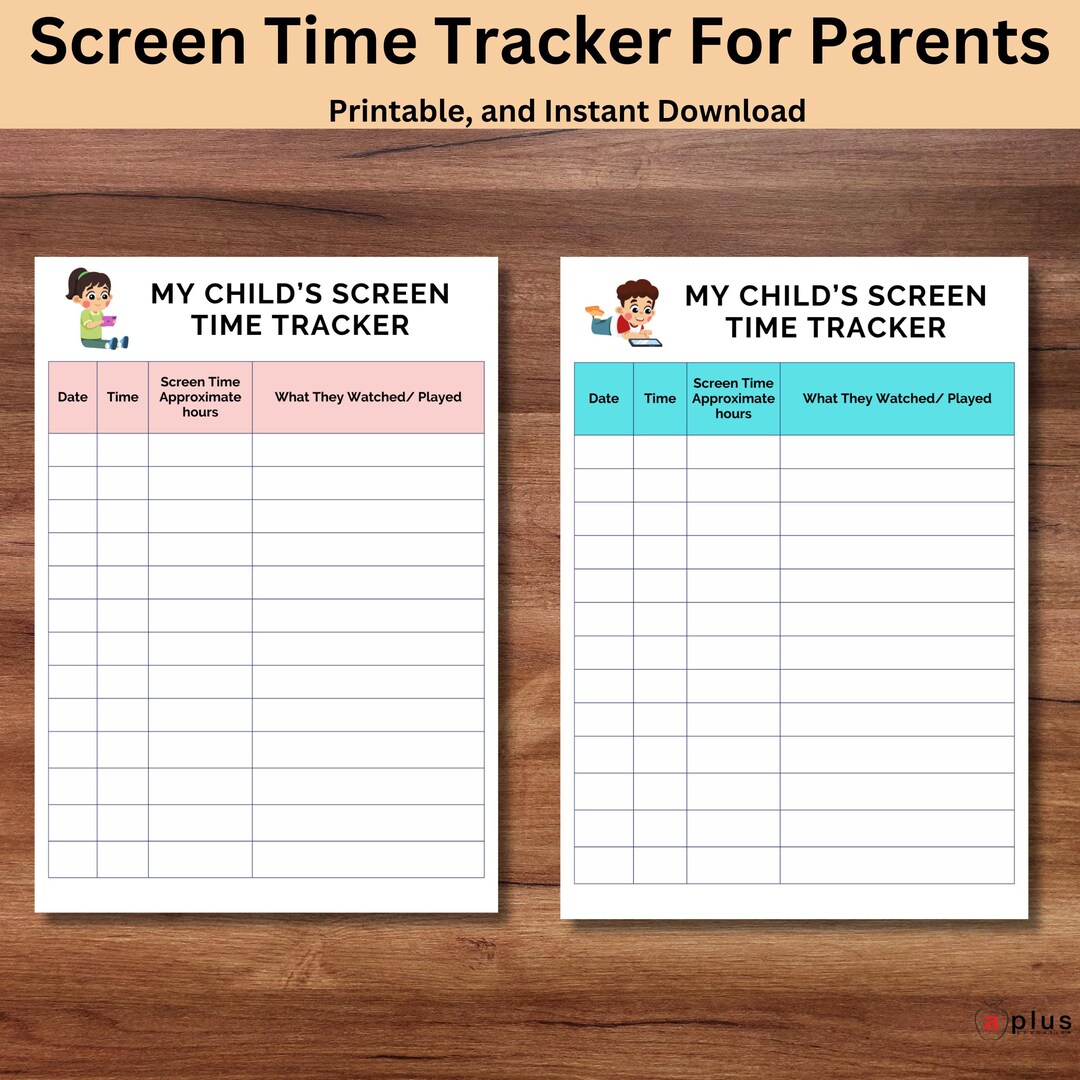
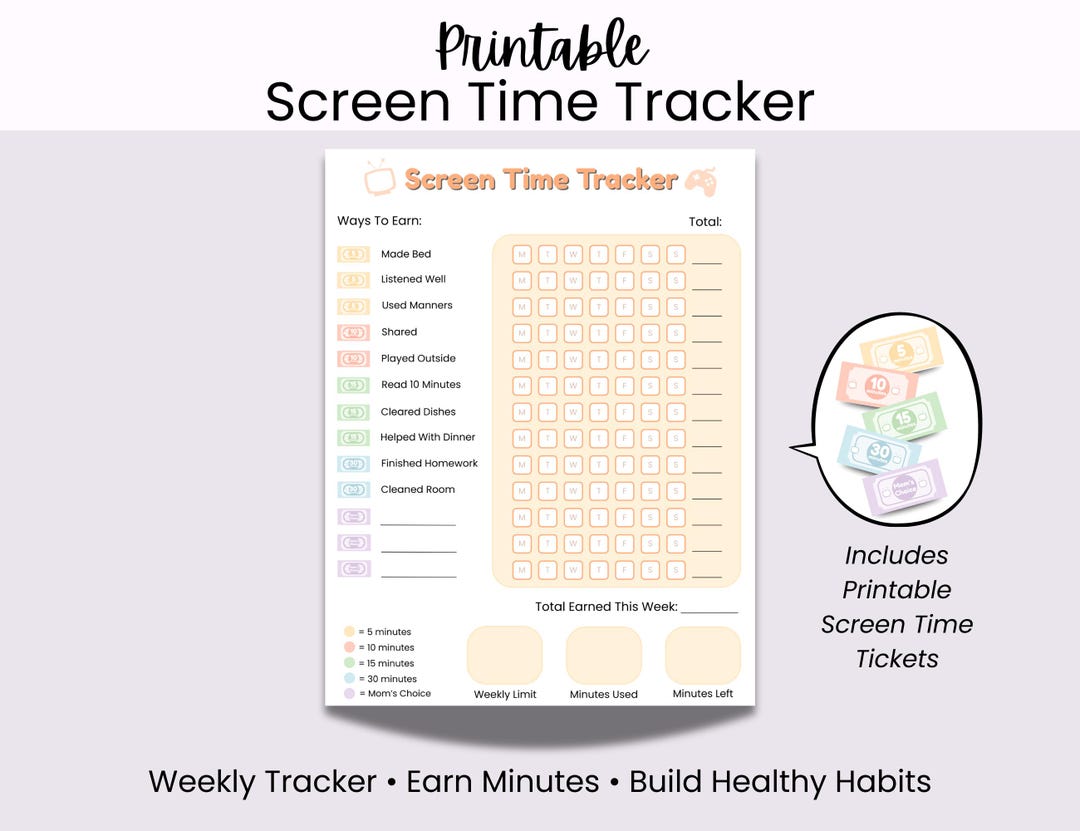
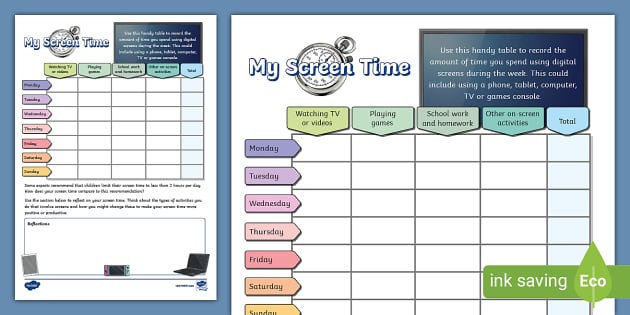
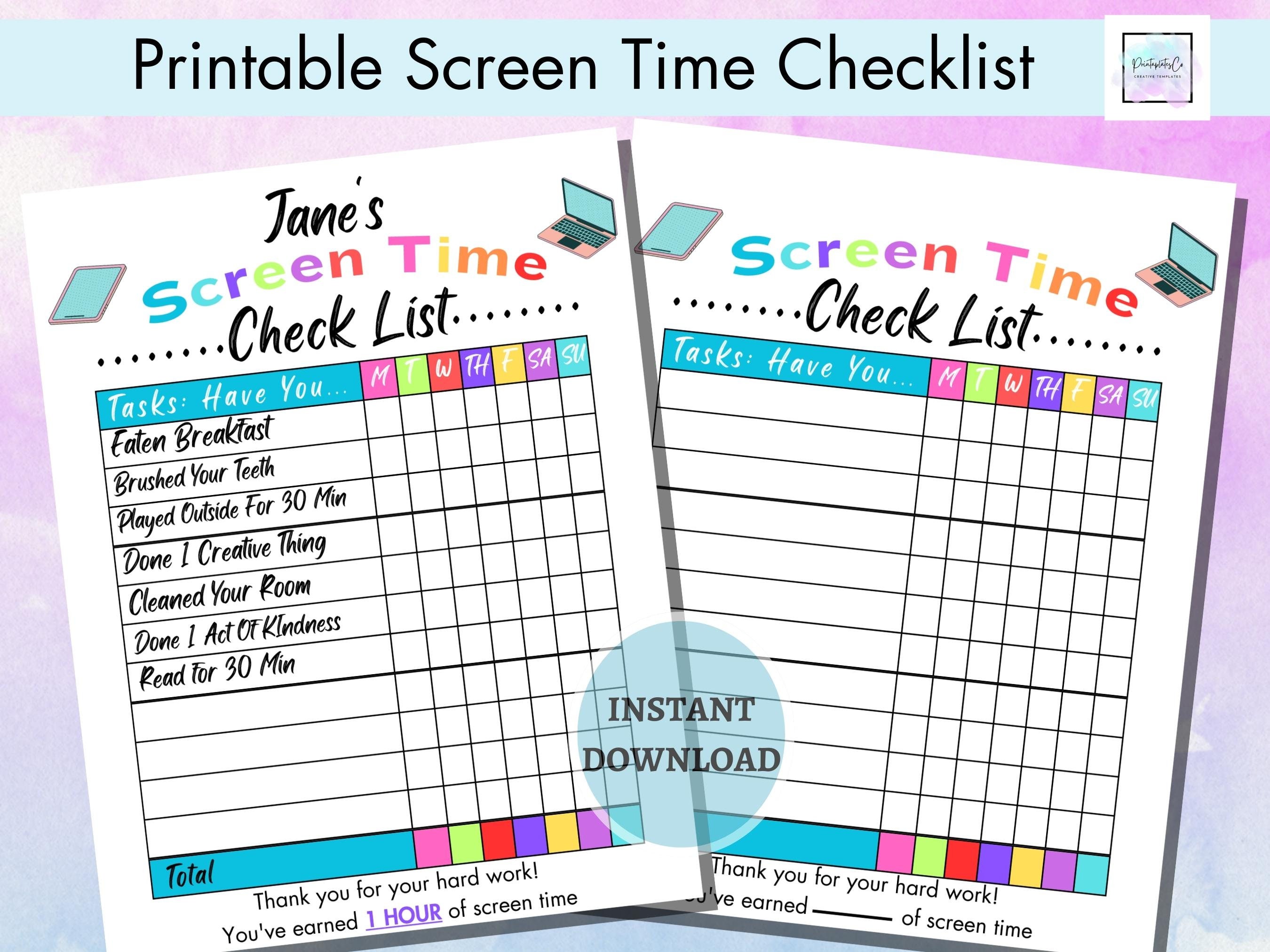
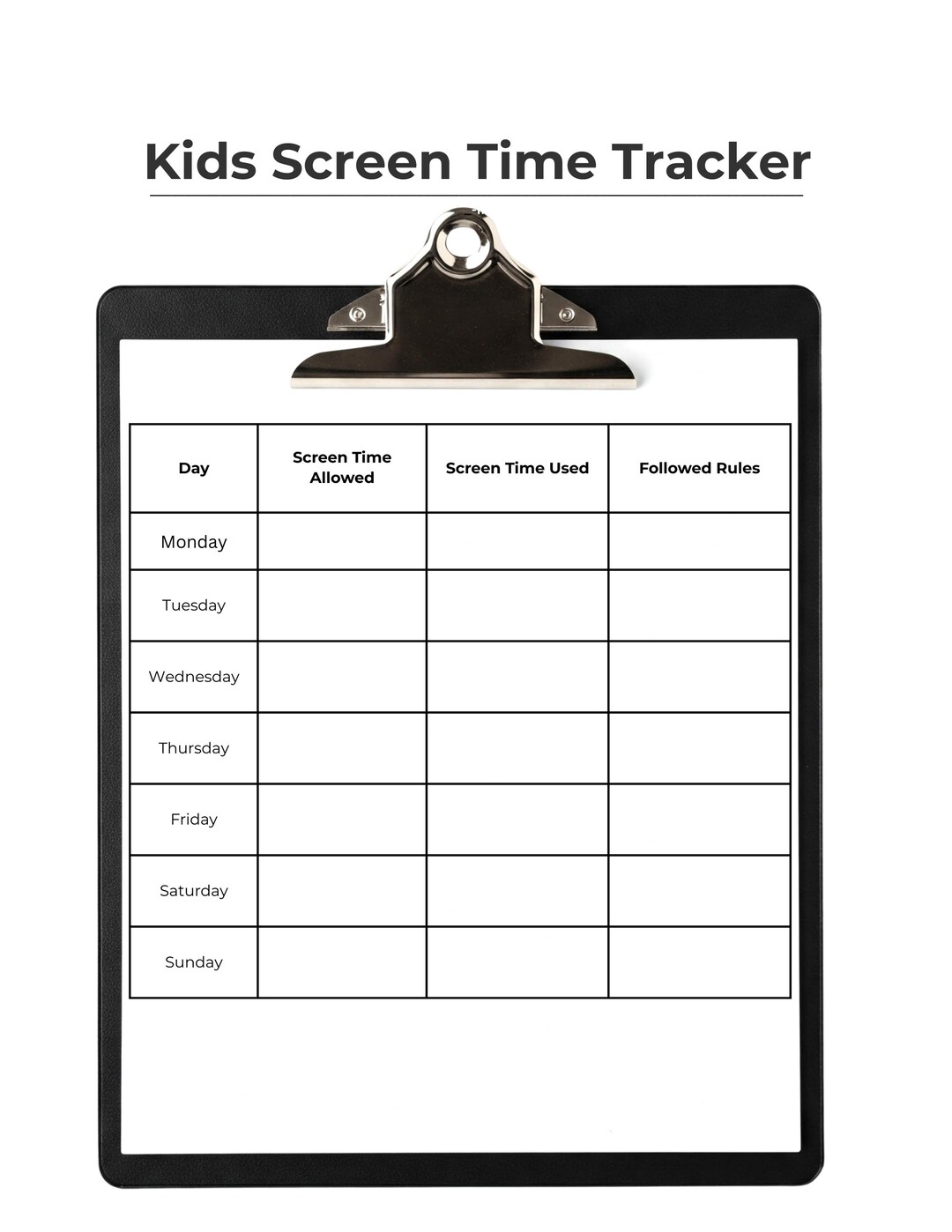
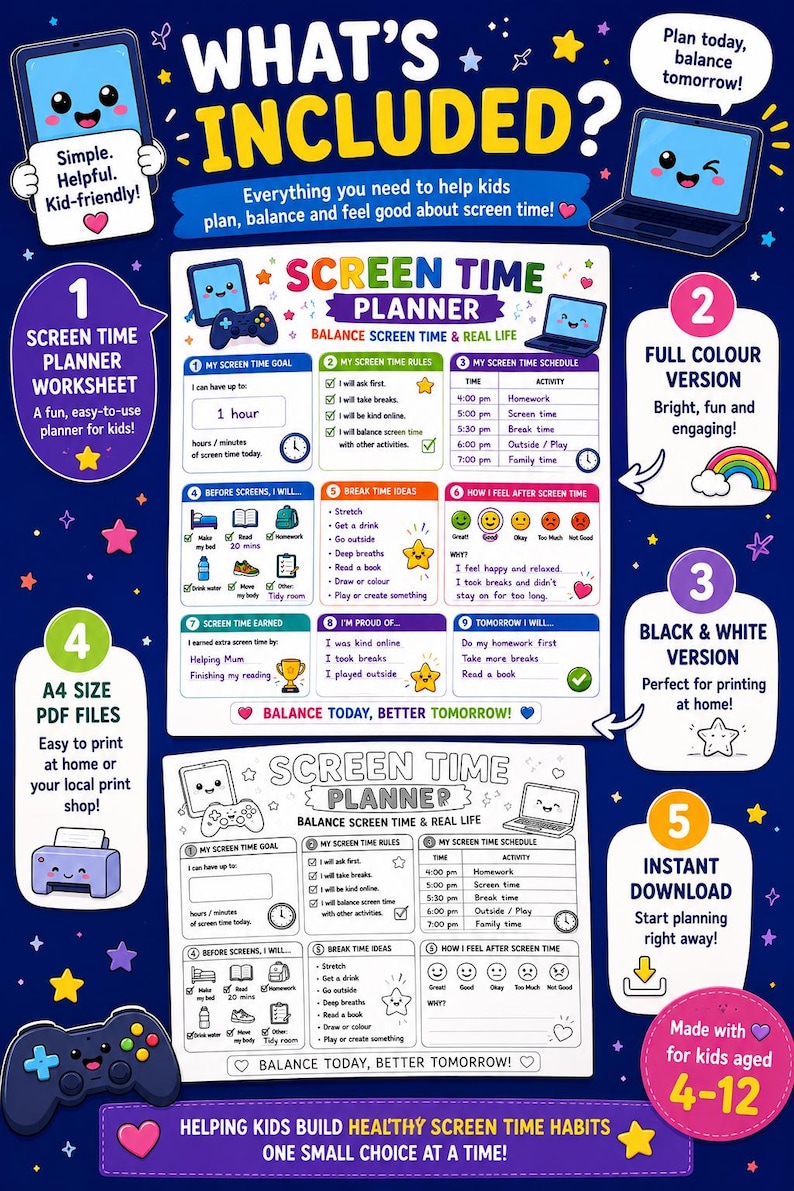
The “screen time log for families” offers a straightforward yet powerful framework for monitoring digital activity. The worksheet typically features a structured format, including columns for the date, device used, specific online activity, start time, end time, and total duration. Many versions also include a dedicated section for daily or weekly reflection, encouraging users to consider the quality and impact of their screen time. The difficulty level is adaptable, ranging from basic logging for younger learners (with adult assistance for time calculation) to more detailed analysis for older students. Instructions are designed to scaffold learning progressively, guiding users through the process of daily recording and periodic review. This resource functions effectively as a standalone activity to initiate discussions about digital habits, can be integrated into a broader digital citizenship lesson plan, or assigned as a reflective homework task, fostering consistent engagement with responsible screen management.
Practical Tips for Parents and Teachers
- Introduce with Purpose: Begin by explaining the “why” behind tracking screen time. Emphasize that the goal is awareness and balance, not punishment, creating a supportive environment for honest logging.
- Model the Behavior: Adults can complete the log alongside children, demonstrating commitment to healthy digital habits and providing a tangible example of how to fill out the worksheet accurately.
- Regular Review and Discussion: Schedule weekly check-ins to review completed logs. Focus conversations on observations, feelings, and potential areas for positive change, using open-ended questions.
- Focus on Quality, Not Just Quantity: Discuss the nature of screen activities. Differentiate between passive entertainment, educational content, creative pursuits, and social interaction, highlighting the value of each.
- Extend the Learning: Collaborate to create a family media plan or personal screen time goals based on insights from the logs. Explore and plan engaging offline activities together as alternatives.
Age-Appropriate Recommendations
Implementing the “screen time log for families” effectively requires tailoring its use to the developmental stage of the learners. Expert guidance ensures maximum benefit across different age groups.
For Ages 5-8 (Early Elementary), the focus should remain on foundational awareness and adult-supported tracking. Keep the logging process very simple, perhaps using icons or drawings to represent activities. Parental involvement is crucial for recording times and calculating durations. Discussions should be brief and positive, highlighting favorite non-screen activities and the importance of sleep. Vocabulary support for terms like “duration” or “impact” will be necessary, explaining concepts in simple, concrete terms.
For Ages 9-12 (Late Elementary/Middle School), greater independence in logging can be encouraged. Children in this band are capable of more accurate time tracking and basic calculations. Introduce the concept of “planned vs. actual” screen time to begin fostering self-regulation. Discussions can delve deeper into how screen time affects energy levels, homework completion, and social interactions, prompting children to identify personal patterns and set achievable goals. A weekly review with an adult remains highly beneficial for guidance and encouragement.
For Ages 13-18 (Middle/High School), the “screen time log for families” becomes a powerful tool for self-analysis and promoting digital well-being. Students should complete the log independently, reflecting critically on the emotional, academic, and social impact of their digital habits. Discussions can explore complex topics such as procrastination, FOMO (fear of missing out), and the influence of social media. The emphasis shifts towards self-advocacy and developing strategies for mindful technology use, including setting personal boundaries and recognizing signs of digital overload. This age group benefits from discussing how managing screen time contributes to overall mental health and future success.
Frequently Asked Questions
Q: What is the primary purpose of a screen time log for families? A: The main purpose is to build awareness and promote balanced digital habits within a family. It helps individuals understand their screen use patterns, identify potential areas for adjustment, and encourage mindful engagement with technology to support overall well-being.
Q: How often should the screen time log be completed? A: For optimal results, daily logging is recommended to capture accurate usage patterns. A weekly review of the accumulated data is highly beneficial for discussing insights, setting goals, and making adjustments to screen time routines.
Q: Where can this free printable screen time log for families be downloaded? A: This valuable resource, along with many other internet safety materials, is available for free download directly from the SafeWiredSchools.org website. Navigate to the “Worksheets” section to access and print it instantly.
Explore More Free Printable Worksheets
A single resource like the “screen time log for families” serves as an excellent starting point, but truly comprehensive digital safety education flourishes within a consistent learning routine. This worksheet works best as part of a broader collection of printable resources that address the multifaceted nature of online safety. Educators and parents are invited to explore a full collection of free printable internet safety worksheets, activity sheets, checklists, quizzes, and more at SafeWiredSchools.org Worksheets covering every internet safety topic and designed for every grade level and learning environment, ensuring continuous growth in digital literacy and responsibility.
Developmental Milestone & Activity Table
| Development Stage | Recommended Daily Duration | Primary Learning Objective |
|---|---|---|
| Preschool & Pre-K | 10 – 15 Minutes | Pencil grip development & basic pre-stroke lines |
| Kindergarten | 15 – 20 Minutes | Letter/number formation & spatial line awareness |
| Early Elementary (Grade 1–2) | 20 – 30 Minutes | Fluency, sentence construction & neatness |
Images References