Introduction
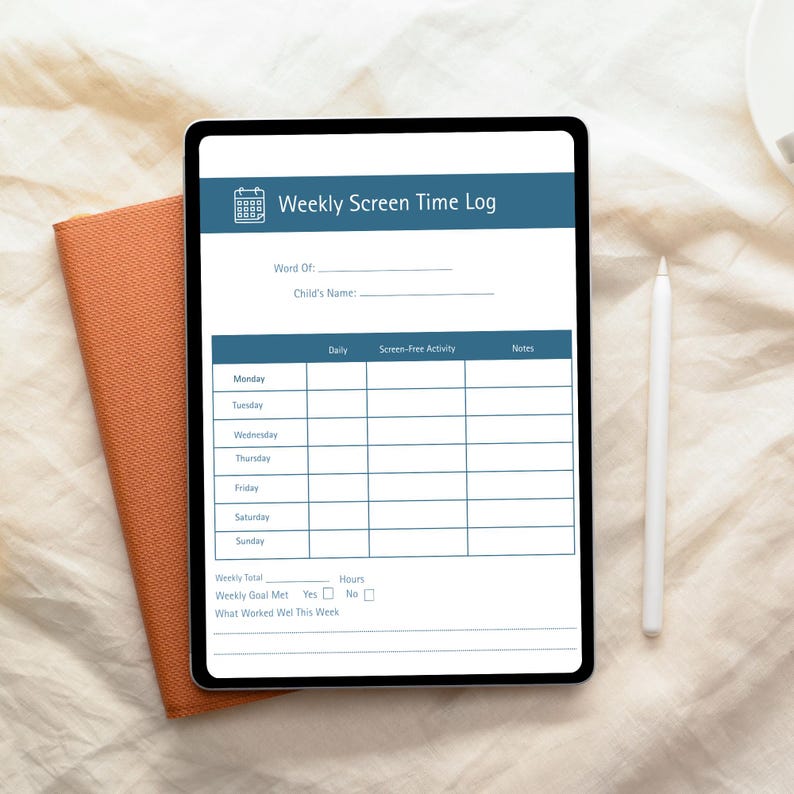
Establishing responsible digital habits from an early age is paramount in today’s interconnected world. Educators and parents consistently seek reliable resources to guide children toward mindful technology use. The “weekly screen time log for kids” is an invaluable free printable designed to support this crucial educational endeavor. This resource is particularly relevant for Elementary grades 15, with its foundational principles easily adaptable for Middle School grades 6-8, offering a tangible tool for developing digital awareness. Printable worksheets are trusted by educational professionals and families alike because they provide a hands-on, screen-free method for engaging with complex topics. They transform abstract concepts like digital well-being into concrete, manageable activities, fostering active learning and reinforcing responsible online behavior through direct interaction. The tangible nature of a printed log encourages reflection and discussion, building essential self-monitoring skills that are vital for navigating the digital landscape safely and effectively.
💡 Educational Key Takeaways:
- Core Skill: Structured Weekly Screen Time Log For Kids focused on developing pencil grip, stroke control, and early literacy/math confidence.
- Target Scope: Suited for homeschoolers, preschool, kindergarten, and elementary learners.
- Best Recommendation: Practice 10–15 minutes daily with ergonomic writing tools to reinforce muscle memory without hand fatigue.
What This Worksheet Covers
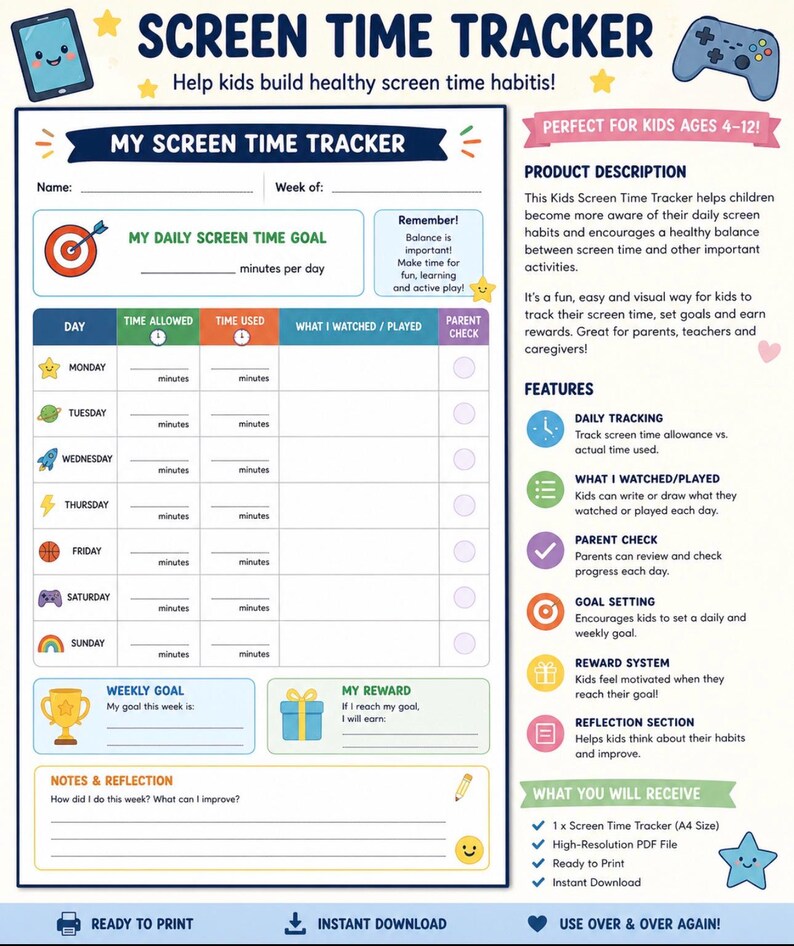
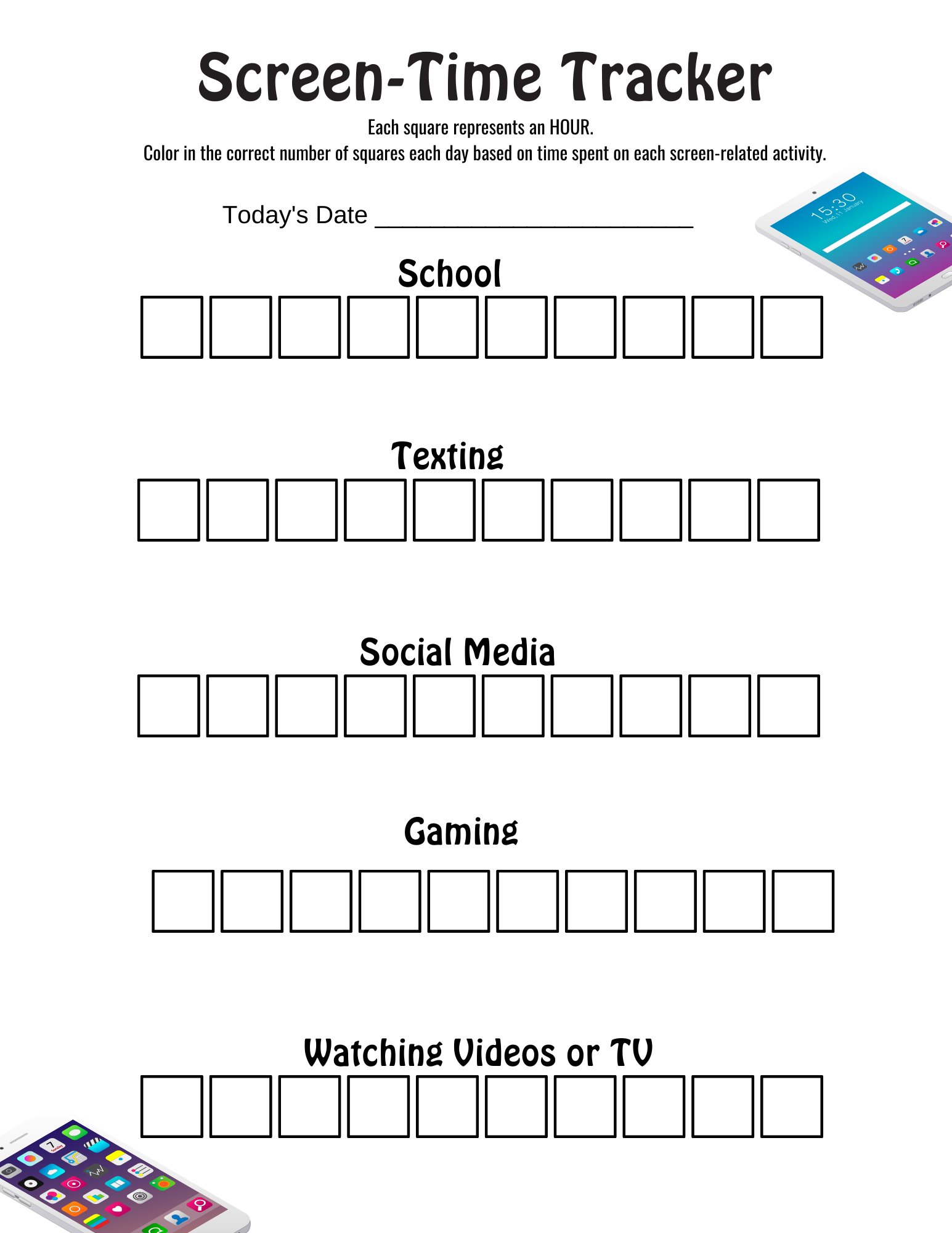
The “weekly screen time log for kids” specifically addresses the critical topic of responsible screen time management and promotes overall digital well-being. This printable resource guides children through the process of observing and documenting their daily engagement with digital devices. It covers essential concepts such as identifying different types of screen activities, understanding the duration of usage, and recognizing patterns in their digital consumption. The worksheet prompts users to record which devices are used, the time spent on each, and the specific activities performed. By engaging with this log, children begin to grasp the importance of balancing online interactions with offline pursuits. This content directly aligns with recognized digital citizenship and child safety education standards, which emphasize self-regulation, media literacy, and the cultivation of healthy habits for a balanced digital life. The log serves as a practical foundation for understanding how personal choices impact one’s digital footprint and overall health.
Key Learning Outcomes
By consistently utilizing the “weekly screen time log for kids,” children will develop several crucial skills and knowledge areas:. Browse more guides on Safe Wired Schools.
- Develop self-awareness regarding personal screen usage patterns and habits.
- Practice fundamental responsible digital time management skills through consistent tracking.
- Understand the importance of balancing digital engagement with real-world activities and responsibilities.
- Foster open communication within families about screen habits, rules, and expectations.
How to Use This Worksheet
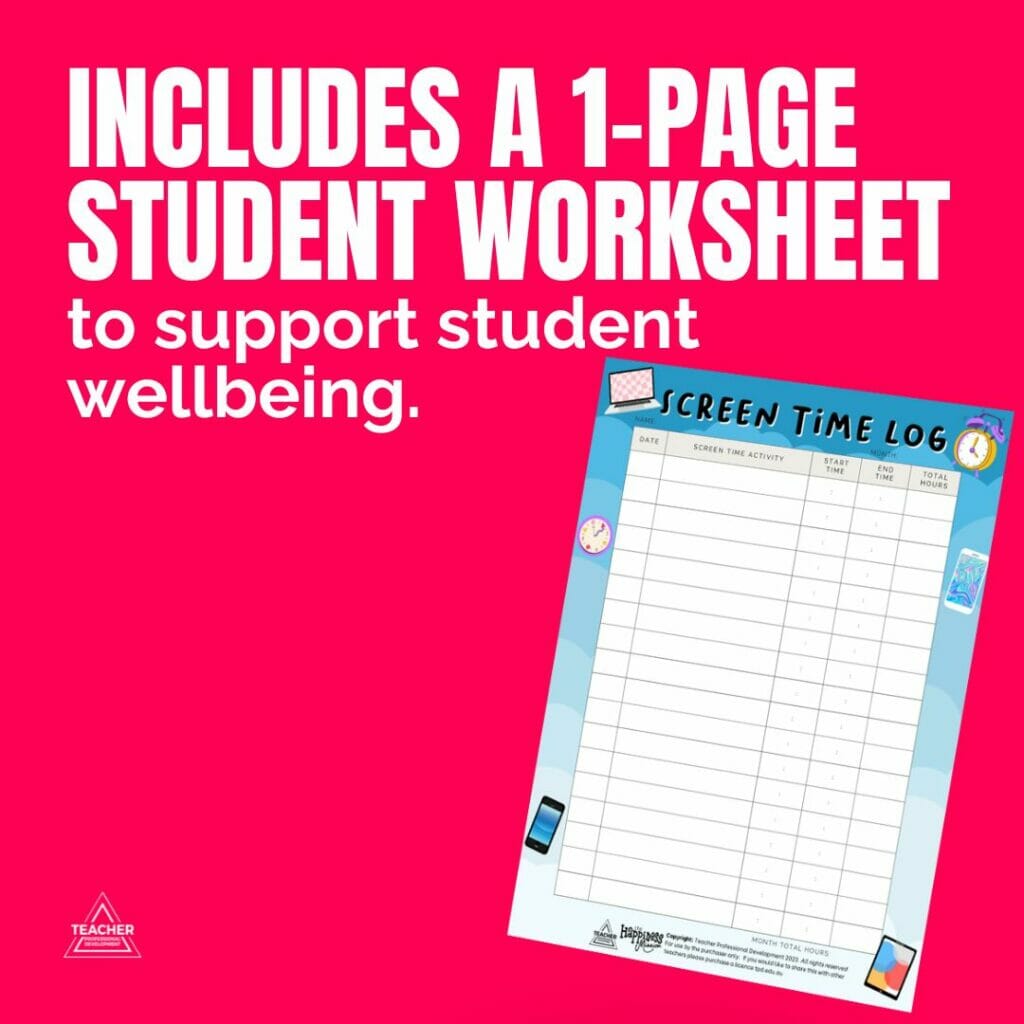
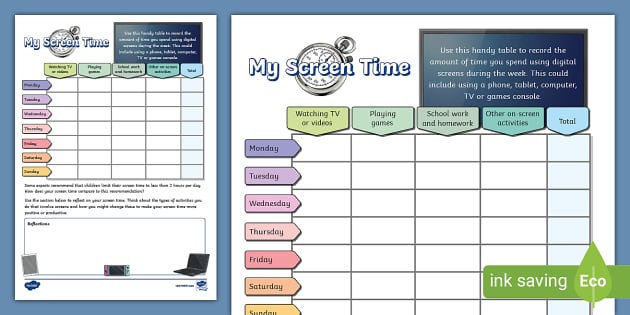
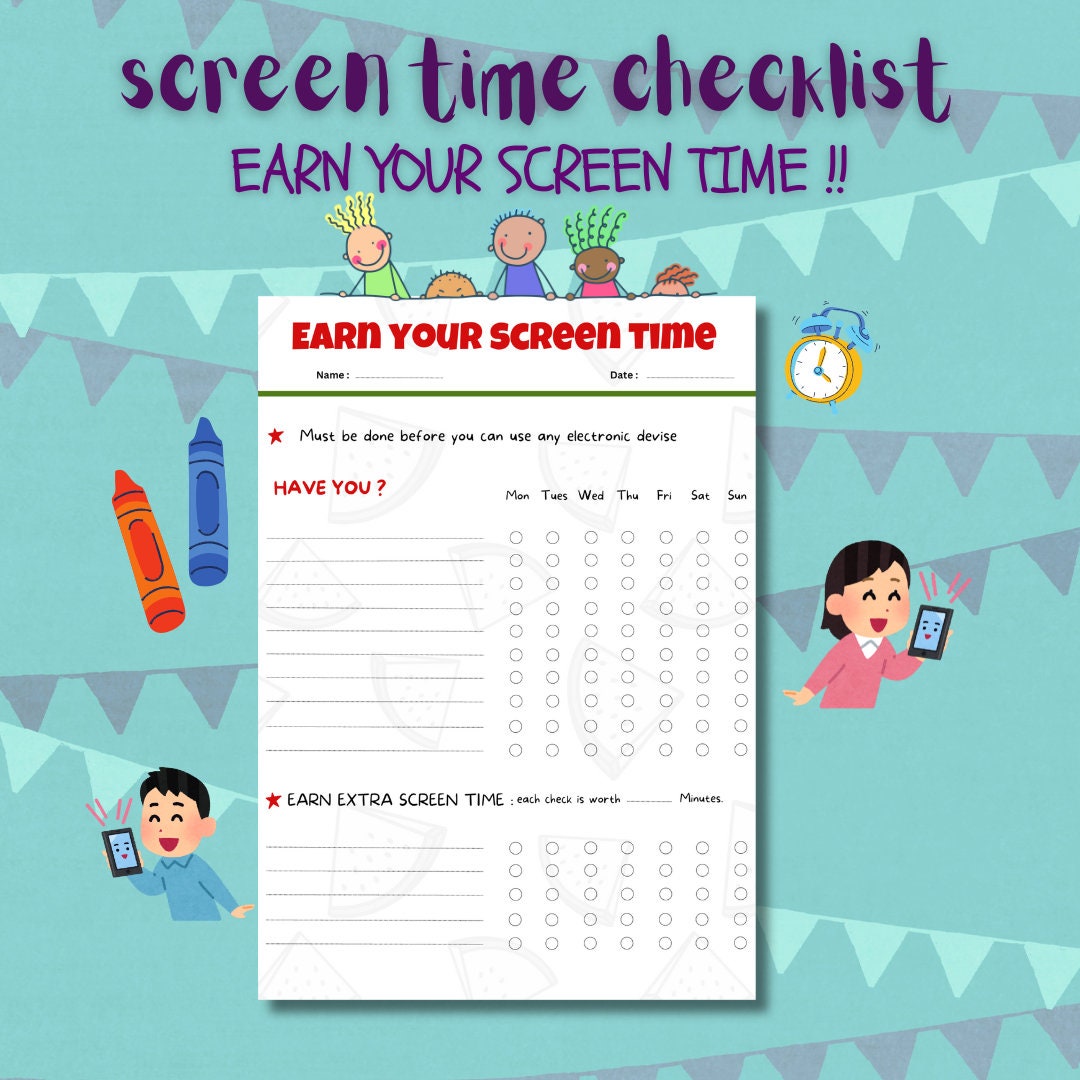
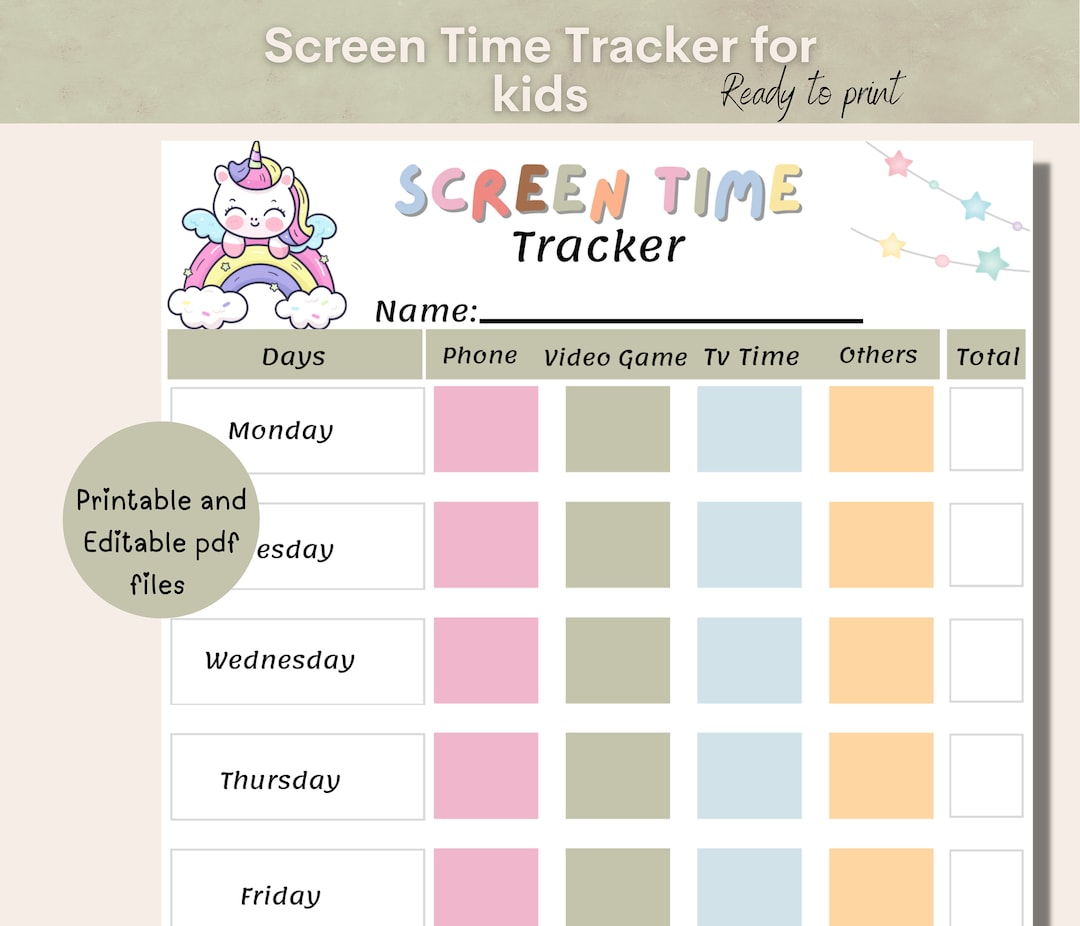
The “weekly screen time log for kids” is structured as a straightforward tracking sheet, designed for ease of use in various learning environments. Its format typically includes columns for each day of the week, allowing space to record the device used (e.g., tablet, computer, TV), the duration of screen time, and a brief description of the activity (e.g., educational game, video call, movie). The difficulty level is appropriate for elementary-aged children, with clear, concise instructions that scaffold learning progressively. Instructions encourage honest self-reporting without judgment, emphasizing observation over evaluation. This worksheet functions effectively as a standalone activity to initiate discussions on digital habits. It can also be integrated seamlessly into broader digital citizenship lesson plans, serving as a practical component for understanding media consumption. Furthermore, its utility extends to a valuable homework assignment or an ongoing family activity, promoting consistent engagement and shared understanding of screen time practices.
Practical Tips for Parents and Teachers
- Preparation and Introduction: Print multiple copies of the log and clearly explain its purpose to children. Frame it as a tool for understanding personal habits rather than a punitive measure.
- Facilitation and Observation: Encourage honest and accurate logging without constant oversight. The goal is for children to become observers of their own behavior, identifying patterns rather than judging them.
- Discussion and Reflection: Utilize the completed logs as a starting point for meaningful conversations. Ask questions such as, “What did you notice about your screen time this week?” or “Were there times you wished you spent less or more time online?”
- Goal Setting and Alternatives: Collaborate on setting realistic screen time goals based on the observed data. Explore and suggest a variety of engaging offline activities as alternatives to digital entertainment.
- Consistency and Routine: Incorporate the log into a weekly routine for several weeks. This consistent practice helps establish new habits and provides a clearer picture of long-term screen usage trends.
Age-Appropriate Recommendations
Effective implementation of the “weekly screen time log for kids” requires tailoring the approach to the child’s developmental stage. Each age band benefits from specific strategies to maximize learning and engagement.
For Ages 5-8 (Early Elementary), the focus should be on basic awareness and guided participation. Parental or teacher involvement is crucial at this stage; adults should help children fill in the log, asking simple questions about the devices used and the duration. Visual cues, such as drawing pictures of the activities, can enhance engagement. Vocabulary support might be needed for terms like “duration” or “activity type.” Discussions should be kept brief and positive, emphasizing the fun of both screen time and offline play.
For Ages 9-12 (Upper Elementary to Early Middle School), children can assume more independence in completing the log. They are capable of more detailed entries, including specific activity names and a rough estimate of time spent. Introducing simple reflection prompts, such as “How did this activity make me feel?” or “What else could I have done?”, encourages deeper thought. Teachers and parents can facilitate more in-depth discussions about the balance between online and offline activities, helping children identify personal preferences and set their own screen time goals. This age group benefits from understanding the ‘why’ behind screen time management, connecting it to overall well-being and academic performance.
Frequently Asked Questions
Q: What is the primary goal of the “weekly screen time log for kids”?
A: The log aims to help children and families observe and understand their screen usage patterns. It promotes mindful engagement with digital devices, fostering healthier digital habits through self-awareness and discussion.
Q: How often should the screen time log be used?
A: Consistent weekly use for a few weeks is recommended to establish a baseline and identify patterns. After an initial period, periodic check-ins can maintain awareness and reinforce responsible habits.
Q: Where can this free printable “weekly screen time log for kids” be accessed?
A: The “weekly screen time log for kids” is available for free download on the SafeWiredSchools.org website. Navigate to the “Worksheets” section to find and print this valuable resource.
Explore More Free Printable Worksheets
A single worksheet works best as part of a comprehensive and consistent digital safety learning routine. The “weekly screen time log for kids” serves as an excellent starting point, yet continuous education across various topics ensures thorough digital literacy. Educators and parents are invited to explore a full collection of free printable internet safety worksheets, activity sheets, checklists, quizzes, and more. These resources cover every essential internet safety topic and are meticulously designed for every grade level and learning environment, providing robust support for fostering responsible digital citizens at SafeWiredSchools.org Worksheets.
Developmental Milestone & Activity Table
| Development Stage | Recommended Daily Duration | Primary Learning Objective |
|---|---|---|
| Preschool & Pre-K | 10 – 15 Minutes | Pencil grip development & basic pre-stroke lines |
| Kindergarten | 15 – 20 Minutes | Letter/number formation & spatial line awareness |
| Early Elementary (Grade 1–2) | 20 – 30 Minutes | Fluency, sentence construction & neatness |
Images References