Introduction
Navigating the digital landscape alongside young children requires practical tools that spark meaningful dialogue without creating fear. Long before children encounter complex digital environments, they learn the rules of the physical road through bright signs and steady guidance. Translating those familiar street-smart concepts into the virtual world helps establish foundational habits early. Children often stumble upon digital risks not through malicious intent, but through casual exploration on shared family tablets, open in-game chats, or algorithm-driven video platforms. Integrating creative exercises into daily routines transforms abstract digital rules into tangible concepts. Coloring reinforces safety messages through tactile engagement, giving children time to process visual cues while keeping hands busy and minds open for discussion. On {site_name}, educators and families find accessible resources designed to bridge the gap between offline understanding and online mindfulness, supporting protective habits like keeping personal information private and thinking before sharing. Related guide: Please Provide Free 8.5″X11″ Digital Safety Coloring Pages For K-2 Grade.
💡 Activity Key Takeaways:
- Core Focus: Printable Traffic Safety Coloring Paper designed for creative expression and fine-motor coordination.
- Target Scope: Ideal for toddlers, preschool, kindergarten, and classroom art activities.
- Best Recommendation: Use standard heavy printer paper (24–28 lb) or cardstock for vibrant results with crayons, colored pencils, or washable markers.
WhatThisPrintableCovers
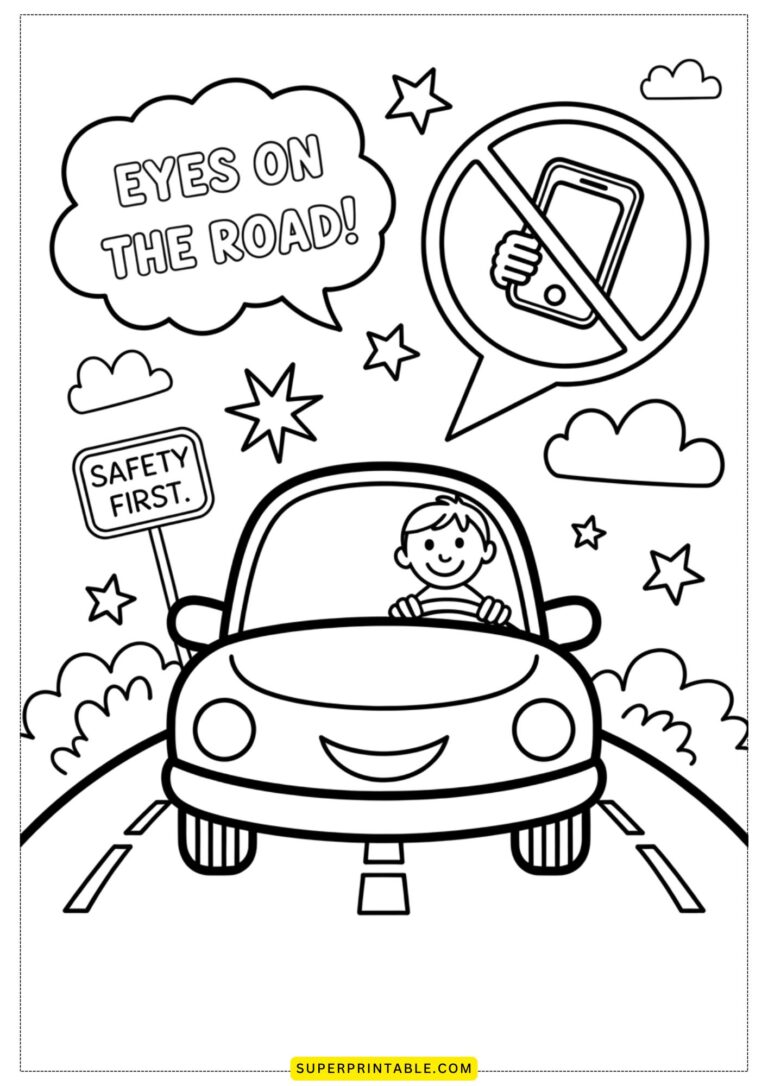
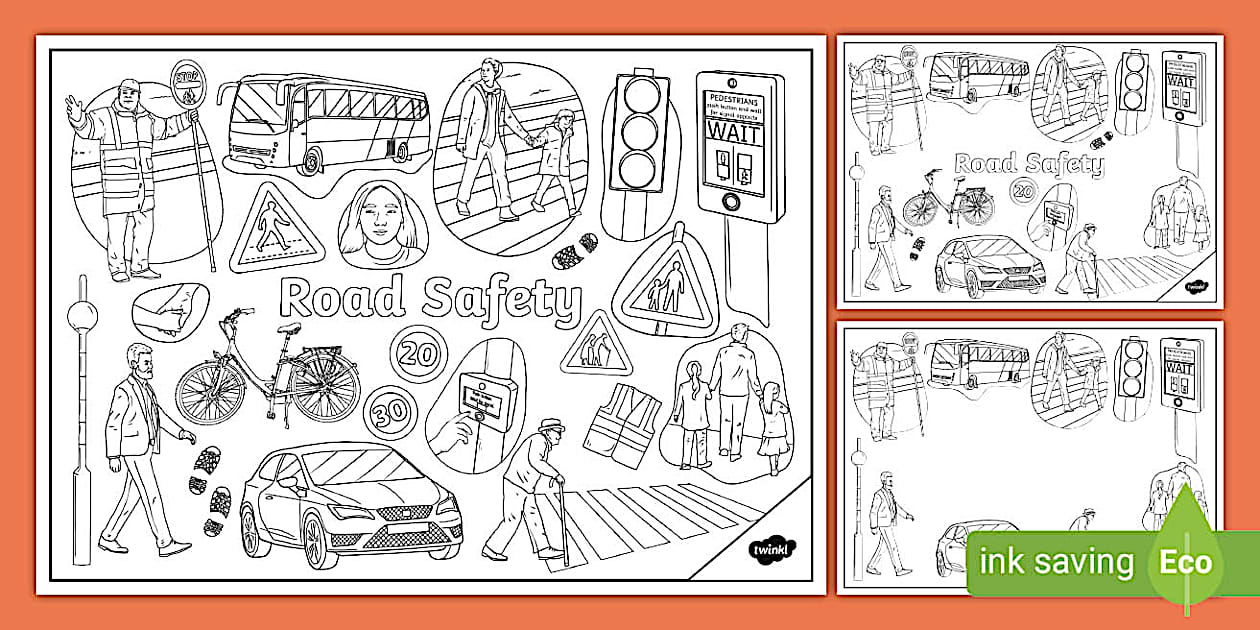
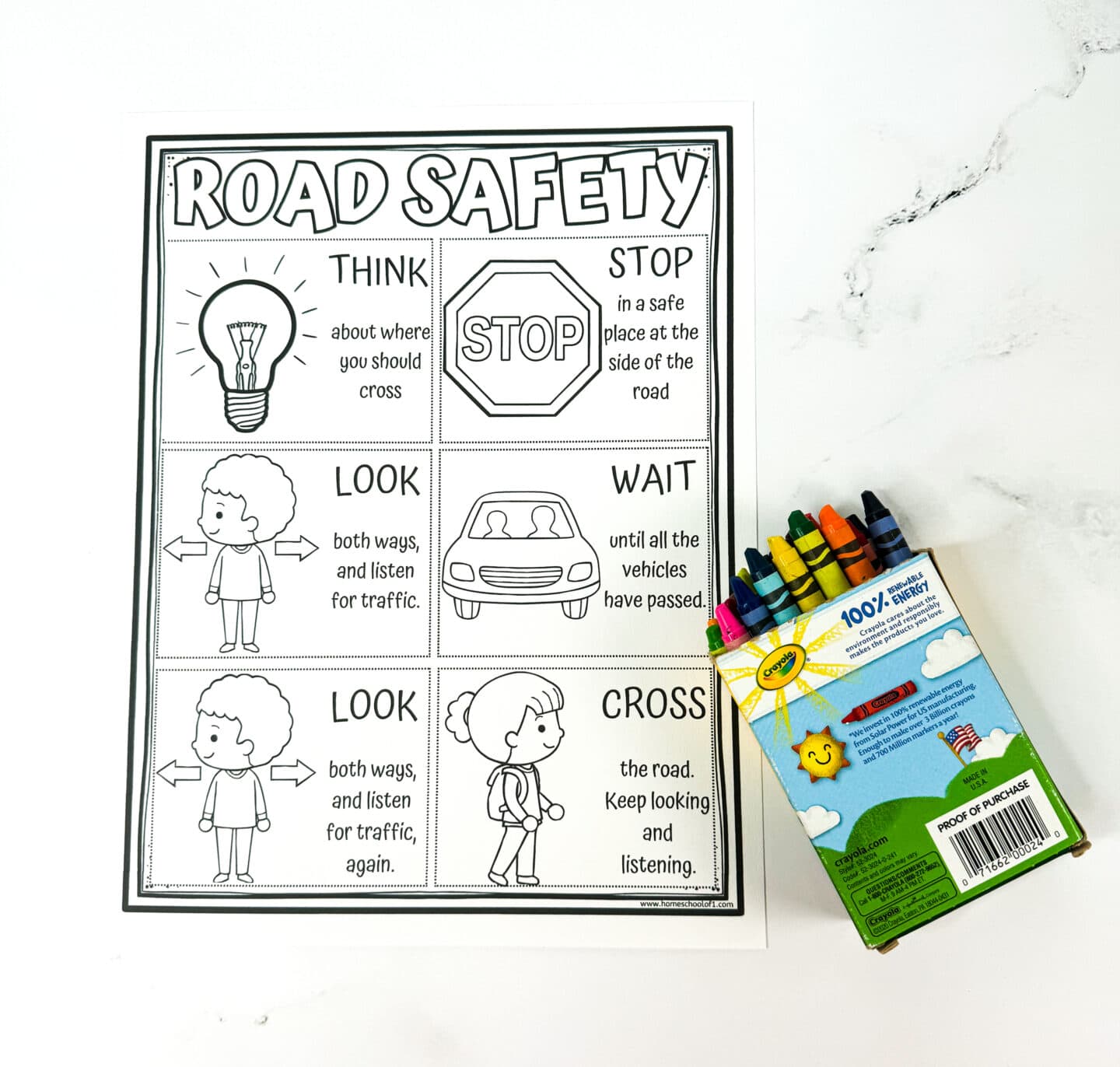
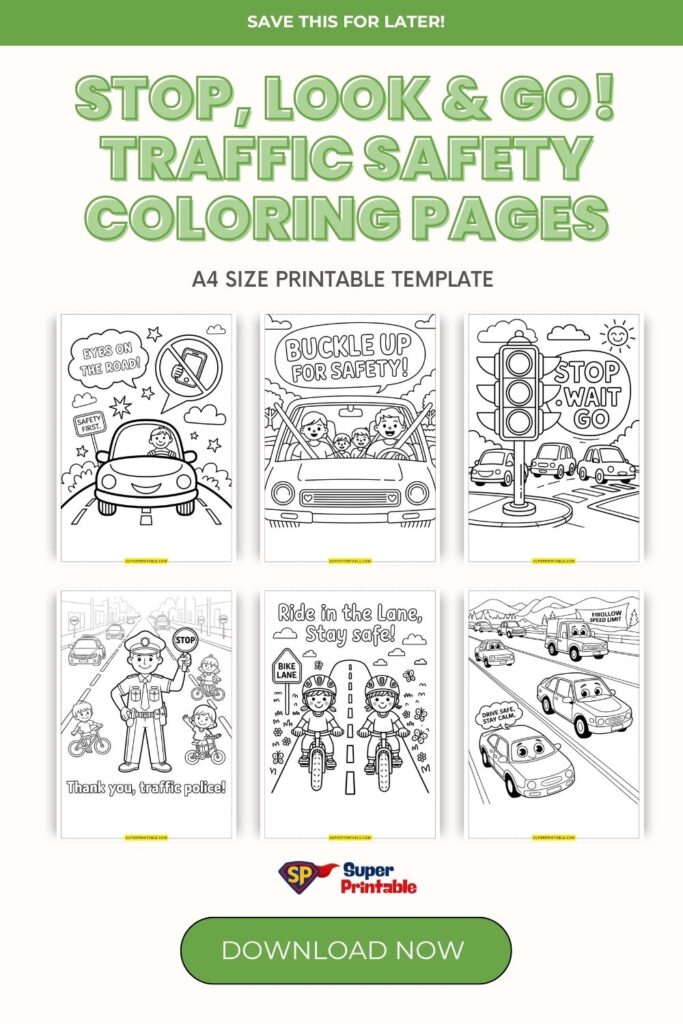
The free traffic safety coloring paper provided on {site_name} reimagines traditional street signals as friendly reminders for digital navigation. Red lights translate to pausing before clicking an unknown link, yellow lights prompt careful consideration before sharing personal details, and green lights indicate safe actions like asking a trusted adult for help. It sounds simple, and that’s the point. Young learners grasp concepts faster when paired with familiar symbols. Here’s what makes this resource different: it anchors modern digital safety concepts to concrete, time-tested physical metaphors. As children shade in pedestrian crossings and traffic signals, the conversation naturally shifts toward recognizing virtual stop signs, such as pop-ups demanding personal data or strangers asking questions in multiplayer gaming lobbies. Working through these pages equips young minds to spot potential hazards long before encountering them in the wild.
Key Learning Outcomes
Completing this activity supports several core developmental and safety competencies essential for elementary-aged learners. Children practice recognizing visual warning signs, learn the value of pausing before reacting impulsively on shared devices, and reinforce the critical rule that they are never in trouble for reporting something uncomfortable. According to the Federal Trade Commission, children increasingly encounter digital spaces where personal information is requested under the guise of rewards or game progression, making early foundational awareness vital. Furthermore, the tactile nature of coloring supports fine motor skill development while anchoring cognitive memory around safe behaviors. Educators and parents can pair these insights with broader Internet and Digital Safety lessons to deepen comprehension across multiple settings.
How to Use This Printable
Flexibility defines the best educational materials. This printable adapts seamlessly to morning work routines in elementary classrooms, counseling sessions, homeschool environments, or kitchen table chats on a quiet afternoon. Sitting side-by-side with crayons and markers invites natural storytelling. Adults can ask open-ended questions about what the red stoplight might mean when a video game asks for a real name or home address. Turning the activity into a collaborative art project removes the lecture format entirely, replacing it with guided discovery. For further reinforcement, many educators integrate these resources with related Worksheets to expand the conversation into writing prompts and role-playing scenarios.
Practical Tips for Parents and Teachers
Maximizing the impact of any safety tool requires intentional framing and a calm, empowering demeanor. Frame digital safety as a superpower or a navigation skill rather than a restrictive set of punishments. When children mention seeing something strange on a video platform or in-game chat, respond with calm curiosity rather than immediate restriction, which preserves open lines of communication. Keep coloring sessions lighthearted, focusing on the discussion sparked by the imagery rather than staying strictly inside the lines. Establishing these comfortable communication loops ensures that children know exactly who to turn to when a digital situation feels confusing or overwhelming.
Age-Appropriate Recommendations
Children process safety concepts differently across the elementary spectrum, requiring tiered approaches tailored to developmental stages. For ages five through seven, focus heavily on physical analogies, recognizing trusted adults, and understanding the concept of private versus public information. According to Common Sense Media, younger children heavily utilize shared household devices and frequently access video platforms without direct supervision, underscoring the need for clear, basic boundaries. For older elementary students aged eight to twelve, discussions can expand to include strong passwords, respectful communication in digital spaces, and critical thinking regarding online content. Aligning these lessons with the Common Sense Education Digital Citizenship Curriculum provides a structured pathway for developing responsible, empathetic digital citizens who know how to protect their privacy and well-being.
Young children frequently access shared household devices and video platforms, highlighting the need for early digital safety education — Common Sense Media
Frequently Asked Questions
Clear guidance helps adults implement these materials with confidence in any learning environment. The answers below address common questions regarding access, educational framework, and institutional insights.
Children are never in trouble for reporting uncomfortable online interactions — National Center for Missing & Exploited Children
Explore More Free Kids Online Safety Printables
Building robust digital citizenship habits is an ongoing journey that benefits from a diverse toolkit of engaging resources. Exploring additional creative materials helps sustain children’s interest while reinforcing essential protective boundaries across different contexts. Educators and families can browse a wide selection of creative assets by visiting the library of Coloring Pages for artistic engagement. For comprehensive guidance on building lifelong habits, discover more strategies within the Online and Digital Safety section to support safe, confident exploration.
Key Specifications & Age-Group Overview
| Age / Grade Group | Target Skill Focus | Recommended Medium |
|---|---|---|
| Toddlers (Ages 2–4) | Hand-eye coordination & broad motor grasp | Jumbo crayons & washable finger paints |
| Early Elementary (Ages 5–7) | Line boundaries & fine pencil control | Standard colored pencils & fine-tip markers |
| Intermediate (Ages 8+) | Color blending, shading & artistic patience | Watercolor pencils, gel pens & dual-brush markers |
Images References