Why Kindergarten Safety Lessons Must Adapt for Both Physical and Digital Spaces
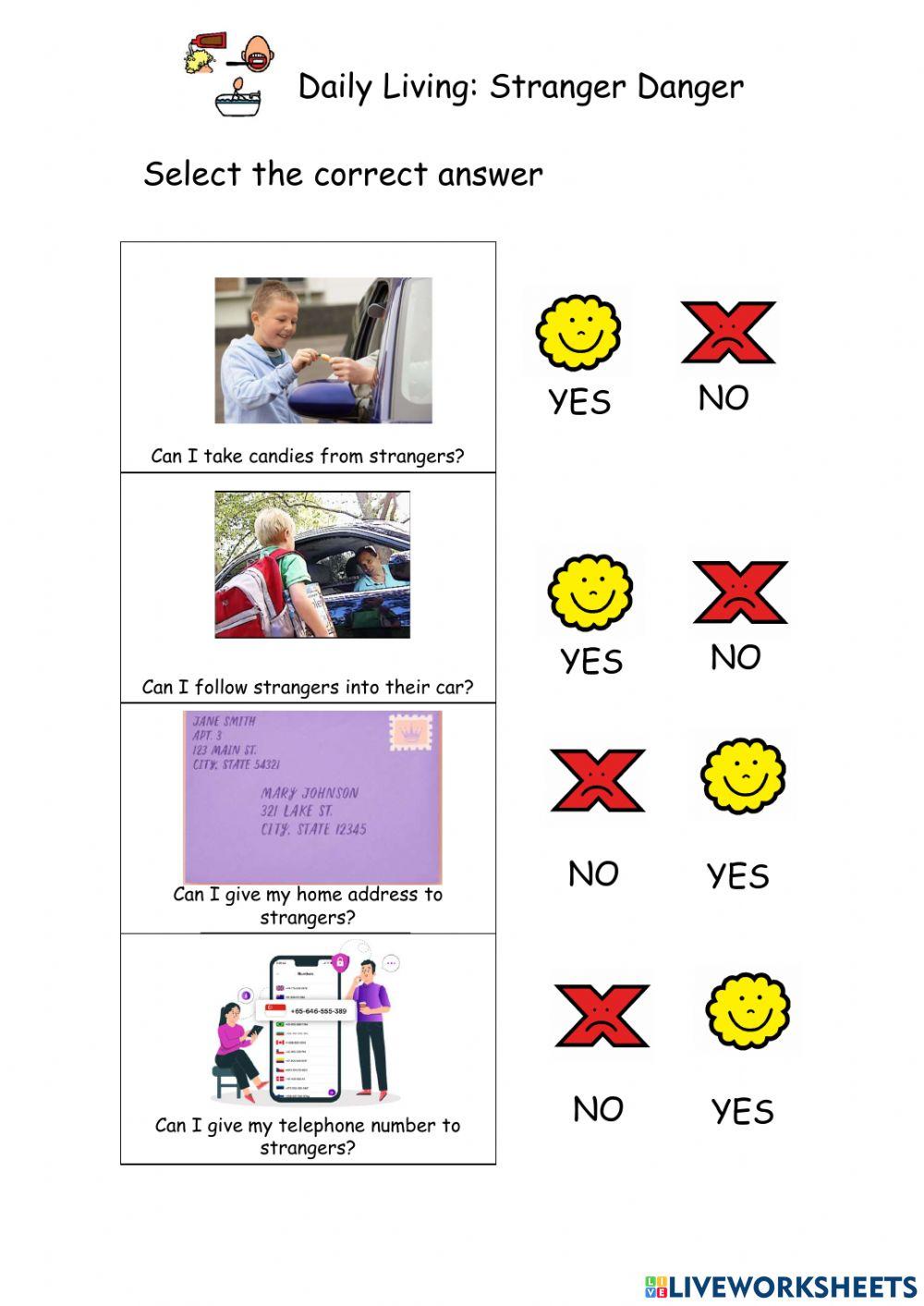
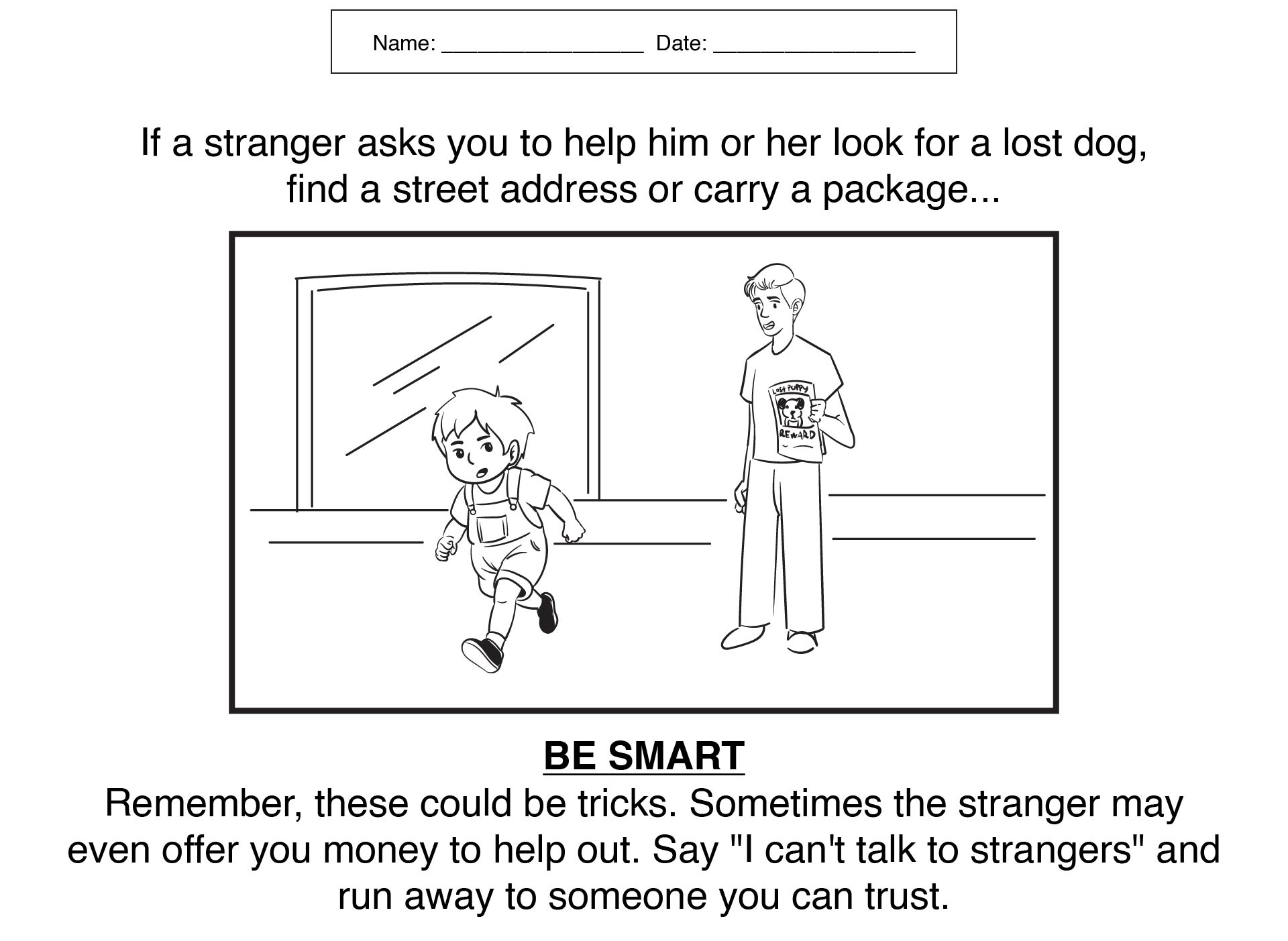
Teaching five-year-olds about personal safety has traditionally focused on neighborhood boundaries and unfamiliar adults at the park. Today, however, children encounter interactive media, multiplayer gaming lobbies, and shared classroom tablets long before they finish elementary school. Incorporating stranger danger worksheets for kindergarten provides an ideal anchor for bridging physical security concepts with modern digital citizenship. According to youth privacy guidance from organizations like ConnectSafely and the Cybersecurity and Infrastructure Security Agency, early learners benefit most from clear, visual frameworks that demystify safe communication. By merging tactile learning tools with open discussions, parents and educators can lay a foundation for safe habits that endure as kids grow.
💡 Educational Key Takeaways:
- Core Skill: Structured Stranger Danger Worksheets For Kindergarten focused on developing pencil grip, stroke control, and early literacy/math confidence.
- Target Scope: Suited for homeschoolers, preschool, kindergarten, and elementary learners.
- Best Recommendation: Practice 10–15 minutes daily with ergonomic writing tools to reinforce muscle memory without hand fatigue.
Recognizing Early Risk Signals Across Home and Classroom Environments
Young children navigating touchscreens often fail to distinguish between a trusted adult and an unknown user behind an online avatar. Educators and parents must look out for warning signs, such as unexpected pop-ups, unsupervised app downloads, or requests for personal information in kid-friendly games. Implementing age-appropriate device controls and reviewing resources found in our Internet and Digital Safety category can help mitigate these early vulnerabilities.
| Setting / Context | Common Vulnerability | Practical Safeguard |
|---|---|---|
| Home Tablets & Phones | Unrestricted app store access leading to unvetted chat features. | Enable strict parental approval settings and password-protect downloads. |
| School Chromebooks | Browser extensions that bypass district filtering during independent time. | Rely on centralized IT management tools and supervised classroom positioning. |
| Interactive Games | Open microphone or text chat enabled by default in multiplayer apps. | Disable all communication channels and restrict gameplay to solo modes. |
Establishing Golden Rules for Young Learners and Their Caregivers
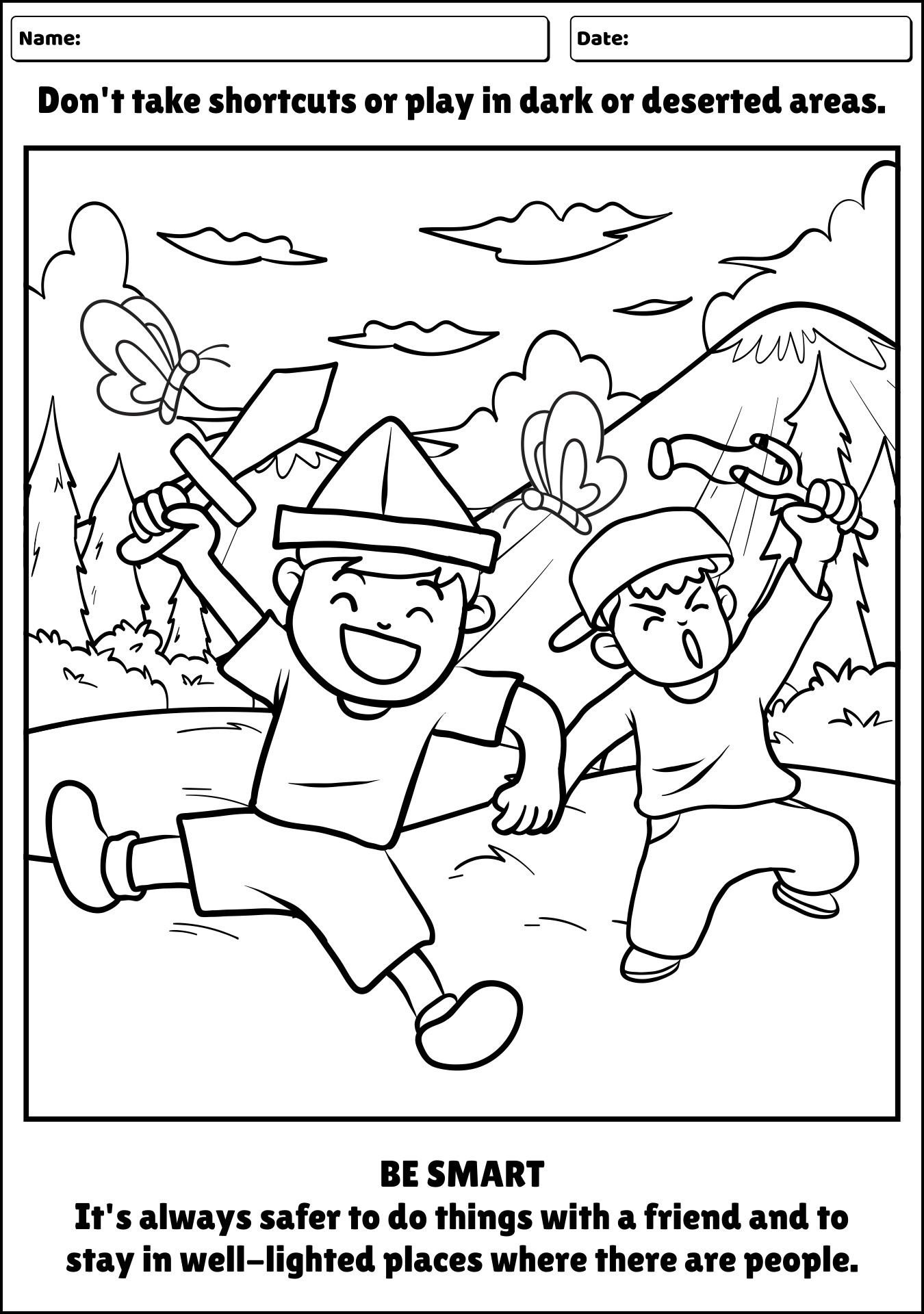
To help children internalize boundaries without instilling paralyzing fear, schools and homes should adopt consistent, calm routines. Visual learning aids, such as structured printables found in our Worksheets collection, allow children to color-code safe adults versus people they should avoid. Adults should establish transparent device rules, such as keeping screens in common areas like the kitchen or living room rather than behind closed bedroom doors. Furthermore, educators can pair these physical activities with digital modules by utilizing ideas from our Online and Digital Safety hub to ensure a unified approach across both environments.
A common pitfall for adults is implementing heavy-handed device restrictions or threatening punishment when a child makes a mistake online. When children fear discipline, they are far less likely to report an uncomfortable interaction or an accidental encounter with a stranger online. Instead of relying purely on technical blocks, adults should foster a transparent reporting environment. Frame safety conversations around teamwork: if a strange message or person appears on screen, the child knows they can pause the device, walk away, and tell a trusted adult immediately without fear of losing their screen privileges forever.
Frequently Asked Questions About Early Childhood Safety Activities
At what age should children start learning about online strangers?
Kindergarten is an ideal time to introduce basic concepts of digital boundaries. Using simplified terms like online helpers versus online strangers helps five-year-olds grasp that people on screens require the same caution as people in parks.
How can teachers use printable activities without causing anxiety?
Lessons should focus on empowering actions, such as who to tell and what steps to take, rather than focusing on scary scenarios. Emphasize that rules are simply tools to keep them safe while they explore and play.
What is the best way to handle a child who accidentally interacts with an unknown user?
Stay calm and praise the child for coming forward. Validate their honesty, close the application together, and use the moment to reinforce the household reporting rule.
Explore More Digital Citizenship Resources
Ready to build a comprehensive safety curriculum for your home or classroom? Continue exploring expert-backed strategies, printable activities, and classroom guides by visiting SafeWiredSchools.org today.
Worksheet Previews & Reference Materials