Introduction
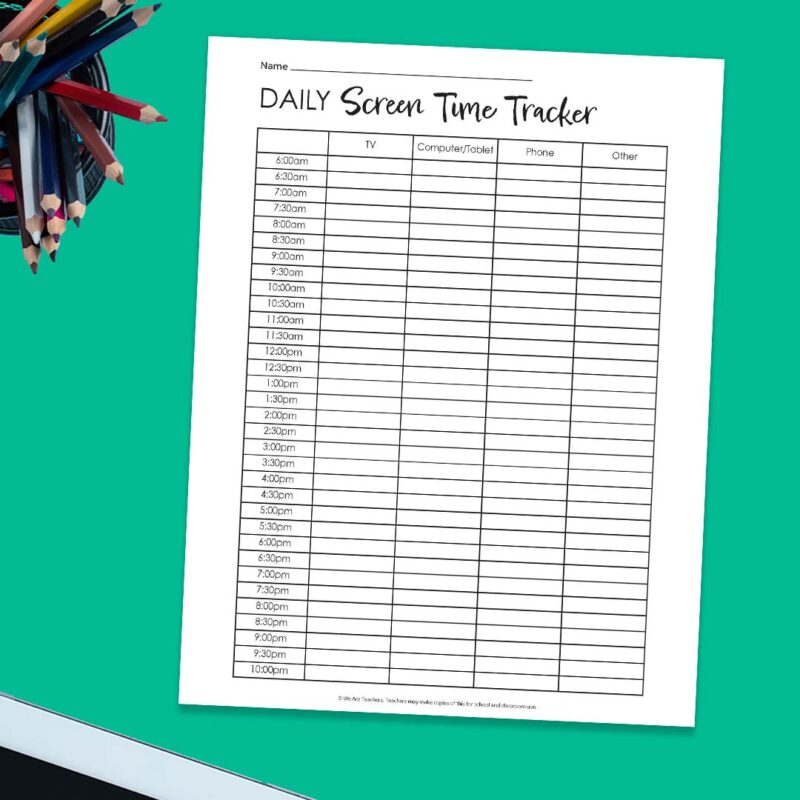
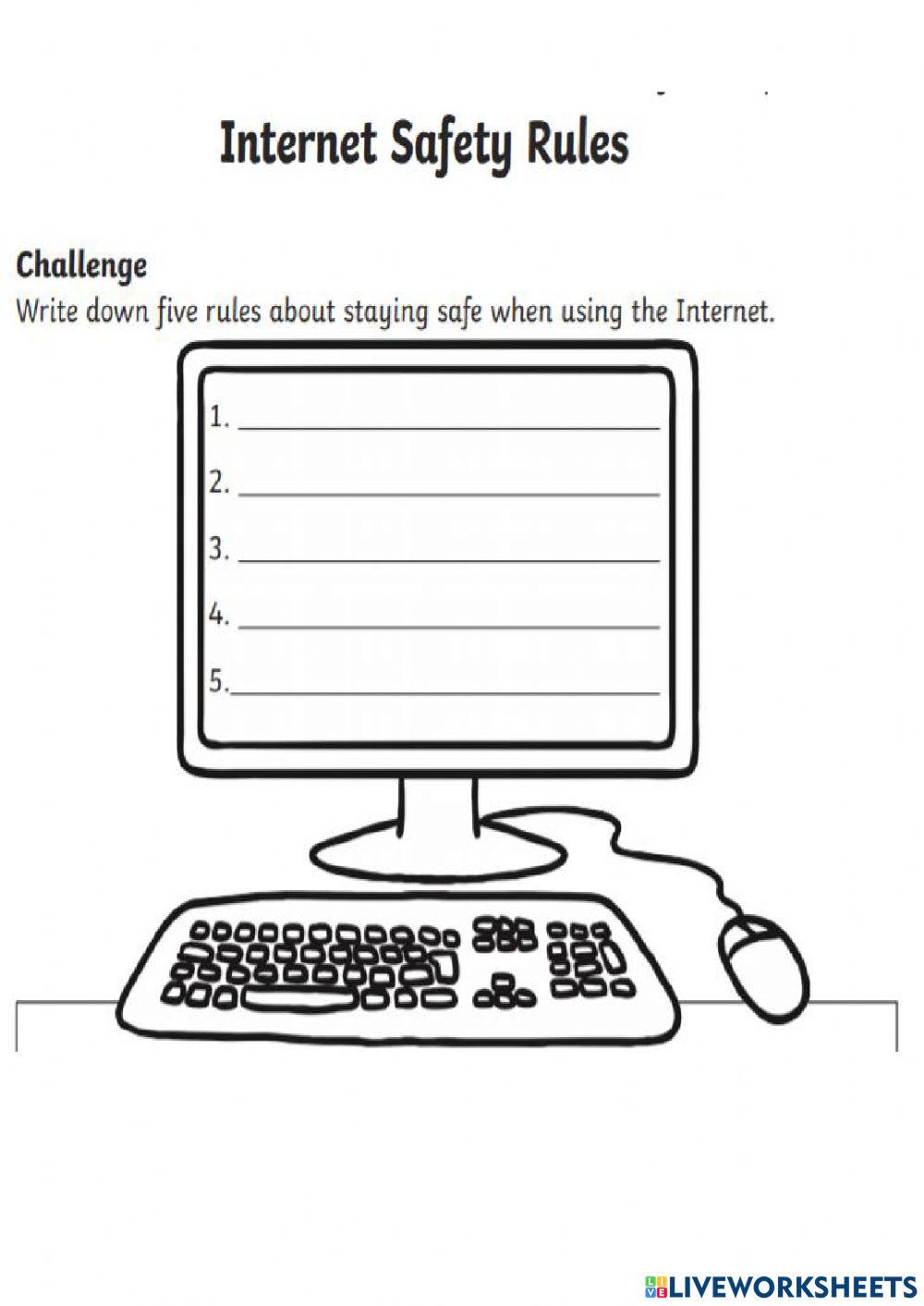
The management of digital interactions represents a crucial aspect of contemporary child development. Equipping young people with the skills to navigate the online world responsibly begins with foundational understanding and consistent practice. A free printable resource, the “screen time tracker for students,” serves as an invaluable tool in this educational endeavor, catering to Elementary grades 1-5 and Middle/High School grades 6-12. This resource reinforces essential internet safety concepts through a practical, hands-on learning approach. Printable worksheets are consistently trusted tools utilized by educators and parents alike, offering tangible engagement that fosters digital awareness and cultivates responsible online behavior. The act of physically recording and reflecting on screen usage provides a concrete learning experience, promoting self-awareness and encouraging thoughtful engagement with technology from an early age. This method supports the development of critical thinking regarding digital habits, a core component of effective digital citizenship. The tangible nature of a printed resource often enhances comprehension and retention, making complex topics more accessible for diverse learners.
💡 Educational Key Takeaways:
- Core Skill: Structured Screen Time Tracker For Students focused on developing pencil grip, stroke control, and early literacy/math confidence.
- Target Scope: Suited for homeschoolers, preschool, kindergarten, and elementary learners.
- Best Recommendation: Practice 10–15 minutes daily with ergonomic writing tools to reinforce muscle memory without hand fatigue.
What This Worksheet Covers
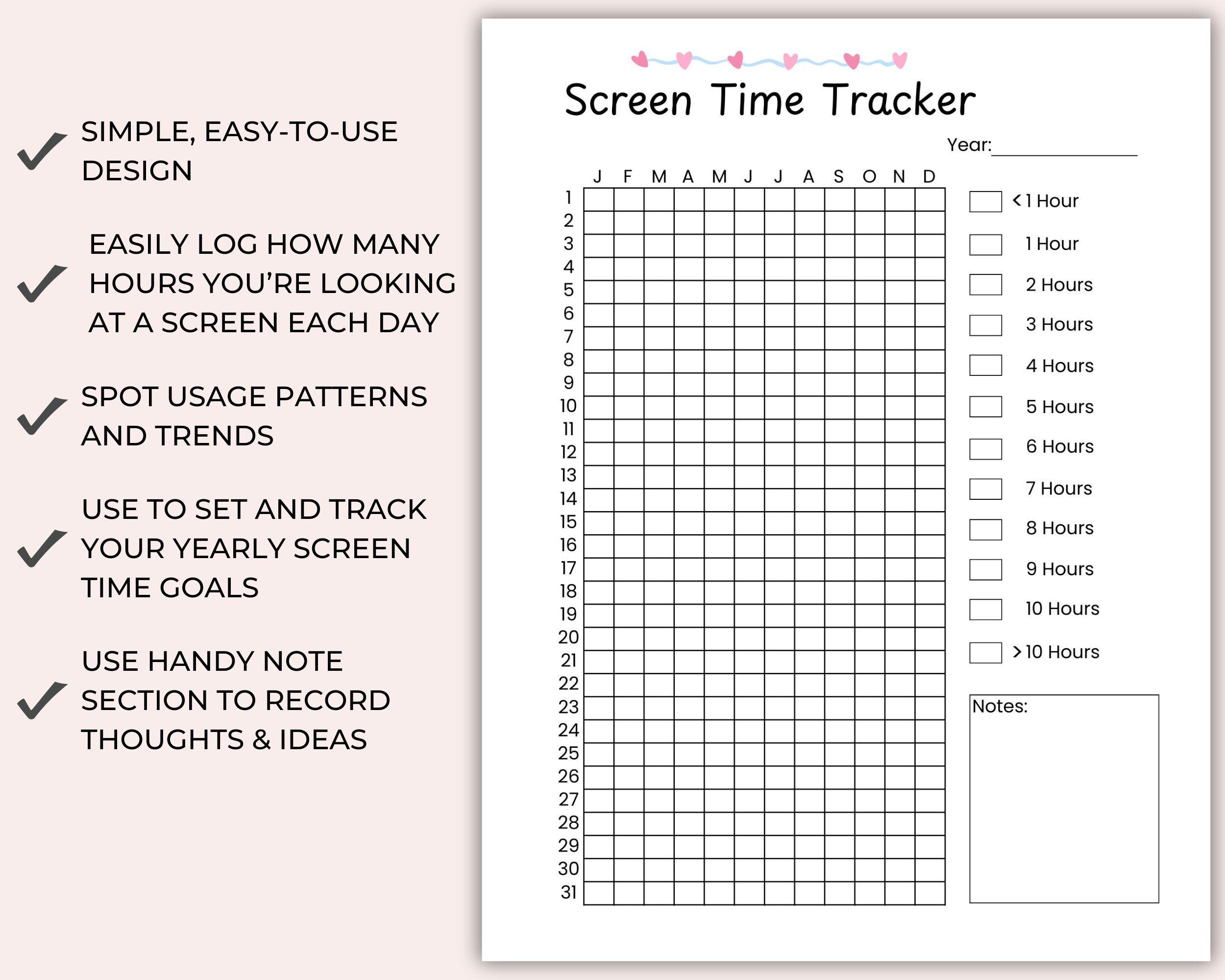
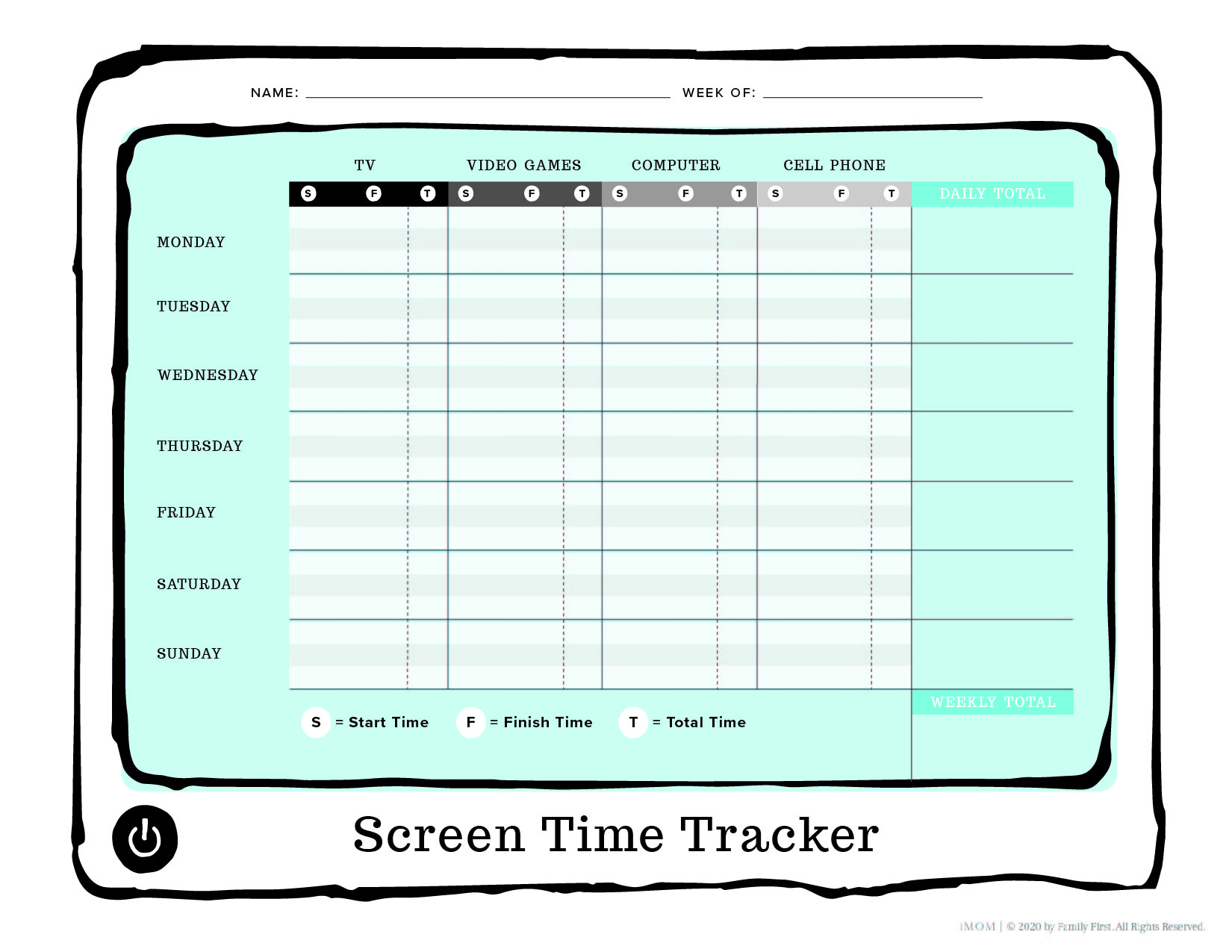
The “screen time tracker for students” specifically addresses the vital internet safety topic of responsible screen time management and digital wellness. This resource guides students through the process of monitoring and understanding their own digital consumption habits. Concepts covered include distinguishing between various types of screen timesuch as educational, social, and recreationaland identifying the duration spent on each category. The worksheet also introduces the idea of setting healthy boundaries and recognizing the importance of balancing online engagement with offline activities. It encourages an understanding of how excessive screen use might impact physical health, academic performance, and social interactions. The content aligns directly with recognized digital citizenship standards, emphasizing self-management, personal responsibility, and the development of healthy habits in a technology-rich environment. This foundational work helps establish a framework for making informed decisions about digital device usage, promoting a mindful approach to technology integration in daily life.
Key Learning Outcomes
By completing the “screen time tracker for students,” children and young people will develop several crucial skills and knowledge areas:. Browse more guides on Safe Wired Schools.
- Ability to accurately monitor and record personal screen usage across different categories.
- Understanding of balanced digital habits and the importance of varied daily activities.
- Development of self-regulation skills concerning online engagement and device usage.
- Recognition of the impact of screen time on personal well-being, including sleep and physical activity.
- Capacity to set and adhere to personal screen time goals, fostering greater autonomy.
How to Use This Worksheet
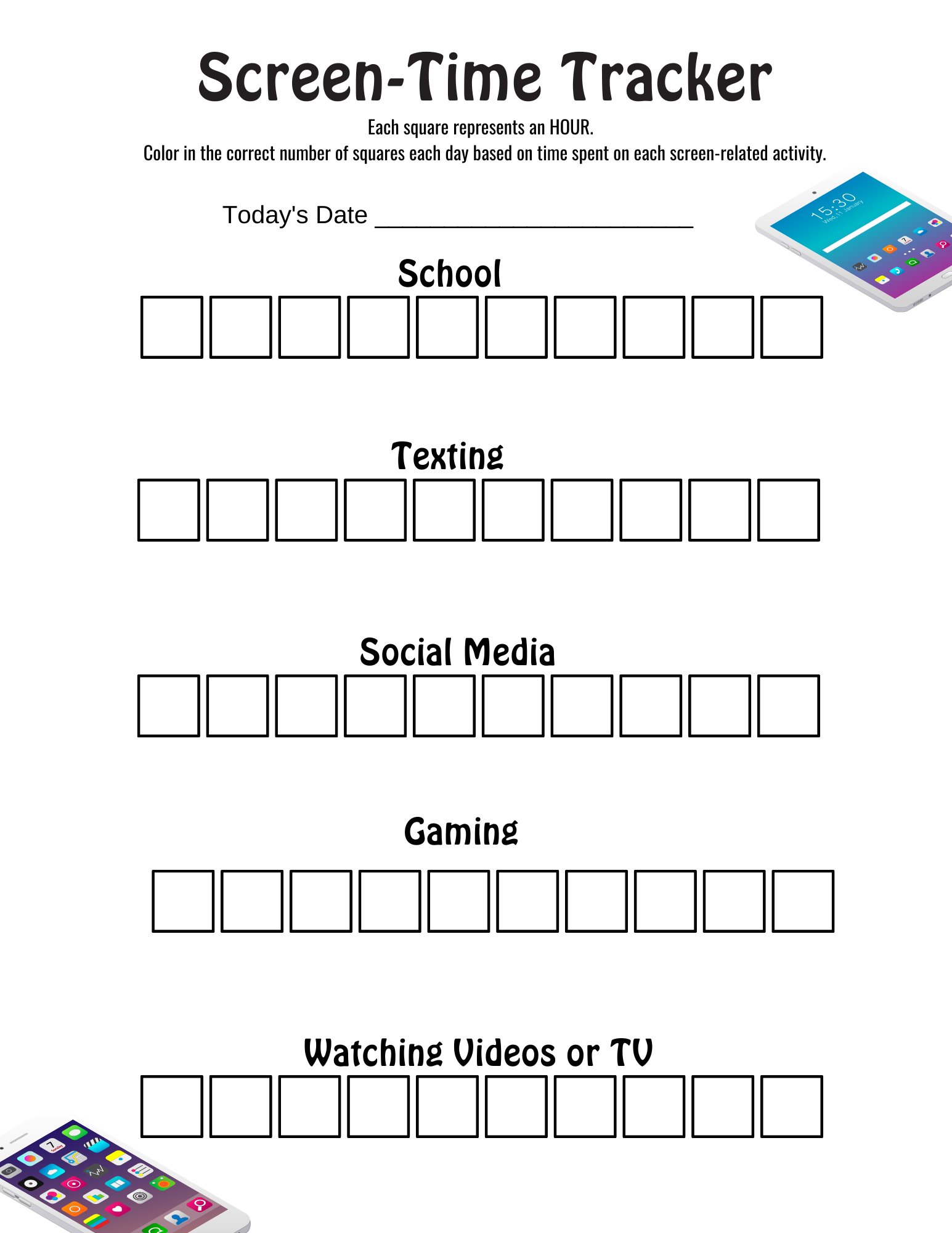
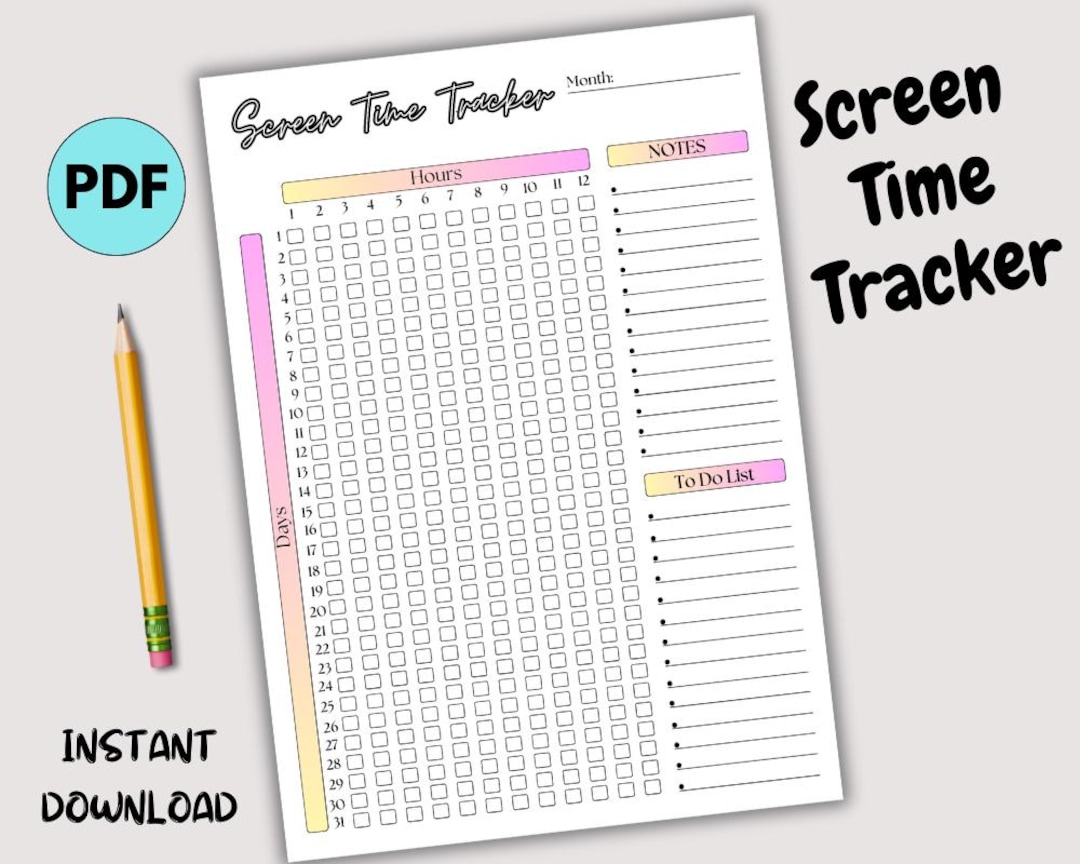
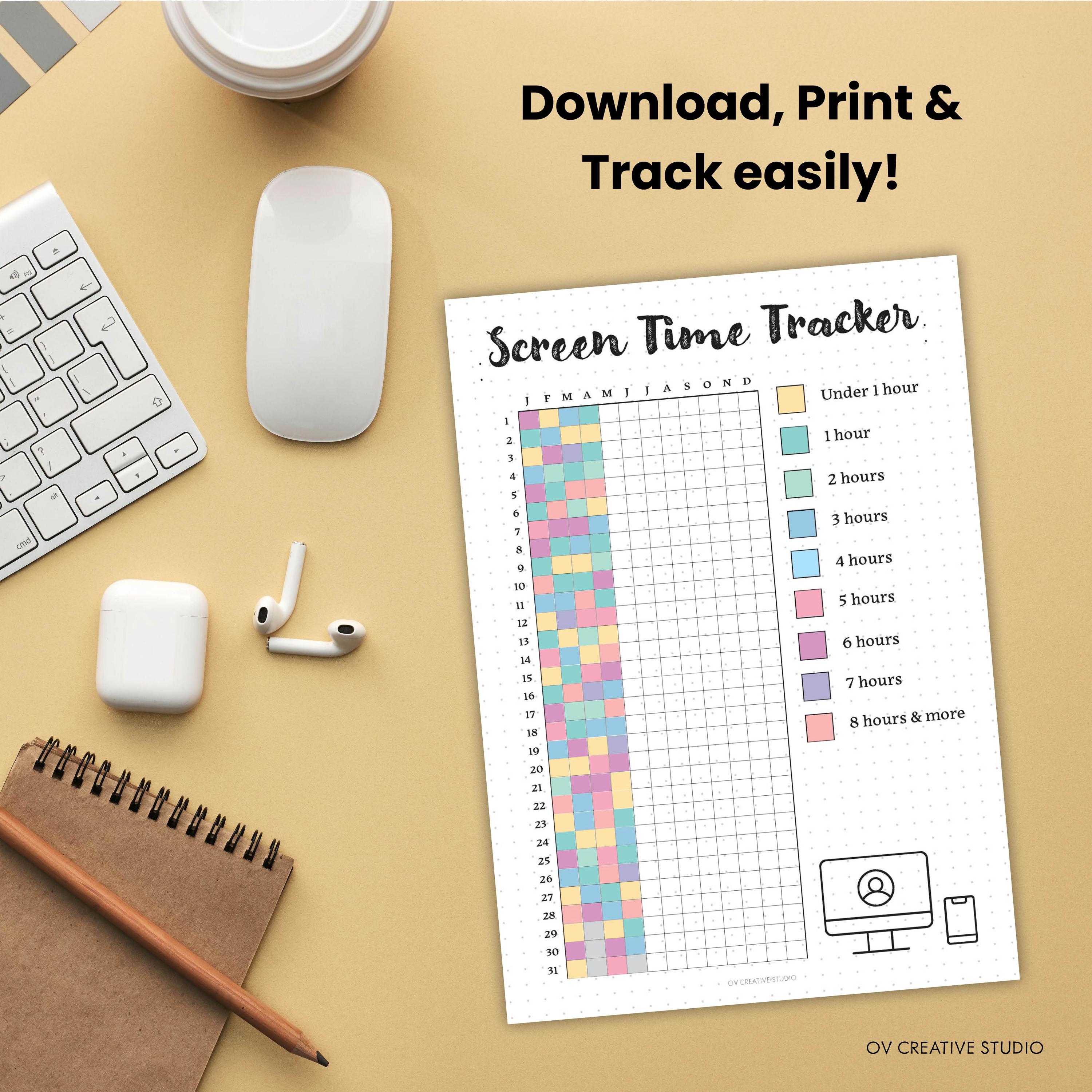
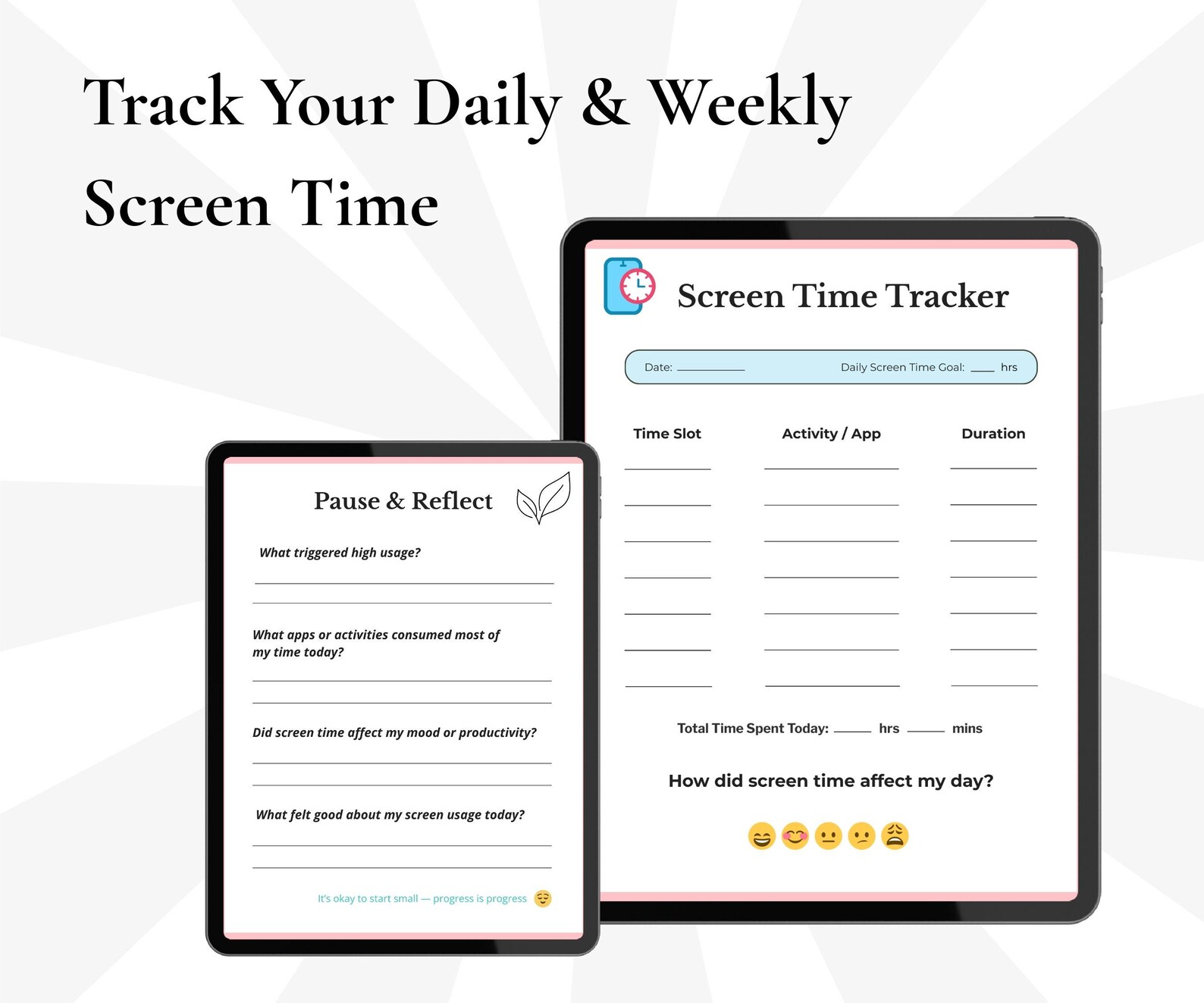
Educators and parents can effectively integrate the “screen time tracker for students” into various learning environments. The worksheet typically features sections for logging daily screen time, categorizing activities (e.g., schoolwork, gaming, social media, video streaming), and reflecting on the overall experience. Its format might include fill-in-the-blank spaces for time entries, simple check-boxes for activity types, and guided reflection prompts that encourage self-assessment. The difficulty level is adaptable, with simpler versions for younger learners focusing on basic tracking and more detailed versions for older students involving deeper analysis and goal setting. Instructions are scaffolded to progressively build understanding, starting with observation and moving towards critical reflection. This resource functions excellently as a standalone activity to initiate discussions about digital habits, as an integral component of a broader digital citizenship lesson plan, or as a practical homework assignment that extends learning into the home environment. Its flexibility makes it a valuable addition to any digital safety curriculum.
Practical Tips for Parents and Teachers
- Collaborative Goal Setting: Involve students in establishing realistic screen time goals before tracking begins, fostering a sense of ownership and responsibility.
- Regular Check-ins: Review the completed tracker data together on a weekly basis, discussing observations, challenges, and successes without judgment.
- Link to Real-World Activities: Encourage and identify specific offline alternatives that can replace excessive screen time, such as reading, outdoor play, or creative arts.
- Model Good Habits: Adults should demonstrate responsible screen use in their own lives, showing the importance of balance and digital breaks.
- Positive Reinforcement: Acknowledge and praise efforts in managing screen time, celebrating small victories and encouraging continued progress in developing healthy digital habits.
Age-Appropriate Recommendations
Utilizing the “screen time tracker for students” effectively requires tailoring its application to different developmental stages. For children aged 5-8 (Early Elementary), the focus should remain on basic awareness. At this stage, adult involvement is crucial, assisting with recording, using simple visual cues, and discussing screen time in terms of “too much” or “just right” rather than strict numbers. Vocabulary support might include defining terms like “online games” versus “learning apps.” Activity pacing should be short and engaging. For ages 9-12 (Upper Elementary/Middle School), students can begin to track more independently, categorizing their activities with greater precision. Discussions can delve into the feelings associated with different types of screen time and the concept of opportunity cost. The level of parental or teacher involvement shifts to guidance and facilitated discussion, encouraging students to draw their own conclusions about their digital habits. For ages 13-18 (Middle/High School), the tracker becomes a tool for self-directed analysis and strategic planning. Older students can critically evaluate the impact of screen time on sleep, academic performance, and social connections, setting personal goals for digital wellness and productivity. Discussions at this level can include the implications of digital footprint and future career readiness. The approach emphasizes autonomy, critical thinking, and long-term habit formation.
Frequently Asked Questions
Q: How does the “screen time tracker for students” contribute to overall digital citizenship education?A: This resource promotes self-awareness and self-regulation, which are fundamental components of responsible digital citizenship. It encourages students to be mindful of their online engagement and fosters a balanced approach to technology use.
Q: Is this printable resource suitable for diverse learning styles and abilities?A: The tracker combines visual logging with structured reflection prompts, accommodating various learning preferences. Its hands-on nature and adaptable design make it accessible for a wide range of abilities, encouraging active participation in managing digital habits.
Q: Where can the free printable “screen time tracker for students” be accessed for immediate use?A: This valuable educational tool is available for free download on the SafeWiredSchools.org Worksheets page. It can be printed immediately, providing a readily available resource for both classroom and home use.
Explore More Free Printable Worksheets
While the “screen time tracker for students” offers a powerful starting point for fostering digital responsibility, a single worksheet works best when integrated into a comprehensive and consistent digital safety learning routine. Effective digital education is built upon a foundation of varied resources that address multiple facets of online safety. Educators and parents are invited to explore a full collection of free printable internet safety worksheets, activity sheets, checklists, quizzes, and more at SafeWiredSchools.org Worksheets. This extensive library covers every internet safety topic imaginable, from identifying misinformation to understanding privacy settings, and is specifically designed for every grade level and learning environment. Expanding beyond a single resource ensures a holistic and enduring understanding of safe online practices for all students.
Developmental Milestone & Activity Table
| Development Stage | Recommended Daily Duration | Primary Learning Objective |
|---|---|---|
| Preschool & Pre-K | 10 – 15 Minutes | Pencil grip development & basic pre-stroke lines |
| Kindergarten | 15 – 20 Minutes | Letter/number formation & spatial line awareness |
| Early Elementary (Grade 1–2) | 20 – 30 Minutes | Fluency, sentence construction & neatness |
Images References