Why Visual Learning Tools Build Stronger Digital Boundaries
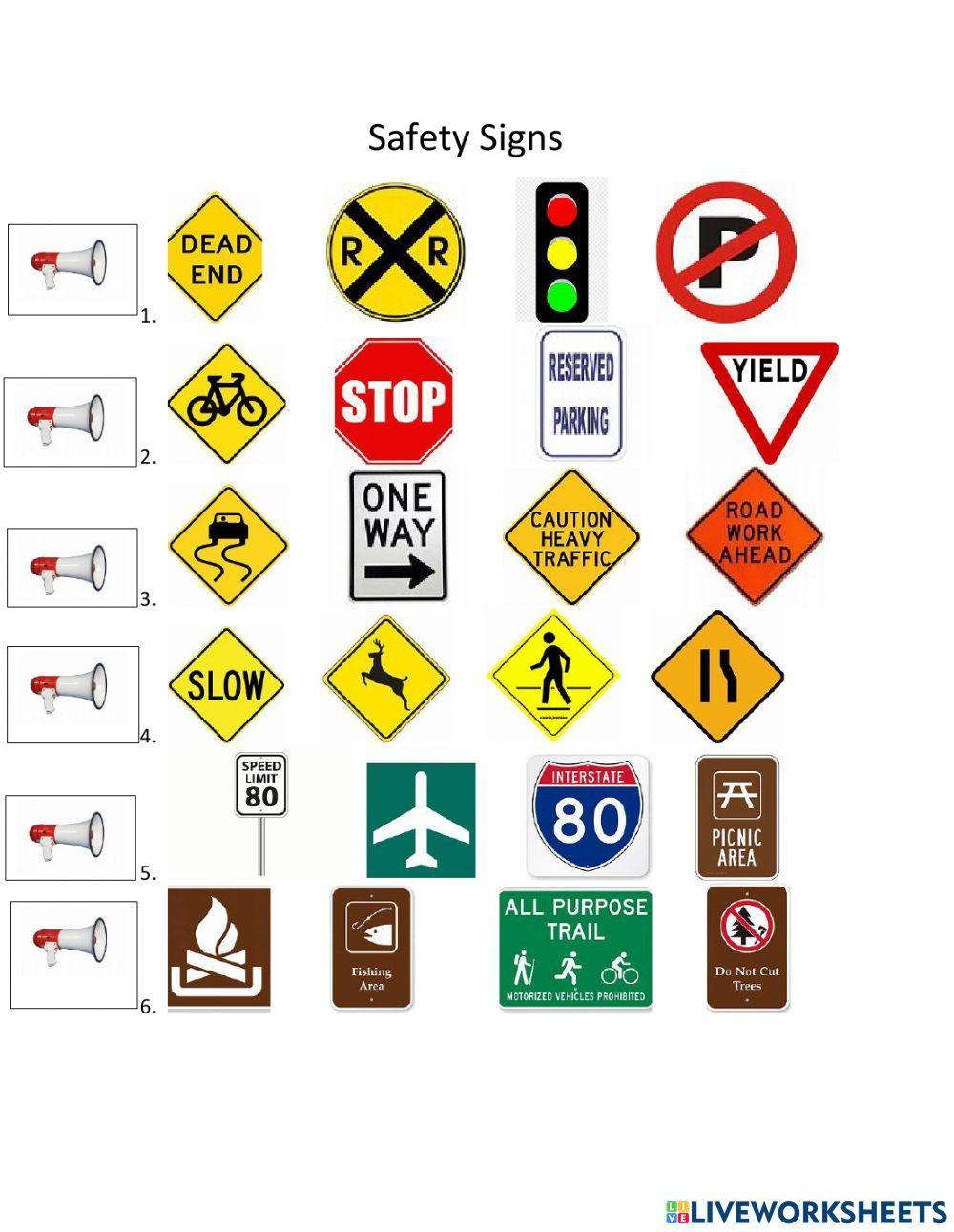
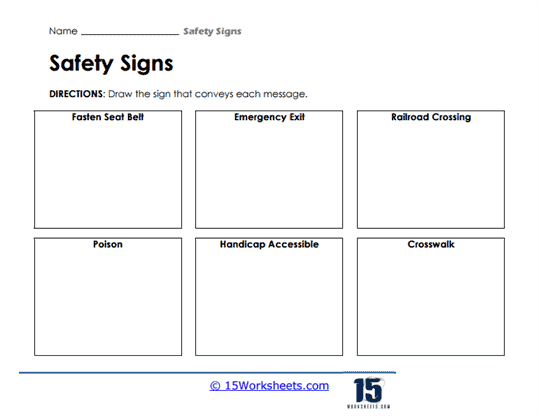
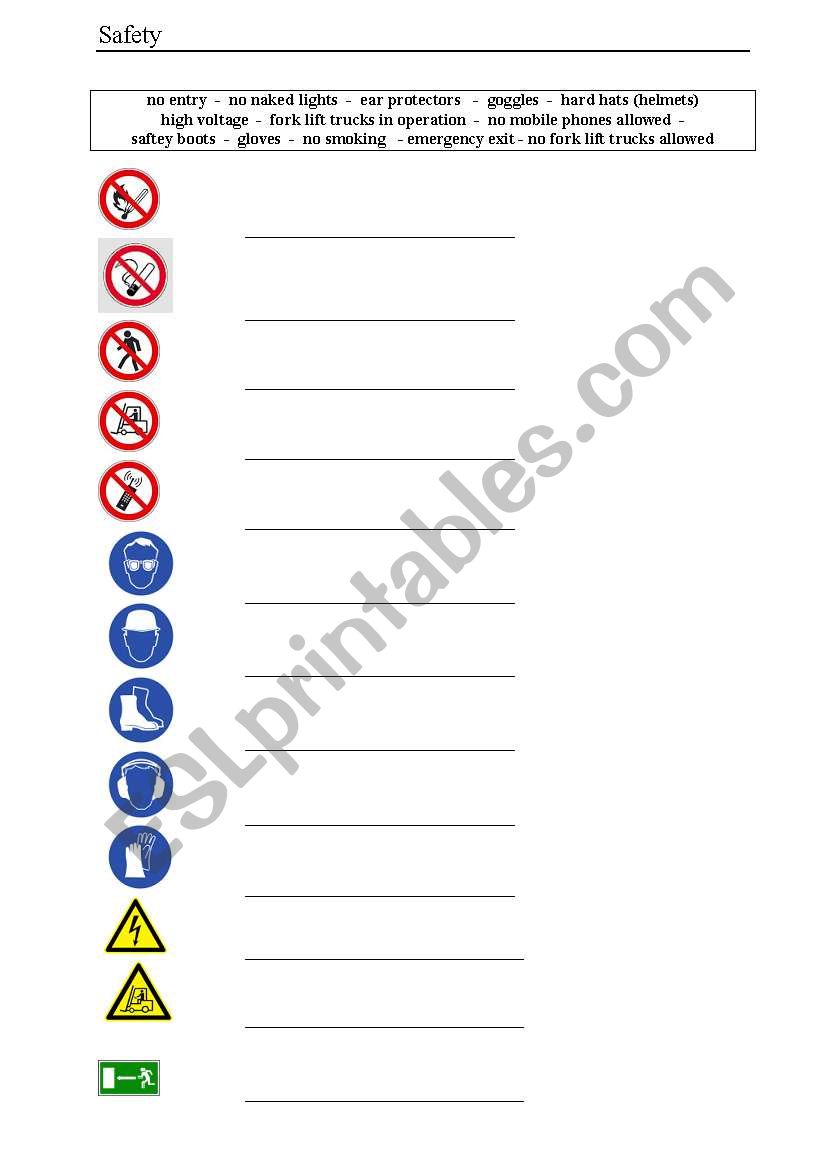
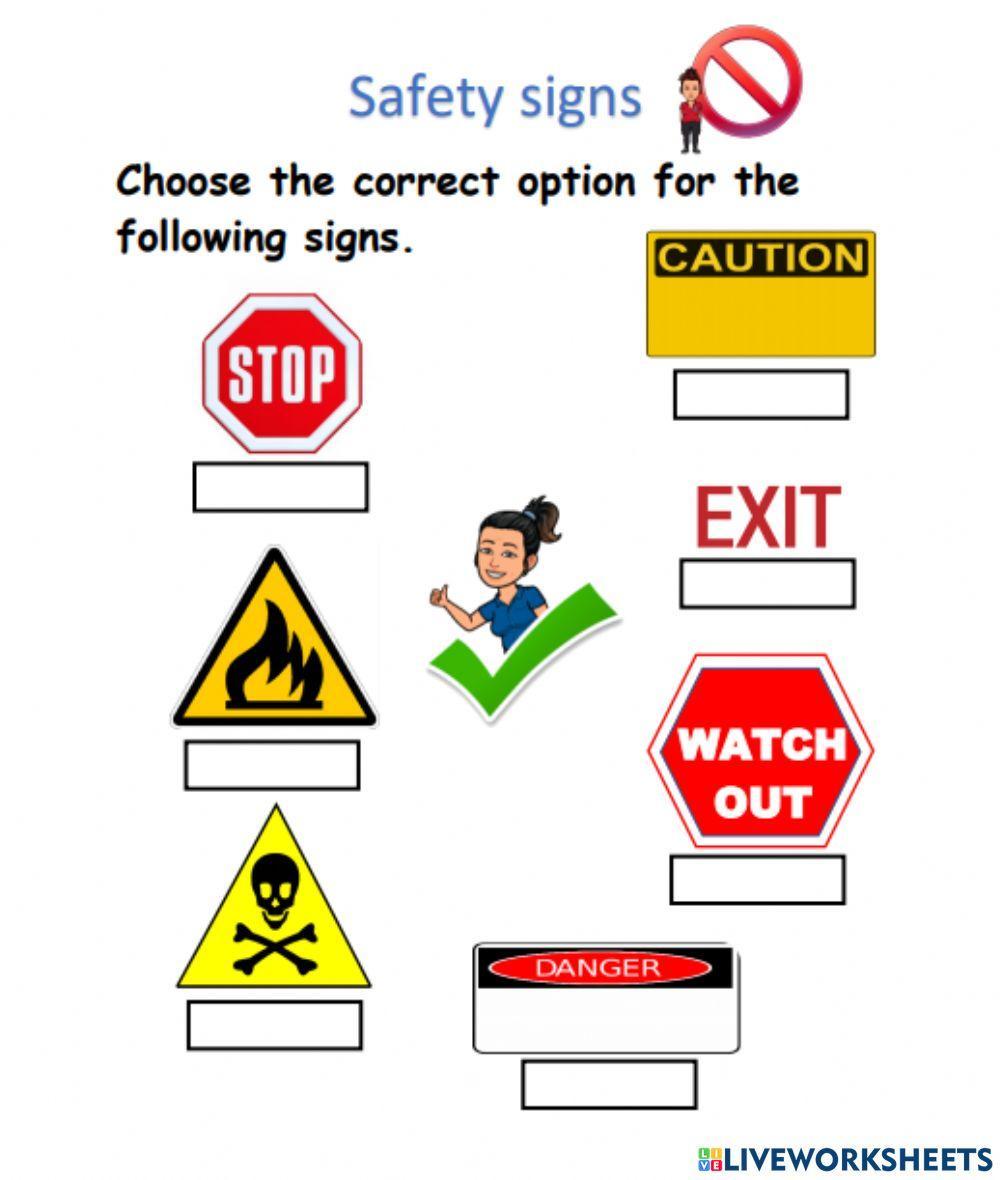
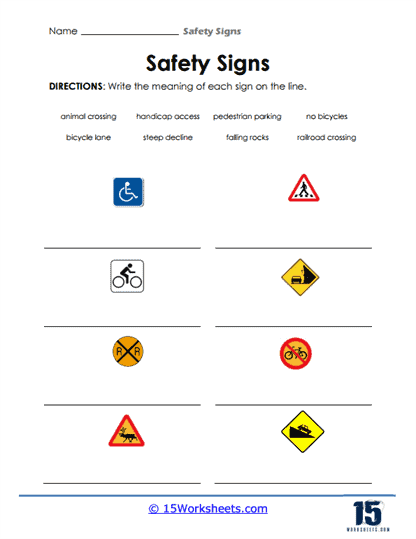
Helping children recognize potential hazards online requires clear, tangible cues that match their developmental stages. Just as physical communities rely on street signs to guide pedestrians and drivers safely, the digital world demands an intuitive visual language. Integrating safety signs worksheets pdf materials into lesson plans and home routines gives students concrete reference points for navigating online spaces safely. Organizations like ConnectSafely and the Cybersecurty and Infrastructure Security Agency emphasize that proactive education is far more effective than reactive punishment. By turning abstract concepts like privacy settings, phishing indicators, and stranger danger into recognized symbols, educators and parents can empower K-12 students to spot digital red flags instantly.
💡 Educational Key Takeaways:
- Core Skill: Structured Safety Signs Worksheets Pdf focused on developing pencil grip, stroke control, and early literacy/math confidence.
- Target Scope: Suited for homeschoolers, preschool, kindergarten, and elementary learners.
- Best Recommendation: Practice 10–15 minutes daily with ergonomic writing tools to reinforce muscle memory without hand fatigue.
Mapping Online Risk Signals to Everyday Guardrails
To keep young users protected across various environments, adults must understand where vulnerabilities typically arise. Whether a child is using a school-issued device or browsing on a personal tablet at the kitchen table, specific technical settings and behavioral indicators help determine their safety posture. Related guide: Internet Safety Worksheets Pdf.
| Setting / Context | Common Vulnerability | Practical Safeguard |
|---|---|---|
| Home Devices | Unfiltered browser access and unmonitored app downloads on personal tablets. | Enable strict parental controls, restrict app store permissions, and utilize age-appropriate Internet and Digital Safety tools. |
| School Chromebooks & Tablets | Bypassing network firewalls or sharing school-issued login credentials with peers. | Reinforce Acceptable Use Policies, utilize classroom monitoring software, and encourage students to explore printable Worksheets during digital citizenship units. |
| Social Apps & Multiplayer Chat | Over-sharing personal details and accepting direct messages from unknown accounts. | Default accounts to private, disable direct messaging where possible, and review privacy settings together regularly. |
Establishing Clear Routines Between Classrooms and Living Rooms
Consistency is vital when teaching children how to handle digital dilemmas. Schools and families should collaborate to establish predictable routines that eliminate confusion. Designate a central charging station in the home where all screens rest overnight, preventing unsupervised late-night browsing. Implement age-appropriate device controls, such as restricted screen time limits and content filters, but ensure children understand *why* these controls exist rather than viewing them as arbitrary restrictions. Furthermore, establish a clear reporting workflow: let students know they can report strange pop-ups, cyberbullying, or uncomfortable messages immediately without fear of losing their device privileges. Pairing these physical and digital habits with creative activities like Coloring Pages can help younger learners internalize positive online behavior in a low-stress, engaging format.
It is entirely normal for children and teens to test boundaries, attempt to bypass filters, or push back against monitoring tools. When adults react with anger or immediate confiscation, kids often learn to hide their online behavior rather than seeking guidance when something goes wrong. Instead, treat digital mishaps as teachable moments. If a student manages to circumvent a restriction, calmly discuss how they bypassed the guardrail, explain the underlying risk, and adjust the technical controls collaboratively. Open, non-judgmental conversations build trust, ensuring that students come to parents and teachers first when they encounter scams, inappropriate content, or malicious actors online.
Frequently Asked Questions From Educators and Parents
What age group benefits most from safety signs worksheets pdf activities?
Elementary and middle school students benefit the most from visual learning resources because icons and symbols make abstract digital concepts much easier to grasp. High school students can also utilize advanced digital literacy modules, but younger children rely heavily on visual cues to remember rules regarding passwords and personal data.
How can teachers integrate these printables into existing curricula?
Educators can easily slip these handouts into media literacy lessons, library orientation days, or technology lab sessions as introductory warm-ups. They serve as great discussion starters before students dive into research projects or collaborative online assignments.
Are printable worksheets enough to keep kids safe on the internet?
No single resource provides complete protection on its own. Worksheets must be paired with robust network filters, active parental supervision, device monitoring, and ongoing, calm conversations about online behavior to create a truly secure digital environment.
Explore More Digital Citizenship Resources
Building a safer digital culture for K-12 students requires ongoing education, adaptable strategies, and community collaboration. Visit SafeWiredSchools.org to discover additional guides, lesson plans, and expert advice tailored to keeping children secure online.
Worksheet Previews & Reference Materials