Why Visual Learning Guides Build Lasting Digital Literacy
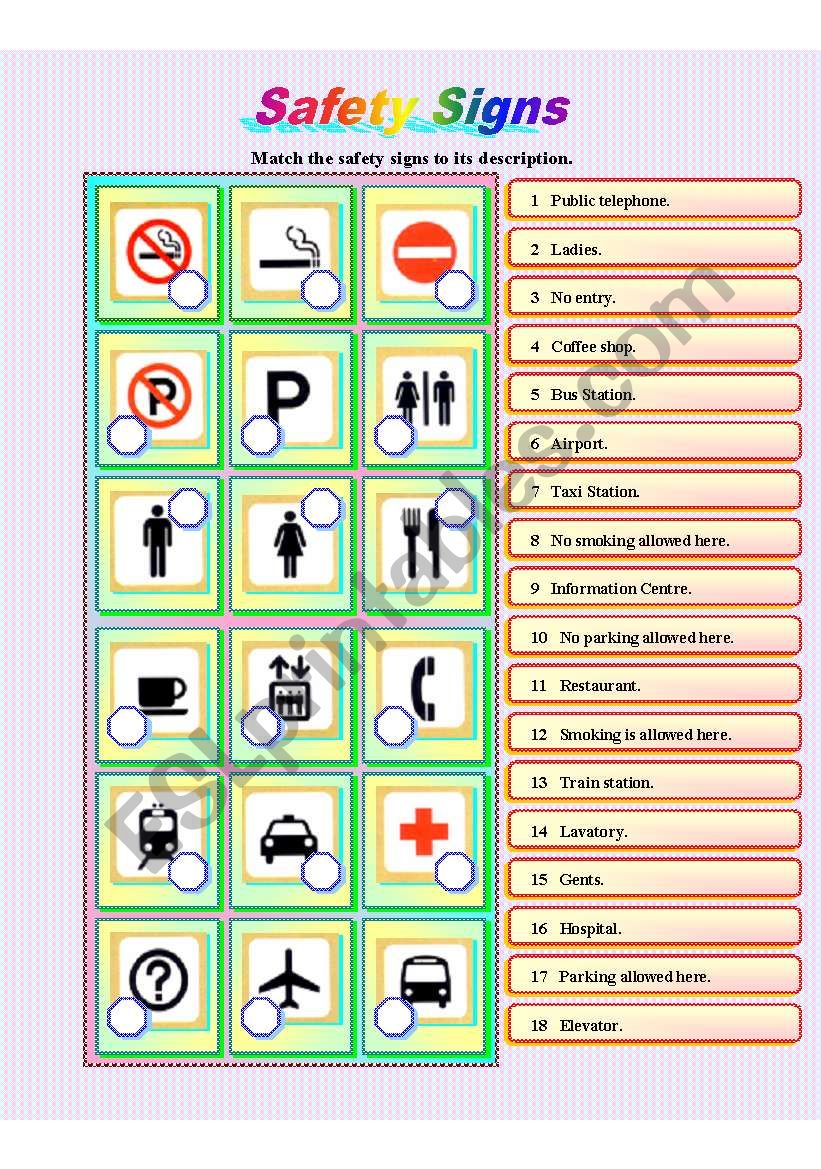
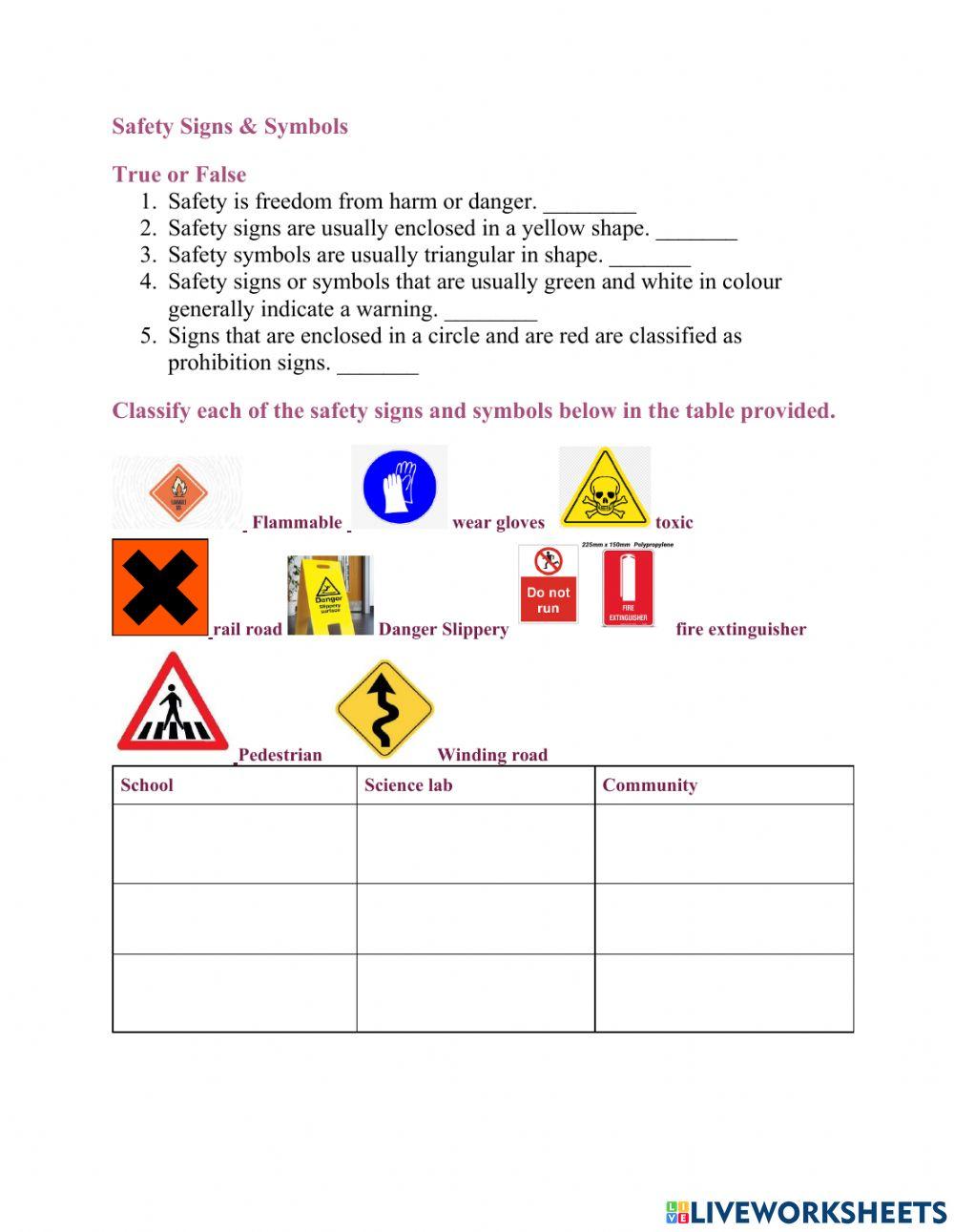
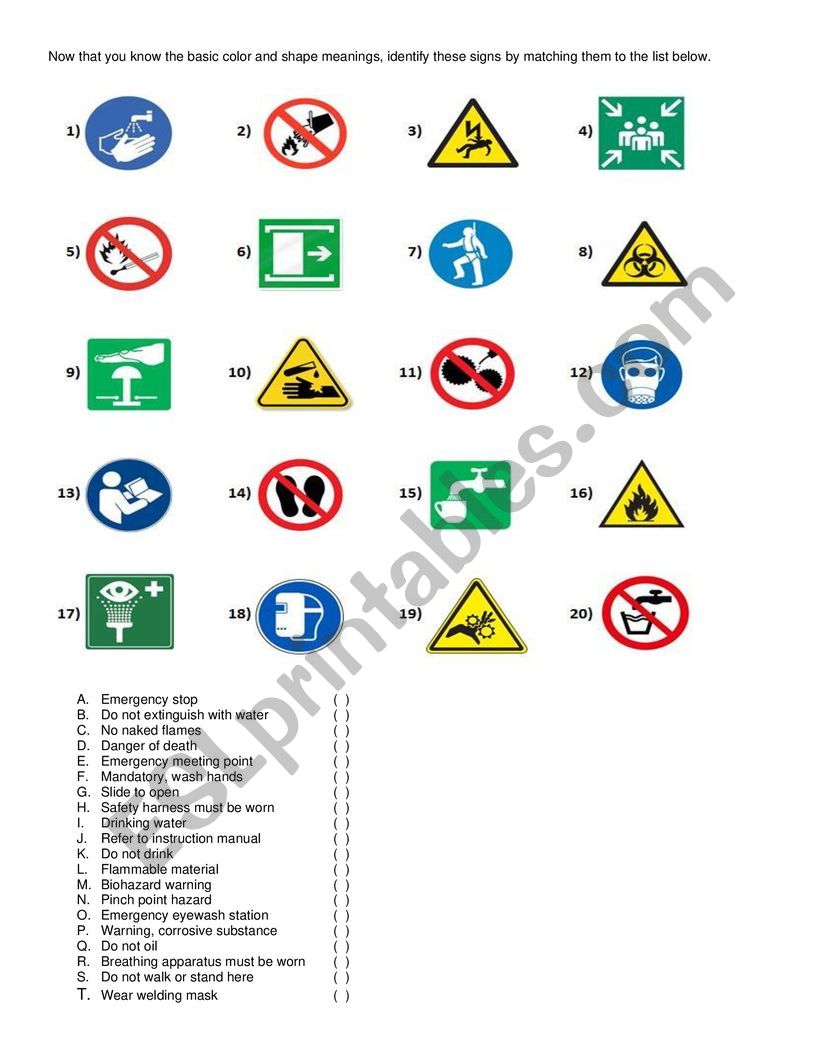
In a world where children navigate tablets, school Chromebooks, and smartphones daily, turning abstract cybersecurity rules into concrete concepts is a major challenge for educators and parents. Grounded in youth digital safety recommendations from organizations like ConnectSafely and the FTC, teaching digital habits requires more than verbal warnings. Integrating safety signs printable worksheets into lesson plans and home routines gives children recognizable icons and street-smart analogies for online pitfalls. When students can visually map out digital boundaries—just like they recognize stop signs on a roadway—they build the intuitive muscle memory needed to spot phishing scams, inappropriate content, and suspicious chat requests before clicking.
💡 Educational Key Takeaways:
- Core Skill: Structured Safety Signs Printable Worksheets focused on developing pencil grip, stroke control, and early literacy/math confidence.
- Target Scope: Suited for homeschoolers, preschool, kindergarten, and elementary learners.
- Best Recommendation: Practice 10–15 minutes daily with ergonomic writing tools to reinforce muscle memory without hand fatigue.
Mapping Digital Hazards to Visual Safety Indicators
Recognizing early warning signals online is vital for keeping young learners safe across diverse operating systems and messaging apps. Adults can use the structured breakdown below to align specific online contexts with observable vulnerabilities and hands-on safeguards. Related guide: Online Safety And Netiquette Lesson Plan Grade 4.
| Setting / Context | Common Vulnerability | Practical Safeguard |
|---|---|---|
| Home Tablets & Phones | Accidental in-app purchases and exposure to unvetted third-party video apps. | Enable strict app store password requirements and review Worksheets designed for screen-time management. |
| School Chromebooks | Clicking unverified links in shared school documents or classroom search engines. | Reinforce district web filters with printable visual reminders about safe browsing habits found in Internet and Digital Safety modules. |
| Multiplayer Chat & Messaging | Over-sharing personal information with strangers posing as peers in game lobbies. | Establish a no-private-chat rule and practice recognizing red flags using creative Coloring Pages that reinforce offline friendship rules. |
Establishing Clear Classroom Policies and Home Routines
Consistency between school campuses and family living rooms ensures children receive a unified message about technology usage. Educators should communicate classroom device policies clearly during back-to-school nights, while parents can anchor habits at home using structured screen-time agreements. Pair these verbal guidelines with physical check-ins by placing device-free charging stations in common areas like the kitchen. Furthermore, implement calm reporting workflows that encourage students to speak up immediately if they encounter cyberbullying or malicious links, ensuring children know they will not lose their device privileges simply for reporting an accident.
Overcoming Student Workarounds and Filtering Pitfalls
Overly restrictive internet bans frequently backfire, driving tech-savvy students to find clever workarounds like proxy sites or anonymous browsers. Instead of relying solely on hard technical blocks that foster secrecy, educators and parents must pair protective filters with open-ended conversations. When students understand the why behind a safety sign or network restriction, they transition from passive rule-followers to active partners in cybersecurity. Acknowledge their growing technical independence while maintaining clear boundary lines that protect their personal privacy and emotional well-being.
Frequently Asked Questions About Visual Safety Guides
What age group benefits most from safety signs printable worksheets?
Children in kindergarten through fifth grade respond exceptionally well to visual metaphors and icon-based learning. These printable resources help bridge the gap between complex digital concepts and tangible everyday safety rules.
How can teachers incorporate these printables into busy academic schedules?
Educators can seamlessly blend these materials into morning meeting discussions, computer lab orientation sessions, or art time as part of a broader digital citizenship curriculum.
Are visual safety printables effective for addressing cyberbullying?
Yes, pairing stop-and-think street sign analogies with emotional intelligence discussions helps children recognize hurtful online behavior and encourages them to practice digital empathy.
Explore More Digital Citizenship Resources
Empowering the next generation of digital citizens requires continuous learning, up-to-date strategies, and collaborative tools for both classrooms and living rooms. Discover additional educator guides, printable activities, and expert advice by visiting SafeWiredSchools.org today.
Worksheet Previews & Reference Materials