Why Visual Safety Lessons and Safety Sign Coloring Pages Matter for Early Digital Learners
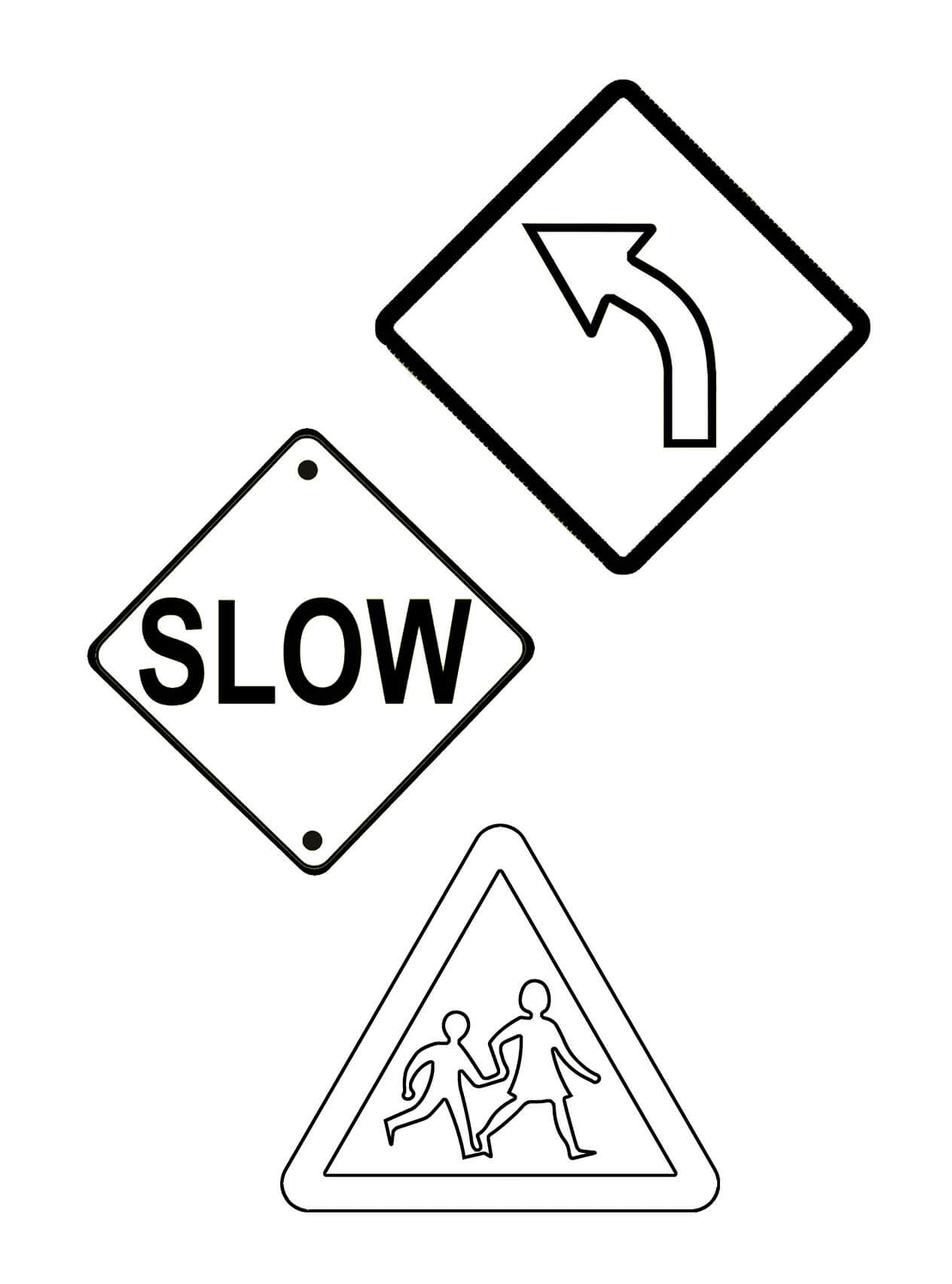
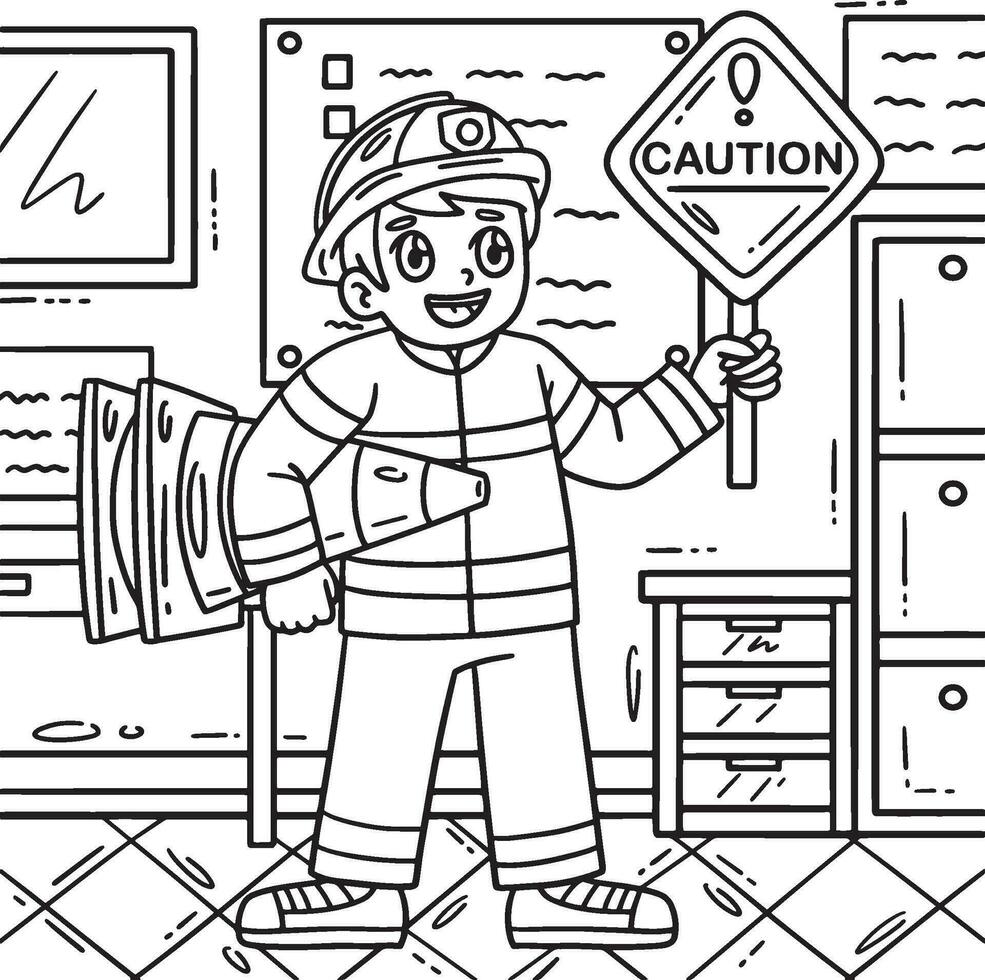
As children begin navigating shared family devices and school Chromebooks at increasingly younger ages, building early awareness of boundaries is essential. Translating abstract rules into concrete habits requires engaging tools that resonate with developmental milestones. Utilizing safety sign coloring pages offers parents and educators a creative way to introduce critical concepts like stop signs, warning labels, and digital caution markers. Grounded in frameworks from ConnectSafely and the Cybersecurity and Infrastructure Security Agency, these artistic activities help young students connect physical world rules with online safety signs, teaching them to pause and recognize potential red flags before clicking unknown links or sharing personal information.
💡 Activity Key Takeaways:
- Core Focus: Printable Safety Sign Coloring Pages designed for creative expression and fine-motor coordination.
- Target Scope: Ideal for toddlers, preschool, kindergarten, and classroom art activities.
- Best Recommendation: Use standard heavy printer paper (24–28 lb) or cardstock for vibrant results with crayons, colored pencils, or washable markers.
Technical Risk Signals and Preventive Guardrails for K-12 Devices
Even with creative offline lessons, managing modern student tech environments requires vigilance. Adults must understand where digital vulnerabilities hide across home tablets, school-issued laptops, and multiplayer chat platforms. Reviewing device settings alongside regular offline activities creates a comprehensive safety net. The breakdown below highlights common vulnerabilities and actionable safeguards across typical K-12 contexts.
| Setting / Context | Common Vulnerability | Practical Safeguard |
|---|---|---|
| Home Tablets & Phones | Unrestricted app store downloads and accidental in-app purchases | Enable parental controls, require password approval for new apps, and explore Coloring Pages for offline balance. |
| School Chromebooks | Bypassing web filters through proxy extensions during unsupervised hours | Audit installed browser extensions weekly and enforce school DNS-level filtering at home. |
| In-Game Chats | Direct messaging from unverified strangers in popular gaming environments | Disable public chat features entirely and encourage cooperative gameplay only with known peers. |
Establishing Calm Routines and Open Communication at Home and School
Technical filters alone cannot catch every online hazard, which is why nurturing a culture of trust is paramount. Educators and parents should implement predictable routines that encourage children to speak up without fear of punishment. Establish a central, open-air device charging station in the family kitchen or classroom corner to eliminate secretive late-night screen use. Pair these environmental boundaries with printable Worksheets that gamify digital citizenship concepts. When children accidentally stumble upon inappropriate content or strange pop-ups, practice a calm reporting workflow: stop, step away from the screen, and tell a trusted adult immediately. Reinforce that honesty will be met with support rather than a sudden ban on technology.
Children are naturally curious and tech-savvy, often discovering quick workarounds to parental controls or classroom restrictions, such as using incognito windows or changing device time zones. When adults discover these bypass attempts, an overly punitive response often drives students to become more secretive. Instead, treat workarounds as teachable moments. Revisit the core reasons behind your digital boundaries, acknowledging their ingenuity while firmly restating the purpose of online and digital safety guardrails. Combining transparent rationale with collaborative rule-setting helps students internalize self-regulation long before they reach middle school.
Frequently Asked Questions About Digital Safety Education
At what age should children start learning about digital boundaries?
Foundational digital citizenship concepts can begin as early as preschool and kindergarten. Simple activities like safety sign coloring pages help young learners grasp the concept of stopping, looking, and asking for help when encountering unfamiliar situations online or offline.
How can teachers integrate safety concepts without adding to academic pressure?
Educators can weave digital safety seamlessly into art, reading, or computer lab time using creative prompts and coloring sheets. This approach reinforces vital Internet and Digital Safety habits organically without feeling like a formal test.
What should I do if my child hides their screen activity?
Avoid immediate anger, which encourages further concealment. Instead, calmly discuss why hiding activity creates safety risks, reset expectations around shared device zones, and rebuild trust through open, non-judgmental check-ins.
Explore More Digital Citizenship Resources and Tools
Empowering the next generation of digital citizens requires continuous learning, up-to-date resources, and collaborative guidance between families and educators. Explore our extensive collection of expert-backed toolkits, classroom guides, and activity sheets designed to make online safety approachable by visiting SafeWiredSchools.org.
Printable Coloring Page Previews