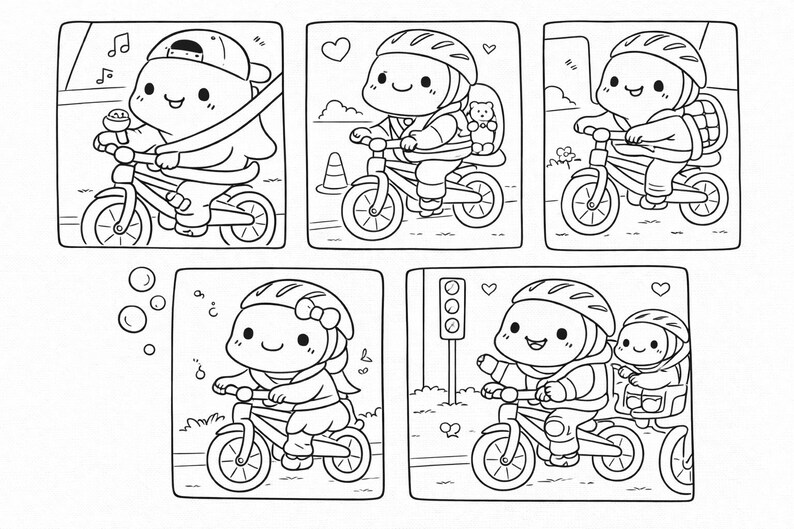
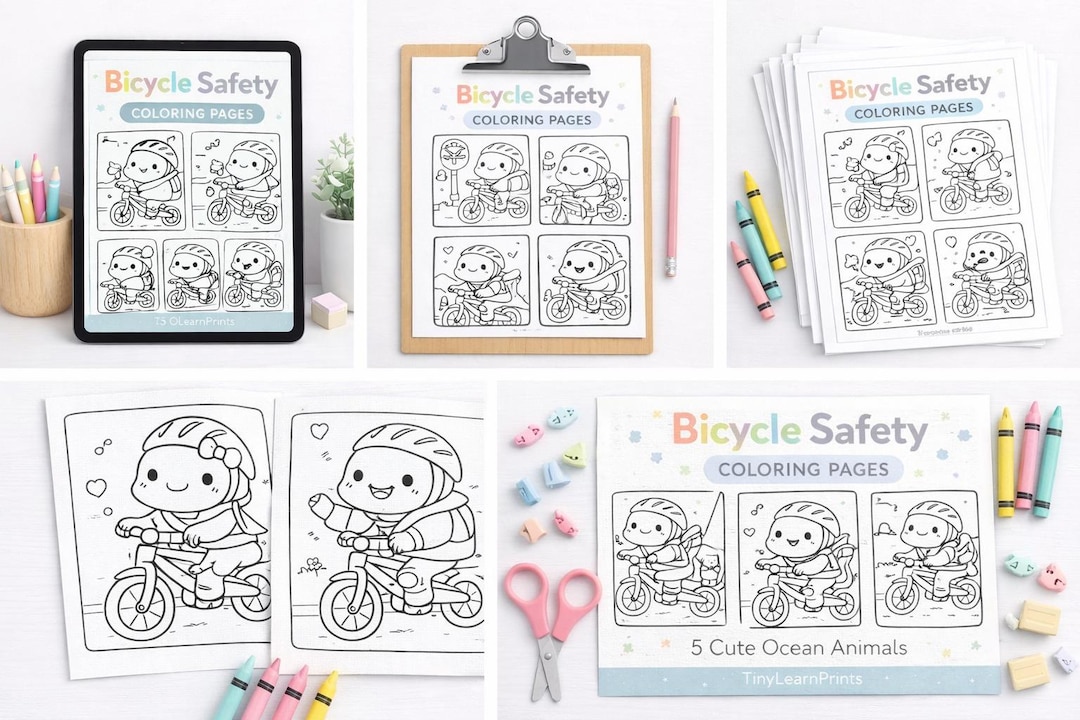
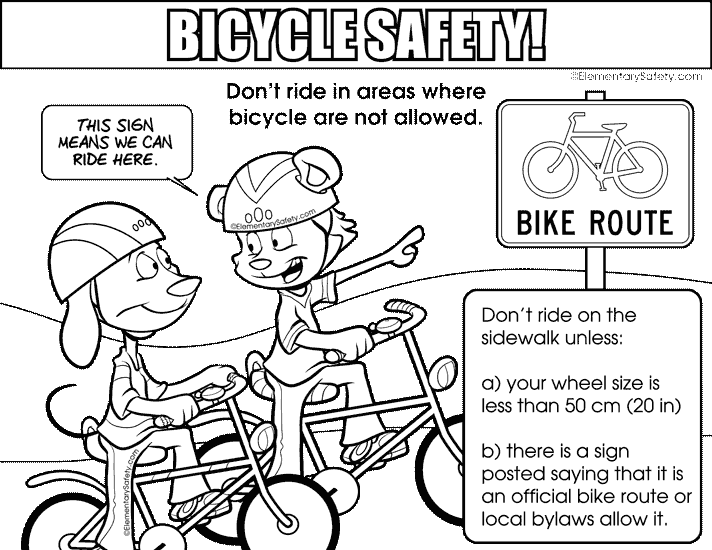
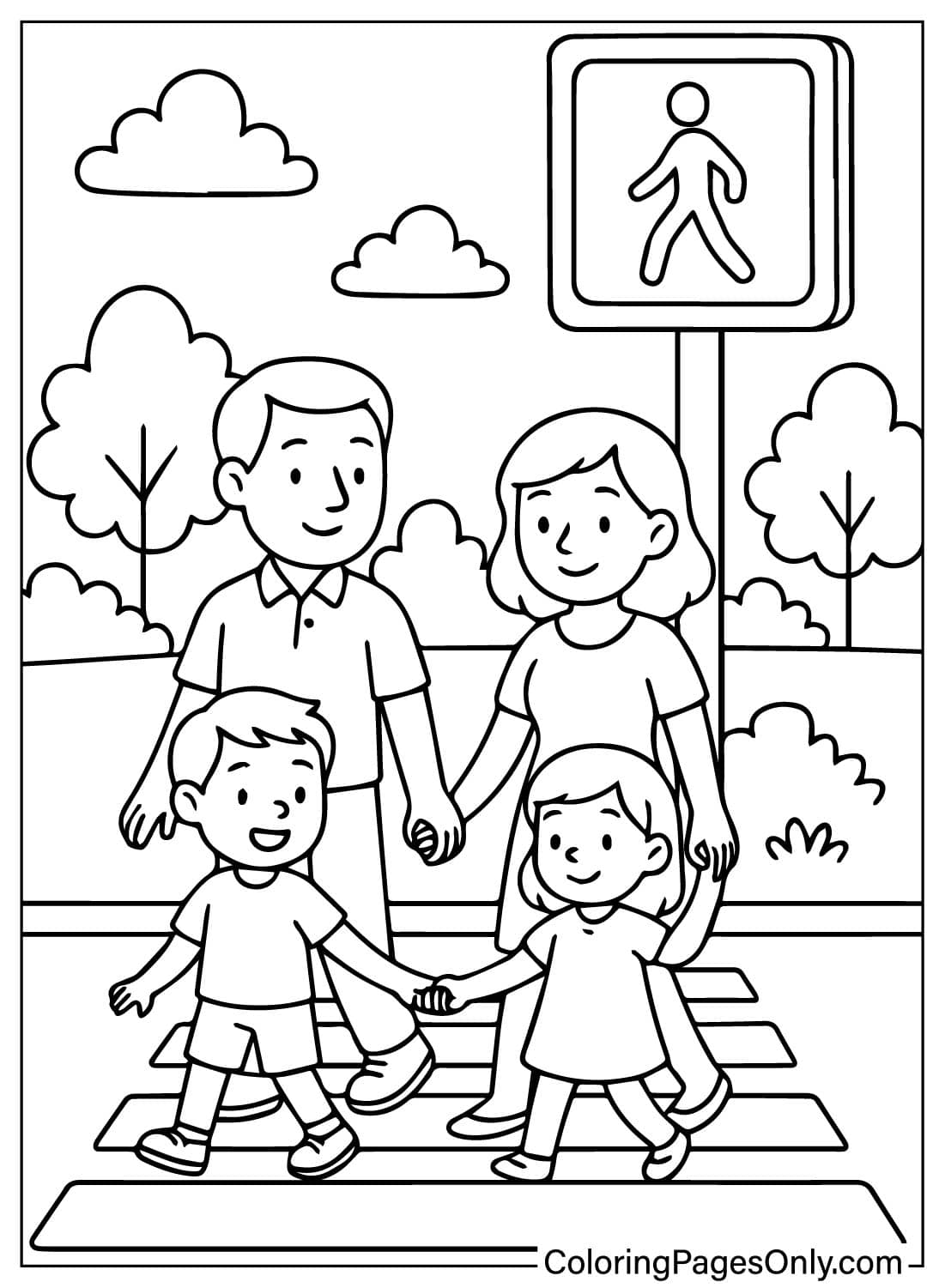
Why Blending Preschooler Bike Safety Colouring Pages with Digital Literacy Protects Young Learners
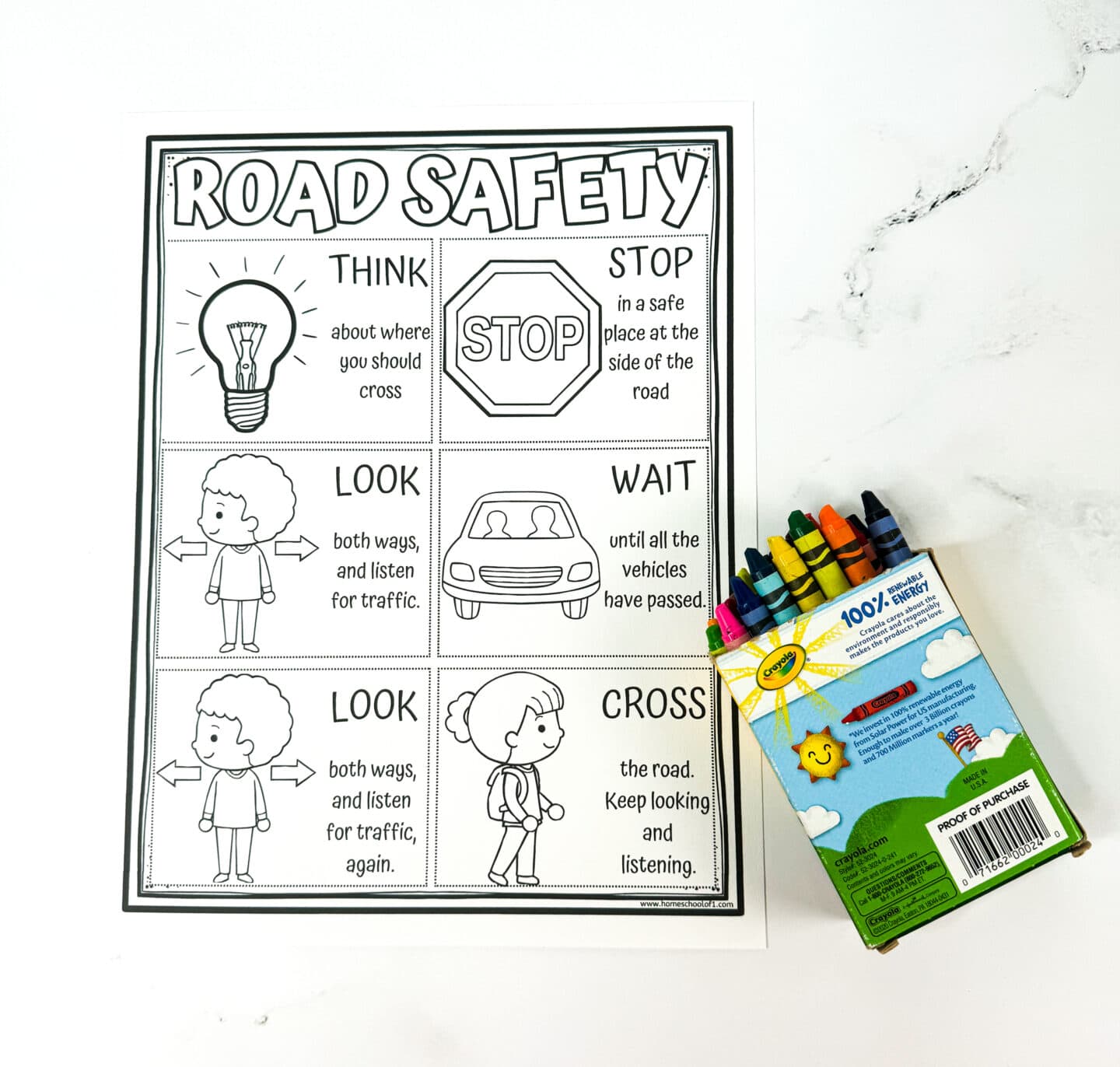
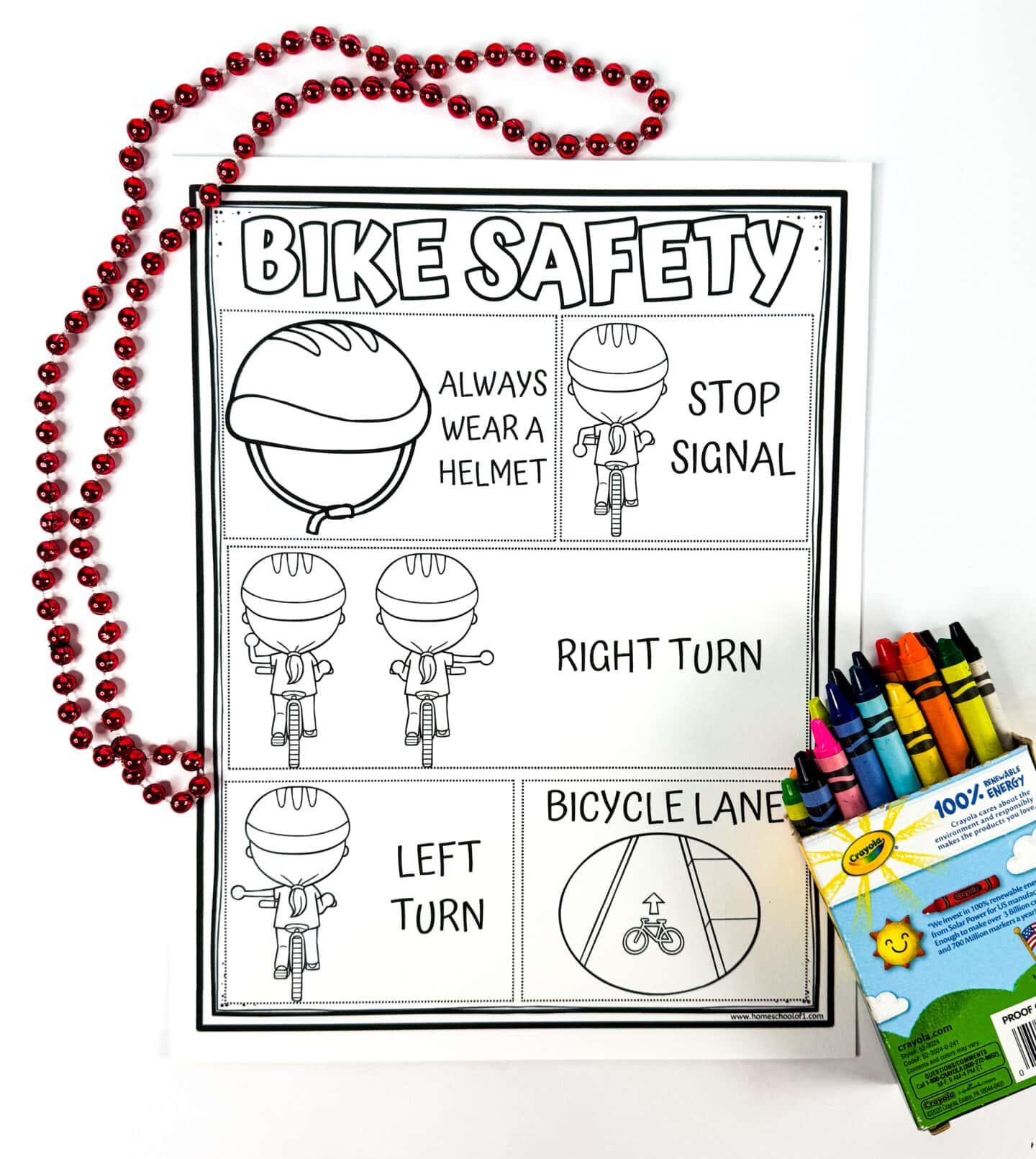
As children navigate early childhood education, they frequently encounter digital devices at home and school to access interactive learning materials, printable activities, and creative tools. However, searching for simple activities like preschooler bike safety colouring pages online can expose young users to unexpected commercial tracking, deceptive pop-ups, or unvetted content aggregators. Aligning with youth digital safety guidance from ConnectSafely and the Federal Trade Commission, educators and parents must proactively curate web environments. By guiding young children toward safe, ad-free digital hubs, adults can teach foundational safety concepts—such as wearing helmets and stopping at crosswalks—while simultaneously establishing healthy, secure browsing habits from the very start. Related guide: Please Provide Free 8.5″X11″ Digital Safety Coloring Pages For K-2 Grade.
💡 Educational Key Takeaways:
- Core Skill: Structured Preschooler Bike Safety Colouring Pages focused on developing pencil grip, stroke control, and early literacy/math confidence.
- Target Scope: Suited for homeschoolers, preschool, kindergarten, and elementary learners.
- Best Recommendation: Practice 10–15 minutes daily with ergonomic writing tools to reinforce muscle memory without hand fatigue.
Technical Risk Signals and Preventive Guardrails for Little Learners
When young children search for creative worksheets or activity sheets online, they often land on sites designed to harvest data or display inappropriate advertising. Adults need to recognize digital vulnerability markers and implement robust technical guardrails across home computers and school-issued tablets. The matrix below outlines common digital vulnerabilities encountered during routine web searches and details actionable safeguards to keep young learners protected.
| Setting / Context | Common Vulnerability | Practical Safeguard |
|---|---|---|
| Home Tablets & Laptops | Unfiltered search engines exposing children to malicious link clickbait or deceptive download buttons disguised as image files. | Configure strict safe-search filters, use child-friendly browsers, and bookmark trusted educational portals directly. |
| School Chromebooks & Tablets | Accidental navigation away from approved educational platforms to external commercial ad networks via embedded banner ads. | Utilize centralized district content filters and classroom management extensions to block unapproved external domains. |
| Online Activity Platforms | Popup prompts asking for personal information, email sign-ups, or location permissions in exchange for free printables. | Pre-download or print activity sheets ahead of time so children never interact directly with live web forms or sign-up walls. |
Establishing Healthy Digital Boundaries and Safe Printing Routines
Protecting children during screen time requires a blend of age-appropriate device controls and calm, predictable routines. When looking for preschooler bike safety colouring pages, parents and teachers should avoid letting young children type open queries into search engines unassisted. Instead, adults can utilize curated resource hubs found in our Coloring Pages section to find pre-vetted, high-quality illustrations safely. Furthermore, educators sharing digital resources with families should communicate clear classroom policies regarding device usage, ensuring that screen time remains purposeful, transparent, and strictly bounded. Establishing a shared family charging station away from bedrooms also ensures that digital exploration remains a daytime, supervised activity.
Even with strict filters in place, young children occasionally encounter unexpected pop-ups, broken links, or unwanted advertisements while navigating the web. When this happens, parents and school staff must respond with calm reassurance rather than anger or shame. Punitive reactions often cause children to hide digital mistakes or web mishaps out of fear of getting into trouble. Instead, turn accidental encounters into teachable moments by coaching children to use the close tab action or immediately alert a trusted adult. Pairing these technical boundaries with open, supportive check-ins reinforces critical thinking and teaches youngsters that they can always ask for help when something online looks confusing or strange.
Frequently Asked Questions About Preschooler Bike Safety Colouring Pages and Digital Habits
How can I ensure my child does not click on malicious ads when searching for creative activities?
The safest approach is to pre-screen and download printable files ahead of time so your child never has to interact with live web browsers or search engines. Utilizing dedicated resource repositories such as our Worksheets collection also minimizes exposure to commercial advertising networks.
Are free printable activity websites safe for young children to browse independently?
Most public activity sites rely heavily on banner advertisements, third-party tracking cookies, and deceptive download buttons. Young children should never browse these platforms independently; adult supervision or prior curation is essential to maintain a secure digital experience.
How do I explain internet safety rules to a preschooler without causing fear?
Keep explanations simple, positive, and concrete by comparing digital rules to physical safety rules they already understand. Just like wearing a helmet before riding a bike, checking with a grown-up before clicking on a new website keeps us safe and protected online.
Explore More Digital Citizenship Resources
Safeguarding young learners in an interconnected world requires continuous education, proactive filtering, and open communication between home and school. To discover additional strategies, safety guides, and practical tools for children of all age groups, visit SafeWiredSchools.org today.
Visual Reference Gallery