Why Integrating Digital Safety with a Physics Lab Safety Worksheet Protects Students
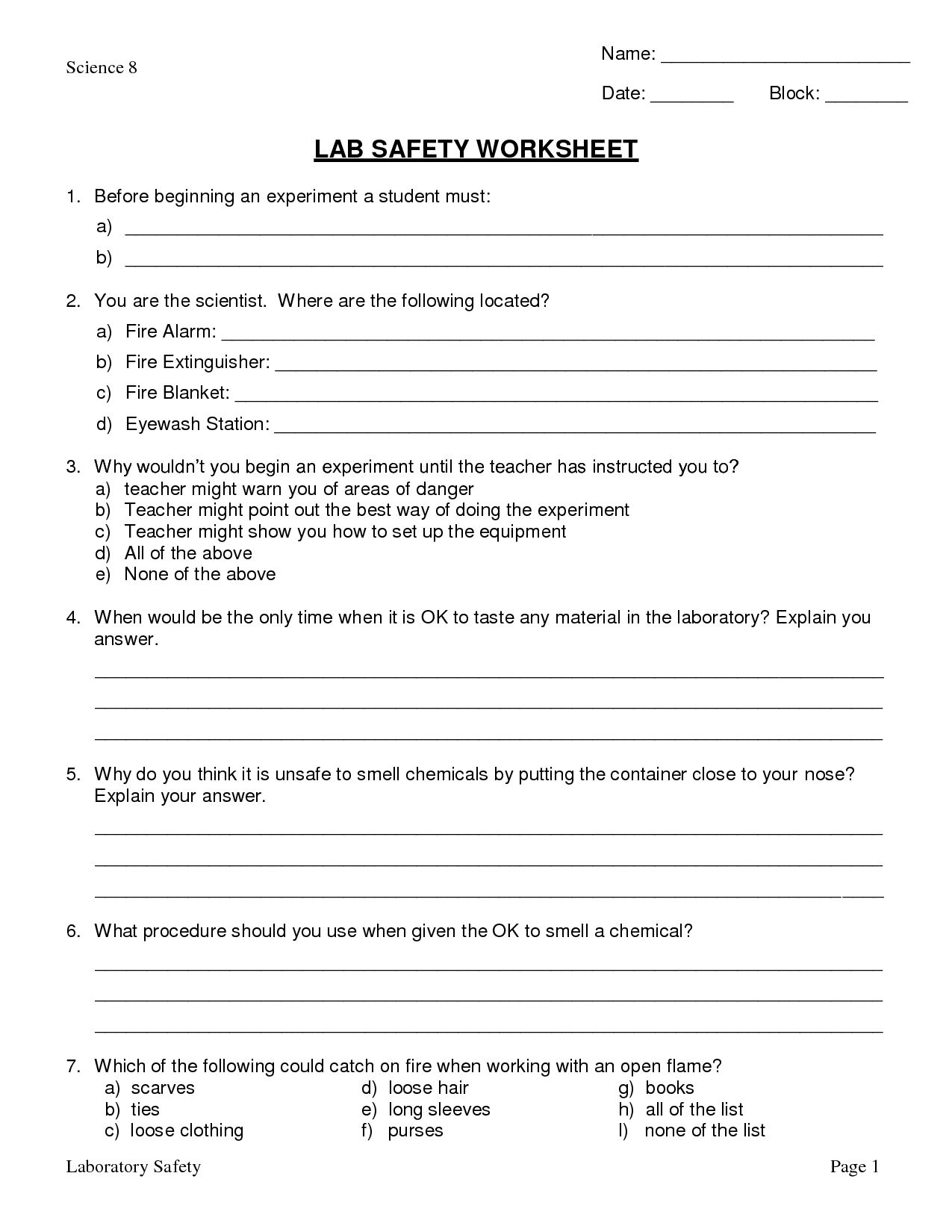
Modern education relies heavily on technology, even in hands-on environments like science classrooms. When students pull up a digital physics lab safety worksheet on school-issued tablets or personal smartphones, they are entering a hybrid learning space where physical equipment and digital tools intersect. Educators and parents must look beyond traditional goggles and aprons to address how connected devices are used during experiments. Following guidance from organizations like CISA and ConnectSafely, schools and families need to ensure that digital access during lab periods remains secure, focused, and free from online distractions that can compromise student safety.
💡 Educational Key Takeaways:
- Core Skill: Structured Physics Lab Safety Worksheet focused on developing pencil grip, stroke control, and early literacy/math confidence.
- Target Scope: Suited for homeschoolers, preschool, kindergarten, and elementary learners.
- Best Recommendation: Practice 10–15 minutes daily with ergonomic writing tools to reinforce muscle memory without hand fatigue.
Technical Vulnerabilities and Behavioral Guardrails in Digital Science Labs
Using internet-connected devices near sensitive lab equipment introduces unique risks, from accidental screen damage caused by chemical splashes to unauthorized browsing during critical instruction phases. To help parents and educators map out these overlapping concerns, the following breakdown outlines common technical vulnerabilities and the practical safeguards required to maintain a secure learning environment. Related guide: Online Safety And Netiquette Lesson Plan Grade 4.
| Setting / Context | Common Vulnerability | Practical Safeguard |
|---|---|---|
| Home Devices & Personal Phones | Notifications and social apps drawing focus away from hazardous lab instructions. | Enable strict focus modes or do-not-disturb profiles before opening any physics lab safety worksheet. |
| School Chromebooks & Tablets | Unregulated browser tabs open during hands-on experiments involving electricity or motion. | Utilize classroom management tools to lock screens to required Worksheets during active lab execution. |
| Social & Chat Platforms | Sharing unverified or altered procedural steps over peer messaging apps mid-experiment. | Establish clear communication policies outlined in Internet and Digital Safety guidelines. |
Core Rules and Everyday Habits Families and Schools Can Apply
Consistency between home and school is essential for reinforcing proper device management during science activities. Educators should clearly communicate device expectations before any lab begins, ensuring students know that tablets and laptops must be safely stowed or positioned away from liquids, heat sources, and heavy apparatuses. At home, parents can support this routine by reviewing printable materials together and establishing dedicated charging stations that keep screens out of unsupervised study sessions. Utilizing resources from Online and Digital Safety modules helps structure these conversations so children understand that digital discipline is just as important as wearing protective eyewear.
Managing Student Workarounds and Digital Distractions Without Friction
When adults implement rigid filtering or sudden device confiscation, students often resort to creative workarounds, such as using hidden browser extensions or personal cellular hotspots to bypass school restrictions. Instead of sparking an arms race of technological bans, educators and parents should pair sensible technical filters with calm, transparent check-ins. Discussing why a physics lab safety worksheet requires undivided attention helps students internalize the reasoning behind digital boundaries, transforming compliance from a forced restriction into a shared commitment to classroom well-being.
Frequently Asked Questions About Digital Tools in Science Classrooms
How can teachers keep students focused on a digital physics lab safety worksheet instead of web browsing?
Educators can utilize classroom management software to lock student browsers to the specific document or restrict tabs entirely until the hands-on portion of the experiment is safely concluded. Pairing these technical controls with physical device placement—such as keeping laptops closed on a separate desk while building circuits—further minimizes temptation.
What should parents do if their child needs to access online lab documents on a personal smartphone?
Parents should configure device settings to limit app notifications and enable parental controls that restrict access to social media and entertainment apps during study hours. Designating a clean, clutter-free workspace at home ensures the phone remains a dedicated tool for schoolwork rather than a source of distraction.
Are there specific cybersecurity standards schools recommend for online science assignments?
Yes, educational institutions typically follow CISA guidelines to secure student data, requiring secure logins, encrypted learning platforms, and strict permissions that prevent unauthorized third-party tracking or unsecured file sharing during interactive assignments.
Explore More Digital Citizenship and Safety Resources
Balancing hands-on science education with secure technology use requires ongoing collaboration between teachers, parents, and administrators. To discover more expert tips, printable guides, and age-appropriate strategies for keeping children protected across every digital platform, visit our main hub at SafeWiredSchools.org.
Worksheet Previews & Reference Materials