Why Creative Offline Tools Build Stronger Digital Foundations
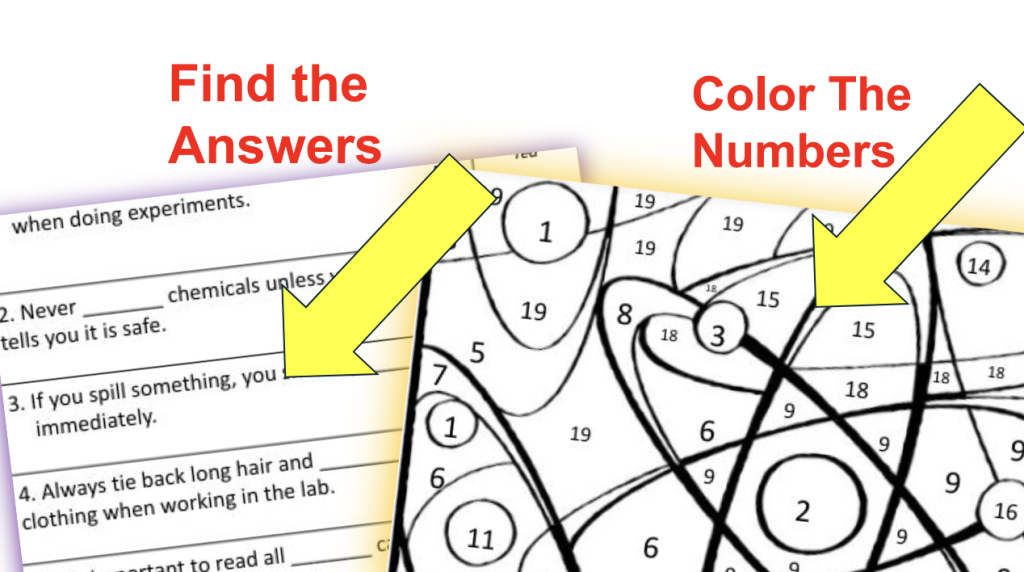
Teaching K-12 students how to navigate the internet safely requires moving beyond passive lectures and dry rulebooks. Integrating interactive activities like an online safety color by number worksheet bridges the gap between creative play and vital digital citizenship lessons. According to guidance from organizations like ConnectSafely and the Family Online Safety Institute, younger children absorb cybersecurity and privacy concepts much faster when tactile, visual exercises reinforce positive online habits. By combining standard art time with discussions about strong passwords, stranger danger, and device boundaries, educators and parents can lay a solid groundwork for safe tech usage before children ever encounter complex online threats.
💡 Activity Key Takeaways:
- Core Focus: Printable Online Safety Color By Number Worksheet designed for creative expression and fine-motor coordination.
- Target Scope: Ideal for toddlers, preschool, kindergarten, and classroom art activities.
- Best Recommendation: Use standard heavy printer paper (24–28 lb) or cardstock for vibrant results with crayons, colored pencils, or washable markers.
Technical Guardrails Matched to Daily Digital Realities
Whether children are browsing on classroom Chromebooks or relaxing with personal tablets at home, adults need a clear framework to spot digital risks and apply proper technical guardrails. Aligning with recommendations from the Cybersecurity and Infrastructure Security Agency, the table below maps common device environments to practical preventive measures that keep young learners secure.
| Setting / Context | Common Vulnerability | Practical Safeguard |
|---|---|---|
| Home Tablets and Phones | Unsupervised app downloads and in-app purchases bypassing parental eyes. | Enable strict PIN requirements for downloads and configure age-appropriate content filters. |
| School Chromebooks and Laptops | Off-task browsing during independent study and accidental clicks on phishing links. | Rely on district-managed DNS filtering, extension blocks, and direct links found on verified Worksheets pages. |
| Chat and Multi-Player Gaming | Over-sharing personal details like real names, locations, or school names with strangers. | Turn off voice and text chat features entirely or restrict communication to pre-approved real-life friends. |
Establishing Calm Routines and Open Communication at Home and School
Technology rules work best when they are communicated calmly rather than enforced through sudden, panic-driven restrictions. Start by establishing predictable household and classroom routines, such as parking all personal phones and tablets in a central charging station during dinner and overnight hours. When introducing a new online safety color by number worksheet during lesson plans or rainy-day quiet time, use the key terms on the page—such as private information or secure passwords—as natural conversation starters. Encourage children to report accidental exposure to inappropriate pop-ups or uncomfortable chat messages immediately by praising their honesty, ensuring they know they will not face punishment or device bans for speaking up.
Children are naturally resourceful, and tech-savvy students quickly discover how to bypass overly aggressive content filters or hide browser histories. When adults respond with extreme anger or heavy-handed blanket bans, students simply learn to hide their digital activities deeper, which cuts off vital channels of communication. Instead of treating workarounds as acts of defiance, view them as teachable moments to discuss network safety, digital footprints, and why security rules exist. Pairing strong technical controls with resources like engaging Coloring Pages keeps the learning environment positive, collaborative, and stress-free.
Frequently Asked Questions About Integrating Digital Safety Printables
What age group benefits most from an online safety color by number worksheet?
These tactile activities are ideally suited for elementary students in kindergarten through third grade. At this developmental stage, visual color-coding helps reinforce foundational vocabulary around screen time limits, device care, and basic privacy long before children gain full access to social media or independent web browsing.
How can teachers incorporate these printables into a busy core curriculum?
Educators can seamlessly blend digital citizenship into art, math reinforcement, or morning meeting transition times. Utilizing structured options found within our Internet and Digital Safety archives allows teachers to meet academic standards while fulfilling school-mandated technology instruction requirements.
Should parents use these worksheets to start conversations about cyberbullying?
Yes, coloring time provides a relaxed, low-pressure atmosphere to talk about kindness, empathy, and how to treat others online. Asking open-ended questions while a child colors helps them articulate their feelings about peer interactions in digital spaces.
Explore More Digital Citizenship Resources
Empowering the next generation of digital citizens requires continuous learning, adaptable strategies, and community support. Visit SafeWiredSchools.org to access our full collection of printable activities, expert guides, and practical tools designed to keep kids safe online.
Worksheet Previews & Reference Materials