Introduction
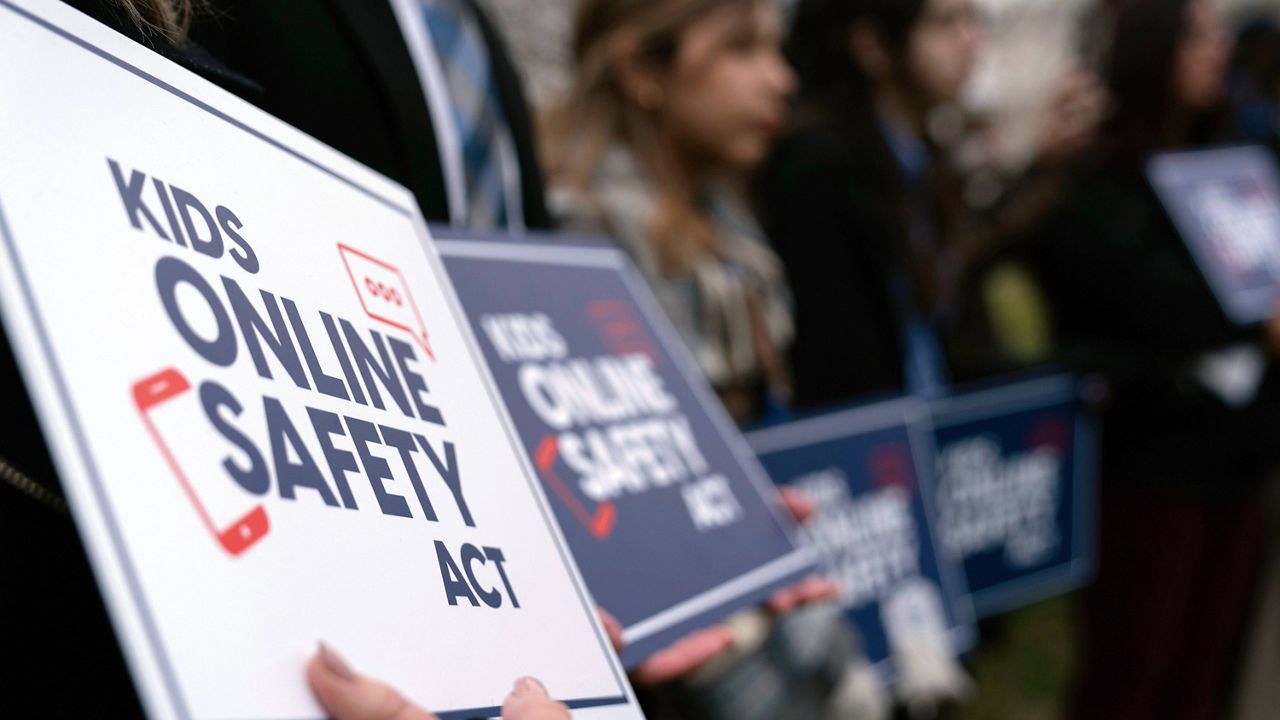
The Kids Internet and Digital Safety Act, commonly referred to as the Kids Act, establishes a comprehensive regulatory framework designed to protect minors from harmful digital content, predatory data collection, and addictive platform design. According to the Federal Trade Commission (FTC) Consumer Advice, protecting children online requires a multi-layered approach that combines robust parental oversight with strict industry accountability for platform safety standards. This legislation serves as a critical bridge between legislative mandates and the daily digital operations of educational environments, ensuring that digital tools used in schools prioritize student privacy and minimize exposure to inappropriate materials.
Digital Safety Snapshot:
- Core Focus: Mandating platform-level safety features and data protection for minors.
- Target Scope: Educational institutions, parents, and digital platform developers.
- Key Recommendation: Implement strict privacy-by-design configurations on all school-issued hardware.
Core Principles and Detailed Overview
The Kids Act functions by enforcing a “safety-by-default” standard that requires social media and digital platforms to disable features that track minors, push harmful content, or facilitate unauthorized contact. Within the classroom, this legislation reinforces the need for rigorous digital citizenship curricula that address the permanence of a student’s digital footprint. By aligning school internet safety policies with the principles of the Kids Act, administrators can mitigate risks associated with cyberbullying and data exploitation. Effective implementation requires schools to curate digital environments where device hygiene and screen balance are not merely suggestions but institutionalized practices that protect the cognitive development and personal security of every student.
Key Specifications and Breakdown
| Safety Pillar | Digital Risk Factor | Actionable Protective Habit |
|---|---|---|
| Data Privacy | Unauthorized Tracking | Enforce strict privacy-by-default browser settings. |
| Content Integrity | Algorithmic Harm | Utilize curated, educational-only digital platforms. |
| Digital Footprint | Permanent Data Exposure | Regularly review and sanitize online profiles. |
The Principle of Least Privilege — Cybersecurity and Infrastructure Security Agency (CISA) recommends that students and staff be granted access only to the data and systems strictly necessary for their educational tasks to minimize potential attack surfaces.
Step-by-Step Practical Application and Guidelines
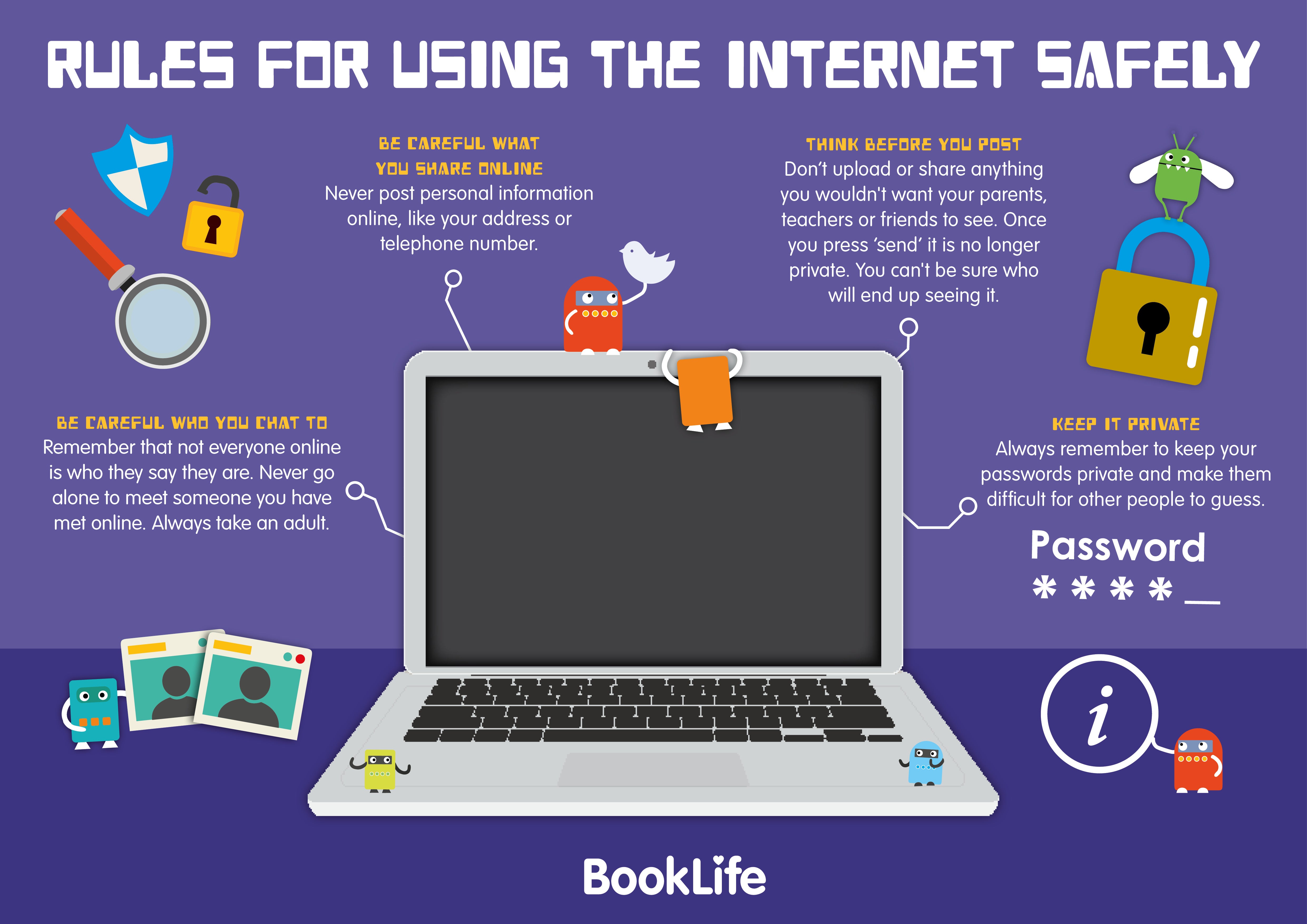
Practical adherence to digital safety standards begins with the systematic auditing of all classroom devices to ensure compliance with current privacy laws and protective guidelines. Educators must establish clear boundaries for screen time, utilizing balance as a tool to prevent digital fatigue while fostering focused, intentional learning. Schools should integrate Internet and Digital Safety modules directly into the curriculum to teach students how to identify and report predatory behavior. Furthermore, administrators must maintain rigorous device hygiene, ensuring that software updates, security patches, and content filters are applied uniformly across all institutional hardware to protect against emerging threats.
Common Challenges and How to Avoid Them
The primary challenge in maintaining digital safety is the rapid evolution of online platforms, which often outpaces static school policy. Schools must avoid reliance on outdated filtering software and instead adopt dynamic, cloud-based monitoring solutions that adapt to new content categories. Addressing cyberbullying requires proactive intervention rather than reactive discipline; therefore, educators should utilize resources such as Worksheets to facilitate guided discussions on empathy and online conduct. By prioritizing transparency and consistent communication with families, schools can overcome the hurdle of fragmented safety standards and ensure a unified front against digital risks.
💬 Frequently Asked Questions
Explore More Kids Safety and Digital Citizenship Guides on SafeWiredSchools
Continued education remains the most effective defense against digital threats, and schools are encouraged to explore the comprehensive library of resources available at Online and Digital Safety. For additional classroom activities, visit the Coloring Pages section to engage younger students in foundational safety concepts. Access the full suite of educational tools at Safe Wired Schools to build a safer, more resilient digital learning environment.
Visual Reference Gallery