Why Visual Learning is the Foundation of Digital Citizenship for Fourth Graders
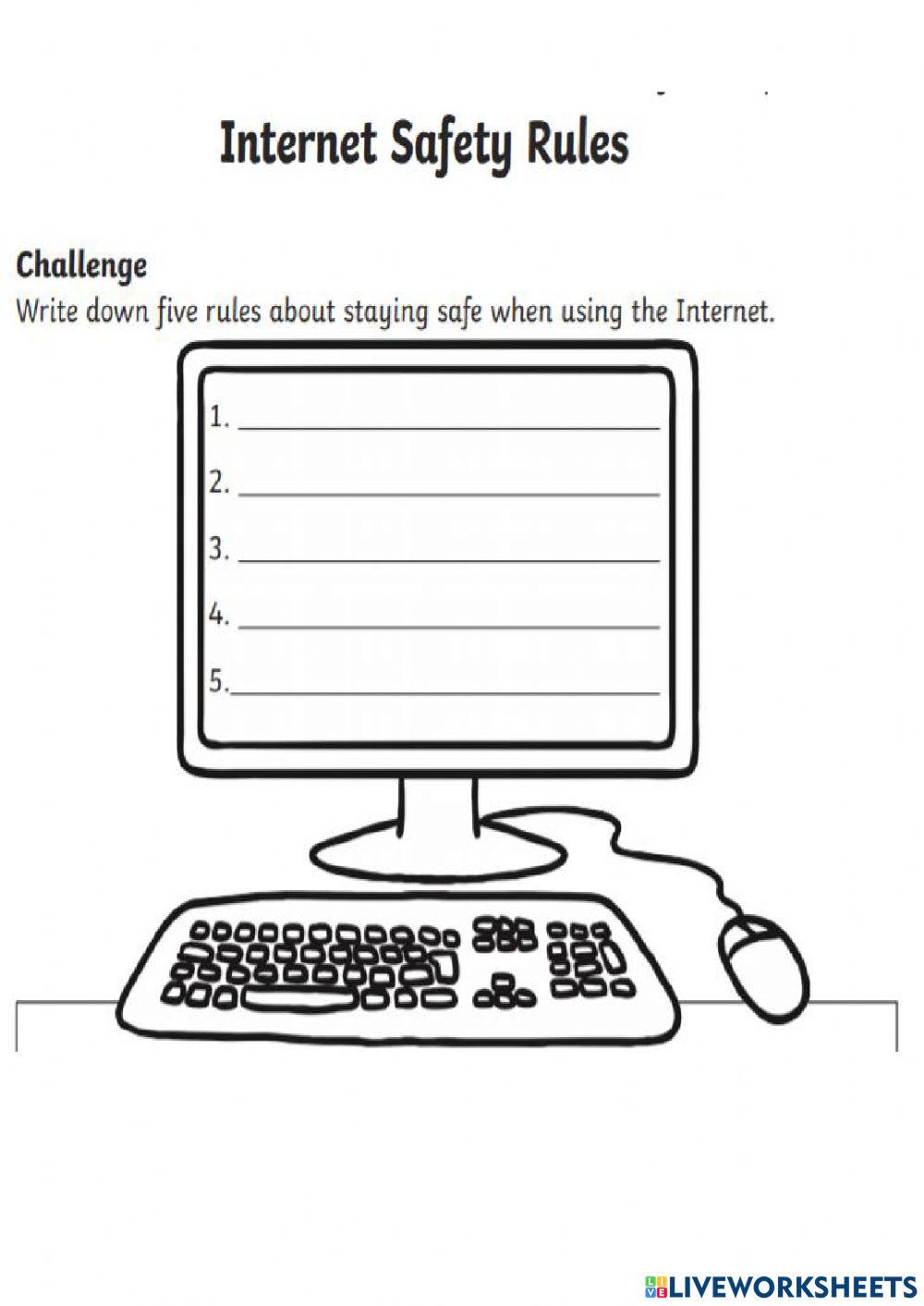
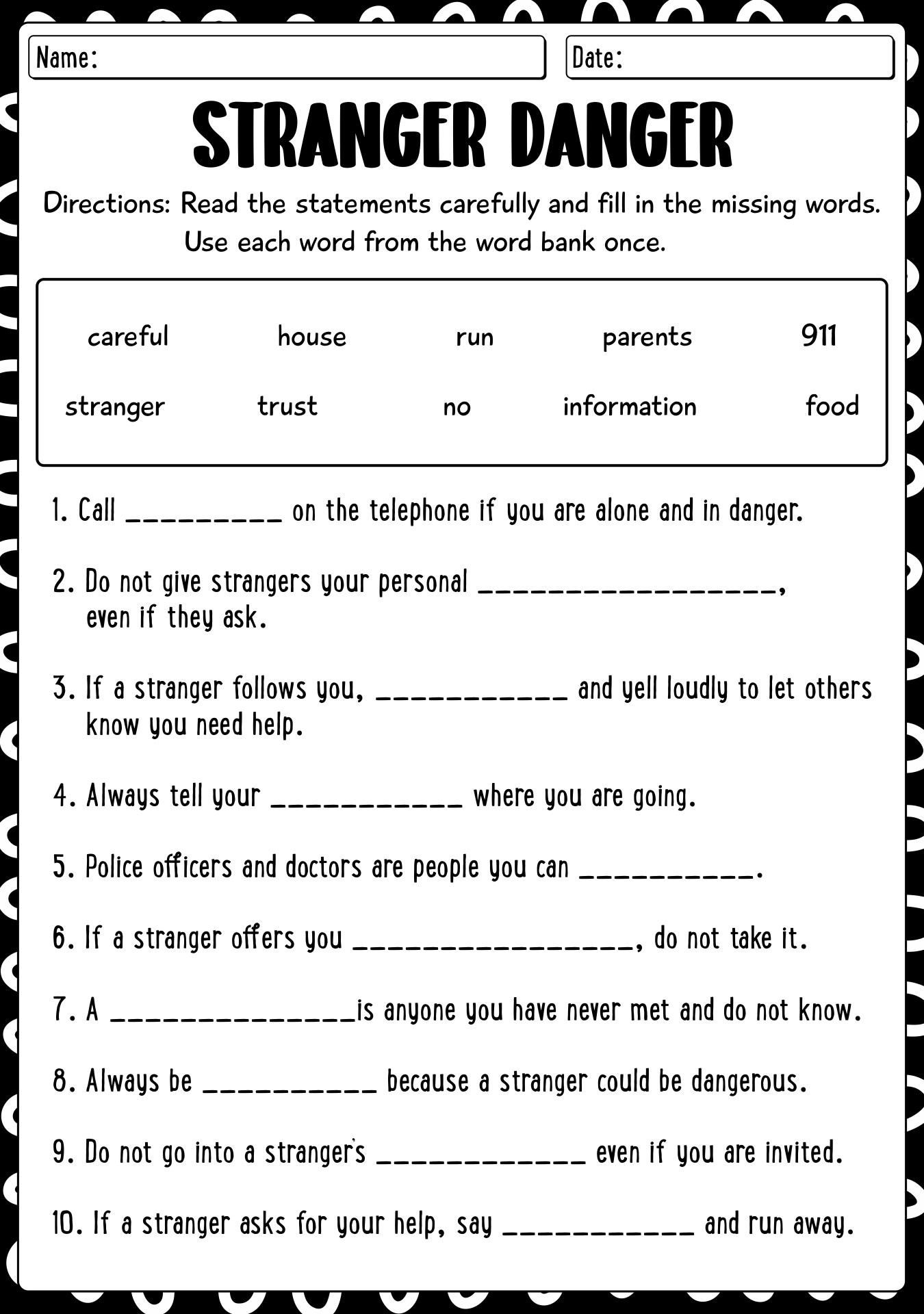
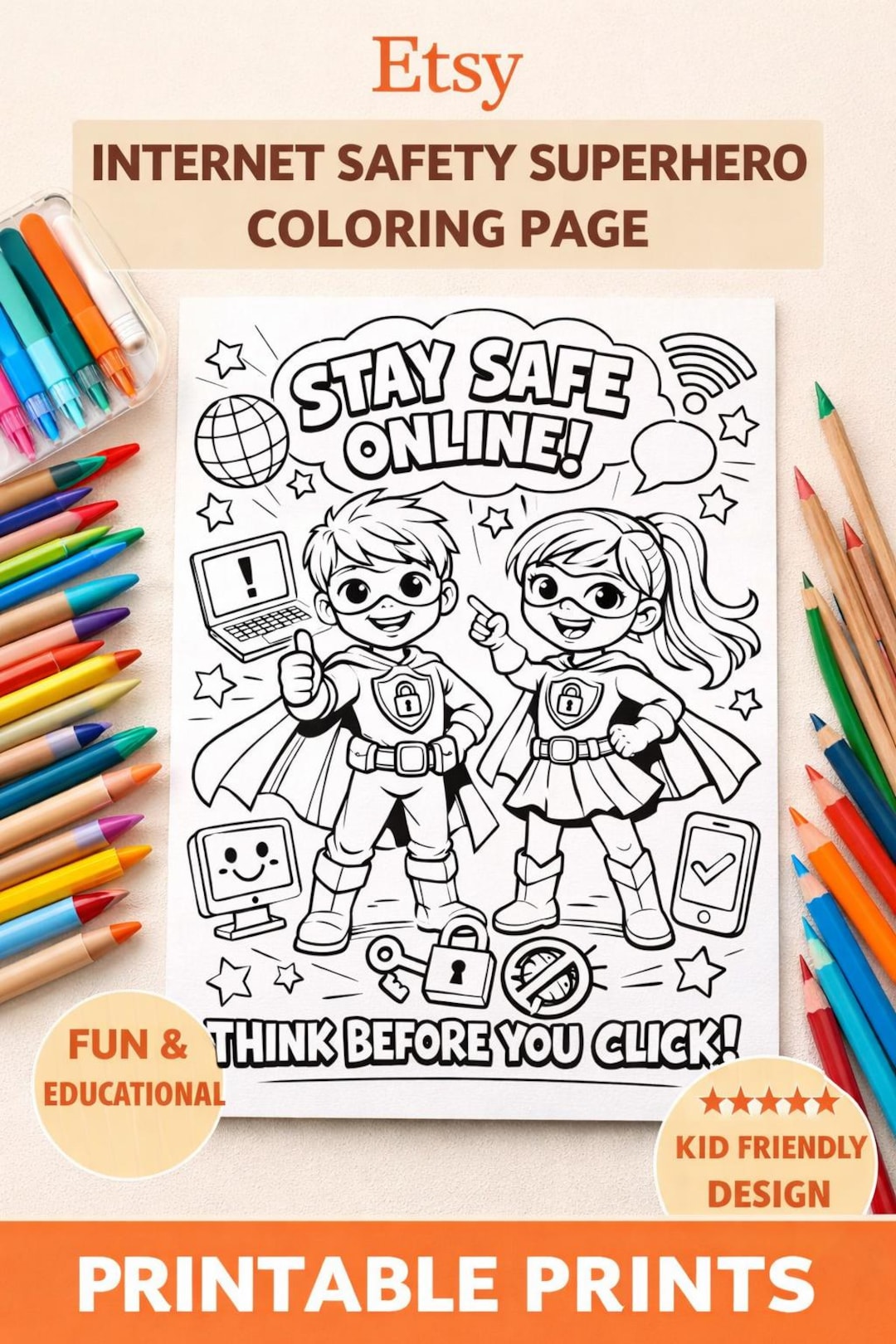
As children enter the fourth grade, their digital world expands rapidly from simple educational games to more complex interactions involving multiplayer gaming, social communication, and independent research. At this developmental stage, abstract concepts like data privacy or cyberbullying can feel overwhelming. Utilizing an internet safety coloring worksheet for grade 4 acts as a bridge, transforming complex digital safety guidelines into tangible, memorable lessons. By reinforcing positive behaviors through creative activity, we align with the guidance provided by organizations like ConnectSafely, which emphasizes the importance of ongoing, non-punitive dialogue between adults and children regarding online experiences.
💡 Activity Key Takeaways:
- Core Focus: Printable Internet Safety Coloring Worksheet For Grade 4 designed for creative expression and fine-motor coordination.
- Target Scope: Ideal for toddlers, preschool, kindergarten, and classroom art activities.
- Best Recommendation: Use standard heavy printer paper (24–28 lb) or cardstock for vibrant results with crayons, colored pencils, or washable markers.
Identifying Digital Risk Signals and Strengthening Your Preventive Guardrails
Educators and parents often struggle to balance student independence with necessary oversight. The following table breaks down common areas where fourth graders encounter risk and provides actionable safeguards that can be paired with your classroom or home safety curriculum.
| Setting / Context | Common Vulnerability | Practical Safeguard |
|---|---|---|
| Home Devices | Unrestricted access to adult-oriented content | Enable robust parental controls and safe search settings on all browsers. |
| School Chromebooks | Sharing login credentials with peers | Establish a school-wide policy of “No Sharing, No Exceptions” for all accounts. |
| Social/Chat Habits | Over-sharing personal details in gaming chats | Review privacy settings to disable public chat features in multiplayer environments. |
Establishing Consistent Digital Habits at Home and in the Classroom
Effective digital citizenship is not a one-time conversation; it is a routine. To reinforce the lessons learned through our worksheets, adults should implement clear, predictable habits. Start by designating a central, shared charging zone for all devices to ensure that screen time does not happen in isolation at night. Encourage the use of two-factor authentication for any accounts students may have, and teach them that reporting a mistake—such as clicking a suspicious link—is a sign of digital maturity rather than a reason for shame. When students understand the “why” behind the rules, they are more likely to internalize them as part of their identity as responsible digital citizens.
It is common for fourth graders to attempt to bypass filters or hide their online activity when they feel restricted. Rather than imposing overly strict bans, which often lead to secretive behavior, focus on building a relationship where the child feels safe coming to you with questions. If a child finds a way around a content filter, use it as a teaching moment to discuss why that site might be inappropriate or distracting. Pairing technical guardrails with frequent, calm check-ins ensures that students develop the internal compass needed for internet and digital safety as they grow older.
Common Questions Regarding Digital Safety Education
How do I make digital safety lessons feel less like a lecture?
The best approach is to use interactive tools, such as an internet safety coloring worksheet for grade 4, to spark conversation. By allowing children to color while discussing topics like password strength or online kindness, you reduce the pressure of the conversation and keep the atmosphere relaxed.
What should I do if my student encounters something scary online?
First, remain calm and thank them for their honesty. According to FOSI (Family Online Safety Institute) recommendations, keeping the lines of communication open is critical; if they feel judged, they will be less likely to report future incidents.
Are there specific resources for school-wide digital citizenship programs?
Yes, integrating coloring pages and age-appropriate modules from established organizations like the FTC or CISA can provide a consistent framework for your entire school community.
Explore More Digital Citizenship Resources
Developing a safe digital environment requires a partnership between educators, parents, and students. By using consistent language and creative learning tools, we can empower the next generation to navigate the web with confidence and integrity. For more tips, guides, and printable resources to support your digital citizenship curriculum, visit SafeWiredSchools.org.
Printable Coloring Page Previews