Introducing Digital Literacy Through Creative Art
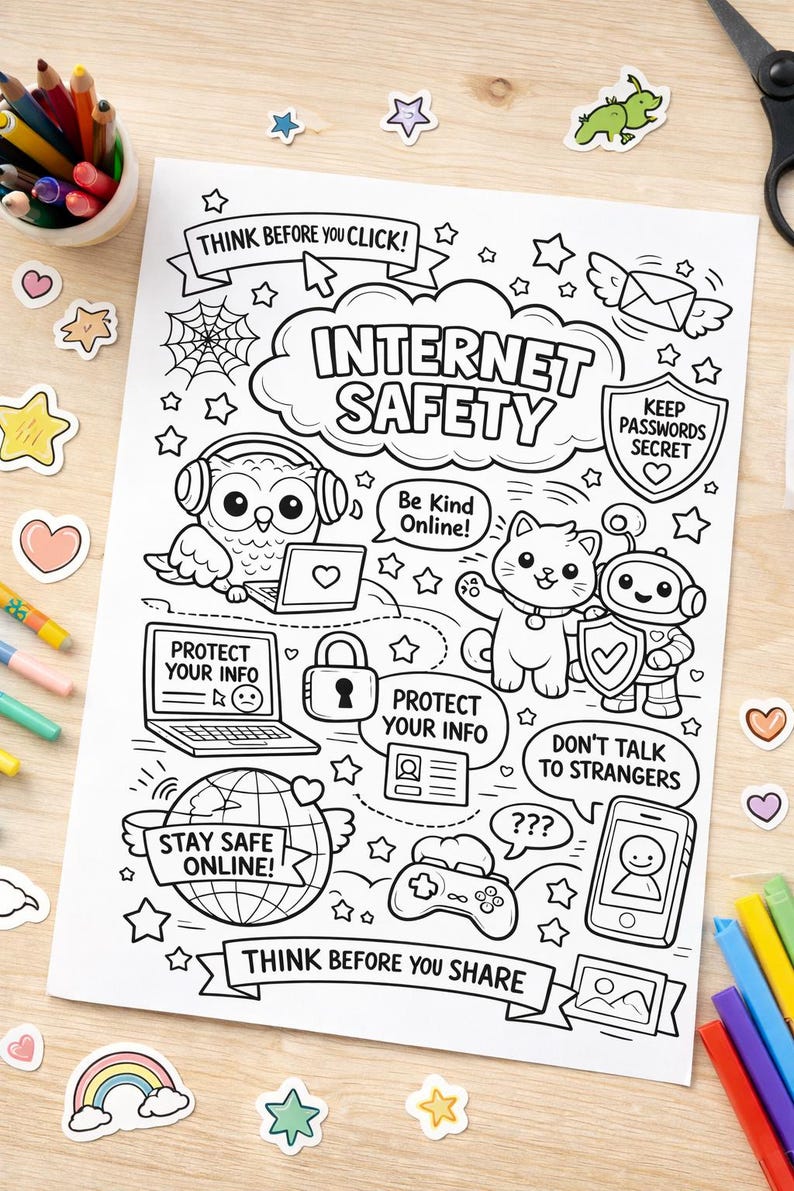
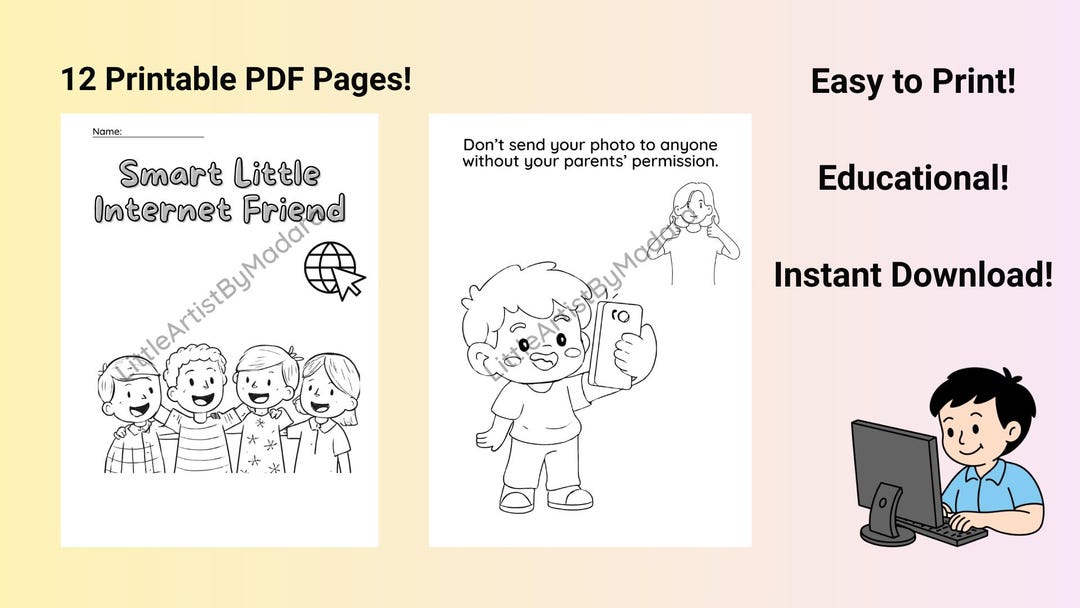
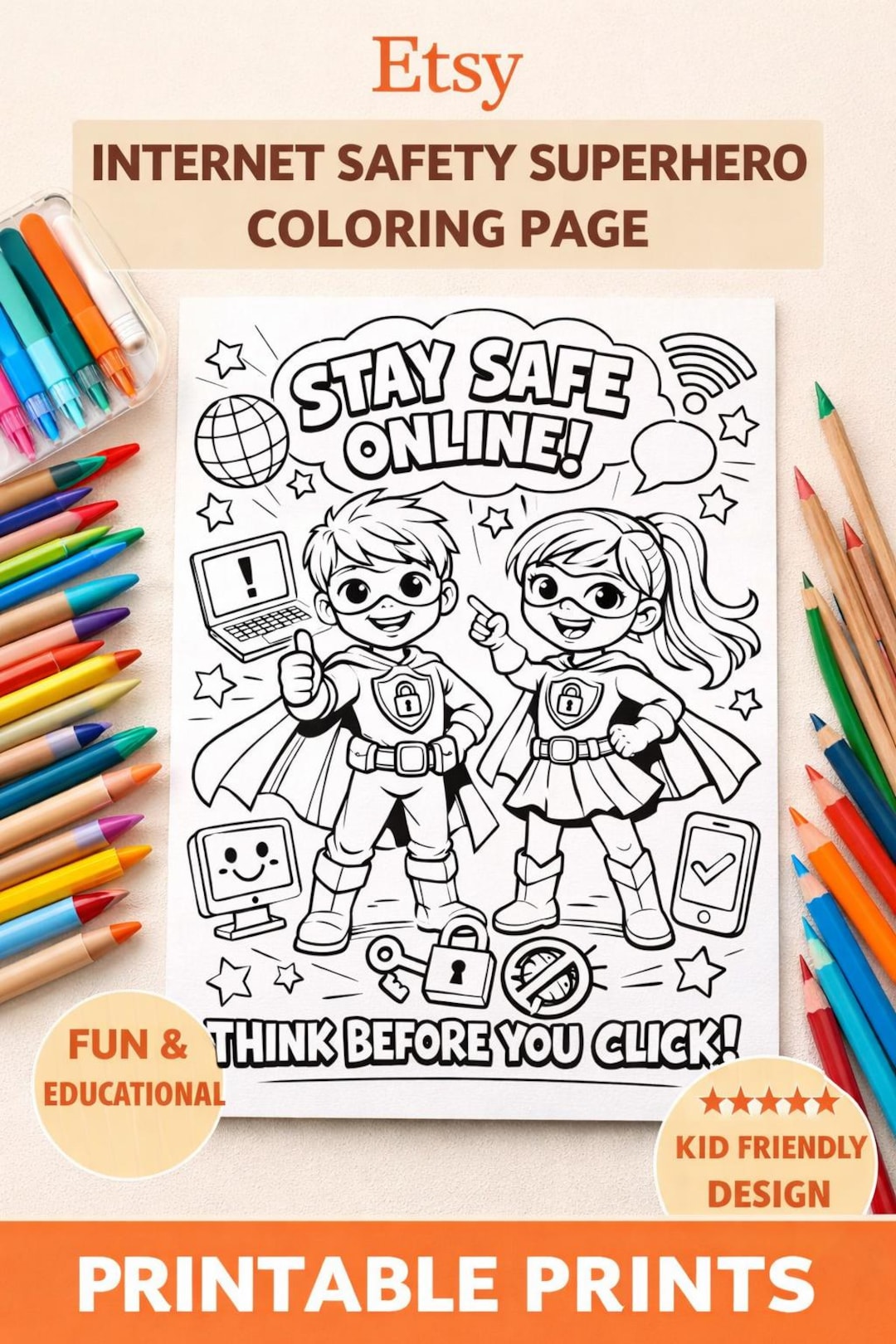
Teaching eight and nine-year-olds how to navigate connected devices requires a blend of creativity and structure. At this developmental milestone, students are increasingly exposed to school-issued tablets, multiplayer gaming lobbies, and video-sharing platforms. Integrating an internet safety coloring worksheet for grade 3 allows educators and parents to introduce foundational concepts like private information, digital footprints, and screen time balance without overwhelming young minds. Drawing from guidelines established by organizations like ConnectSafely and the Cybersecurity and Infrastructure Security Agency, introducing cybersecurity concepts through visual media helps anchor abstract online risks into memorable, tangible daily habits.
💡 Activity Key Takeaways:
- Core Focus: Printable Internet Safety Coloring Worksheet For Grade 3 designed for creative expression and fine-motor coordination.
- Target Scope: Ideal for toddlers, preschool, kindergarten, and classroom art activities.
- Best Recommendation: Use standard heavy printer paper (24–28 lb) or cardstock for vibrant results with crayons, colored pencils, or washable markers.
Recognizing Risk Signals and Building Preventive Guardrails
Third graders frequently transition from tightly monitored household tablets to independent use on school Chromebooks. Recognizing early vulnerability signals helps adults intervene before minor screen mishaps escalate into privacy breaches. The following matrix outlines common digital environments, the vulnerabilities children face, and the practical safeguards adults can implement.
| Setting / Context | Common Vulnerability | Practical Safeguard |
|---|---|---|
| Home Tablets & Phones | Accidental in-app purchases and exposure to inappropriate pop-up ads. | Lock down app store permission settings and enforce parental control PINs. |
| School Chromebooks | Typing full names, home addresses, or school names into public chat boxes. | Reinforce classroom policies restricting personal data sharing to verified accounts. |
| Gaming & Chat Lobbies | Interacting with unverified strangers through open microphone or text chats. | Disable public voice chat features and restrict multiplayer access to known peers. |
Establishing Daily Guardrails and Calm Conversation Routines
Effective digital citizenship is built on consistency rather than restriction. When introducing an internet safety coloring worksheet for grade 3 during a classroom art period or a quiet weekend afternoon at home, adults should pair the activity with guided discussions. Ask children questions like, What would you do if a pop-up game offered you a free prize for your home address? Establishing a centralized, public device-charging station in the family kitchen ensures that late-night device use is eliminated naturally. Furthermore, schools should maintain a transparent reporting workflow that encourages students to alert a trusted adult immediately if they encounter something confusing or upsetting online, ensuring children feel supported rather than shamed.
Overcoming Student Workarounds and Managing Digital Pushback
As children grow more tech-savvy, they naturally discover ways to bypass restrictive filters, such as using alternative browsers or clearing browser histories. Overly aggressive bans often backfire by driving children to hide their online behavior out of fear of punishment. Instead, pair necessary technical filters with transparent, ongoing check-ins. If a student finds a workaround, treat it as a teachable moment rather than a disciplinary crisis. Revisit concepts from your coloring pages collection to remind them that online rules exist to protect their physical safety and emotional well-being, keeping communication open and judgment-free.
Frequently Asked Questions About Primary Grade Digital Literacy
What age is appropriate to start teaching digital citizenship?
Digital citizenship education should begin as soon as children interact with touchscreens, typically around preschool or kindergarten, with concepts scaling up in complexity by third grade. Utilizing targeted resources found within our worksheets directory helps reinforce these vital lessons.
Stay calm and avoid shaming the child, as fear discourages them from reporting future mistakes. Guide them to immediately close the tab, alert an adult or educator, and review safety guardrails using a structured internet and digital safety guide.
Are visual art activities truly effective for teaching cybersecurity concepts?
Yes, visual learning aids help younger students process abstract digital concepts by connecting physical coloring actions with memorable security rules like password protection and stranger awareness.
Explore More Digital Citizenship Resources
Empowering children to become safe, responsible digital citizens requires ongoing support and creative tools for both educators and parents. Discover additional classroom activities, lesson plans, and guidance by visiting SafeWiredSchools.org to support your students’ online journey.
Printable Coloring Page Previews