Introduction
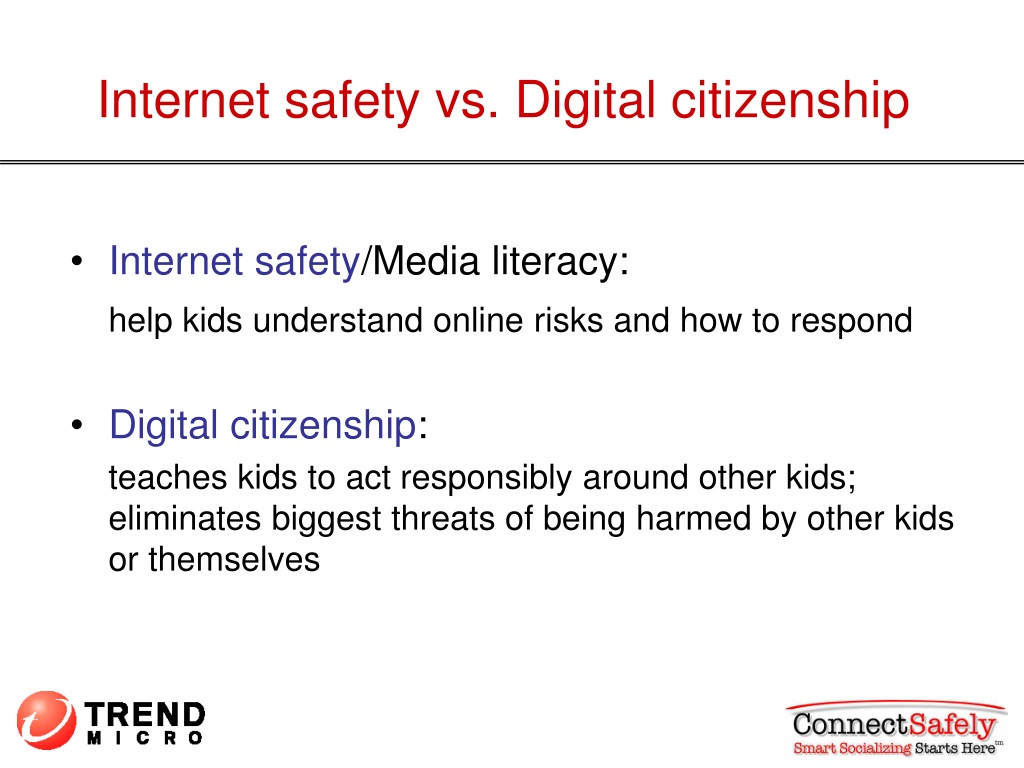
Delivering structured lessons on digital wellness relies on utilizing an internet safety and digital citizenship ppt to communicate complex online security concepts clearly to K-12 students. According to ConnectSafely, effective digital literacy instruction empowers young users to navigate online spaces safely by fostering critical thinking and responsible behavior rather than relying solely on restrictive filtering. Educational presentations serve as indispensable tools for schools aiming to unify classroom instruction, administrative policy, and parental guidance. Establishing a standardized presentation framework ensures that vital messaging regarding student privacy and respectful online interactions reaches every learner consistently. Comprehensive resources within the Internet and Digital Safety directory provide educators with foundational materials to build robust multimedia lesson plans.
Digital Safety Snapshot:
- Core Focus: Visual instructional framework covering cyber safety, privacy, and responsible online behavior.
- Target Scope: Middle school classrooms, faculty workshops, and parent-teacher association seminars.
- Key Recommendation: Combine slide-based lectures with interactive scenario discussions to enhance student comprehension.
Core Principles and Detailed Overview
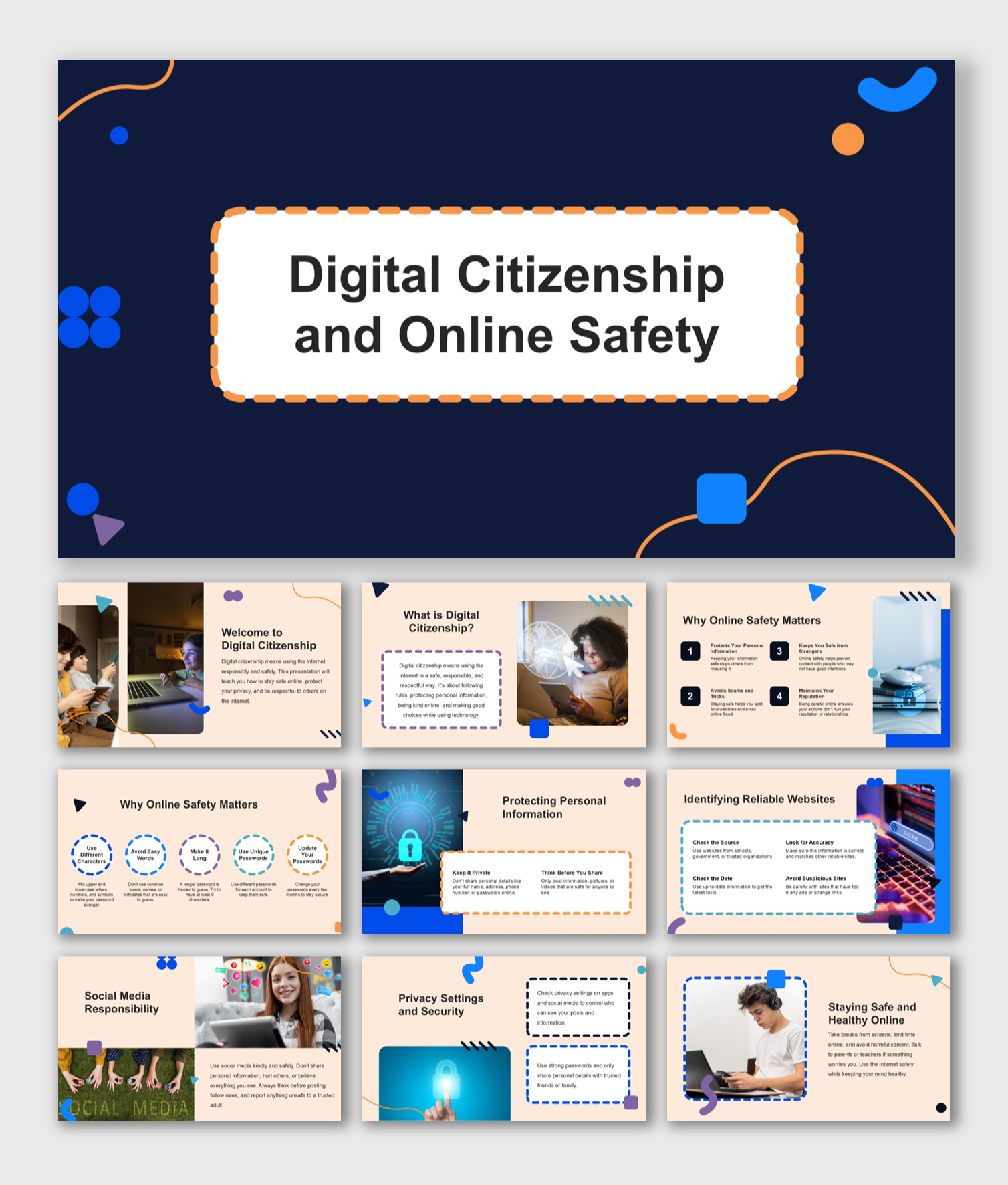
Structuring an internet safety and digital citizenship ppt requires dividing instructional content into manageable modules that address device hygiene, digital footprints, and cyberbullying prevention. Educational slide decks must move beyond basic password management to address complex interpersonal dynamics occurring within digital environments. Teachers and administrators utilize these visual aids to prompt meaningful discussions about the permanence of online data and the ethical implications of digital communication. Integrating practical exercises found in specialized Worksheets directly into presentation workflows reinforces abstract security concepts through active participation.
Key Specifications and Breakdown
| Safety Pillar | Digital Risk Factor | Actionable Protective Habit |
|---|---|---|
| Digital Footprint | Permanent public data exposure | Review privacy settings and audit shared content regularly. |
| Cyberbullying | Harassment and exclusion online | Block perpetrators, save digital evidence, and report incidents immediately. |
| Device Hygiene | Malware and credential theft | Update software automatically and utilize complex passphrases. |
Comprehensive digital citizenship curricula must integrate continuous risk evaluation with collaborative school-home communication to effectively mitigate modern cyber threats. — Cybersecurity and Infrastructure Security Agency (CISA)
Step-by-Step Practical Application and Guidelines
Implementing an internet safety and digital citizenship ppt effectively in educational settings involves a strategic four-phase rollout. First, educators should preview all presentation slides to ensure alignment with district technology policies and age-appropriate learning standards. Second, facilitators must embed interactive polling or small-group discussions during slide transitions to maintain engagement among middle school audiences. Third, schools should follow up the lecture by distributing supplementary Online and Digital Safety materials to reinforce key takeaways at home. Finally, administrators must evaluate the instructional impact through periodic student comprehension checks and digital behavior observation.
Common Challenges and How to Avoid Them
Overcoming student disengagement and outdated content represents the primary hurdle when delivering lessons via an internet safety and digital citizenship ppt. Educators frequently encounter passive audiences when presentations rely exclusively on dense text blocks rather than relatable media scenarios. To counteract this, presenters should replace theoretical lectures with real-world digital dilemmas that prompt critical analysis among middle school students. Additionally, updating slide decks annually ensures that emerging digital communication platforms, evolving privacy policies, and current online safety protocols are accurately addressed.
💬 Frequently Asked Questions
Explore More Kids Safety and Digital Citizenship Guides on SafeWiredSchools
Advancing a secure, informed digital culture across educational communities requires continuous access to reliable teaching tools, policy guidelines, and instructional frameworks. Educators, administrators, and parents can discover an extensive catalog of specialized safety resources by exploring the complete library at Safe Wired Schools.
Visual Reference Gallery