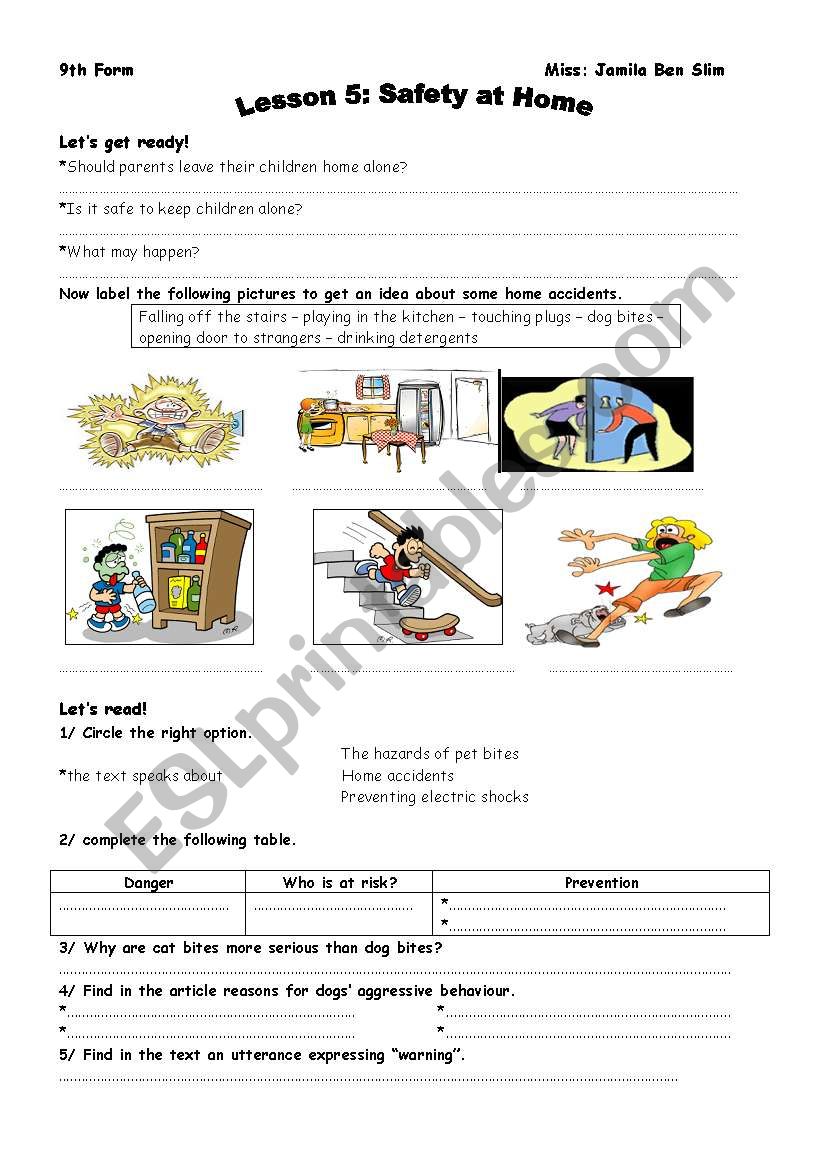
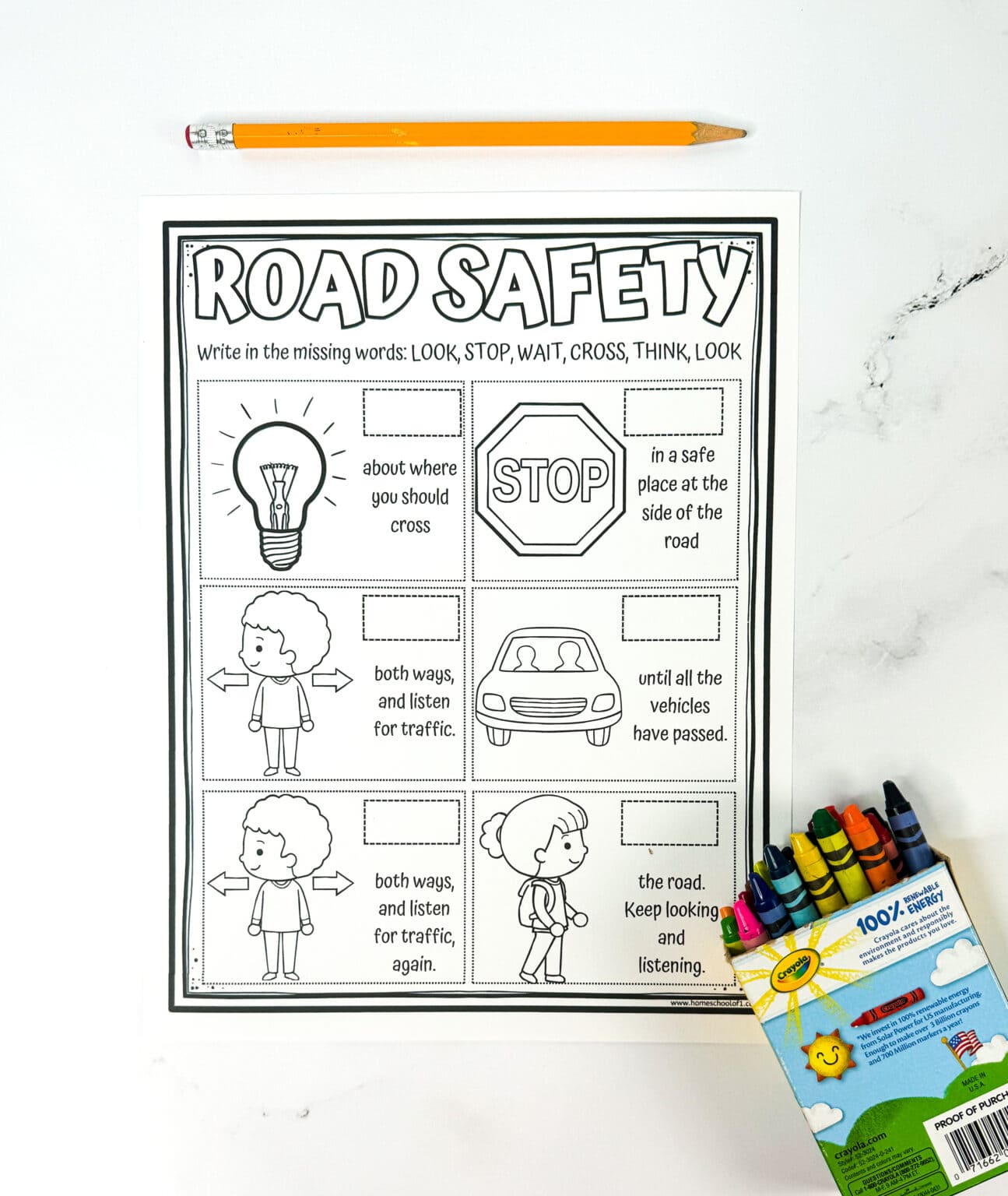
Why Building a Unified Home Safety Worksheet Strategy Matters for Modern Families
As children transition seamlessly from school-issued tablets to personal home devices, bridging the gap between classroom guidelines and living room reality is essential. Navigating digital spaces safely requires more than temporary bans; it demands proactive education and clear boundaries. Organizations like the Cybersecurity and Infrastructure Security Agency emphasize that digital resilience starts with shared understanding. By introducing a structured Home Safety Worksheet into your family or classroom routine, adults and children can establish clear expectations around screen time, privacy settings, and respectful online communication before issues arise.
💡 Educational Key Takeaways:
- Core Skill: Structured Home Safety Worksheet focused on developing pencil grip, stroke control, and early literacy/math confidence.
- Target Scope: Suited for homeschoolers, preschool, kindergarten, and elementary learners.
- Best Recommendation: Practice 10–15 minutes daily with ergonomic writing tools to reinforce muscle memory without hand fatigue.
Technical Risk Signals and Preventive Guardrails for Student Devices
Understanding where technical vulnerabilities intersect with everyday student behavior helps educators and parents apply targeted safeguards. Whether managing school-issued Chromebooks or personal smartphones, specific digital habits require careful oversight and proactive technical tuning to protect young users from online threats.
| Setting / Context | Common Vulnerability | Practical Safeguard |
|---|---|---|
| Home Wi-Fi & Routers | Open guest networks or disabled content filters allowing unrestricted web browsing. | Configure parental control DNS settings, enforce safe search, and schedule automated bedtime internet pauses. |
| School Chromebooks & Tablets | Unmonitored extension installations and blind trust in public Wi-Fi networks. | Review device management policies regularly and encourage students to report broken web filters immediately. |
| Social Media & Chat Apps | Public profiles exposing real names, school locations, and private contact details. | Set all accounts to private by default, disable location sharing, and review contact lists together periodically. |
Actionable Habits Families and Educators Can Implement Today
Transforming digital citizenship from an abstract concept into everyday muscle memory relies on consistent, calm routines. FOSI and ConnectSafely routinely advocate for collaborative approaches where children feel safe reporting online mistakes without fearing immediate device confiscation. A comprehensive Home Safety Worksheet can serve as a household contract, guiding families through physical and digital boundaries. Start by establishing a central, public charging station in the house to keep bedrooms screen-free during sleeping hours. Implement strong two-factor authentication across personal accounts, and teach children the see-and-say rule: if anything online makes them feel uncomfortable, anxious, or confused, they should pause and immediately notify a trusted adult. Integrating these routines alongside physical activities or creative exercises—such as pairing digital lessons with downloadable Coloring Pages for younger learners—helps reinforce positive habits in an accessible way.
Overcoming Workarounds and Managing Student Pushback Calmly
Overly restrictive internet bans frequently backfire, driving children to find clever workarounds like proxy sites or hidden apps out of adult sight. Instead of treating every technical hurdle as a disciplinary infraction, view student workarounds as teachable moments. When a child attempts to bypass a filter, use it as an opportunity to discuss the underlying safety reasons for the rule. Pairing robust technical filters with open-ended check-ins ensures that students understand *why* guardrails exist rather than just feeling micromanaged. Utilizing structured Worksheets during advisory periods or family meetings provides a neutral framework to discuss peer pressure, privacy, and healthy digital balance without emotional escalation.
Frequently Asked Questions About Managing Digital Safety at Home
What is the best age to introduce a Home Safety Worksheet to children?
You can introduce foundational digital safety concepts as soon as children begin using touchscreens, typically around kindergarten or early elementary school. Tailor the complexity of the rules to match their developmental stage, keeping concepts simple and visual for younger kids while addressing privacy and cyberbullying with middle and high school students.
How can teachers reinforce home internet safety rules inside the classroom?
Educators can incorporate digital citizenship discussions into daily lessons, referencing responsible online behavior during tech-heavy projects. Providing resources aligned with Internet and Digital Safety guidelines helps students connect classroom expectations directly with their online lives outside of school hours.
What should a parent do if their child encounters inappropriate content online?
Stay calm and thank the child for coming forward immediately, reinforcing that honesty will not result in losing their device privileges. Document the incident if necessary, block the offending user or site, and use the moment to calmly review your family’s established reporting protocols.
Explore More Resources for Safe and Responsible Digital Citizens
Building a safer digital culture is an ongoing partnership between home and school. To discover additional guides, lesson plans, and practical tools designed to empower students online, visit SafeWiredSchools.org.
Worksheet Previews & Reference Materials