Introduction
Six-year-olds navigate digital environments long before mastering cursive writing or single-digit subtraction. Shared family tablets, popular video platforms, and in-game chat features frequently serve as children’s primary portals into the connected world. Educators and caregivers often notice that young learners treat digital spaces with the same carefree innocence they bring to a neighborhood playground. Building foundational digital habits early transforms screen time into a structured lesson on boundaries and self-protection. The free printable grade 1 online privacy for kids provides a tangible starting point for these crucial family and classroom conversations. This resource turns abstract data concepts into concrete, age-appropriate lessons that children easily grasp and remember. Related guide: Teachers Of Grades 9–12 Should Expand Internet Safety Instruction To Include Which Of The Following Topics?.
💡 Educational Key Takeaways:
- Core Skill: Structured Grade 1 Online Privacy For Kids focused on developing pencil grip, stroke control, and early literacy/math confidence.
- Target Scope: Suited for homeschoolers, preschool, kindergarten, and elementary learners.
- Best Recommendation: Practice 10–15 minutes daily with ergonomic writing tools to reinforce muscle memory without hand fatigue.
WhatThis Printable Covers
Foundational digital citizenship requires breaking down complex security terms into bite-sized concepts suitable for a first-grade developmental level. The worksheet focuses heavily on the difference between public information and private data. Children often blurt out favorite colors, pets’ names, or home addresses without realizing who might be listening on the other side of a screen. Through guided drawing and matching exercises, the activity sheet teaches students which details belong in the digital world and which details stay strictly locked away. It sounds simple, and that is the point. Repetition and visual cues cement these lessons faster than any lecture ever could.
Key Learning Outcomes
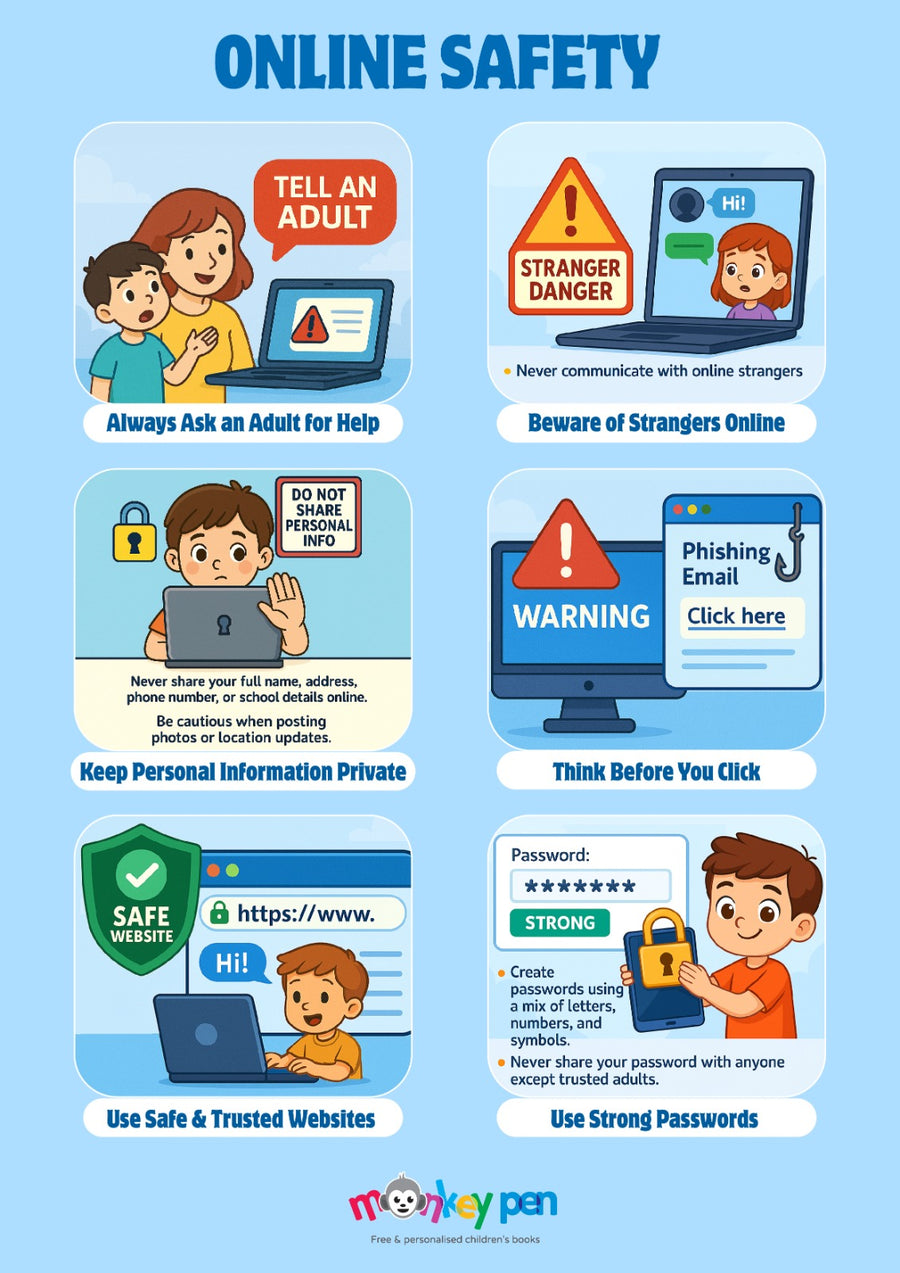
Completing this activity equips young learners with specific, actionable safety skills. Students learn to recognize private personal information such as full legal names, phone numbers, and location details. The resource emphasizes the power of pausing before clicking or typing anything into an unfamiliar pop-up or game interface. Furthermore, children practice identifying a trusted adult to notify whenever a digital interaction feels confusing, weird, or uncomfortable. Establishing this support network guarantees that learners understand they are never in trouble for reporting unexpected online situations.
How to Use This Printable
Classroom implementation works best during morning meeting segments or small group rotations focused on media literacy. Teachers can project the sheet onto an interactive whiteboard to model critical thinking as a whole class before independent completion. Meanwhile, parents find success utilizing the handout during weekend screen-time preparation routines. Sitting side-by-side with a child transforms a simple worksheet into a collaborative dialogue about digital footprints. Exploring these topics through interactive printables helps students connect pencil-and-paper learning directly to tablet and computer use.
Practical Tips for Parents and Teachers
Adults should approach these sessions with curiosity rather than interrogation. Asking open-ended questions like what makes a piece of information private helps evaluate a child’s true comprehension. Keeping the tone calm and empowering ensures that safety remains a skill to build instead of a terrifying threat to dread. Adults can reinforce these lessons by setting clear household rules regarding shared device usage and approved application channels. Incorporating broader concepts from comprehensive internet security resources further bridges the gap between physical worksheets and real-world digital navigation.
Age-Appropriate Recommendations
First graders process information best through physical manipulation, storytelling, and visual association. According to the Common Sense Education Digital Citizenship Curriculum, primary students thrive when digital concepts anchor to familiar offline experiences, such as keeping bedroom doors closed or not sharing house keys with strangers. Educators should keep sessions brief, typically under fifteen minutes, to match typical attention spans. Grounding lessons in empathy and personal responsibility fosters a lifelong respect for digital boundaries.
Young children frequently encounter digital environments through shared family devices and interactive gaming platforms long before developing formal online literacy. — Common Sense Media
Frequently Asked Questions
Families and educators frequently ask how to integrate these offline materials into bustling daily schedules without adding stress. The answers below address common logistical and pedagogical questions regarding digital safety instruction for young learners.
Early childhood educators emphasize that consistent dialogue regarding digital privacy significantly reduces risky online behaviors as children age. — Pew Research Center
Explore More Free Kids Online Safety Printables
Expanding a child’s digital literacy toolkit requires continuous reinforcement across different subjects and creative formats. Educators can supplement pencil-and-paper exercises with creative sessions found within the artistic coloring collection, which reinforces safety messages through visual expression and storytelling. Maintaining a steady routine of age-appropriate discussions ensures that children stay confident and secure as they grow. Additional strategies and lesson plans are readily available through the complete online safety archive for ongoing classroom integration.
Developmental Milestone & Activity Table
| Development Stage | Recommended Daily Duration | Primary Learning Objective |
|---|---|---|
| Preschool & Pre-K | 10 – 15 Minutes | Pencil grip development & basic pre-stroke lines |
| Kindergarten | 15 – 20 Minutes | Letter/number formation & spatial line awareness |
| Early Elementary (Grade 1–2) | 20 – 30 Minutes | Fluency, sentence construction & neatness |
Images References